
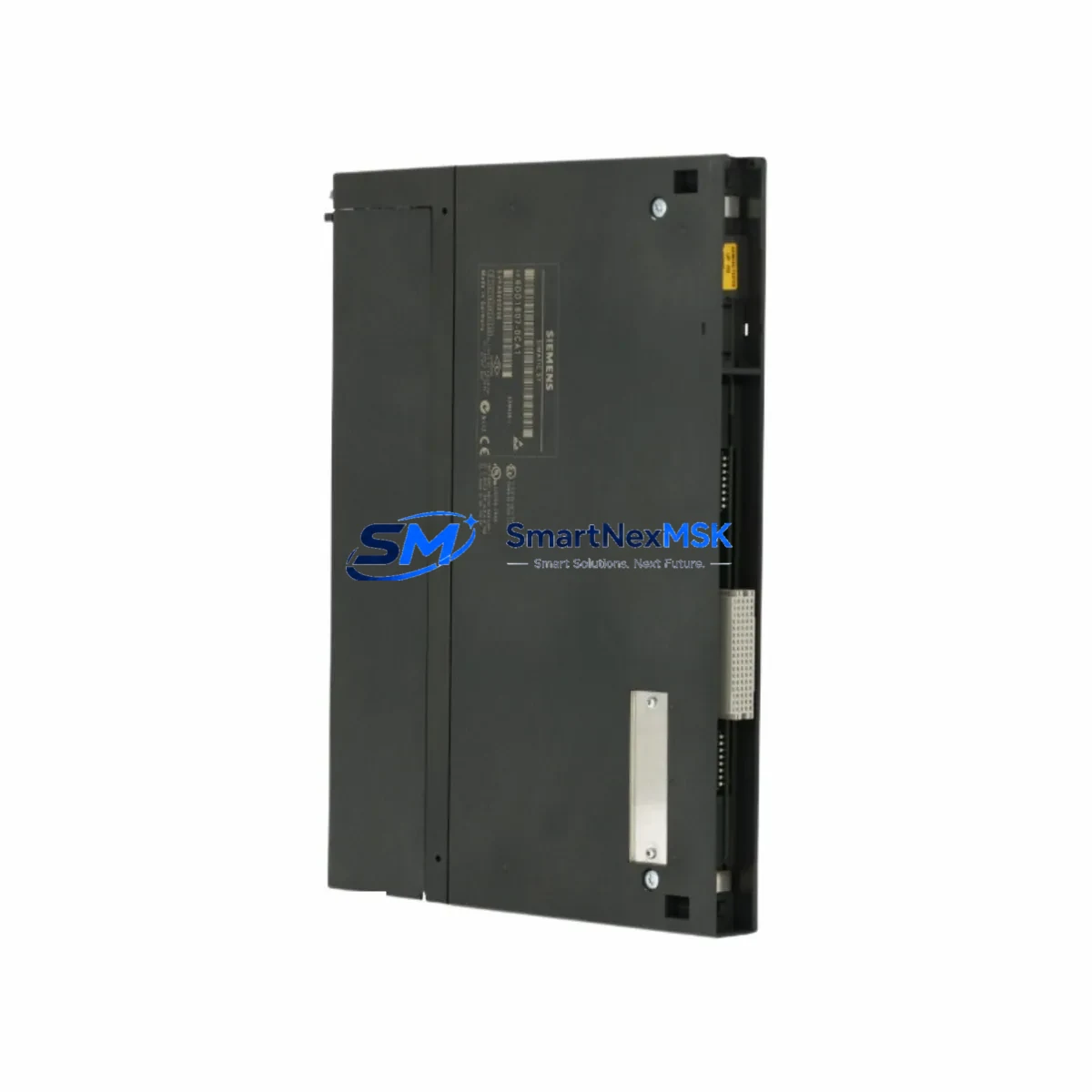
Siemens 6DD1607-0CA1 EXM438-1 Retrofit-Ready I/O Expansion for SIMADYN D Control Systems
The Siemens 6DD1607-0CA1 (EXM438-1) is a high-density I/O expansion module engineered for the SIMADYN D distributed control platform — one of Siemens’ most widely deployed process automation architectures in power generation, steel, paper, and heavy industrial applications. As SIMADYN D hardware reaches end-of-life and spare parts become increasingly scarce, the 6DD1607-0CA1 remains a critical retrofit component for engineers tasked with extending the operational life of existing control systems without a full platform migration.
This module provides analog and digital I/O expansion capacity within the SIMADYN D rack, interfacing directly with the central processor modules such as the PM5 or PM6 via the internal backplane bus. It is designed for direct slot-compatible installation in standard SIMADYN D subrack assemblies, maintaining the original wiring harness and terminal block layout wherever possible. For sites running mixed configurations alongside modules such as the 6DD1606-0CA0 EXM437 or the 6DD1607-0AA0 EXM438, the 6DD1607-0CA1 offers a compatible upgrade path that preserves existing I/O addressing and minimizes reprogramming effort in STEP 5 or CFC environments.
Upgrade Compatibility Table
| Parameter | Details |
|---|---|
| Compatible Platform | SIMADYN D (all subrack variants) |
| Replaces / Upgrades | 6DD1607-0AA0 (EXM438), 6DD1606-0CA0 (EXM437) |
| Backplane Interface | SIMADYN D internal bus (slot-compatible) |
| Installation Requirement | Standard SIMADYN D subrack; no mechanical modification required |
| Communication Compatibility | PROFIBUS-DP via CP module (e.g. 6DD1607-0EA0 CP525); SINEC H1 compatible |
| Address Configuration | DIP switch / hardware address — verify against existing PM module mapping |
| Commissioning Note | Confirm I/O channel assignments in CFC/STEP 5 before live switchover |
| Warranty | 12 Months — covers functional defects under normal operating conditions |
Retrofit Planning for Existing Automation Systems
Successful integration of the 6DD1607-0CA1 into a legacy SIMADYN D system requires a structured pre-installation review. Engineers should begin by auditing the existing subrack configuration — identifying occupied slots, verifying the power supply module (typically a 6DD1600-0BA0 PS407 or equivalent) has sufficient current headroom to support the additional I/O load, and confirming that the backplane bus termination resistors are correctly positioned for the expanded rack.
Terminal wiring is a critical checkpoint. The EXM438-1 uses a 48-pin front connector; technicians should map existing field wiring from the replaced module against the new terminal assignment diagram before disconnecting any cables. Where the original module used a 6DD1900-0AB0 front connector adapter, verify mechanical compatibility with the replacement unit. Label all field cables prior to removal and photograph the original wiring layout as a reference baseline.
Module addressing must be confirmed before installation. The 6DD1607-0CA1 uses hardware DIP switches to set its logical address on the SIMADYN D internal bus. This address must match the configuration stored in the central processor — typically a 6DD1600-0AE0 PM5 or 6DD1600-0AF0 PM6 — and must not conflict with other expansion modules such as the 6DD1607-0BA0 EXM448 or communication processors like the 6DD1607-0EA0 CP525 already installed in the rack.
For sites that have migrated or are planning to migrate communications from SINEC H1 to PROFIBUS-DP, the 6DD1607-0CA1 supports both protocol environments when paired with the appropriate CP module. This makes it a viable bridge component during phased protocol migration projects, allowing the I/O layer to remain stable while the communication infrastructure is upgraded incrementally.
HMI integration should also be reviewed. If the plant uses a Siemens OP17, OP27, or early WinCC station connected to the SIMADYN D system, verify that the I/O variable addresses referenced in HMI screens remain consistent after the module swap. Address remapping at the HMI layer is a common source of post-retrofit alarms and should be validated in simulation before the live cutover.
Downtime Control During System Migration
Minimizing unplanned downtime is the primary operational concern when replacing I/O expansion modules in a live SIMADYN D system. The recommended approach is a planned maintenance window with a pre-staged replacement unit that has been bench-tested and address-configured before arriving on site. All DIP switch settings should be verified against the system documentation, and the module should be powered up in a test rack — if available — to confirm basic functionality before installation.
Before removing the original 6DD1607-0CA1 or its predecessor, perform a full backup of the STEP 5 or CFC program from the PM processor using a Siemens PG 740 or compatible programming device. Store the backup on at least two independent media. If the system uses a 6DD1900-0AC0 memory card, verify the card is readable and the program version matches the currently running configuration.
During the physical swap, maintain field power to non-critical I/O circuits where process safety permits, to preserve sensor loop integrity and avoid nuisance trips on downstream equipment. After seating the new module and reconnecting the front connector, restore power to the rack and allow the PM processor to complete its self-test and I/O initialization cycle before releasing the system to automatic control. Confirm all channel status indicators on the EXM438-1 front panel are green before signing off on the retrofit.
Retrofit Support FAQ
Q: Is the 6DD1607-0CA1 a direct drop-in replacement for the 6DD1607-0AA0 EXM438?
A: Yes, in most SIMADYN D configurations the 6DD1607-0CA1 (EXM438-1) is slot-compatible with the earlier 6DD1607-0AA0 (EXM438). Verify DIP switch address settings and front connector wiring before installation, as minor revision differences may affect channel assignments on specific firmware versions.
Q: What commissioning steps are required after installing the replacement module?
A: After physical installation, confirm the module address matches the PM processor configuration, perform a rack power cycle, and verify all I/O channel status indicators. Run a functional test of all connected field devices before returning the system to automatic operation. Document the commissioning result and retain for maintenance records.
Q: Does the module ship pre-tested with a warranty?
A: Yes. Every 6DD1607-0CA1 unit is functionally tested prior to dispatch and ships with a 12-month warranty covering manufacturing defects and functional failures under normal operating conditions. Contact [email protected] for warranty claims or technical support.
Q: Can this module be used in a SIMADYN D system that has been partially upgraded to SIMATIC S7?
A: The 6DD1607-0CA1 is native to the SIMADYN D platform and is not directly compatible with SIMATIC S7 racks. However, it can continue to operate within the SIMADYN D subsystem in hybrid installations where SIMADYN D and S7 coexist via a PROFIBUS-DP gateway. Consult your system integrator for gateway configuration details specific to your plant topology.
© 2026 SMARTNEXMSK. All rights reserved.
Original Source: https://smartnexmsk.com
Contact: [email protected] | +86 18259474341



