
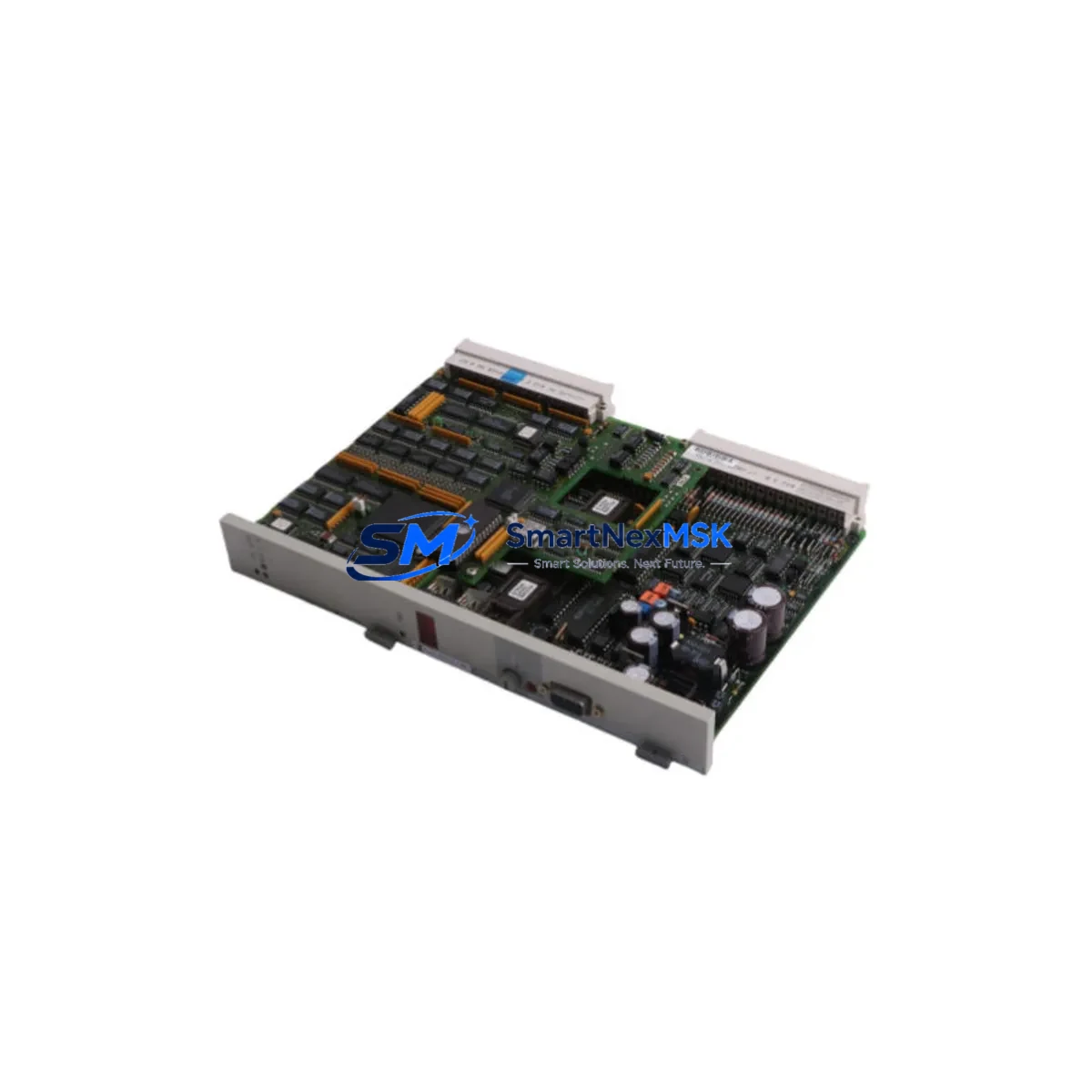
Siemens 6DS1332-8BB Maintenance-Ready Spare for Teleperm M Automation
The Siemens 6DS1332-8BB is an original analog output module designed for the Teleperm M distributed control system (DCS) — one of Siemens’ most enduring process automation platforms widely deployed in chemical, petrochemical, power generation, and heavy industrial facilities. As a maintenance-ready spare, the 6DS1332-8BB is a critical component for facilities that depend on continuous process control and cannot afford unplanned downtime caused by aging or failed output modules.
For maintenance engineers managing legacy Teleperm M installations, sourcing a verified, pre-tested 6DS1332-8BB spare is the fastest path to restoring normal operation after an analog output fault. This module handles the conversion of digital control signals into 4–20 mA or 0–10 V analog outputs that drive field actuators, control valves, and variable-speed drives — making it indispensable in any process loop where precise output control is required.
Spare Maintenance Table
| Parameter | Specification |
|---|---|
| Part Number / SKU | 6DS1332-8BB |
| Brand | Siemens |
| Series / Platform | Teleperm M DCS |
| Module Type | Analog Output Module |
| Output Signal | 4–20 mA / 0–10 V (process standard) |
| Number of Channels | Typically 4 or 8 channels (per Teleperm M architecture) |
| Backplane Compatibility | Teleperm M subrack / backplane bus |
| Operating Voltage | 24 V DC (supplied via backplane) |
| Operating Temperature | 0°C to +60°C |
| Country of Origin | Germany |
| Weight | 620 g |
| HS Code | 853710 |
| Condition | Original spare — new or refurbished, pre-tested before shipment |
| Compatibility | Siemens Teleperm M DCS subrack systems |
| Maintenance Recommendation | Replace at first sign of output drift, channel failure, or communication fault |
| Warranty | 12 months from date of shipment |
Maintenance Planning for Continuous Operation
When a 6DS1332-8BB analog output module fails or shows signs of degradation — such as output signal drift, loss of one or more channels, or erratic actuator behavior — a structured maintenance response is essential to minimize process disruption. Experienced maintenance engineers know that replacing the output module alone is rarely sufficient; a thorough inspection of the surrounding control cabinet components is equally important.
Begin by verifying the 24 V DC backplane power supply feeding the Teleperm M subrack. A failing or under-voltage power supply module is a common root cause of analog output instability and can damage replacement modules if not addressed first. Check the Teleperm M subrack backplane itself for corrosion, damaged bus connectors, or bent card-guide rails that could cause intermittent contact with the new module.
Inspect the signal wiring terminals and terminal blocks connected to the 4–20 mA output loops. Loose terminations, corroded screw terminals, or damaged cable shields are frequent contributors to output noise and measurement error. If the plant uses signal isolators or loop-powered signal conditioners between the 6DS1332-8BB outputs and field devices, these should be tested for correct isolation resistance and output accuracy — a degraded isolator can mask or mimic an output module fault.
For facilities running mixed Teleperm M configurations, also inspect adjacent modules in the same subrack: analog input modules (such as the 6DS1311 series), digital I/O modules, and communication interface modules that link the Teleperm M to supervisory SCADA or DCS operator stations. A fault in a neighboring module can generate bus errors that appear as output module failures. Check the Teleperm M central controller or CPU module for active fault codes before concluding the output module is the sole cause of the alarm.
Where the plant uses PROFIBUS or serial communication links to integrate Teleperm M with modern DCS layers or HMI panels, verify that communication is stable after module replacement. Some facilities also use fuse protection on individual output channels — confirm that channel fuses are intact and rated correctly for the connected load. Finally, review the HMI or operator station for any latched alarms or configuration mismatches that may need to be cleared after the module swap to restore normal loop control.
Maintaining a minimum stock of one or two 6DS1332-8BB modules in your on-site spare parts inventory is strongly recommended for any facility with active Teleperm M installations, particularly where the system is no longer in mainstream production and lead times for sourcing can be unpredictable.
Site Replacement Workflow
Replacing the Siemens 6DS1332-8BB on-site is a straightforward procedure when the correct spare is available and the replacement is properly prepared:
- Isolate the affected output loops — place all connected control loops in manual mode at the DCS operator station before removing the module to prevent uncontrolled actuator movement.
- Power down the subrack slot — if the Teleperm M subrack supports hot-swap, follow the manufacturer’s procedure; otherwise, de-energize the relevant subrack section.
- Remove the faulty 6DS1332-8BB — release the front panel locking mechanism, disconnect any front connector wiring harness, and slide the module out of the subrack.
- Inspect the replacement module — verify the part number, check for physical damage, and confirm any DIP switch or jumper settings match the original module configuration (channel range, output type).
- Install the replacement module — slide into the subrack slot, reconnect the wiring harness, and secure the front panel latch.
- Power up and verify — restore power, check for fault LEDs, and confirm all output channels are reading correctly at the DCS operator station before returning loops to automatic mode.
- Document the replacement — record the module serial number, installation date, and any configuration changes in the plant maintenance log for future reference.
This workflow minimizes downtime and ensures system compatibility is maintained without requiring firmware changes or DCS reconfiguration in most standard Teleperm M installations.
Spare Parts Support FAQ
Q1: Is the 6DS1332-8BB still available as a new original spare?
The Siemens Teleperm M platform has reached end-of-mainstream-production, but original spare modules including the 6DS1332-8BB remain available through specialist industrial automation spare parts suppliers. All units we supply are sourced from verified channels, individually tested before shipment, and covered by a 12-month warranty.
Q2: How do I confirm compatibility before ordering?
Compatibility is confirmed by matching the full SKU (6DS1332-8BB) against your existing subrack slot label and the Teleperm M system documentation. If you have a different variant suffix or are unsure of the exact module version installed, contact us with your system configuration details and we will verify compatibility before shipment.
Q3: What testing is performed before shipment?
Every 6DS1332-8BB spare undergoes functional output testing across all channels, visual inspection for physical damage, and connector integrity checks. Modules that do not meet original specification are not shipped. A test report is available upon request for critical applications.
Q4: What is the warranty and long-term supply commitment?
All modules are supplied with a 12-month warranty covering manufacturing defects and functional failures under normal operating conditions. We maintain ongoing stock of Teleperm M spare modules to support long-term plant operations and old-system life extension programs. Bulk orders and scheduled supply agreements are available for facilities managing multi-year maintenance plans.
© 2026 SMARTNEXMSK. All rights reserved.
Original Source: https://smartnexmsk.com
Contact: [email protected] | +86 18259474341



