
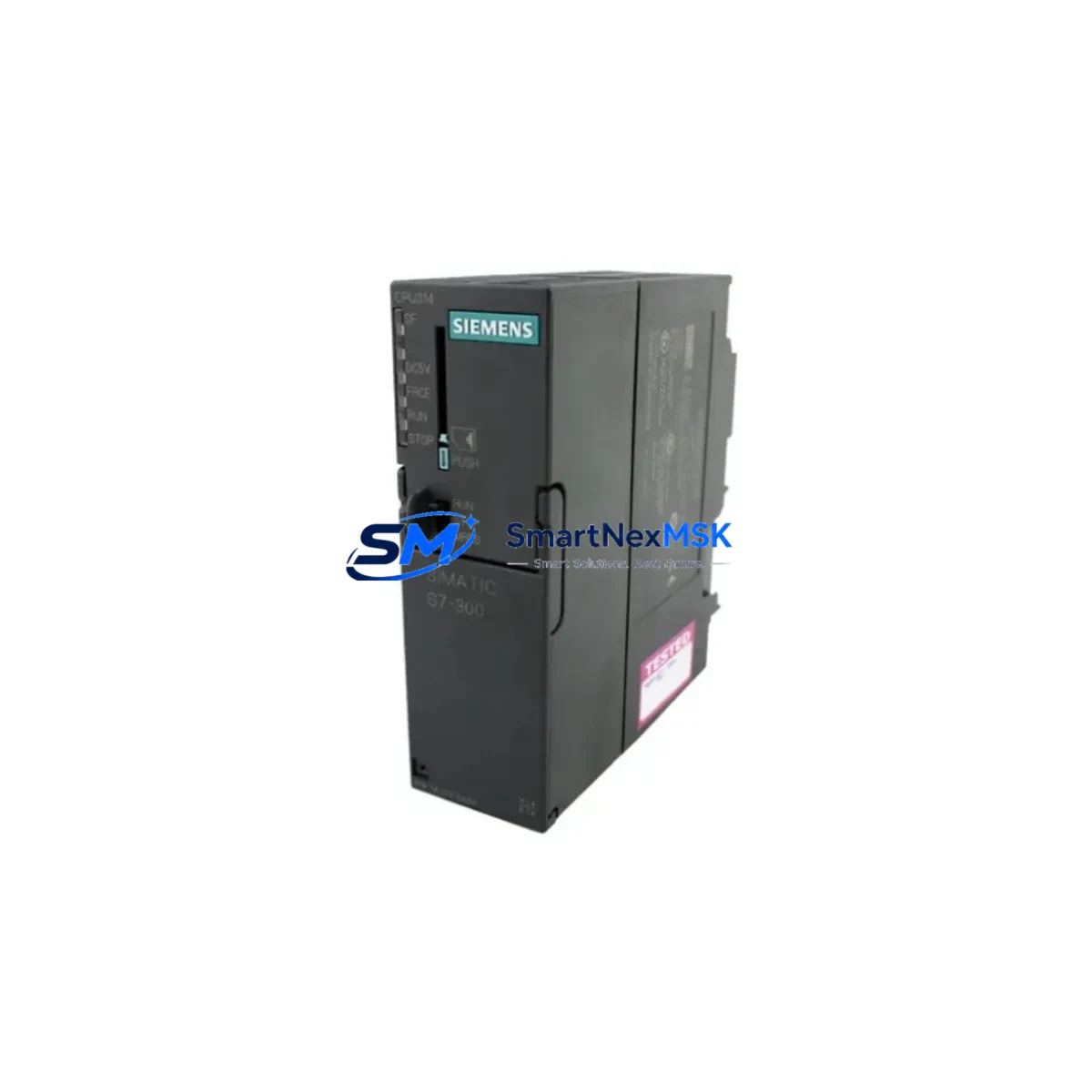
Siemens 6ES7314-1AG13-0AB0 Retrofit-Ready CPU for S7-300 Control Systems
The Siemens 6ES7314-1AG13-0AB0 is a central processing unit designed for the SIMATIC S7-300 programmable logic controller platform — one of the most widely deployed modular PLC families in industrial automation. As legacy S7-300 installations approach end-of-life and Siemens phases out production of earlier CPU variants, the 6ES7314-1AG13-0AB0 has become a critical retrofit and replacement component for engineers managing aging control systems across manufacturing, energy, water treatment, and process industries.
This CPU 314 module supports MPI (Multi-Point Interface) communication natively and is compatible with STEP 7 programming software, making it a direct drop-in candidate for systems previously running earlier CPU 314 revisions such as the 6ES7314-1AE04-0AB0 or 6ES7314-1AF11-0AB0. Engineers migrating from these discontinued variants can retain existing ladder logic, function block diagrams, and structured text programs with minimal reprogramming effort, significantly reducing engineering hours and project risk.
Upgrade Compatibility Table
| Parameter | Details |
|---|---|
| Compatible Platform | SIMATIC S7-300 (all standard rack configurations) |
| Replaces | 6ES7314-1AE04-0AB0, 6ES7314-1AF11-0AB0, 6ES7314-1AG14-0AB0 |
| Communication Interface | MPI (187.5 kbps – 12 Mbps) |
| Backplane Interface | S7-300 standard K-bus, slots 2–11 |
| Programming Software | SIMATIC STEP 7 V5.x / TIA Portal (via legacy mode) |
| Installation Requirement | Standard S7-300 DIN rail rack (e.g. UR1, UR2); requires PS 307 power supply |
| Program Compatibility | Retains existing OB, FB, FC, DB blocks; verify SFB/SFC calls |
| Commissioning Note | Set MPI address via STEP 7 HW Config; verify CPU slot assignment |
| Warranty | 12 Months — covers manufacturing defects, functional failure under normal operating conditions |
Retrofit Planning for Existing Automation Systems
Replacing a CPU 314 in a live production environment requires careful pre-migration planning. Before removing the existing module, engineers should perform a full program upload from the installed CPU using STEP 7 or a compatible MPI programming cable such as the PC Adapter USB A2 (6ES7972-0CB20-0XA0). Saving a verified backup of the project — including all symbol tables, hardware configuration, and network assignments — is essential before any physical swap.
The 6ES7314-1AG13-0AB0 installs in slot 2 of any standard S7-300 rack, including the UR1 (18-slot) and UR2 (9-slot) configurations. It draws power from the adjacent PS 307 power supply module (e.g. 6ES7307-1BA01-0AA0 or 6ES7307-1EA01-0AA0); engineers should verify that the existing power supply provides sufficient current headroom after accounting for all installed I/O modules. A typical S7-300 rack may include SM 321 digital input modules, SM 322 digital output modules, SM 331 analog input modules, and SM 332 analog output modules — each contributing to the total current budget on the backplane.
Communication continuity is a key concern during migration. If the existing system uses MPI-based HMI connections — for example, a SIMATIC TP177B or MP277 operator panel — the MPI address of the replacement CPU must be configured identically to the outgoing unit before going live. Where PROFIBUS DP is used for distributed I/O via ET 200M or ET 200S remote stations, the DP master configuration in HW Config must be verified and downloaded to the new CPU after installation. Systems using CP 343-1 Ethernet communication processors for SCADA or historian connectivity should have their IP parameters and connection tables re-validated post-swap.
For sites running mixed-generation racks where older SM 300-series I/O modules coexist with newer variants, module address assignments are determined by physical slot position rather than software configuration — no re-addressing is required when the CPU is replaced in the same slot. However, if the retrofit involves relocating modules or expanding I/O capacity using additional SM modules or an IM 360/IM 361 expansion rack interface, the hardware configuration must be updated and re-downloaded accordingly.
Downtime Control During System Migration
Minimizing unplanned downtime is the primary operational concern in any CPU replacement project. The recommended approach is to pre-configure the replacement 6ES7314-1AG13-0AB0 offline using a bench setup — loading the verified program backup, setting the correct MPI address, and confirming the hardware configuration — before the scheduled maintenance window begins.
During the cutover, the sequence should follow: power down the rack via the PS 307 supply, remove the existing CPU from slot 2, install the pre-configured replacement, restore power, and perform a controlled CPU startup in STOP mode before switching to RUN. This approach allows engineers to verify I/O status, check diagnostic buffers, and confirm communication link establishment with connected HMI panels and PROFIBUS DP slaves before resuming production. Where a redundant communication path exists via a CP 343-1 Lean module, the network connection can often be maintained throughout the physical swap, further reducing the window of control system unavailability.
For critical processes where even brief interruptions are unacceptable, a parallel rack strategy — pre-wiring a shadow rack with the replacement CPU and all associated SM modules, then performing a rapid terminal-block transfer — can reduce the live cutover window to under 15 minutes. All field wiring connections should be documented with terminal strip photographs and wiring diagrams before any disconnection.
Retrofit Support FAQ
Q: Is the 6ES7314-1AG13-0AB0 a direct replacement for the 6ES7314-1AE04-0AB0?
A: Yes. Both are CPU 314 variants for the SIMATIC S7-300 platform and share the same slot position, backplane interface, and MPI communication protocol. The program structure is compatible; however, a full functional test after replacement is always recommended to confirm SFB/SFC behavior and I/O response times match the original installation.
Q: Do I need to re-wire terminals when replacing the CPU?
A: No field wiring connects directly to the CPU 314 module — all I/O wiring terminates at the SM-series signal modules in adjacent slots. The CPU replacement involves only the module itself in slot 2. Verify that the front connector and bus connector on the adjacent power supply and signal modules are seated correctly after reinstallation.
Q: How do I verify communication with my HMI after the swap?
A: After loading the program and hardware configuration to the replacement CPU, switch to RUN mode and check the MPI network using STEP 7’s NetPro or the HW Config diagnostic view. The HMI panel (e.g. TP177B, MP277, or KTP700 Basic) should re-establish its MPI connection automatically once the CPU is online at the correct network address. If the HMI shows a communication fault, verify the MPI address matches the original configuration and that the baud rate is consistent across all network nodes.
Q: What does the 12-month warranty cover?
A: All units are tested for functional operation prior to shipment. The 12-month warranty covers manufacturing defects and functional failure under normal industrial operating conditions. It does not cover damage resulting from incorrect installation, overvoltage, or physical mishandling. Warranty claims are processed directly through SMARTNEXMSK with replacement or repair turnaround communicated at time of claim.
© 2026 SMARTNEXMSK. All rights reserved.
Original Source: https://smartnexmsk.com
Contact: [email protected] | +86 18259474341



