
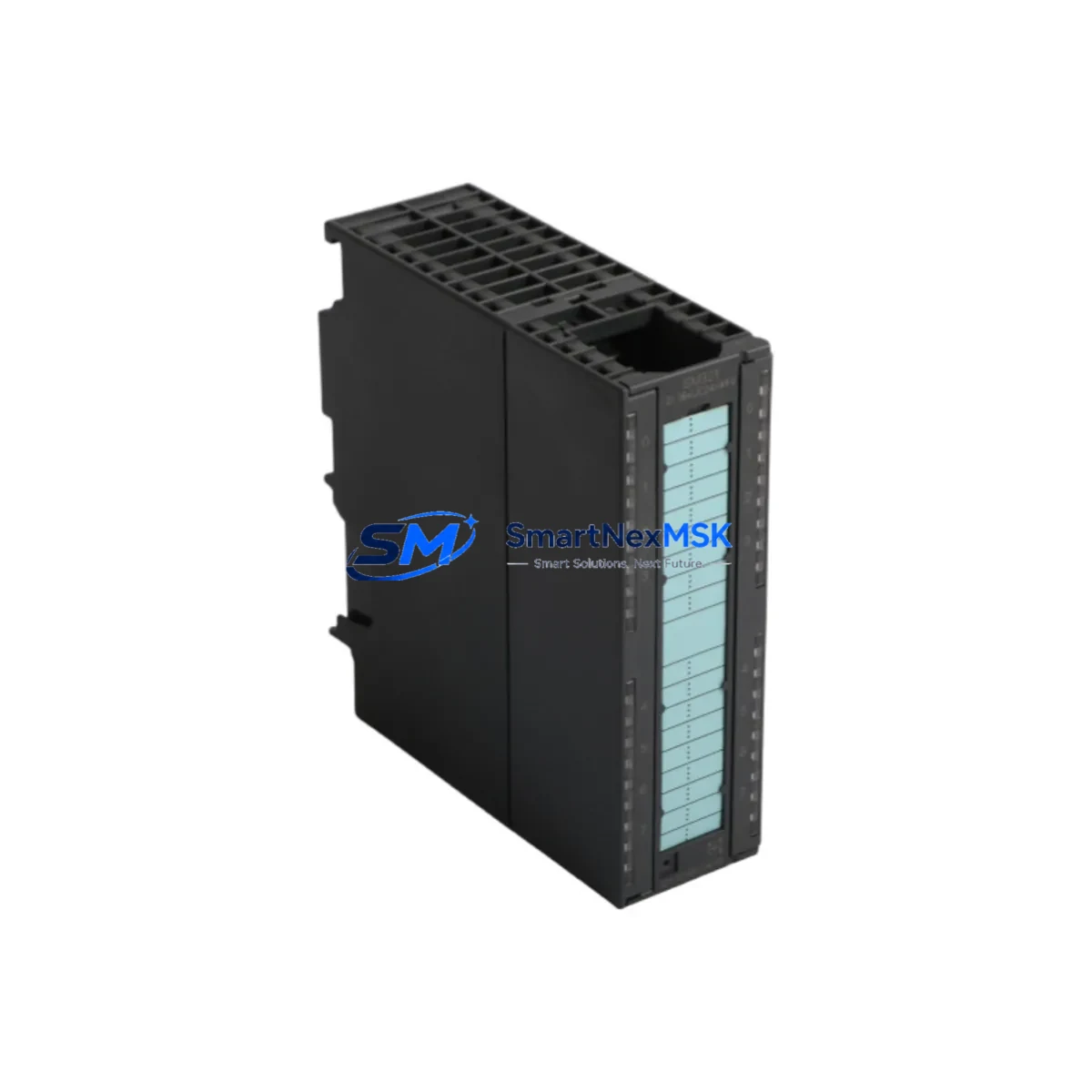
Siemens 6ES7321-1CH00-0AA0 Retrofit-Ready 16DI Module: Seamless Compatibility for Legacy S7-300 Control System Upgrades
The Siemens 6ES7321-1CH00-0AA0 is a 16-channel digital input module (SM 321) designed for the SIMATIC S7-300 programmable logic controller platform. With 16 isolated 24 VDC inputs, a standard 40-pin front connector, and full compatibility with the S7-300 backplane bus, this module is the definitive retrofit solution for aging control cabinets, discontinued spare parts programs, and production lines that cannot afford extended downtime during modernization. Whether you are replacing a failed unit, upgrading a legacy rack, or migrating from an older S5 system, the 6ES7321-1CH00-0AA0 delivers drop-in compatibility with minimal re-engineering effort.
Industrial facilities running SIMATIC S7-300 systems frequently encounter the challenge of sourcing reliable replacement modules as original equipment reaches end-of-life. The SM 321 16DI module addresses this directly: it slots into any standard S7-300 rack alongside modules such as the SM 322 DO module (6ES7322-1BH01-0AA0) for digital outputs, the SM 331 AI module (6ES7331-7KF02-0AB0) for analog input acquisition, and the SM 332 AO module (6ES7332-5HB01-0AB0) for analog output control — all without requiring rack reconfiguration or CPU reprogramming.
Upgrade Compatibility Table
| Parameter | Specification / Retrofit Guidance |
|---|---|
| SKU / Part Number | 6ES7321-1CH00-0AA0 |
| Module Type | SM 321 — Digital Input Module, 16 × 24 VDC |
| Compatible Platform | SIMATIC S7-300 (all CPU variants: CPU 312, 313, 314, 315, 316, 317, 319) |
| Backplane Interface | S7-300 standard backplane bus; compatible with IM 360/361 expansion racks |
| Front Connector | 40-pin screw-type or spring-type front connector (order separately if not included) |
| Input Voltage | 24 VDC (IEC Type 1 sink input) |
| Input Channels | 16 channels, galvanically isolated in groups of 16 |
| Replacement for | 6ES7321-1CH00-0AA0 (same SKU), legacy S5 DI modules via I/O address remapping |
| Communication Compatibility | PROFIBUS DP (via CP 342-5), MPI, Industrial Ethernet (via CP 343-1) |
| Installation Requirement | DIN rail mount; standard S7-300 rack slot; no special tools required |
| Commissioning Note | Module address auto-assigned by slot position; verify in STEP 7 / TIA Portal hardware config |
| Warranty | 12-Month Warranty — tested before shipment, full functional verification |
Retrofit Planning for Existing Automation Systems
Successful retrofit of the 6ES7321-1CH00-0AA0 into an existing S7-300 control system requires a structured pre-installation review. Before removing the failed or obsolete module, engineers should document the current wiring layout at the 40-pin front connector, noting each field device signal assignment, cable labeling, and terminal torque specification. The front connector on the SM 321 is keyed and retains its wiring when the module body is swapped — a significant advantage that reduces re-wiring time and eliminates transcription errors during hot-swap replacement.
Power budget verification is a critical step often overlooked in field retrofits. The S7-300 rack’s PS 307 power supply module (available in 2A, 5A, and 10A variants) must have sufficient headroom to support the 6ES7321-1CH00-0AA0 alongside other installed modules. Calculate the total current draw from all SM modules, the CPU, and any installed CP 343-1 Ethernet communication processor or CP 342-5 PROFIBUS DP module before proceeding. If the existing power supply is marginal, a PS 307 10A upgrade should be planned concurrently.
For systems migrating from older SIMATIC S5 platforms, I/O address remapping is mandatory. The S5 used absolute I/O addressing (e.g., I 0.0–I 1.7), while the S7-300 uses slot-based logical addressing configured in STEP 7 or TIA Portal. During migration, the IM 360/361 interface module pair may be required if the system uses expansion racks beyond the central rack. Verify that the module address assigned in the hardware configuration matches the process image partition used in the CPU program — mismatches here are a common source of commissioning delays.
HMI screen updates are frequently required when replacing or upgrading DI modules. If the plant uses a SIMATIC HMI TP700 Comfort or MP377 Multi Panel connected via MPI or PROFIBUS, verify that all I/O tags referencing the replaced module’s addresses remain valid after the hardware configuration download. Tag address changes in WinCC flexible or TIA Portal WinCC must be synchronized before the new module is brought online to prevent alarm flooding or loss of process visibility.
For systems with distributed I/O architectures, the 6ES7321-1CH00-0AA0 can be used in conjunction with ET 200M remote I/O stations via an IM 153-2 interface module, extending the S7-300’s digital input capacity across the plant floor without additional CPU hardware. This approach is particularly effective in large control cabinets where centralized rack space is limited.
Downtime Control During System Migration
Minimizing production downtime during a DI module replacement is achievable with disciplined pre-staging and a clear cutover sequence. Begin by pre-configuring the replacement 6ES7321-1CH00-0AA0 in an offline STEP 7 or TIA Portal project, downloading the hardware configuration to a test CPU if available, and verifying that the module is recognized without hardware faults. This offline validation eliminates the most common source of extended downtime: configuration errors discovered only after the production system is taken offline.
During the physical swap, the front connector’s wiring retention feature allows the module body to be replaced in under five minutes without disturbing field wiring. After re-seating the module and reconnecting the front connector, perform a CPU STOP/RUN cycle and monitor the diagnostic buffer for any module-related faults. Use the STEP 7 Module Information dialog or TIA Portal’s Online & Diagnostics view to confirm that all 16 input channels are reporting correctly before releasing the line back to production.
For critical processes where even brief interruptions are unacceptable, consider a parallel commissioning approach: install the new module in an adjacent slot, remap the I/O addresses in a shadow program block, and validate signal integrity against the live process before cutting over. This technique preserves the original program logic intact and allows rollback within seconds if any discrepancy is detected. Once validated, the original slot address can be restored and the shadow block removed, completing the migration with zero impact on the running process.
All units supplied by SMARTNEXMSK undergo pre-shipment functional testing, including channel-by-channel input verification, backplane communication check, and diagnostic LED confirmation. Each module ships with a 12-month warranty covering manufacturing defects and functional failures under normal operating conditions.
Retrofit Support FAQ
Q1: Is the 6ES7321-1CH00-0AA0 a direct drop-in replacement for the same SKU currently installed in my S7-300 rack?
Yes. The 6ES7321-1CH00-0AA0 is a direct slot-for-slot replacement. The module occupies the same physical slot, uses the same 40-pin front connector wiring, and is recognized by the CPU without any hardware configuration changes, provided the existing STEP 7 or TIA Portal project already contains this module type at that slot address.
Q2: What commissioning steps are required after installing the replacement module?
After physical installation, perform a CPU STOP/RUN cycle and check the diagnostic buffer for module faults. In STEP 7, use Module Information to verify all 16 channels are active. In TIA Portal, use Online & Diagnostics → Module Status. If the CPU was in STOP due to the missing module, a manual RUN command or automatic restart (depending on CPU startup configuration) will resume normal operation. No program download is required if the hardware configuration is unchanged.
Q3: Can this module be used to replace older S5 DI modules during a platform migration?
Yes, with I/O address remapping. S5 absolute I/O addresses must be translated to S7-300 slot-based logical addresses in the migration project. The 6ES7321-1CH00-0AA0 provides equivalent 24 VDC digital input functionality. Field wiring connected to the original S5 terminal blocks can typically be re-terminated directly to the SM 321 front connector with standard 0.5–1.5 mm² conductors, subject to signal voltage and current compatibility verification.
Q4: What does the 12-month warranty cover, and how is it claimed?
The 12-month warranty covers all manufacturing defects and functional failures under normal industrial operating conditions (0–60°C, standard humidity, non-condensing). Each unit is tested before shipment. To claim warranty service, contact SMARTNEXMSK with the order reference and a description of the fault. Replacement or repair will be arranged with priority handling to minimize your system downtime.
© 2026 SMARTNEXMSK. All rights reserved.
Original Source: https://smartnexmsk.com
Contact: [email protected] | +86 18259474341



