
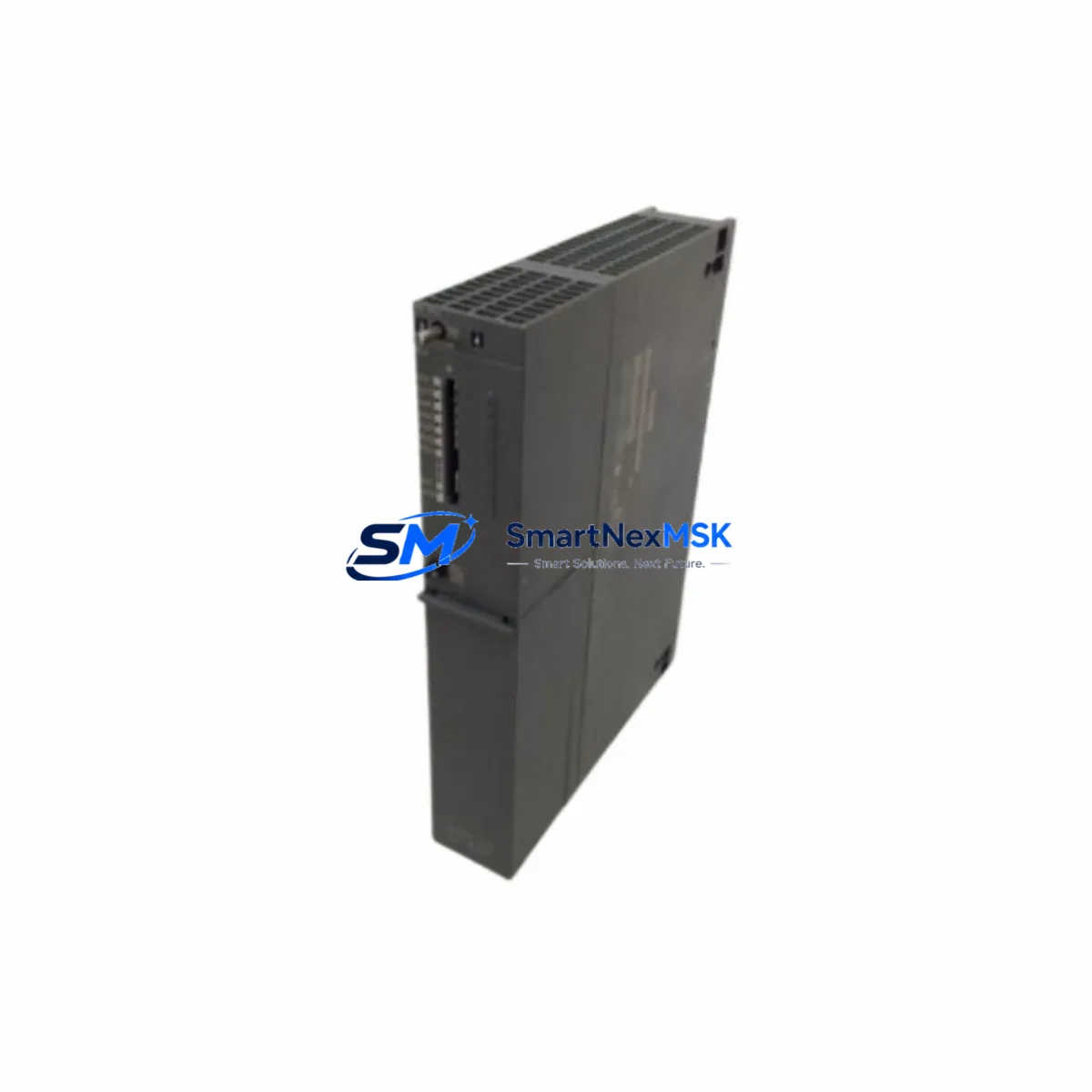
Siemens 6ES7417-4XL04-0AB0 Retrofit-Ready CPU for S7-400 Control Systems
The Siemens 6ES7417-4XL04-0AB0 (CPU 417-4) is a high-performance central processing unit designed for the SIMATIC S7-400 programmable logic controller platform. As legacy S7-400 installations approach end-of-life and original Siemens spare parts become increasingly scarce, this retrofit-ready CPU module provides a reliable, drop-in compatible replacement for facilities managing aging automation infrastructure. Whether you are restoring a failed control cabinet, upgrading a discontinued CPU variant, or migrating an entire production line to a more maintainable configuration, the 6ES7417-4XL04-0AB0 delivers the processing headroom and communication flexibility required for demanding industrial environments.
This CPU supports multi-point interface (MPI), PROFIBUS-DP, and PROFINET (PN) communication simultaneously, making it an ideal candidate for plants that are transitioning from legacy fieldbus architectures toward Ethernet-based control topologies without requiring a full system overhaul. Its large program memory and high-speed cycle time make it suitable for complex process control, coordinated motion sequences, and multi-axis synchronization tasks that older CPU 414 or CPU 416 variants could not handle without segmentation.
When replacing a failed or discontinued CPU in an existing S7-400 rack, engineers must verify several critical parameters before commissioning. Power supply capacity is the first checkpoint: the CR3 or UR2 universal rack must provide sufficient current on the 5 V DC backplane bus to support the 6ES7417-4XL04-0AB0 alongside installed signal modules such as SM 321 digital input cards, SM 322 digital output cards, SM 331 analog input modules, and SM 332 analog output modules. Exceeding the rack’s rated bus current will cause intermittent faults or prevent the CPU from entering RUN mode.
Terminal wiring on the existing I/O modules does not need to be disturbed during a CPU swap, provided the slot addressing and module configuration in the hardware catalog (HW Config) are preserved. Engineers should export the existing STEP 7 or TIA Portal project before removing the old CPU, confirm the rack configuration matches the physical installation, and restore the project to the replacement unit via a programming cable such as the PC Adapter USB A2 or an MPI/PROFIBUS interface card. If the original project file is unavailable, the CPU’s online diagnostic buffer and module identification data can be used to reconstruct the hardware configuration.
HMI screens connected via PROFIBUS-DP or PROFINET — including SIMATIC TP700, TP900, or MP377 operator panels — will resume communication automatically once the CPU is in RUN mode and the DB/FB data block structure is intact. If the HMI project references symbolic addresses that were reorganized during a prior software revision, a partial screen update may be required to realign variable bindings. Communication links to SCADA systems via S7 protocol or OPC DA/UA should be tested under live conditions before returning the line to production.
Upgrade Compatibility Table
| Parameter | Detail |
|---|---|
| SKU / Order Number | 6ES7417-4XL04-0AB0 |
| Module Designation | CPU 417-4 |
| Compatible Platform | SIMATIC S7-400 (CR3, UR1, UR2 racks) |
| Replaces / Upgrades From | CPU 414-3, CPU 416-3, CPU 417-4 H (non-redundant mode) |
| Backplane Interface | S7-400 standard bus (P-bus + K-bus) |
| Communication Ports | MPI, PROFIBUS-DP (2x), PROFINET IRT |
| Installation Requirement | Slot 1 of S7-400 rack; verify PS 407 or PS 405 power supply current budget |
| Programming Environment | SIMATIC STEP 7 V5.x / TIA Portal V13 SP2 and above |
| Commissioning Note | Restore HW Config and program blocks; verify MPI/DP node addresses before RUN |
| Warranty | 12 Months — covers manufacturing defects and functional failure under normal operating conditions |
Retrofit Planning for Existing Automation Systems
A successful retrofit begins with a thorough audit of the existing control cabinet. In a typical S7-400 installation, the CPU 417-4 occupies slot 1 of a UR2 universal rack alongside a PS 407 10A power supply module. Before pulling the old CPU, document all PROFIBUS-DP network segment addresses, confirm that the IM 460-0 or IM 461-0 send/receive interface modules are correctly configured for any expansion racks, and photograph all terminal block wiring on the SM 321 and SM 322 I/O modules to serve as a reference during recommissioning.
If the plant uses a CP 443-1 Ethernet communication processor for S7 routing or PROFINET IO controller functions, verify that the CP’s IP address and connection table are backed up independently — these settings reside in the CP module’s own flash memory and are not part of the CPU project file. Similarly, if a FM 455 closed-loop control module or FM 351 positioning module is installed in the same rack, confirm that their parameterization data blocks are included in the STEP 7 project archive before the CPU is swapped.
For plants running coordinated drives via PROFIBUS-DP, the DP master configuration within the CPU’s HW Config must list all slave devices — including SINAMICS S120 drive units, ET 200M distributed I/O stations, and any third-party DP slaves — with their correct GSD file entries and slot assignments. After the replacement CPU is inserted and powered, use STEP 7’s Accessible Nodes function to verify that all DP slaves are visible on the network before downloading the project. This step prevents address conflicts that can cause the CPU to remain in STOP mode.
Where the retrofit involves migrating from an older CPU 414-3 DP to the 6ES7417-4XL04-0AB0, the increased program memory allows previously segmented OB/FB/DB structures to be consolidated, reducing scan cycle overhead and improving response time for time-critical interrupt routines. The additional PROFINET port also enables parallel operation of legacy PROFIBUS-DP field devices and new PROFINET IO devices — such as ET 200SP remote I/O stations — within the same control architecture, providing a phased migration path without requiring simultaneous replacement of all field instrumentation.
Downtime Control During System Migration
Minimizing unplanned downtime during a CPU replacement requires preparation that begins days before the physical swap. The recommended approach is to perform a full online backup of the running CPU using STEP 7’s Upload function, saving all program blocks, data blocks, and system data objects to a project archive. This archive should be verified by compiling it offline and confirming that no block inconsistencies are reported before the maintenance window begins.
During the swap window, the sequence is: power down the rack via the PS 407 main switch, extract the old CPU from slot 1, insert the 6ES7417-4XL04-0AB0, power up, and immediately set the mode selector to STOP before the CPU attempts to initialize. Download the verified project archive, perform a memory reset (MRES) if prompted, then download again to ensure a clean program load. Set the CPU to RUN-P mode and monitor the diagnostic buffer for the first 60 seconds to catch any configuration mismatches before releasing the line.
For processes where even a brief interruption is critical, a parallel commissioning strategy can be used: configure the replacement CPU offline in a test rack, load the full project, and verify all I/O module responses using a signal simulator before the live swap. This approach compresses the actual in-cabinet downtime to the physical module exchange and a single program download, typically achievable within a 15-30 minute maintenance window. Retaining the original CPU as a tested spare further reduces risk for future incidents.
Retrofit Support FAQ
Q1: Is the 6ES7417-4XL04-0AB0 a direct drop-in replacement for the CPU 416-3 DP/PN?
The 6ES7417-4XL04-0AB0 is physically compatible with the same S7-400 rack slots and uses the same backplane bus interface. However, because the CPU 417-4 has a different order number and firmware version, the HW Config in your STEP 7 or TIA Portal project must be updated to reference the new CPU type before downloading. All existing I/O module configurations, DP slave assignments, and data block structures remain valid and do not need to be rewritten.
Q2: What wiring changes are required when installing this CPU?
No field wiring changes are required. The CPU module connects exclusively via the S7-400 backplane bus — there are no external terminal connections on the CPU itself. MPI and PROFIBUS-DP cables connect to the integrated sub-D ports on the CPU front panel; if your existing cables use the standard 9-pin DP connector, they will mate directly. PROFINET connections use standard RJ45 Ethernet patch cables.
Q3: How is compatibility with existing HMI screens and SCADA systems verified before go-live?
After downloading the project and placing the CPU in RUN mode, use the STEP 7 Monitor/Modify Variables function to confirm that all DB tags are updating correctly. For HMI panels connected via PROFIBUS-DP or PROFINET, check the connection status in WinCC flexible or TIA Portal HMI runtime — all configured connections should show Online within 30 seconds of the CPU entering RUN. SCADA systems using S7 protocol should be tested by triggering known process values and confirming that the SCADA display updates match the CPU’s actual tag values.
Q4: What does the 12-month warranty cover, and what is the return process?
The 12-month warranty covers manufacturing defects and functional failure under normal industrial operating conditions, including backplane communication faults, processor errors, and port failures. It does not cover damage caused by incorrect installation, overvoltage, or physical impact. To initiate a warranty claim, contact our sales team with the order number and a description of the fault. We will arrange return shipping and provide a replacement or repaired unit within the agreed lead time. All units are functionally tested before dispatch to minimize the risk of DOA scenarios.
© 2026 SMARTNEXMSK. All rights reserved.
Original Source: https://smartnexmsk.com
Contact: [email protected] | +86 18259474341



