
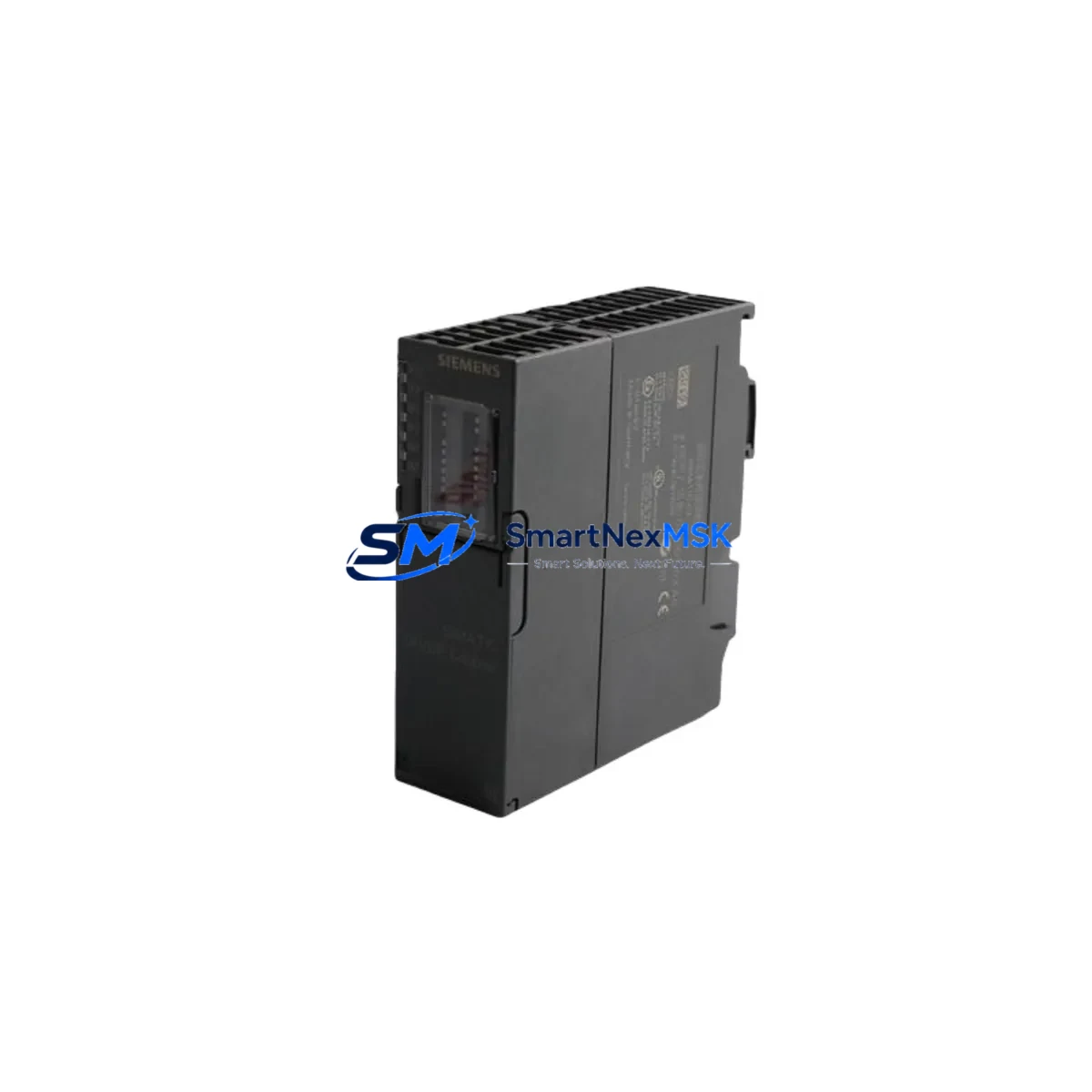
Siemens 6ES7650-8EK80-1AA0 Spare for ET 200SP Automation
The Siemens 6ES7650-8EK80-1AA0 is an interface module (IM) designed for the SIMATIC ET 200SP distributed I/O system — one of Siemens’ most widely deployed modular I/O platforms in process automation, machine building, and factory control applications. When this module fails or reaches end-of-service life, the consequences extend beyond a single rack: the entire ET 200SP station loses communication with the CPU, triggering unplanned downtime across all connected I/O channels. Stocking a verified replacement unit is the most effective strategy to contain mean time to repair (MTTR) and protect production continuity.
This listing provides an original, factory-sourced 6ES7650-8EK80-1AA0 interface module, pre-tested before shipment and backed by a 12-month warranty. It is suitable for direct drop-in replacement in existing ET 200SP stations without firmware re-flashing in most standard configurations, subject to compatibility verification against the installed base firmware version.
Spare Maintenance Table
| Parameter | Specification |
|---|---|
| Part Number | 6ES7650-8EK80-1AA0 |
| Product Family | SIMATIC ET 200SP |
| Module Type | Interface Module (IM) |
| Communication Interface | PROFINET IO (IRT/RT) |
| Supply Voltage | 24 V DC |
| Current Consumption (typical) | ≤ 200 mA at 24 V DC |
| Backplane Bus | ET 200SP internal bus |
| Max. I/O Modules per Station | Up to 64 (configuration-dependent) |
| Protection Class | IP20 |
| Operating Temperature | 0 °C to +60 °C |
| Mounting | DIN rail (35 mm), BaseUnit required |
| Origin | Germany |
| Warranty | 12 Months — tested before shipment |
| Condition | Original / New |
Maintenance Planning for Continuous Operation
Replacing the 6ES7650-8EK80-1AA0 interface module is rarely an isolated task. Maintenance engineers and procurement teams should treat this event as a trigger for a broader cabinet inspection to prevent repeat failures and maximize the value of the planned downtime window.
Start with the 24 V DC power supply feeding the ET 200SP station — a degraded SITOP PSU100S or equivalent power module can cause intermittent IM resets that mimic interface module faults. Verify output voltage stability under load before commissioning the new IM. Next, inspect the PROFINET patch cable connecting the IM to the managed switch or CPU PROFINET port; damaged RJ45 connectors or bent cable runs are a common root cause of communication loss that gets misdiagnosed as IM failure.
While the station is offline, audit the BU-type BaseUnit beneath the IM — the BaseUnit carries the power and signal rails for the entire station, and a cracked or corroded BaseUnit can cause the replacement IM to fail prematurely. Check all digital input and digital output modules (e.g., 6ES7131-6BF01-0BA0 DI 8×24VDC and 6ES7132-6BF01-0BA0 DQ 8×24VDC) for blown channel indicators or stuck outputs, as these faults are often masked while the IM is down.
For stations with analog signals, inspect the analog input modules (such as 6ES7134-6GD01-0BA1 AI 4×U/I) for drift or open-circuit alarms. Signal isolators installed upstream of analog inputs should also be checked — a failed isolator can inject noise that damages the IM’s internal bus logic over time. If the cabinet includes relay output modules or external relay banks, verify coil continuity and contact resistance, as inductive kickback from relay switching is a known stressor on ET 200SP bus components.
Communication-intensive stations may also include a CM DP communication module for PROFIBUS DP legacy device integration. Confirm that the DP master address and baud rate settings are retained after the IM swap, as some firmware versions reset communication parameters on first boot. Finally, check the server module (termination plug) at the right end of the ET 200SP station — a missing or damaged server module will prevent the station from initializing correctly after the IM replacement.
Site Replacement Workflow
Step 1 — Pre-replacement verification: Confirm the replacement 6ES7650-8EK80-1AA0 firmware version is compatible with the installed TIA Portal project version. Export the current hardware configuration from TIA Portal before any physical work begins.
Step 2 — Safe isolation: Switch the ET 200SP station to STOP mode via the CPU or engineering station. De-energize the 24 V DC supply to the station. Do not remove the IM while the bus is live — this can corrupt BaseUnit bus contacts.
Step 3 — Module removal: Unlock the IM from the BaseUnit using the release lever. Slide the module upward and out. Note the orientation of any labeling strips for re-installation reference.
Step 4 — New module installation: Align the 6ES7650-8EK80-1AA0 with the BaseUnit guide rails and press firmly until the locking lever clicks. Re-energize the 24 V DC supply.
Step 5 — Commissioning: Download the hardware configuration from TIA Portal. Verify that all I/O modules appear in the diagnostic view without fault indicators. Perform a functional I/O test before returning the station to RUN mode.
Step 6 — Documentation: Record the replacement date, firmware version, and test results in the maintenance log. Update the spare parts inventory to trigger reorder of a standby unit.
Spare Parts Support FAQ
Q: Is the 6ES7650-8EK80-1AA0 still available as a new original part?
A: Yes. This module is available as an original Siemens spare. We maintain stock for immediate dispatch and can support long-term supply agreements for facilities managing multiple ET 200SP stations.
Q: How is the module tested before shipment?
A: Each unit undergoes power-on functional verification and visual inspection prior to packaging. Units are shipped with anti-static protection and documented test results available on request.
Q: Can this module replace older ET 200SP IM variants without reprogramming?
A: In most cases, yes — provided the TIA Portal hardware configuration is updated to reflect the new order number. We recommend verifying firmware compatibility with your installed CPU version before site installation.
Q: What does the 12-month warranty cover?
A: The warranty covers manufacturing defects and functional failures under normal operating conditions for 12 months from the date of shipment. We provide replacement or refund support for any confirmed warranty claim.
© 2026 SMARTNEXMSK. All rights reserved.
Original Source: https://smartnexmsk.com
Contact: [email protected] | +86 18259474341



