
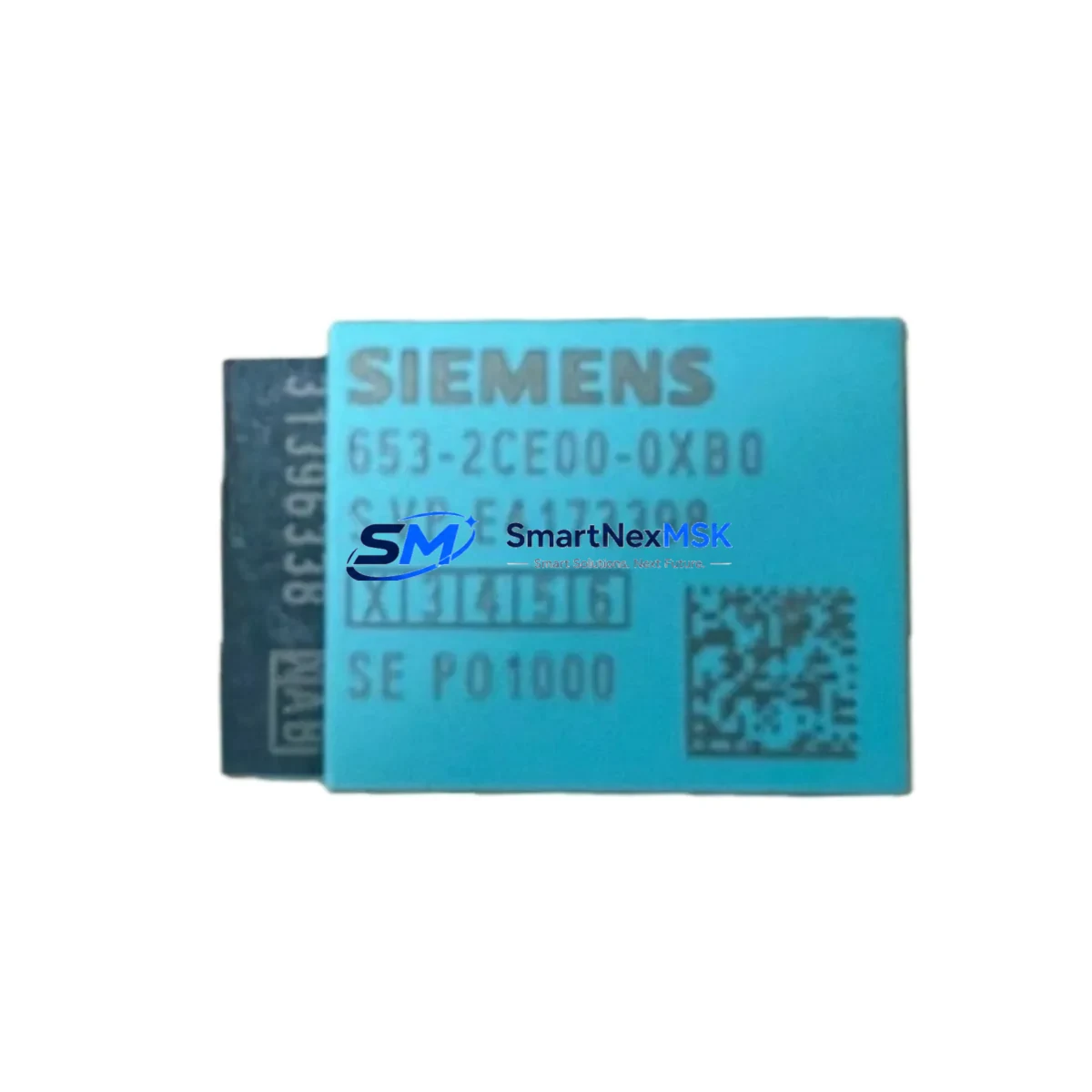
Siemens 6ES7653-2CE00-0XB0 Retrofit-Ready TIM for SINAUT ST7 Control Systems
The Siemens 6ES7653-2CE00-0XB0 is a TIM (Telecontrol Interface Module) expansion card designed for the SINAUT ST7 telecontrol system. As legacy SINAUT ST7 infrastructure reaches end-of-life, this module remains a critical retrofit component for engineers managing WAN-connected SCADA networks, remote terminal units, and distributed control architectures built on the S7-300 and S7-400 platforms. SMARTNEXMSK maintains verified stock of the 6ES7653-2CE00-0XB0 with full functional testing, 12-month warranty coverage, and rapid international dispatch.
Whether you are replacing a failed TIM card in an active SINAUT ST7 network, upgrading a legacy control cabinet, or migrating communication links from older DNP3 or IEC 101/104 configurations, the 6ES7653-2CE00-0XB0 provides a direct, drop-in hardware path that preserves your existing wiring, rack geometry, and program logic without requiring a full system redesign.
Upgrade Compatibility Table
| Parameter | Details |
|---|---|
| SKU / Part Number | 6ES7653-2CE00-0XB0 |
| Product Family | SINAUT ST7 TIM Expansion Card |
| Compatible Platforms | S7-300, S7-400 (CP 341 / CP 441 slot configurations) |
| Rack / Backplane Interface | Standard S7-300 DIN rail rack; backplane bus compatible |
| Communication Protocol | SINAUT ST7 proprietary; IEC 60870-5-101/104 migration path available |
| Installation Requirement | Slot assignment via STEP 7 HW Config; no physical jumper setting required |
| Replacement Recommendation | Direct replacement for failed or end-of-life TIM cards in ST7 networks |
| Commissioning Focus | Module address assignment, telegram configuration, WAN link verification |
| Warranty | 12 Months — covers hardware defects, functional failure, and DOA units |
Retrofit Planning for Existing Automation Systems
Successful retrofit of the 6ES7653-2CE00-0XB0 into an operating SINAUT ST7 network requires systematic pre-installation verification across several interdependencies. Before powering down the control cabinet, engineers should document the existing TIM slot assignment in STEP 7 HW Config, confirm the CPU firmware version on the S7-300 or S7-400 host rack, and export the current SINAUT ST7 project database to preserve telegram definitions and station addressing.
Power budget verification is essential. The 6ES7653-2CE00-0XB0 draws current from the S7-300 backplane bus; confirm that the PS 307 power supply module — typically a 5A or 10A variant — has sufficient headroom after accounting for all installed SM modules, CP modules, and FM modules in the same rack. If the rack is already near capacity, a supplementary power supply or rack expansion via IM 360 / IM 361 interface modules may be required before installation.
Terminal wiring on the existing TIM card should be photographed and mapped before removal. The 6ES7653-2CE00-0XB0 uses standard screw-terminal or sub-D connector interfaces depending on the WAN link type (RS-232, RS-485, or ISDN). Verify that the replacement card’s port configuration matches the outgoing unit to avoid rewiring the field cable harness. In installations where the SINAUT ST7 network connects to remote RTUs via a CP 341 serial communication processor or a dedicated modem rack, the modem initialization strings and baud rate settings stored in the ST7 project must be re-applied after module swap.
For sites running parallel HMI visualization on WinCC or SIMATIC Panel systems, confirm that the OPC server or S7 communication driver does not require a re-scan after the TIM card is replaced. In most cases, the HMI screen logic and tag bindings remain intact as long as the module slot address is preserved. However, if the original TIM card occupied a non-default slot, the STEP 7 hardware configuration must be updated and downloaded to the CPU before the new module is recognized.
Sites migrating from older SINAUT MD2 or SINAUT MD3 modem hardware to current IP-based WAN links should evaluate whether the 6ES7653-2CE00-0XB0 can serve as an interim bridge while the communication infrastructure is upgraded. In parallel migration scenarios, a second S7-300 rack equipped with a CP 343-1 Ethernet module can be brought online alongside the existing ST7 network, allowing engineers to validate the new IP communication path before decommissioning the legacy TIM-based link.
Downtime Control During System Migration
Minimizing unplanned downtime during a TIM card replacement in a live SINAUT ST7 network requires a structured hot-swap protocol. Begin by placing the affected ST7 station in a controlled communication hold state from the SINAUT ST7 master station software, preventing alarm floods and false RTU timeout events during the hardware swap window. Export and archive the full ST7 project — including station tables, telegram lists, and modem parameters — before any physical intervention.
With the S7-300 rack de-energized, remove the failed 6ES7653-2CE00-0XB0 and install the replacement unit in the identical slot position. Re-energize the rack and allow the CPU to complete its startup cycle. Download the unchanged STEP 7 hardware configuration to confirm module recognition, then re-establish the WAN link from the ST7 master. In most standard installations, the full swap and re-commissioning cycle can be completed within 30 to 90 minutes, preserving the integrity of the control program in the CPU memory and maintaining continuity of all non-TIM-dependent I/O operations throughout the procedure.
For critical process lines where even brief communication loss is unacceptable, a pre-staged spare rack loaded with a pre-configured 6ES7653-2CE00-0XB0 and a cloned STEP 7 project can reduce the active swap window to under 10 minutes. SMARTNEXMSK can supply pre-tested units with customer-specified firmware alignment on request.
Retrofit Support FAQ
Q: Is the 6ES7653-2CE00-0XB0 a direct replacement for all SINAUT ST7 TIM expansion cards?
A: The 6ES7653-2CE00-0XB0 is a specific TIM variant within the SINAUT ST7 family. Compatibility depends on the host CPU type, rack configuration, and WAN interface requirements. Verify the original part number and slot assignment in your STEP 7 HW Config before ordering. Our technical team can assist with cross-reference confirmation.
Q: What commissioning steps are required after installing the replacement module?
A: After physical installation, download the existing STEP 7 hardware configuration to the CPU to register the new module. Re-apply SINAUT ST7 station parameters, verify modem or WAN link initialization, and confirm telegram exchange with the master station. No program changes are required if the slot address is unchanged.
Q: Can the 6ES7653-2CE00-0XB0 be used in a mixed S7-300 / S7-400 rack environment?
A: The module is designed for S7-300 rack geometry. S7-400 installations require a different TIM variant. Confirm your rack type and CPU family before installation. Contact our team for S7-400 compatible alternatives if required.
Q: What does the 12-month warranty cover?
A: All units supplied by SMARTNEXMSK carry a 12-month warranty covering hardware defects, functional failure under normal operating conditions, and dead-on-arrival (DOA) units. Each module undergoes pre-shipment functional testing. Warranty claims are processed with priority turnaround to minimize your system downtime.
© 2026 SMARTNEXMSK. All rights reserved.
Original Source: https://smartnexmsk.com
Contact: [email protected] | +86 18259474341



