
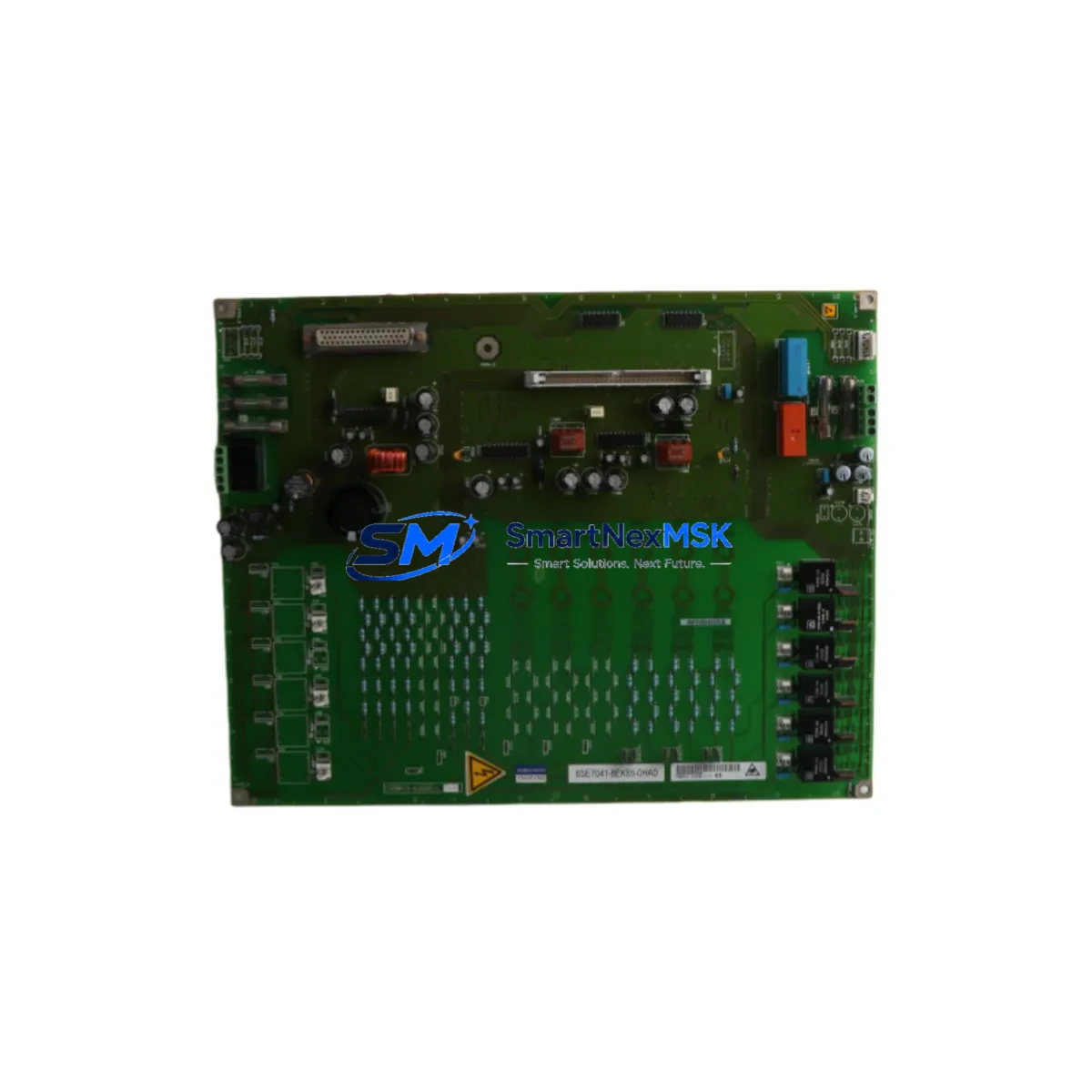
Siemens 6ES7960-1AA00-0XA0 Retrofit-Ready Sync Module for S7-400H Control Systems
The Siemens 6ES7960-1AA00-0XA0 is a synchronization module designed for the SIMATIC S7-400H high-availability redundant controller platform. As legacy S7-400H installations approach end-of-life or require capacity expansion, this module serves as the critical link between redundant CPU pairs — enabling seamless bumpless switchover and continuous process control without interruption. Whether you are replacing a failed unit, upgrading an aging control cabinet, or migrating from an earlier S7-400 standard configuration to a full H-redundancy architecture, the 6ES7960-1AA00-0XA0 is the verified retrofit solution for your system.
This module connects directly to the synchronization bus between two S7-400H CPUs — such as the 6ES7414-4HM14-0AB0 or 6ES7417-4HT14-0AB0 — via fiber-optic sync cables, maintaining real-time data mirroring across both CPU racks. During a retrofit, engineers must confirm that the existing UR2-H redundant rack or UR1 universal rack provides the correct backplane slot assignment and that the fiber-optic connectors on both ends are clean and undamaged. The module occupies a dedicated sync slot and does not consume standard I/O or communication slots.
Before installation, verify the firmware version of your active CPUs against the compatibility matrix for the 6ES7960-1AA00-0XA0. Mismatched firmware between the sync module and the CPU pair is a common cause of redundancy faults during commissioning. If your system is running an older STEP 7 project compiled under SIMATIC Manager, no program recompilation is required — the sync module operates transparently at the hardware layer and does not affect the user program logic stored in the CPU.
Upgrade Compatibility Table
| Parameter | Details |
|---|---|
| SKU / Order Number | 6ES7960-1AA00-0XA0 |
| Compatible Platform | SIMATIC S7-400H Redundant PLC System |
| Compatible CPUs | 6ES7414-4HM14-0AB0, 6ES7417-4HT14-0AB0, 6ES7412-3HJ14-0AB0 |
| Rack Compatibility | UR2-H Redundant Rack, UR1 Universal Rack |
| Interface | Fiber-optic synchronization bus (dedicated sync slot) |
| Communication Compatibility | PROFIBUS DP, Industrial Ethernet (via CP modules) |
| Replaces / Supersedes | 6ES7960-1AA00-0XA0 (same generation, drop-in replacement) |
| Installation Requirement | Dedicated sync slot; no I/O slot consumed |
| Commissioning Tool | SIMATIC Manager (STEP 7 V5.x) or TIA Portal with S7-400H support |
| Retrofit Recommendation | Verify CPU firmware version before installation |
| Warranty | 12 Months from date of shipment |
| Origin | Germany |
Retrofit Planning for Existing Automation Systems
A successful retrofit of the 6ES7960-1AA00-0XA0 into an existing S7-400H system requires careful pre-engineering. Begin by auditing the current control cabinet layout: confirm the power supply module — typically a 6ES7407-0KA02-0AA0 or 6ES7405-0KA02-0AA0 — can support the additional current draw of the new sync module alongside existing I/O cards. The S7-400H system’s total current budget on the 5 VDC backplane rail must be recalculated if additional modules are being added during the same retrofit window.
Next, review the existing I/O configuration. Digital input modules such as the 6ES7421-1BL01-0AA0 and analog output modules like the 6ES7632-2EF00-0AE3 must retain their slot addresses in the hardware configuration. Any slot renumbering during the retrofit will require a corresponding update in the STEP 7 hardware configuration and a full download to both CPUs. To avoid this, plan the sync module installation in the dedicated sync slot without disturbing existing I/O module positions.
For systems using PROFIBUS DP communication, verify that the CP 443-5 Extended communication processor or equivalent PROFIBUS master module retains its configured DP master address and baud rate settings. If the retrofit also involves upgrading the HMI — for example, migrating from a legacy SIMATIC Panel PC to a modern SIMATIC HMI TP1500 Comfort — ensure that the WinCC or WinCC flexible project is updated to reflect any tag address changes resulting from the hardware reconfiguration.
Fiber-optic sync cables connecting the two redundant CPU racks must be inspected for bend radius compliance and connector cleanliness. Contaminated fiber connectors are a leading cause of synchronization errors post-retrofit. Use an IEC 61300-3-35 compliant fiber inspection probe before reconnecting. The sync cable length must also fall within the specified maximum distance for the 6ES7960-1AA00-0XA0 to ensure signal integrity between racks.
If the retrofit includes expanding the I/O capacity via an ET 200M distributed I/O station connected over PROFIBUS, confirm that the IM 153-2 interface module firmware is compatible with the updated CPU firmware. Distributed I/O expansions are common in brownfield upgrades where the main control cabinet cannot physically accommodate additional centralized I/O modules.
Downtime Control During System Migration
Minimizing production downtime during a sync module retrofit is achievable with proper sequencing. The S7-400H architecture is specifically designed to allow one CPU to remain in RUN mode while the partner CPU is taken offline for maintenance — this is the core advantage of the H-redundancy design. To leverage this during the retrofit, first place the system into SOLO mode on the active CPU, allowing it to continue controlling the process while the standby CPU and its associated sync module are replaced.
Before switching to SOLO mode, create a full backup of the current STEP 7 project, including the hardware configuration, symbol table, and all program blocks (OBs, FBs, FCs, DBs). Store this backup on an offline engineering station — not on the PG/PC connected to the live system — to prevent accidental overwrites. The MPI or PROFIBUS programming cable used for the backup should be disconnected from the live CPU before the standby CPU is powered down.
Once the new 6ES7960-1AA00-0XA0 is installed in the standby rack and the fiber-optic sync cables are reconnected, power up the standby CPU and allow it to synchronize with the active CPU. The synchronization process is automatic and is indicated by the SYNC LED on both CPUs transitioning from flashing to steady green. Do not switch back to REDUNDANT mode until both CPUs show a synchronized state. The entire hot-swap sequence — from SOLO mode entry to full REDUNDANT mode restoration — typically takes 15 to 30 minutes for a well-prepared team, keeping production impact to an absolute minimum.
For systems where even brief SOLO operation is not acceptable, coordinate with the process engineering team to schedule the retrofit during a planned maintenance window. Use this window to also perform firmware updates on the CPUs, recalibrate analog I/O modules, and test the HMI alarm pages to confirm that all process values are displaying correctly after the hardware change.
Retrofit Support FAQ
Q1: Is the 6ES7960-1AA00-0XA0 a direct drop-in replacement for the same order number?
Yes. The 6ES7960-1AA00-0XA0 is a direct replacement for units of the same order number. No hardware configuration changes are required in STEP 7 or TIA Portal, and the existing fiber-optic sync cables and rack slot assignment remain unchanged.
Q2: What commissioning steps are required after installing the new sync module?
After physical installation and fiber-optic reconnection, power up the standby CPU and monitor the SYNC LED. Once both CPUs show synchronized status, switch the system from SOLO to REDUNDANT mode via STEP 7 or TIA Portal. Perform a full I/O force test on critical signals and verify HMI alarm pages are displaying correctly before returning the system to automatic operation.
Q3: Can this module be used with both STEP 7 Classic and TIA Portal projects?
Yes. The 6ES7960-1AA00-0XA0 is supported under both SIMATIC Manager (STEP 7 V5.x) and TIA Portal with S7-400H hardware support enabled. No program modifications are required — the sync module operates at the hardware layer and is transparent to the user program logic.
Q4: What warranty and pre-shipment testing does SMARTNEXMSK provide?
All units are covered by a 12-month warranty from the date of shipment. Each module undergoes functional verification testing prior to dispatch, including power-on self-test confirmation and visual inspection of connectors and labeling. Units are shipped in anti-static packaging with full documentation. For urgent retrofit requirements, expedited shipping options are available — contact our team for lead time confirmation.
© 2026 SMARTNEXMSK. All rights reserved.
Original Source: https://smartnexmsk.com
Contact: [email protected] | +86 18259474341



