
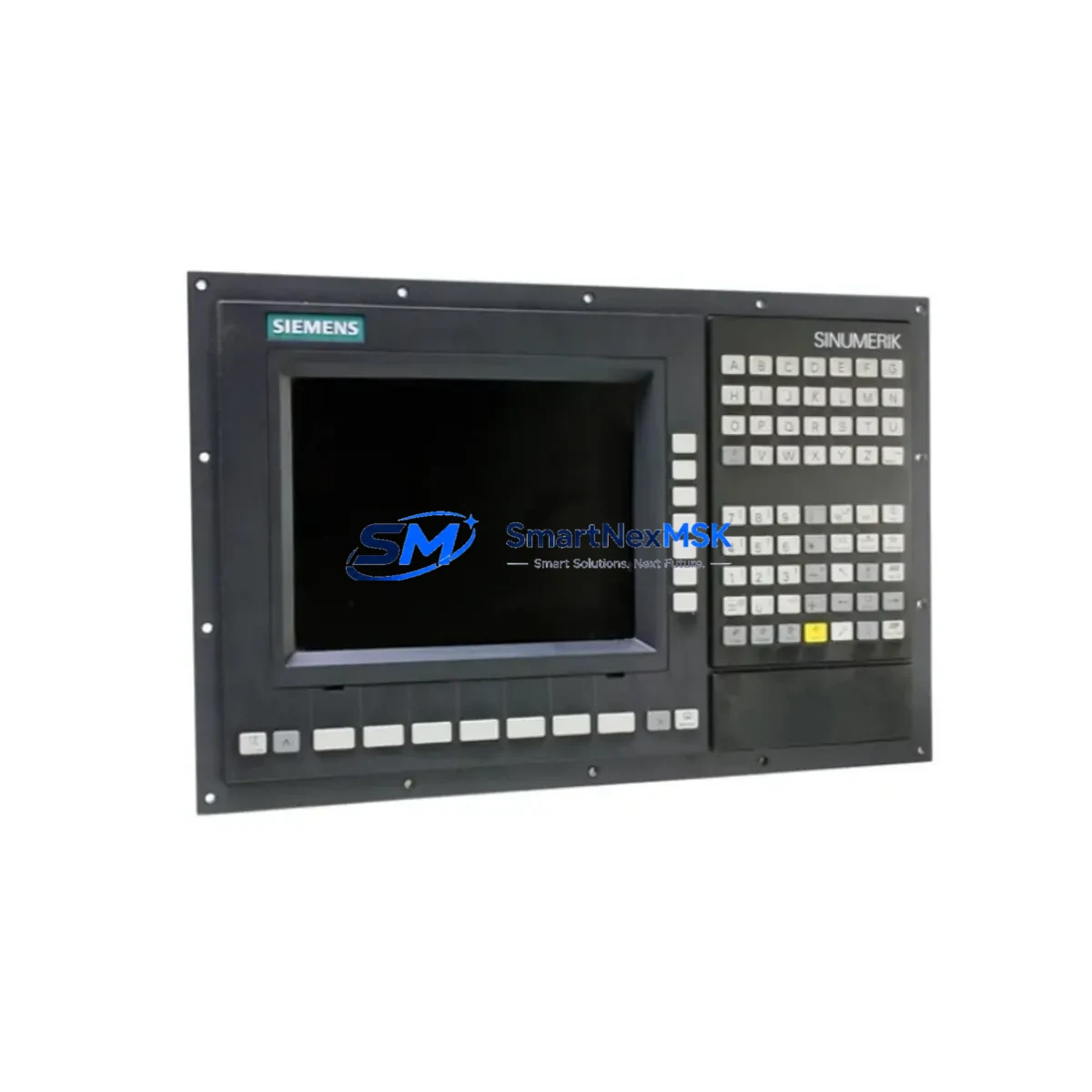
Siemens 6FC5103-0AB03-0AA3 Maintenance-Ready Spare for SINUMERIK 840D Automation
The Siemens 6FC5103-0AB03-0AA3 is an original Operator Panel Interface (OPI) unit designed for the SINUMERIK 840D CNC control platform — one of the most widely deployed high-performance CNC systems in precision machining, aerospace manufacturing, and heavy-duty industrial automation. When this interface unit fails or degrades, the entire operator station loses communication with the NCU (Numerical Control Unit), resulting in unplanned machine downtime that can cost thousands of dollars per hour in lost production. Sourcing a verified, tested replacement spare is the fastest path to restoring full CNC operation.
At SMARTNEXMSK, every 6FC5103-0AB03-0AA3 unit is sourced from authorized supply chains, individually inspected, and function-tested before dispatch. We maintain buffer stock specifically for SINUMERIK 840D components to support emergency replacement scenarios, planned maintenance shutdowns, and long-term spare parts inventory programs. Our 12-month warranty covers all shipped units, giving maintenance engineers and procurement teams the confidence to stock this part proactively.
Spare Maintenance Table
| Parameter | Specification |
|---|---|
| Part Number / SKU | 6FC5103-0AB03-0AA3 |
| Manufacturer | Siemens AG |
| Product Family | SINUMERIK 840D / 840D sl |
| Component Type | Operator Panel Interface (OPI) |
| Communication Interface | MPI / PROFIBUS-DP |
| Supply Voltage | DC 24 V (via backplane / panel bus) |
| Operating Temperature | 0 °C to +55 °C |
| Storage Temperature | -20 °C to +70 °C |
| Protection Class | IP20 (internal cabinet installation) |
| Country of Origin | Germany |
| Compatibility | SINUMERIK 840D, 840D sl, OP 010, OP 012, OP 015, PCU 20/50 |
| Mounting | DIN rail / panel cutout, standard SINUMERIK mechanical interface |
| Condition | Original, tested, function-verified |
| Warranty | 12 Months from date of shipment |
| Lead Time | In stock — ships within 1–3 business days |
Maintenance Planning for Continuous Operation
When a maintenance engineer identifies a fault in the 6FC5103-0AB03-0AA3 Operator Panel Interface, the replacement workflow should not stop at the OPI unit alone. A thorough site inspection and controlled replacement procedure requires evaluating the entire operator station and its upstream power and communication dependencies.
Begin by verifying the DC 24 V panel power supply — a degraded or noisy power rail is a common root cause of OPI communication faults and can damage a replacement unit if not corrected first. Check the PROFIBUS-DP or MPI cable and connectors running between the OPI and the NCU 840D module; corroded pins or loose termination resistors frequently cause intermittent communication errors that are misdiagnosed as OPI hardware failure.
Inspect the PCU 50 or PCU 20 Panel Control Unit that hosts the operator software — if the PCU firmware is outdated or the compact flash card is failing, a new OPI will not resolve the underlying fault. Similarly, review the NCU 840D main board for any active alarms logged in the SINUMERIK diagnostic buffer before assuming the OPI is the sole failed component.
For control cabinets running mixed I/O architectures, also inspect the SIMATIC S7-300 or ET 200M I/O modules connected via PROFIBUS to the same network segment — a faulty I/O slave can generate bus errors that cascade into OPI communication timeouts. Check SITOP power supply modules for output voltage stability and ripple, particularly in older cabinets where capacitor aging is a known issue.
If the machine uses a Siemens OP 010 or OP 012 operator panel as the physical display, verify that the panel’s internal ribbon cable and backlight inverter are intact — these wear items are often overlooked during OPI replacement. For systems with signal isolation requirements, inspect any SIEMENS SITRANS or third-party signal isolators on analog I/O channels to ensure they have not drifted out of calibration.
Procurement engineers building a comprehensive 840D spare parts kit should also consider stocking the 6FC5111-0CA01-0AA0 NCU 840D module, 6FC5210-0DF00-1AA0 PROFIBUS connector sets, and 6ES7321-series digital input modules as companion spares. Maintaining these alongside the 6FC5103-0AB03-0AA3 ensures that a single-visit repair can address the most common failure modes without waiting for additional parts to arrive.
Site Replacement Workflow
Step 1 — Safe Isolation: Follow LOTO (Lockout/Tagout) procedures. De-energize the control cabinet and discharge any residual voltage on the 24 V bus before opening the panel door.
Step 2 — Document Current Configuration: Photograph the existing wiring, PROFIBUS address switches, and any DIP switch settings on the 6FC5103-0AB03-0AA3 before removal. Record the MPI/PROFIBUS node address assigned to the OPI.
Step 3 — Remove the Faulty Unit: Disconnect the PROFIBUS-DP or MPI cable, the 24 V power connector, and any USB or Ethernet cables attached to the operator panel. Unscrew the OPI from its mounting position.
Step 4 — Configure the Replacement: Set the PROFIBUS address switches on the new 6FC5103-0AB03-0AA3 to match the documented settings. Verify firmware compatibility with the installed PCU and NCU software version if applicable.
Step 5 — Install and Reconnect: Mount the replacement unit, reconnect all cables in reverse order, and ensure PROFIBUS termination is correctly set at both ends of the bus segment.
Step 6 — Power-Up and Verify: Restore power and observe the SINUMERIK startup sequence. Confirm that the OPI establishes communication with the NCU, the operator display initializes correctly, and no PROFIBUS fault alarms are active. Run a short cycle test before returning the machine to production.
This structured workflow minimizes re-work risk, reduces total downtime, and ensures the replacement is fully validated before the machine is handed back to the production team.
Spare Parts Support FAQ
Q1: Is the 6FC5103-0AB03-0AA3 compatible with both SINUMERIK 840D and 840D sl systems?
Yes. The 6FC5103-0AB03-0AA3 OPI is compatible with both the classic SINUMERIK 840D and the 840D sl (solution line) platform when used with the appropriate PCU and operator panel hardware. Always verify the NCU and PCU software version against Siemens compatibility matrices before installation in safety-critical applications.
Q2: What is included in the 12-month warranty?
All units shipped by SMARTNEXMSK carry a 12-month warranty from the date of shipment. This covers manufacturing defects and functional failures under normal operating conditions. Each unit is function-tested prior to dispatch. Warranty claims are processed with priority support and replacement dispatch within 5 business days of fault confirmation.
Q3: How should I verify the unit before installation on-site?
Upon receipt, inspect the unit for physical damage, verify the part number label matches 6FC5103-0AB03-0AA3, and confirm DIP switch and address settings before mounting. If a bench test rig is available, power the unit at 24 V DC and verify the PROFIBUS/MPI interface initializes correctly. SMARTNEXMSK provides a pre-shipment test report on request.
Q4: Can SMARTNEXMSK support long-term supply agreements for this part?
Yes. We offer blanket order arrangements and scheduled delivery programs for maintenance teams managing multiple SINUMERIK 840D machines. Long-term supply agreements include priority stock reservation, fixed pricing for the contract period, and dedicated account support. Contact [email protected] to discuss your annual spare parts volume requirements.
© 2026 SMARTNEXMSK. All rights reserved.
Original Source: https://smartnexmsk.com
Contact: [email protected] | +86 18259474341



