
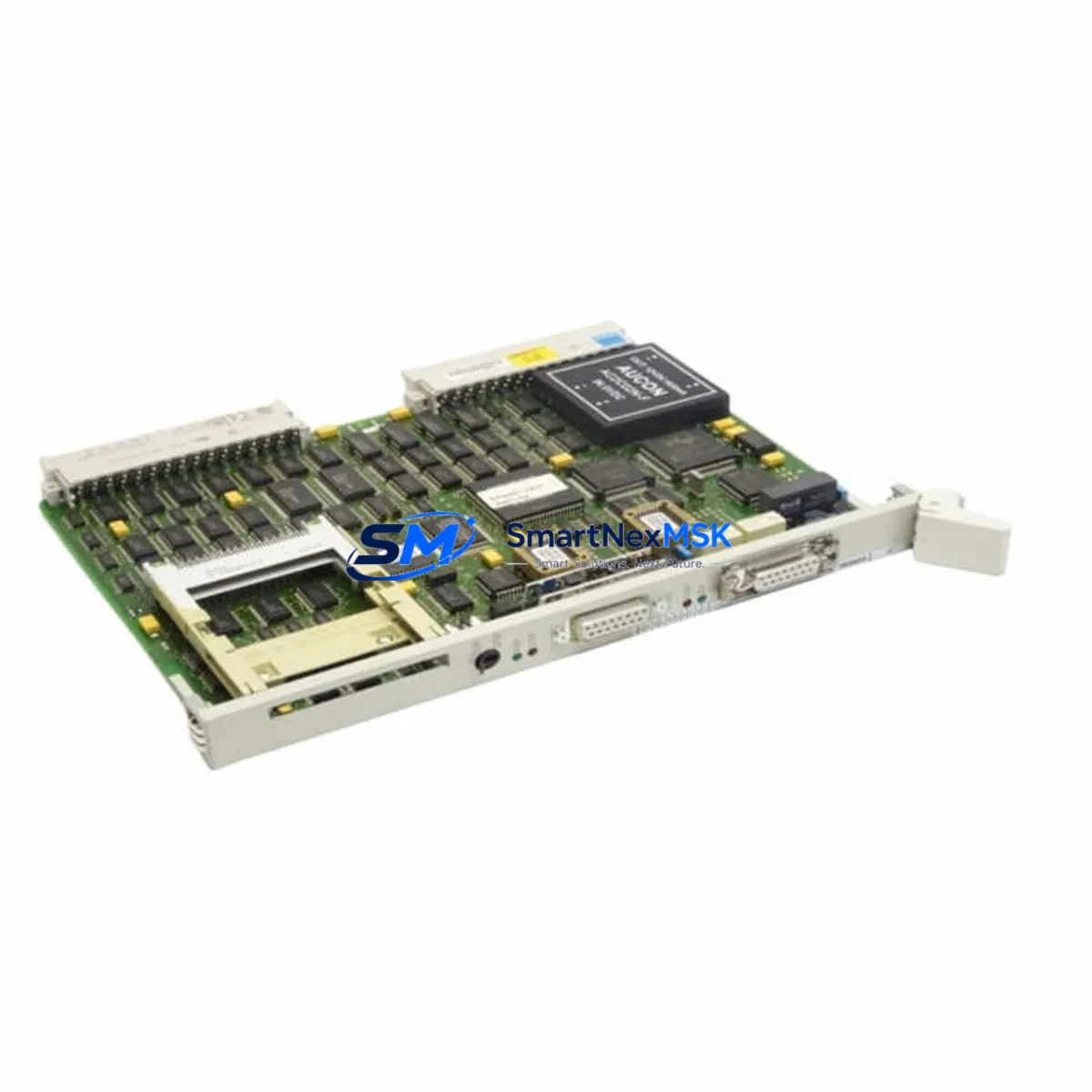
Siemens 6GK1143-0TB01 Maintenance-Ready Spare S7-300 Automation
The Siemens 6GK1143-0TB01 is a SIMATIC NET CP 143 Communications Processor designed for integration into the S7-300 PLC platform. In industrial maintenance environments, this module serves as a critical network interface between the S7-300 controller and PROFIBUS or industrial Ethernet backbones. When a CP 143 fails or reaches end-of-service life, unplanned downtime can cascade across entire production lines. Sourcing a verified, original-specification replacement — tested before dispatch and backed by a 12-month warranty — is the fastest path to restoring normal operation.
For maintenance engineers managing aging SIMATIC NET architectures, the 6GK1143-0TB01 is a direct-fit spare that eliminates the need for firmware reconfiguration or hardware adaptation. For procurement engineers, stocking this module as part of a planned spare parts inventory reduces mean time to repair (MTTR) and protects against long lead times on legacy Siemens communications hardware.
Spare Maintenance Table
| Parameter | Specification |
|---|---|
| Part Number / SKU | 6GK1143-0TB01 |
| Product Family | SIMATIC NET CP 143 |
| Compatible Platform | Siemens S7-300 PLC |
| Module Function | Communications Processor — Industrial Ethernet / PROFIBUS Interface |
| Backplane Interface | S7-300 standard backplane bus |
| Communication Protocol | PROFIBUS DP / Industrial Ethernet (TCP/IP, ISO) |
| Operating Voltage | 24 V DC (via backplane) |
| Operating Temperature | 0 °C to +60 °C |
| Mounting | DIN rail, S7-300 rack slot |
| Country of Origin | Germany |
| Weight | Approx. 300 g |
| Condition | Original, new or refurbished-to-spec |
| Pre-shipment Testing | Function-tested before dispatch |
| Warranty | 12 Months |
| Typical Application | Factory automation, process control, SCADA integration, legacy system extension |
| Maintenance Recommendation | Inspect connector pins, firmware version, and rack seating annually |
Maintenance Planning for Continuous Operation
When replacing the 6GK1143-0TB01 in a live S7-300 control cabinet, a disciplined inspection of adjacent components is essential to prevent repeat failures and ensure full system recovery. Maintenance engineers should treat this replacement as an opportunity for a broader cabinet health check.
Begin with the PS 307 power supply module (e.g., 6ES7307-1EA01-0AA0) — verify output voltage stability under load, as voltage sag is a leading cause of CP module resets and communication dropouts. Next, inspect the S7-300 backplane rack and bus connectors for oxidation or mechanical damage; a faulty rack slot can cause intermittent faults that mimic CP module failure.
Check all PROFIBUS DP connectors and termination resistors on the network segment served by this CP. Improperly terminated PROFIBUS segments generate reflections that degrade communication reliability across all connected nodes. If the system uses SIMATIC NET OLM (Optical Link Modules) for fiber-based PROFIBUS, inspect the fiber connectors and verify signal levels.
For Ethernet-connected systems, review the Industrial Ethernet switch (e.g., SCALANCE X series) port assignments and VLAN configuration. A misconfigured switch port can prevent the replacement CP from establishing communication even after correct hardware installation. Also verify the CP 343-1 or CP 343-1 Advanced modules if multiple communications processors are installed in the same rack — cross-module interference is rare but possible in high-traffic networks.
Inspect 24 V DC terminal blocks and fuse holders supplying the rack. A blown fuse or loose terminal can cause the entire rack to lose power intermittently. Check signal isolators on any analog I/O channels connected to field instruments — degraded isolation can introduce ground loops that affect digital communication modules.
If the control system includes an HMI panel (e.g., Siemens TP700 Comfort or KTP series) communicating via the CP 143, verify the HMI connection parameters after module replacement. HMI communication tags referencing the CP’s IP address or PROFIBUS node address may require re-validation. Finally, review the SM 321/SM 322 digital I/O modules and SM 331/SM 332 analog I/O modules in the rack — a CP replacement is an ideal time to confirm that all I/O modules are seated correctly and that no diagnostic alarms are pending in the CPU.
Site Replacement Workflow
Step 1 — Pre-replacement documentation: Export the current STEP 7 or TIA Portal project and record the CP module’s configured IP address, PROFIBUS node address, and any active connections. This data is required to restore communication after hardware swap.
Step 2 — Safe shutdown: Place the S7-300 CPU in STOP mode. Notify all operators and SCADA systems of the planned maintenance window. De-energize the rack using the PS 307 power switch — do not hot-swap the CP module.
Step 3 — Module removal: Disconnect all network cables from the 6GK1143-0TB01. Release the module locking mechanism and slide it out of the rack slot. Inspect the backplane connector for bent pins or contamination before installing the replacement.
Step 4 — Replacement installation: Insert the new 6GK1143-0TB01 into the same rack slot. Reconnect all network cables. Restore power via the PS 307 module and allow the CPU to complete its startup sequence.
Step 5 — Configuration restore: Using STEP 7 or TIA Portal, download the saved hardware configuration to the CPU. Verify that the CP module appears in the hardware catalog with no fault indicators. Confirm network connectivity from the engineering station.
Step 6 — Functional verification: Place the CPU in RUN mode. Monitor PROFIBUS and Ethernet diagnostic buffers for any communication errors. Confirm that all connected HMI panels, SCADA nodes, and remote I/O stations are communicating normally. Document the replacement in the maintenance log.
This workflow minimizes downtime to a single planned maintenance window and ensures full system compatibility without requiring hardware modifications or firmware updates.
Spare Parts Support FAQ
Q1: Is the 6GK1143-0TB01 a direct replacement for older CP 143 variants?
Yes. The 6GK1143-0TB01 is designed as a form-fit-function replacement within the CP 143 product family for S7-300 racks. It retains the same backplane connector, slot dimensions, and communication protocol support as earlier CP 143 variants. No hardware adaptation is required; only the STEP 7 or TIA Portal hardware configuration download is needed to restore full operation.
Q2: How is the module tested before shipment?
Each 6GK1143-0TB01 unit undergoes functional testing prior to dispatch. Testing covers power-on self-diagnostics, backplane communication integrity, and network port activity verification. A test report is available upon request. Units are packed in anti-static packaging with physical protection to prevent transit damage.
Q3: What does the 12-month warranty cover?
The 12-month warranty covers manufacturing defects and functional failures under normal operating conditions. It does not cover damage resulting from incorrect installation, overvoltage events, or environmental conditions outside the specified operating range. Warranty claims are processed with priority dispatch of a replacement unit to minimize customer downtime.
Q4: Can this module be stocked as a long-term spare for legacy S7-300 systems?
Yes. The 6GK1143-0TB01 is well-suited for long-term spare parts inventory in facilities operating legacy S7-300 automation systems. It is recommended to store the module in its original anti-static packaging in a climate-controlled environment (10–40 °C, <75% RH non-condensing). For facilities with multiple S7-300 racks using CP 143 modules, maintaining at least one spare unit per site significantly reduces MTTR in the event of an unplanned failure.
© 2026 SMARTNEXMSK. All rights reserved.
Original Source: https://smartnexmsk.com
Contact: [email protected] | +86 18259474341



