
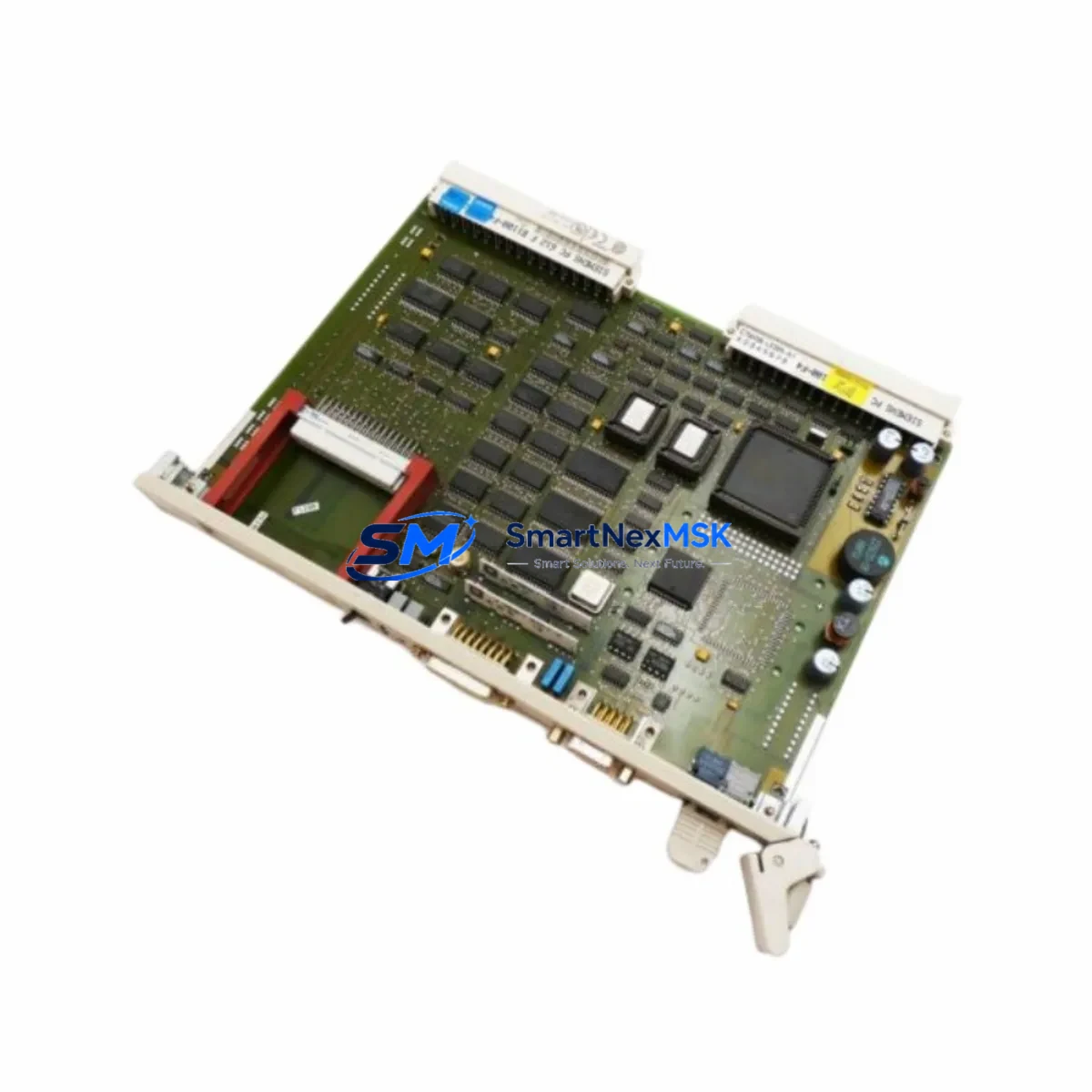
Siemens 6GK1543-1AA01 Spare for S5 PROFIBUS Automation
The Siemens 6GK1543-1AA01 is the CP5431 communications processor designed for SIMATIC S5 programmable logic controllers, providing dual-protocol PROFIBUS DP and FMS connectivity in a single module. For maintenance engineers managing aging S5-based production lines, this spare part represents a critical asset in any preventive maintenance inventory. Whether you are responding to an unplanned communication fault, executing a scheduled control cabinet inspection, or building a long-term spare parts buffer for a legacy automation system, the 6GK1543-1AA01 delivers the original electrical and protocol specifications required to restore network communication without reprogramming or reconfiguring the host controller.
In industrial environments where SIMATIC S5-115U, S5-135U, and S5-155U controllers remain in active service, the CP5431 module occupies a central role in the PROFIBUS network architecture. A failure of this module can isolate the entire DP or FMS segment, halting communication between the S5 CPU and downstream field devices such as ET 200 distributed I/O stations, SIMOVERT frequency inverters, and SIPART process controllers. Stocking a verified replacement unit of the 6GK1543-1AA01 eliminates the risk of extended downtime caused by sourcing delays for this discontinued component.
Spare Maintenance Table
| Parameter | Specification |
|---|---|
| SKU / Part Number | 6GK1543-1AA01 |
| Module Designation | CP5431 Communications Processor |
| Compatible Controllers | SIMATIC S5-115U, S5-135U, S5-155U |
| Communication Protocols | PROFIBUS DP, PROFIBUS FMS |
| Bus Speed | Up to 1.5 Mbit/s |
| Interface | 9-pin Sub-D PROFIBUS connector |
| Power Supply | 5 VDC via S5 backplane bus |
| Installation | S5 expansion rack slot (EU/ER) |
| Operating Temperature | 0 °C to +60 °C |
| Origin | Germany |
| Compatibility | Direct replacement for CP5431 in S5 racks |
| Warranty | 12-Month Warranty |
| Shipping | Tested before dispatch, fast global shipping |
Maintenance Planning for Continuous Operation
Effective maintenance planning for an S5-based PROFIBUS network requires a holistic view of the entire communication chain. When a 6GK1543-1AA01 CP5431 module is flagged for replacement during a scheduled inspection or after a fault diagnosis, maintenance and procurement engineers should simultaneously audit the surrounding components to prevent secondary failures from causing additional downtime.
Begin with the S5 backplane and rack assembly. The EU183 or EU187 expansion units that house the CP5431 should be inspected for oxidized bus connectors and cracked slot guides. The S5 power supply module — typically a PS951 or PS955 — should be load-tested to confirm it can sustain the additional current draw of a new CP5431 without voltage sag on the 5 VDC backplane rail. A marginal power supply is a common root cause of intermittent communication faults that are incorrectly attributed to the CP module itself.
On the PROFIBUS segment, inspect the bus termination resistors at both ends of the DP cable run. Incorrect or missing termination is a frequent source of communication errors after a module swap. The PROFIBUS cable connectors — particularly the 9-pin Sub-D plugs with integrated termination switches — should be replaced if the contacts show signs of corrosion or mechanical wear. For longer cable runs, verify that the PROFIBUS repeater units in the segment are functioning correctly and that their diagnostic LEDs show no fault indication.
At the field device level, the ET 200M remote I/O stations connected to the CP5431’s DP segment should be checked for address conflicts and module configuration mismatches. The IM 153 interface modules within each ET 200M rack are particularly sensitive to bus interruptions and may require a cold restart after the CP5431 is replaced. Similarly, any SIMOVERT Masterdrives or MICROMASTER frequency inverters participating in the PROFIBUS DP network should have their communication parameters verified against the GSD file configuration stored in the S5 program.
For facilities using PROFIBUS FMS alongside DP on the same CP5431, the FMS connection objects and variable lists configured in the S5 program via COM PROFIBUS software should be documented before the module is removed. The replacement 6GK1543-1AA01 must be loaded with the same FMS configuration to restore peer-to-peer communication with SIPART PS2 positioners or other FMS-capable field instruments. Keep a backup of the COM PROFIBUS project file and the S5 program on a dedicated programming device — typically a PG 740 or PG 760 — to accelerate the restoration process.
Procurement engineers building a spare parts list around the 6GK1543-1AA01 should also consider stocking the SIMATIC S5 CPU modules most commonly paired with the CP5431, such as the CPU 944 or CPU 946/947, as well as the S5 memory submodules (EPROM and RAM cartridges) that store the user program. A complete spare parts kit for an S5 PROFIBUS node should include the CP5431 module, a matched power supply, at least one set of PROFIBUS bus connectors, and a spare IM 308-C DP master interface if the system uses a separate DP master configuration.
Site Replacement Workflow
Replacing the 6GK1543-1AA01 on a live S5 system requires careful sequencing to minimize disruption to the production process. Before removing the faulty CP5431, use the S5 programming software (STEP 5) on a connected PG or PC to read out the current module parameters and note the PROFIBUS station address, DP master class, and FMS connection settings. If the system is running, coordinate with the process control team to place the affected PROFIBUS segment in a safe state — either by switching the CPU to STOP mode or by using the CP5431’s online diagnostic functions to isolate the fault without a full system shutdown.
Power down the S5 rack before physically removing the module. The CP5431 is not hot-swappable; inserting or removing it under power risks damaging the backplane bus connectors and corrupting the CPU’s internal communication tables. After seating the replacement 6GK1543-1AA01, restore power and use COM PROFIBUS or the STEP 5 hardware configuration tool to download the saved CP parameters to the new module. Verify that the PROFIBUS BUS LED on the module front panel illuminates green and that all DP slaves report online status before returning the CPU to RUN mode.
Post-replacement verification should include a full I/O force test on the ET 200 stations served by the restored DP segment, a review of the S5 diagnostic buffer for any residual communication errors, and a confirmation that all HMI screens — whether driven by a SIMATIC OP or a WinCC station via an S5 gateway — are displaying live process values correctly. Document the replacement date, the serial number of the new module, and the test results in the equipment maintenance log to support future lifecycle planning.
Spare Parts Support FAQ
Q1: Is the 6GK1543-1AA01 a direct drop-in replacement for the CP5431 already installed in my S5 rack?
Yes. The 6GK1543-1AA01 is the standard order number for the CP5431 module and installs directly into any compatible S5 expansion rack slot. No hardware modification is required. You will need to download the saved CP parameter set using COM PROFIBUS software to restore the original PROFIBUS DP and FMS configuration.
Q2: How is the module tested before shipment?
Each 6GK1543-1AA01 unit undergoes functional verification prior to dispatch, including power-on self-test confirmation and communication interface checks. Units are shipped with protective packaging to prevent ESD damage and physical shock during transit. A 12-month warranty covers any defects in materials or workmanship from the date of delivery.
Q3: Can this module support both PROFIBUS DP and FMS simultaneously?
Yes. The CP5431 (6GK1543-1AA01) supports concurrent operation of PROFIBUS DP (as a Class 1 or Class 2 master) and PROFIBUS FMS on the same physical bus segment. The protocol configuration is managed through the COM PROFIBUS configuration tool and stored in the module’s non-volatile memory. Ensure your COM PROFIBUS project file is backed up before replacing the module.
Q4: What is your lead time and do you maintain stock of this part?
We maintain ready stock of the 6GK1543-1AA01 to support urgent maintenance requirements. Standard orders are processed and dispatched within 1–3 business days. For large-quantity procurement or long-term supply agreements, contact our sales team directly to discuss availability and pricing. All units are covered by a 12-month warranty from the date of shipment.
© 2026 SMARTNEXMSK. All rights reserved.
Original Source: https://smartnexmsk.com
Contact: [email protected] | +86 18259474341



