
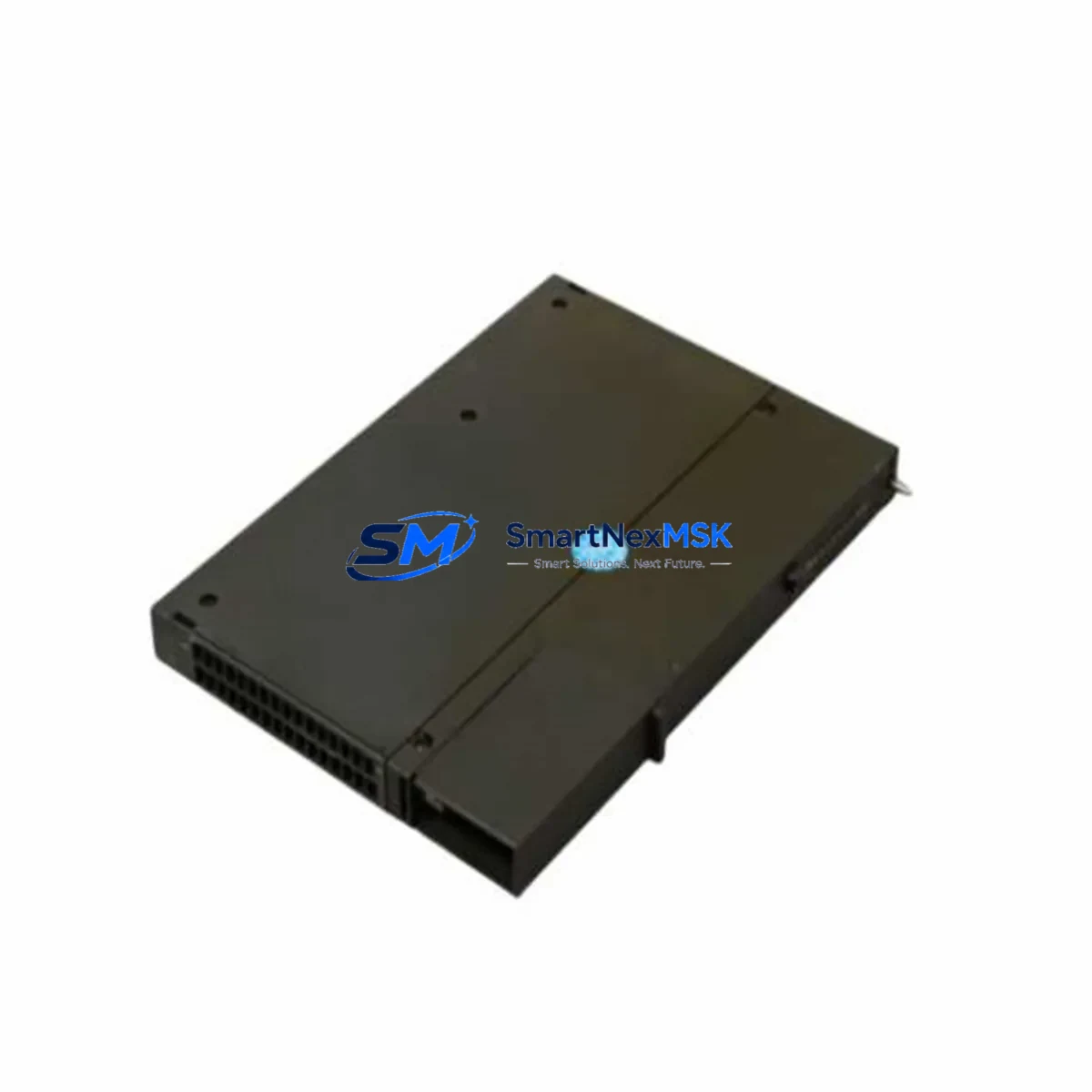
Siemens 6GK7443-1EX20-0XE0 Retrofit-Ready Ethernet CP for S7-400 Control Systems
The Siemens 6GK7443-1EX20-0XE0 is a high-performance Communications Processor (CP 443-1 EX) designed for the SIMATIC S7-400 programmable logic controller platform. As legacy S7-400 installations continue to operate across process industries, power generation, and discrete manufacturing, this module serves as the critical Ethernet backbone for both original deployments and modernization projects. Whether you are replacing a failed unit, upgrading an aging communications infrastructure, or migrating from older CP variants such as the CP 443-1 or CP 443-1 Advanced, the 6GK7443-1EX20-0XE0 provides a reliable, drop-in compatible solution that preserves existing program logic and minimizes engineering rework.
This module supports Industrial Ethernet and PROFINET IO communication, enabling seamless integration with SCADA systems, HMI panels, and distributed I/O networks. Its dual-port Ethernet interface allows direct connection to plant-level networks without additional switching hardware, simplifying cabinet layouts during retrofit projects. The module is fully compatible with STEP 7 V5.x and TIA Portal engineering environments, allowing engineers to retain existing hardware configurations and network parameter assignments during the upgrade process.
Upgrade Compatibility Table
| Parameter | Details |
|---|---|
| SKU / Order Number | 6GK7443-1EX20-0XE0 |
| Module Type | CP 443-1 EX — Communications Processor |
| Compatible Platform | SIMATIC S7-400 (all rack variants) |
| Communication Protocol | Industrial Ethernet, PROFINET IO, ISO-on-TCP, TCP/IP, UDP |
| Interface | 2 × RJ45 Ethernet (10/100 Mbps), integrated 2-port switch |
| Replaces / Upgrades From | 6GK7443-1EX11-0XE0, 6GK7443-1EX20-0XB0, CP 443-1 (earlier firmware revisions) |
| Rack / Slot Installation | S7-400 central rack (CR) or expansion rack (ER); any CP slot |
| Engineering Tool | STEP 7 V5.5+, TIA Portal V13+ |
| Power Supply Requirement | Supplied via S7-400 backplane bus; verify PS 407 or PS 405 capacity |
| Commissioning Note | IP address assignment via STEP 7 / TIA Portal; MAC address label on module front |
| Warranty | 12 Months — covers functional defects under normal operating conditions |
Retrofit Planning for Existing Automation Systems
Successful integration of the 6GK7443-1EX20-0XE0 into an existing S7-400 system begins with a thorough pre-retrofit assessment. Engineers should first audit the current rack configuration, noting the positions of the CPU 414-3 PN/DP or CPU 416-3 PN/DP, the installed power supply module (PS 407 10A or PS 405 4A), and any existing CP modules occupying communication slots. The total current draw of all installed modules must be verified against the power supply’s rated output before inserting the replacement CP, as adding a communications processor with dual Ethernet ports increases backplane bus current consumption.
Terminal wiring for Ethernet connections is straightforward — standard Cat5e or Cat6 patch cables connect the module’s RJ45 ports to the plant network switch or directly to an HMI panel such as the SIMATIC TP1500 Comfort or MP377. However, if the existing installation uses older coaxial Industrial Ethernet segments, a media converter must be introduced upstream of the CP to bridge legacy and modern network segments. During this phase, engineers should also document the existing PROFINET IO device table, including the assigned device names and IP addresses of ET 200M remote I/O stations, ET 200S distributed I/O, and any IM 153-2 interface modules connected to the network.
Before physically swapping the module, export the complete hardware configuration from STEP 7 or TIA Portal and save a backup of the CPU program, including all data blocks, function blocks, and organization blocks. If the system uses S7 communication via configured connections to other S7-400 or S7-300 CPUs, note all connection IDs and partner addresses, as these will need to be re-established after the new CP is inserted and its IP address is assigned. Systems that rely on OPC DA or OPC UA server functionality through the CP should also have their OPC configuration exported prior to the swap.
For installations where the S7-400 communicates with a WinCC SCADA server or a third-party DCS via Modbus TCP or S7 protocol, verify that the new module’s firmware version supports the same connection types. The 6GK7443-1EX20-0XE0 supports up to 64 simultaneous ISO-on-TCP and TCP/IP connections, which is typically sufficient for mid-scale process control architectures. If the plant uses a redundant network topology with a ring structure, configure the integrated switch ports for PROFINET MRP (Media Redundancy Protocol) to maintain network availability during the transition.
Downtime Control During System Migration
Minimizing unplanned downtime is the primary concern during any CP module replacement in a live production environment. The recommended approach is to perform the physical swap during a scheduled maintenance window, with the CPU placed in STOP mode only for the duration of the module exchange — typically under 15 minutes for an experienced engineer. Before initiating the STOP command, confirm that all field devices connected via PROFINET IO, including remote I/O racks and valve positioners, are in a safe state and that the process can tolerate a brief interruption.
Once the 6GK7443-1EX20-0XE0 is seated in the rack and the system is powered on, the CPU will attempt to establish communication with the new CP using the stored hardware configuration. If the module order number matches the configured entry in the hardware catalog, the CPU will recognize the module automatically and resume normal operation without requiring a full program download. In cases where the firmware version differs from the previously installed unit, a brief hardware configuration download may be required — this can be performed online without interrupting the CPU’s RUN mode in most S7-400 configurations.
To further protect program logic continuity, retain a copy of the CPU’s memory card contents before the swap. The SIMATIC S7-400 stores the complete program on a memory card (MC), so even if the CPU loses power during the exchange, the program is preserved and will reload automatically on restart. After the new CP is online, verify all PROFINET IO device connections in the diagnostics view of STEP 7 or TIA Portal, confirm that the WinCC or HMI communication links are re-established, and perform a functional test of all I/O signals before returning the system to automatic mode.
Retrofit Support FAQ
Q1: Is the 6GK7443-1EX20-0XE0 a direct drop-in replacement for the 6GK7443-1EX11-0XE0?
Yes. The 6GK7443-1EX20-0XE0 is the successor to earlier CP 443-1 variants and is physically and functionally compatible with the same S7-400 rack slots. The hardware configuration in STEP 7 or TIA Portal will need to be updated to reflect the new order number, but the IP address, connection parameters, and PROFINET IO device table can be retained without modification.
Q2: What pre-shipment testing is performed on this module?
Each 6GK7443-1EX20-0XE0 unit supplied by SMARTNEXMSK undergoes functional verification prior to dispatch, including power-on self-test confirmation, Ethernet port link integrity check, and firmware version verification. Units are shipped with original packaging where available and include a 12-month warranty covering manufacturing defects and functional failures under normal operating conditions.
Q3: Can this CP module be used in an S7-400H redundant CPU system?
The 6GK7443-1EX20-0XE0 can be installed in an S7-400H system rack, but it operates as a standard (non-redundant) communications processor. For fully redundant Ethernet communication in an H-system, a pair of CP modules installed in the two CPU racks with appropriate network configuration is required. Consult the S7-400H system manual for slot assignment rules when combining CP modules with the IM 460 / IM 461 interface modules.
Q4: What is the warranty coverage and return process?
All modules carry a 12-month warranty from the date of shipment. If a unit exhibits a functional defect within the warranty period, SMARTNEXMSK will arrange a replacement or repair at no additional cost. Customers are required to provide the original order reference and a brief description of the fault. Units that have been physically damaged, modified, or operated outside the specified voltage and temperature ranges are excluded from warranty coverage.
© 2026 SMARTNEXMSK. All rights reserved.
Original Source: https://smartnexmsk.com
Contact: [email protected] | +86 18259474341



