
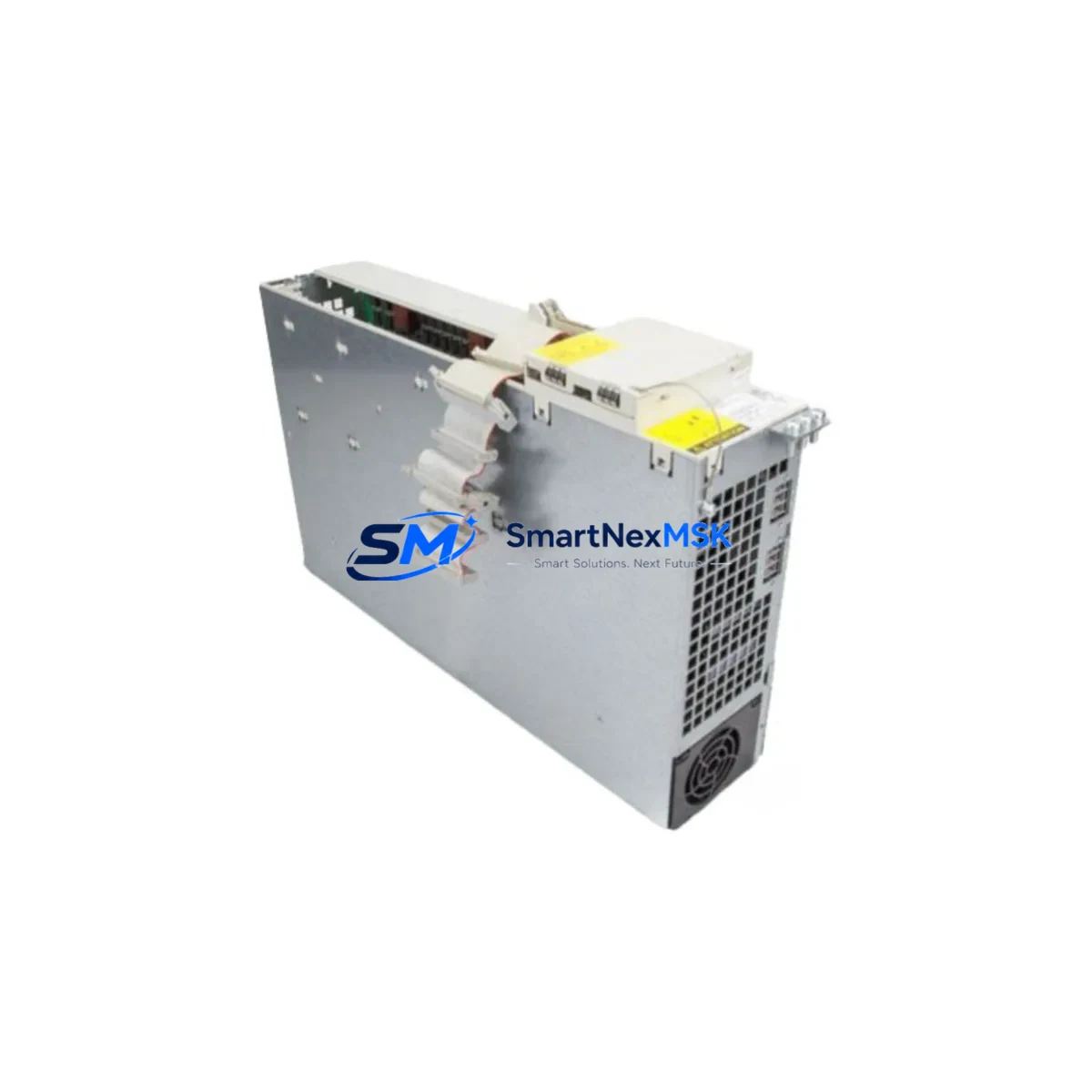
Siemens 6SN1123-1AB00-0CA3 SIMODRIVE 611 Spare Module: Spare Replacement for Industrial Downtime Control
The Siemens 6SN1123-1AB00-0CA3 is an original AC servo drive power module designed for the SIMODRIVE 611 drive system — one of Siemens’ most widely deployed servo platforms in CNC machining centers, transfer lines, and precision automation equipment. When this module fails or degrades, the entire servo axis goes offline, halting production. Maintaining a verified spare of the 6SN1123-1AB00-0CA3 in your parts inventory is a proven strategy for minimizing unplanned downtime and protecting your maintenance budget.
This unit is sourced as an original Siemens component, tested prior to shipment, and backed by a 12-month warranty. It is suitable for direct replacement in SIMODRIVE 611 cabinets without firmware reconfiguration in most standard configurations. Each unit undergoes functional verification before dispatch to ensure it meets the electrical and thermal specifications required for continuous industrial operation.
Spare Maintenance Table
| Parameter | Specification / Detail |
|---|---|
| Part Number (SKU) | 6SN1123-1AB00-0CA3 |
| Brand | Siemens |
| Series | SIMODRIVE 611 |
| Module Type | AC Servo Drive Power Module |
| Axis Configuration | Single-axis power section |
| DC Bus Voltage | 600 V DC (nominal) |
| Output Current | Rated per SIMODRIVE 611 axis module spec |
| Cooling Method | Internal fan / forced air |
| Mounting | DIN rail / cabinet backplane, SIMODRIVE 611 standard slot |
| Compatible Systems | SIMODRIVE 611A, 611D, SINUMERIK 840D/810D CNC |
| Origin | Germany (DE) |
| Condition | Original, tested before shipment |
| Warranty | 12 Months |
| Application Environment | CNC machining centers, servo presses, transfer lines, industrial robots |
| Maintenance Recommendation | Inspect DC bus capacitors, fan condition, and connector integrity at each planned maintenance interval |
Maintenance Planning for Continuous Operation
When a SIMODRIVE 611 power module such as the 6SN1123-1AB00-0CA3 is flagged for replacement during a planned shutdown or emergency fault isolation, experienced maintenance engineers know that the power module is rarely the only component requiring attention. A thorough cabinet inspection at the same service interval significantly reduces the risk of repeat failures and secondary downtime.
Begin by verifying the condition of the SIMODRIVE 611 infeed/regenerative feedback module (e.g., 6SN1145 series), which supplies the DC bus shared by all axis modules in the cabinet. A degraded infeed module can cause recurring faults on otherwise healthy power sections. Next, inspect the DC bus capacitor bank and the associated pre-charge resistor circuit — these components age in parallel with the power module and are common sources of latent faults.
Check all SIMODRIVE 611 axis control boards (e.g., 6SN1118 series) for signs of corrosion, loose ribbon connectors, or EEPROM parameter loss. The control board communicates drive parameters to the power section; a marginal control board can cause intermittent axis faults that are misdiagnosed as power module failures. While the cabinet is open, inspect the DRIVE-CLiQ or PROFIBUS DP communication cables connecting the drive system to the SINUMERIK CNC controller — damaged shielding or loose connectors are a frequent source of communication alarms on 840D/810D systems.
For the broader electrical circuit, verify the condition of the 24 V DC control power supply (e.g., SITOP series PSU) that powers the drive electronics and I/O interfaces. A sagging 24 V rail causes erratic behavior across multiple drives simultaneously. Inspect terminal blocks and PE (protective earth) connections on the power distribution rail — loose PE connections are a safety and EMC risk that can also trigger ground fault alarms. If the machine uses Siemens S7-300 or S7-400 PLC modules for axis coordination, confirm that the CPU and relevant I/O modules (e.g., SM321/SM322 digital I/O) are free of fault LEDs and that the backplane bus connector is seated correctly.
For systems with SINUMERIK operator panels (OP010, OP012, or TP015), verify HMI communication integrity and check for any pending NCK or PLC alarms that may indicate upstream issues beyond the power module itself. Finally, inspect motor feedback cables and encoder connectors on the servo motors driven by this axis — a damaged encoder cable can cause the replacement power module to fault immediately upon commissioning, leading to unnecessary re-work.
Site Replacement Workflow
Step 1 — Fault Isolation: Record all active alarms on the SINUMERIK HMI before powering down. Note the axis number, fault code, and any recent alarm history. This confirms the 6SN1123-1AB00-0CA3 as the root cause before committing to replacement.
Step 2 — Safe Isolation: Follow LOTO (Lockout/Tagout) procedures. Discharge the DC bus fully before handling the power module — SIMODRIVE 611 cabinets retain hazardous DC bus voltage for several minutes after mains disconnection. Confirm discharge with a calibrated voltmeter across the DC bus terminals.
Step 3 — Module Removal: Disconnect the motor power connector (U2/V2/W2), the DC bus bar connections, and the control board ribbon cable. Note the slot position and any parameter labels on the existing module before removal.
Step 4 — Spare Installation: Install the replacement 6SN1123-1AB00-0CA3 into the same slot. Reconnect all connectors in reverse order. Verify that the module’s rated current matches the motor nameplate requirements before powering up.
Step 5 — Commissioning Check: Power up the cabinet and monitor the SINUMERIK HMI for drive-ready status. Perform a low-speed jog test on the affected axis before returning the machine to full production speed. Confirm no residual alarms on the PLC or NCK side.
Step 6 — Documentation: Log the replacement in your maintenance management system (CMMS), including the serial number of the removed module and the replacement unit. Update your spare parts inventory accordingly.
Spare Parts Support FAQ
Q1: Is the 6SN1123-1AB00-0CA3 compatible with both SIMODRIVE 611A and 611D systems?
Yes. The 6SN1123-1AB00-0CA3 power module is mechanically and electrically compatible with both the analog (611A) and digital (611D) variants of the SIMODRIVE 611 platform. However, the axis control board (6SN1118 series) must match the system type (analog or digital). Always verify the control board variant before ordering a replacement power section.
Q2: What is the warranty coverage and what does it include?
All units are covered by a 12-month warranty from the date of shipment. The warranty covers manufacturing defects and functional failures under normal operating conditions. Each unit is tested prior to dispatch. Warranty claims are supported with replacement or repair at no additional cost within the coverage period.
Q3: How do you verify compatibility before shipment?
Our team cross-references the full SKU — including the revision suffix (0CA3) — against the SIMODRIVE 611 system configuration. We confirm DC bus voltage rating, axis current rating, and slot compatibility. For critical applications, we recommend providing your existing module’s nameplate data or SINUMERIK drive configuration file for final verification before dispatch.
Q4: Can you support long-term or repeat supply for MRO inventory programs?
Yes. We maintain stock of the 6SN1123-1AB00-0CA3 and related SIMODRIVE 611 components to support planned maintenance schedules and MRO (Maintenance, Repair & Operations) inventory programs. Blanket orders and scheduled releases are available for customers managing multi-site or high-volume maintenance programs. Contact our team to discuss supply agreements and lead time commitments.
© 2026 SMARTNEXMSK. All rights reserved.
Original Source: https://smartnexmsk.com
Contact: [email protected] | +86 18259474341



