
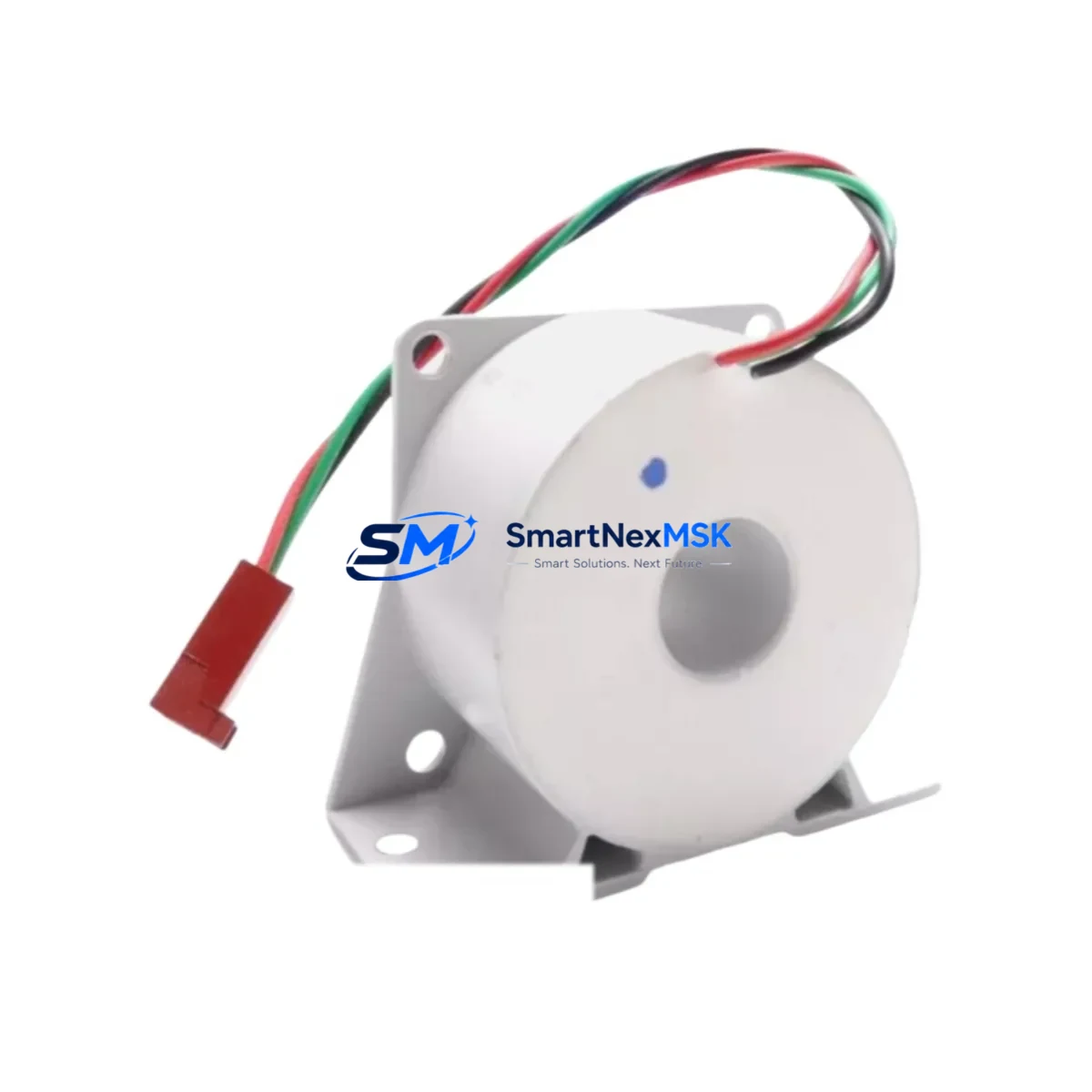
Siemens 6SY7000-0AA31 Maintenance-Ready Spare for MASTERDRIVES Automation
The Siemens 6SY7000-0AA31 is an original communication module designed for the SIMOVERT MASTERDRIVES drive system — one of Siemens’ most widely deployed variable-frequency drive platforms in industrial automation. For maintenance engineers managing aging drive cabinets, this module represents a critical spare that directly impacts system uptime, process continuity, and the ability to recover from unplanned shutdowns. Whether you are executing a planned overhaul, responding to a fault alarm, or building a strategic spare parts inventory, the 6SY7000-0AA31 is a precision-matched replacement that eliminates compatibility guesswork and reduces mean time to repair (MTTR).
In industrial environments where SIMOVERT MASTERDRIVES control conveyor systems, compressors, pumps, hoists, or production lines, a failed communication module can cascade into full process stoppage. The 6SY7000-0AA31 restores the serial or fieldbus communication link between the drive and the supervisory control layer — whether that is a Siemens S7-300, S7-400 PLC, or a PROFIBUS DP network segment. Procurement engineers sourcing this part should verify the firmware revision compatibility with the installed MASTERDRIVES base unit before dispatch.
Spare Maintenance Table
| Parameter | Specification |
|---|---|
| Part Number / SKU | 6SY7000-0AA31 |
| Brand | Siemens |
| Series | SIMOVERT MASTERDRIVES |
| Module Type | Communication Module |
| Compatible Drive Platform | SIMOVERT MASTERDRIVES VC / MC / FC Series |
| Communication Interface | Serial / PROFIBUS DP (application-dependent) |
| Origin | Germany (DE) |
| Product Condition | Original New / Tested Surplus |
| Installation Type | Plug-in module, drive cabinet slot-mount |
| Operating Temperature | 0°C to +55°C (standard industrial range) |
| Application Environment | Industrial automation, process control, motor drive systems |
| Maintenance Recommendation | Replace during scheduled drive overhaul or on communication fault alarm |
| Warranty | 12 Months |
| Shipping | Tested before dispatch, global express available |
Maintenance Planning for Continuous Operation
When replacing the 6SY7000-0AA31 communication module during a scheduled or emergency maintenance window, experienced maintenance engineers treat this as an opportunity to inspect the entire drive cabinet and associated control circuit. A communication module failure rarely occurs in isolation — it is often preceded or accompanied by degradation in adjacent components.
Begin by inspecting the MASTERDRIVES base unit power supply board and DC bus capacitors, as voltage ripple or supply instability can stress communication circuitry over time. Check the 24VDC auxiliary power supply feeding the control electronics — a failing SITOP PSU100S or equivalent regulated power supply is a common root cause of intermittent communication faults. Verify the PROFIBUS DP cable termination resistors and connector shielding at both ends of the fieldbus segment, as poor shielding is a frequent source of communication errors that are misdiagnosed as module failures.
On the I/O side, inspect the digital input/output terminal blocks and any associated relay output modules in the same cabinet. Siemens SIRIUS 3RH or 3RT contactors and overload relays in the motor starter circuit should be checked for contact wear if the drive has been cycling frequently. If the MASTERDRIVES unit communicates with a Siemens OP7, OP17, or TP177 HMI panel, verify the HMI communication cable and panel firmware version for compatibility with the replacement module.
For systems using signal isolation between the drive and the DCS or PLC, inspect any PHOENIX CONTACT or WAGO signal isolators and barriers in the 4–20mA speed reference or feedback loop. Fuse holders and miniature circuit breakers (MCBs) protecting the control voltage circuit should also be tested for continuity and proper rating. Finally, review the backplane connector on the drive unit where the 6SY7000-0AA31 seats — corrosion or bent pins on the slot connector can cause intermittent faults even with a new module installed.
Building a minimum viable spare parts kit around the 6SY7000-0AA31 for a MASTERDRIVES installation should include: a spare MASTERDRIVES power module of the same current rating, a replacement control board (CU), at least one spare PROFIBUS connector with termination switch, a set of spare fuses for the DC bus protection, and a backup copy of the drive parameter set stored on a PC Card or via STARTER/DriveMonitor software.
Site Replacement Workflow
Before removing the 6SY7000-0AA31 from the failed drive, document the existing parameter set using Siemens STARTER or DriveMonitor software if the drive is still partially functional. If the drive is completely unresponsive, retrieve the parameter backup from your site documentation or CMMS system. Power down the drive cabinet following the site LOTO (Lockout/Tagout) procedure and allow the DC bus capacitors to discharge fully — verify with a calibrated multimeter before touching any internal components.
Remove the faulty communication module by releasing the retaining latch and sliding it out of the slot. Insert the replacement 6SY7000-0AA31, ensuring the edge connector seats fully and the latch engages. Reconnect the PROFIBUS or serial cable and restore power. Use the drive keypad or HMI to verify that the communication status LED on the new module indicates an active link. Reload the parameter set if required and perform a no-load test run before reconnecting the motor load.
For legacy MASTERDRIVES installations where the original firmware version is no longer available, our technical team can advise on compatible firmware revisions and parameter migration paths. This is particularly relevant for systems that have been in service for more than 10 years and are being extended rather than replaced — a common strategy in process industries where full drive replacement would require extended downtime and re-commissioning.
Spare Parts Support FAQ
Q1: Is the 6SY7000-0AA31 compatible with all SIMOVERT MASTERDRIVES variants?
The 6SY7000-0AA31 is designed for the SIMOVERT MASTERDRIVES platform. Compatibility depends on the specific drive variant (VC, MC, or FC) and firmware version. We recommend confirming the drive’s order number and firmware revision before ordering. Our technical team can assist with compatibility verification at no charge.
Q2: What testing is performed before shipment?
Every 6SY7000-0AA31 unit is powered-on tested and communication-function verified before dispatch. Units sourced from tested surplus stock are inspected for physical condition, connector integrity, and basic electrical function. A test report is available on request for critical applications.
Q3: How should this spare part be stored in a maintenance inventory?
Store the 6SY7000-0AA31 in its original anti-static packaging in a dry, temperature-controlled environment (10°C–40°C, <75% RH non-condensing). Avoid storing near strong magnetic fields or high-vibration areas. Label with the purchase date and record in your CMMS for lifecycle tracking. Recommended maximum storage period before installation is 3 years.
Q4: What does the 12-month warranty cover?
The 12-month warranty covers manufacturing defects and functional failure under normal operating conditions as specified in the Siemens MASTERDRIVES technical documentation. It does not cover damage caused by incorrect installation, overvoltage events, or operation outside rated parameters. Warranty claims are processed with a replacement unit dispatched after fault confirmation.
© 2026 SMARTNEXMSK. All rights reserved.
Original Source: https://smartnexmsk.com
Contact: [email protected] | +86 18259474341



