
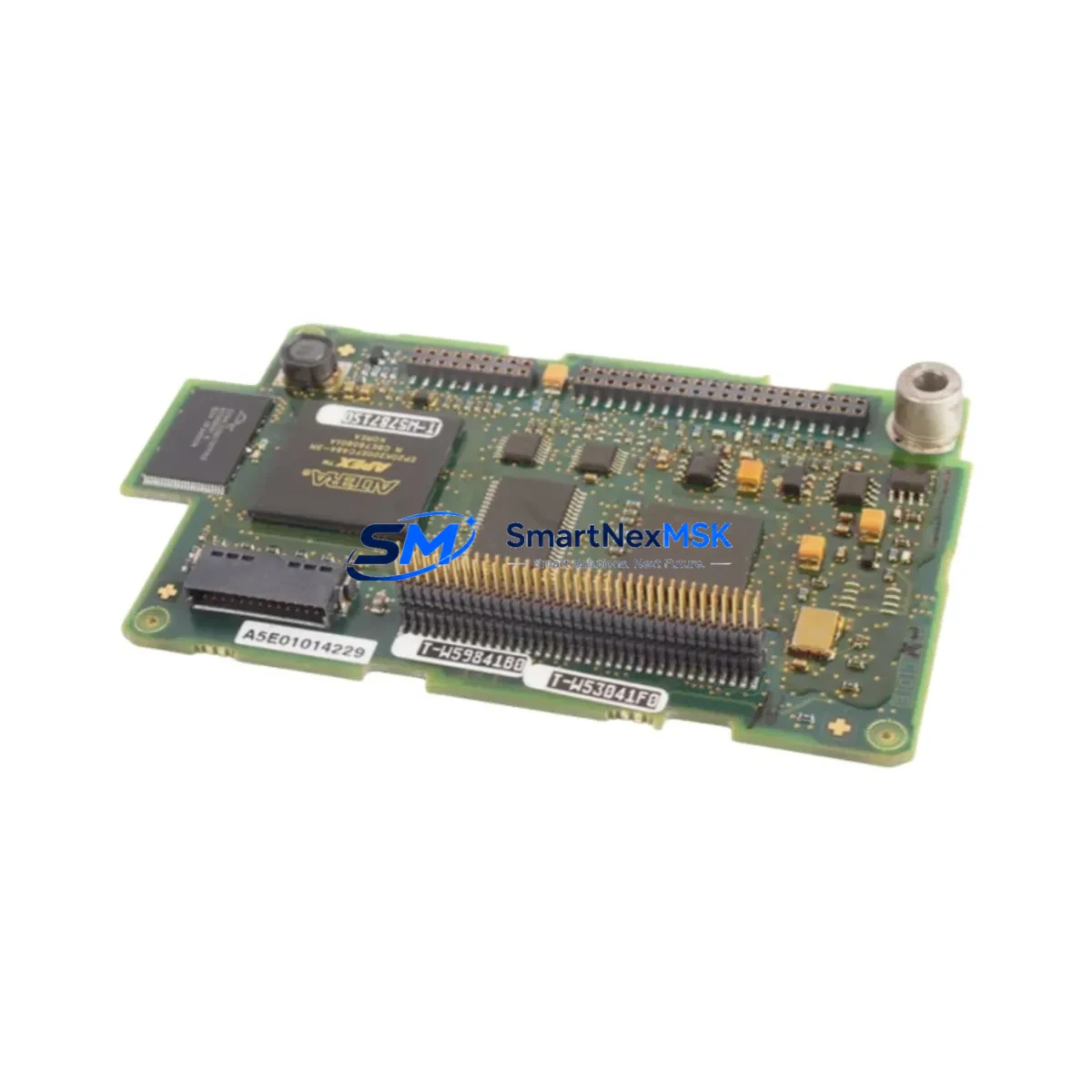
Siemens A5E01014229 Retrofit-Ready Motor Control Module for SINAMICS G130, G150 & S120 Control Systems
The Siemens A5E01014229 is a retrofit-ready motor control module engineered for seamless integration into existing SINAMICS G130, G150, and S120 drive platforms. As legacy drive systems approach end-of-life or face discontinued spare parts availability, the A5E01014229 provides a verified drop-in upgrade path that preserves existing wiring infrastructure, reduces engineering rework, and minimizes production downtime. Whether you are replacing a failed unit in a running line or executing a planned control cabinet modernization, this module delivers the compatibility and reliability that industrial automation engineers demand.
Sourced from verified supply channels and subject to pre-shipment functional testing, each A5E01014229 unit ships with a 12-month warranty covering manufacturing defects and operational failures under normal industrial service conditions. Inventory is maintained in stock to support urgent replacement requirements and scheduled maintenance windows alike.
Upgrade Compatibility Table
| Parameter | Details |
|---|---|
| Compatible Series | SINAMICS G130, G150, S120 |
| Module Type | Motor Control Module (MCM) |
| Installation Interface | Direct backplane slot replacement; no mechanical modification required |
| Communication Compatibility | PROFIBUS DP, PROFINET IO (firmware-dependent); verify drive firmware version before installation |
| Replacement Recommendation | Direct replacement for failed or end-of-life A5E01014229 units in G130/G150/S120 cabinets |
| Commissioning Notes | Parameter upload from existing drive recommended via STARTER or Startdrive before swap; re-download after installation |
| Power Supply Compatibility | Verify DC bus voltage and 24 VDC auxiliary supply capacity before installation |
| Warranty | 12 months from date of shipment |
Retrofit Planning for Existing Automation Systems
Successful retrofit of the A5E01014229 into an operational SINAMICS G130 or G150 cabinet begins with a thorough pre-replacement audit. Engineers should document the existing parameter set using the SINAMICS STARTER commissioning tool or the newer Startdrive software environment, saving a full parameter backup to a PC or the onboard memory card before any hardware is disturbed. This backup is critical: it captures motor data, ramp times, PID configurations, and any application-specific function blocks that would otherwise require manual re-entry.
Terminal wiring on the A5E01014229 follows the standard SINAMICS terminal block layout. Before disconnecting the existing module, photograph or document all terminal assignments, particularly the digital input/output connections routed from the customer terminal block (CU320-2 or CX32-2 controller unit) and any analog setpoint signals from the supervisory PLC. In S120 multi-axis configurations, the A5E01014229 interfaces with the Control Unit CU320-2 DP or CU320-2 PN via the DRIVE-CLiQ communication link — confirm that the DRIVE-CLiQ cable and hub (DMC20 or DME20) are in serviceable condition before proceeding.
For cabinets that also house a Siemens SINAMICS S120 Active Line Module (ALM) or Basic Line Module (BLM), verify that the DC link capacitor pre-charging circuit is functioning correctly, as a faulty pre-charge sequence can damage a newly installed motor module. Similarly, if the installation includes a Braking Module and braking resistor assembly, inspect the resistor connections and thermal cutout status before energizing the replacement module.
In retrofit projects involving protocol migration — for example, transitioning from PROFIBUS DP to PROFINET IO — the A5E01014229 must be paired with a compatible Control Unit firmware version. Consult the SINAMICS firmware compatibility matrix and update the CU320-2 firmware via STARTER or TIA Portal before swapping the motor module. If the supervisory system is a Siemens SIMATIC S7-300 or S7-400 PLC communicating over PROFIBUS, the existing GSD file and hardware configuration in STEP 7 remain valid; no re-configuration of the PLC rack or CP 342-5 communications processor is required unless the drive node address has changed.
For sites running SIMATIC S7-1500 controllers with TIA Portal V15 or later, the drive object can be re-integrated using the existing iParameter backup, significantly reducing re-commissioning time. HMI screens built on SIMATIC WinCC or WinCC Flexible that reference drive parameters via PROFIBUS or PROFINET data blocks will continue to function without modification, provided the parameter mapping is preserved in the backup restore.
I/O expansion modules such as the TM31 Terminal Module or TM15 Terminal Module, commonly used to extend digital and analog I/O in SINAMICS cabinets, are unaffected by the motor module replacement and do not require re-addressing. However, if the retrofit involves adding a new TM54F Safety Terminal Module for STO (Safe Torque Off) or SS1 (Safe Stop 1) functions, the safety commissioning must be re-validated and the safety checksum re-confirmed in accordance with IEC 62061 or ISO 13849 requirements.
Downtime Control During System Migration
Minimizing production downtime during an A5E01014229 replacement requires disciplined pre-staging and a structured swap procedure. The recommended approach is to pre-configure the replacement module offline using a SINAMICS parameter file loaded via STARTER before the maintenance window begins. This eliminates the need for live parameter entry during the outage and reduces the active swap time to physical installation, DRIVE-CLiQ reconnection, and a brief functional verification sequence.
Where process continuity is critical — for example, in continuous process lines or climate-controlled environments — consider staging the replacement during a scheduled preventive maintenance interval rather than waiting for a failure event. Having a pre-tested A5E01014229 unit on the shelf, with parameters pre-loaded and verified against the production backup, reduces mean time to repair (MTTR) to under two hours in most cabinet configurations.
After physical installation, the commissioning sequence should follow the standard SINAMICS first-commissioning checklist: confirm 24 VDC auxiliary power, verify DRIVE-CLiQ topology recognition in STARTER or Startdrive, restore the parameter backup, perform a motor identification run if the motor data has changed, and execute a test run at reduced speed before returning the drive to automatic control from the supervisory PLC. Document the completed commissioning steps and update the cabinet maintenance log to support future audits and warranty claims.
Retrofit Support FAQ
Q: Is the A5E01014229 a direct drop-in replacement for the original unit in my SINAMICS G130 cabinet?
A: Yes. The A5E01014229 is designed as a direct slot replacement within the SINAMICS G130 and G150 cabinet platforms. No mechanical modification to the cabinet or backplane is required. Restore your parameter backup after installation to return the drive to its original operating configuration.
Q: Do I need to re-commission the drive after replacing the motor module?
A: A parameter restore from a pre-saved backup via STARTER or Startdrive is required. If a backup is not available, a full first-commissioning procedure including motor data entry and motor identification run will be necessary. We strongly recommend saving a parameter backup before beginning any hardware replacement.
Q: What pre-shipment testing is performed on the A5E01014229?
A: Each unit undergoes functional power-on testing and visual inspection prior to shipment. Units are verified for correct DRIVE-CLiQ communication response and basic control circuit operation. A 12-month warranty from the date of shipment covers manufacturing defects and operational failures under normal service conditions.
Q: Can this module be used in an S120 multi-axis configuration alongside other Motor Modules?
A: Yes, the A5E01014229 is compatible with S120 booksize and chassis format multi-axis configurations. Ensure that the DC link power budget is recalculated if the replacement unit has a different power rating than the original, and confirm DRIVE-CLiQ hub (DMC20/DME20) port availability before installation.
© 2026 SMARTNEXMSK. All rights reserved.
Original Source: https://smartnexmsk.com
Contact: [email protected] | +86 18259474341



