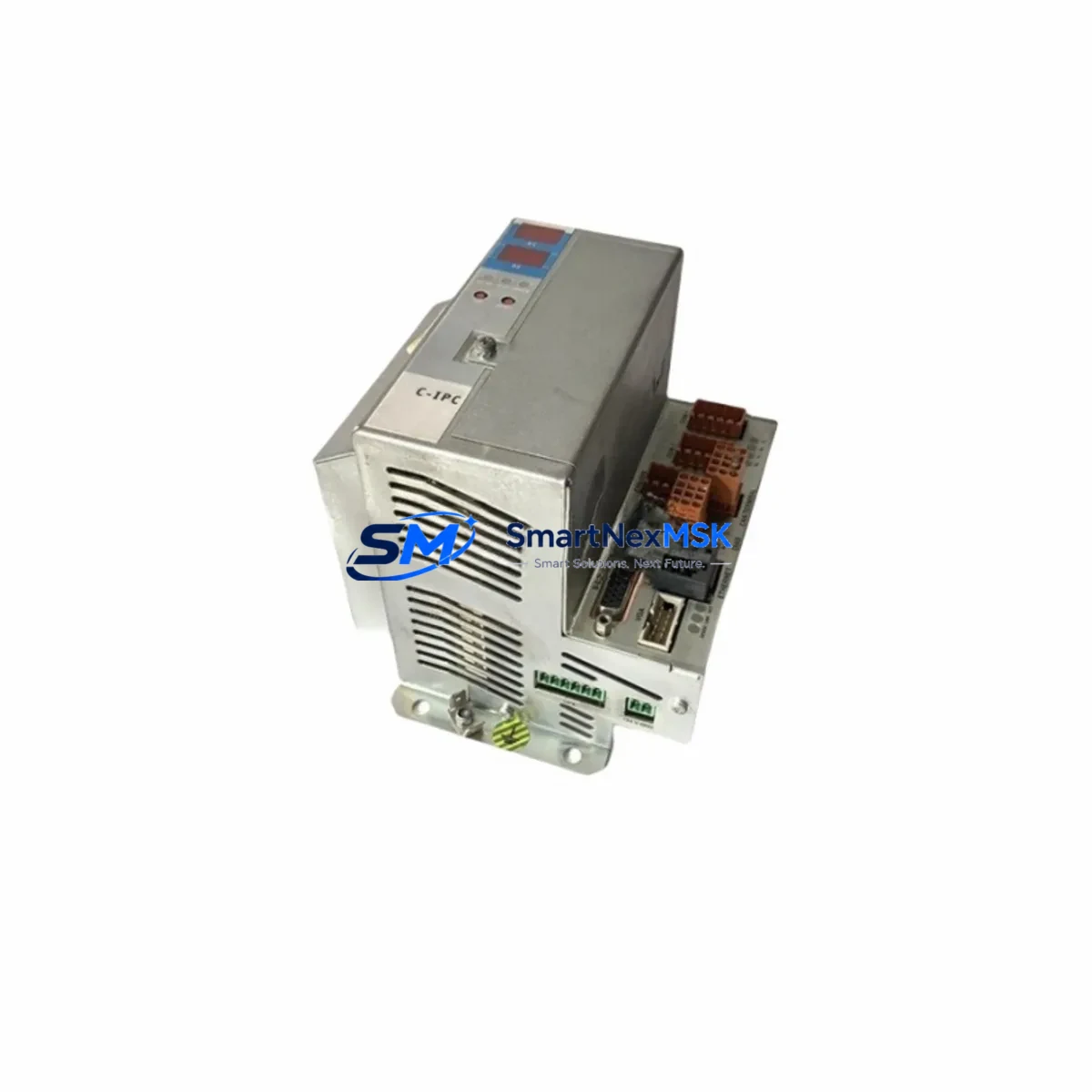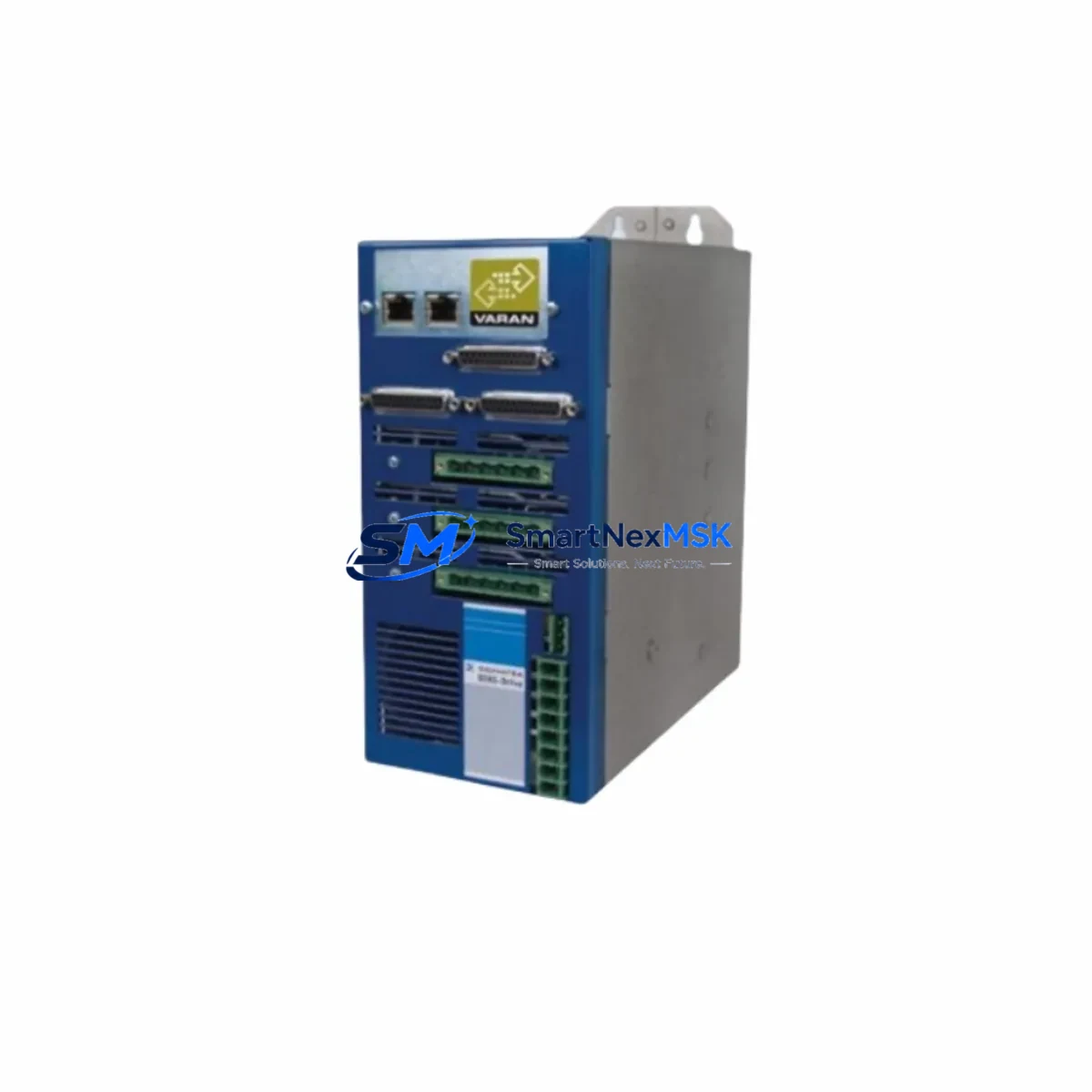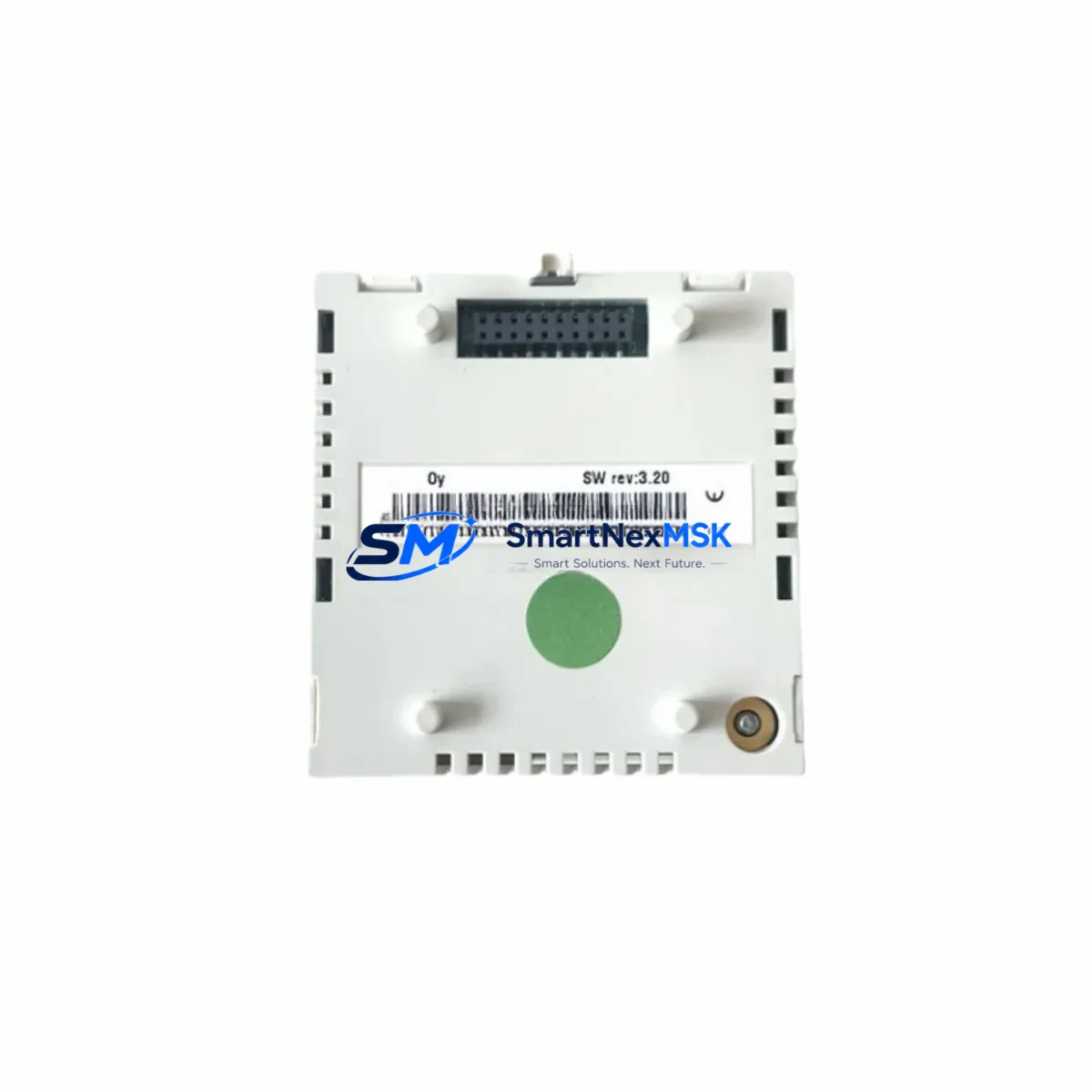
SIGMATEK DIP011 05-058-011 Spare for DIAS Automation: Spare Replacement & Downtime Risk Control
The SIGMATEK DIP011 05-058-011 is an original digital input module designed for the DIAS (Distributed Industrial Automation System) platform. In industrial environments where control cabinet uptime is non-negotiable, maintaining a verified spare of this module is a frontline strategy against unplanned downtime. Whether you are managing a scheduled maintenance window, responding to a fault alarm, or conducting a routine control cabinet inspection, having a tested and ready DIP011 05-058-011 on the shelf eliminates the most critical delay in the restoration workflow: sourcing time.
This module handles discrete digital signal acquisition within the DIAS backplane architecture. Its failure — whether caused by electrical surge, connector wear, firmware incompatibility after a system update, or simple end-of-life degradation — directly interrupts I/O communication between field devices and the SIGMATEK CPU. Maintenance engineers familiar with DIAS topology understand that a single failed input module can mask multiple downstream faults, making rapid identification and replacement essential to restoring accurate system diagnostics.
Spare Maintenance Table
| Parameter | Specification / Detail |
|---|---|
| SKU / Part Number | DIP011 05-058-011 |
| Brand | SIGMATEK |
| Series | DIAS (Distributed Industrial Automation System) |
| Module Type | Digital Input Module |
| Origin | Austria (AT) |
| Signal Type | Digital Input (DI), discrete 24 VDC field signals |
| Backplane Compatibility | SIGMATEK DIAS backplane; compatible with DIAS-series racks and CPU modules |
| Installation | DIN rail / DIAS backplane slot mounting; hot-swap subject to system configuration |
| Application Environment | Industrial control cabinets, machine automation, process control, OEM machinery |
| Maintenance Recommendation | Inspect connector pins and backplane contacts during scheduled PM; verify LED status indicators on power-up; replace if input channel faults are persistent after wiring check |
| Condition | Original, new or tested-good surplus; pre-shipment functional verification |
| Warranty | 12 Months |
| Lead Time | In-stock; same-day or next-business-day dispatch available |
| Supply Scope | Long-term B2B spare parts supply; OEM and end-user procurement supported |
Maintenance Planning for Continuous Operation
When a SIGMATEK DIP011 05-058-011 is flagged for replacement during a fault isolation procedure or a planned inspection cycle, experienced maintenance engineers treat this as a trigger to audit the surrounding control architecture. The DIAS system is modular by design, and the health of the digital input module is closely tied to the condition of adjacent components sharing the same backplane, power rail, and communication bus.
Begin with the SIGMATEK DIAS power supply module feeding the rack. A degraded or undersized power supply is a common root cause of intermittent input module faults that are misdiagnosed as module failure. Verify output voltage stability under load before committing to a module swap. Similarly, inspect the DIAS backplane itself — connector oxidation or mechanical damage to the backplane bus can cause sporadic channel errors that follow the slot, not the module.
On the field wiring side, check the terminal blocks and wiring harnesses connected to the DIP011’s input channels. Loose terminations, corroded conductors, or undersized cable cross-sections are frequent contributors to false input states. If the system includes signal isolators or signal conditioners between field sensors and the input module, verify their output voltage levels and isolation integrity — a failing isolator can inject noise that corrupts digital input readings without triggering a hard fault.
For systems where the DIP011 interfaces with safety-critical field devices, cross-check the status of any associated safety relays or monitoring relays in the same circuit. These components share the operational lifecycle of the input module and are often overlooked during single-component replacements. If the control cabinet includes a SIGMATEK digital output module (DOP series) in the same rack, inspect it concurrently — output modules in adjacent slots are subject to the same thermal and electrical stress conditions.
Where the DIAS system communicates upstream to a supervisory layer, verify the SIGMATEK communication module or fieldbus interface (such as PROFIBUS or CANopen gateway modules used in DIAS configurations) is operating without error flags. A communication module fault can cause the CPU to misreport input module status, leading to unnecessary replacements. Finally, if the installation includes a SIGMATEK HMI or operator panel, confirm that the I/O mapping and tag assignments for the replaced module’s channels are correctly reflected in the HMI runtime after the swap — configuration drift is a common post-replacement issue in long-running DIAS installations.
Procurement engineers building a spare parts inventory for DIAS-based systems should consider stocking the DIP011 05-058-011 alongside compatible analog input modules (AIP series) and digital output modules (DOP series) to cover the full I/O layer of the control cabinet. A balanced spare inventory reduces mean time to repair (MTTR) across the entire system, not just for individual module failures.
Site Replacement Workflow
Replacing the SIGMATEK DIP011 05-058-011 in a live DIAS installation follows a structured sequence to minimize downtime and avoid configuration errors. Before physical removal, document the current channel assignment and I/O mapping from the SIGMATEK engineering software (LASAL or equivalent). Note the slot position within the DIAS rack, as the system addresses modules by physical slot — an incorrect reinstallation position will cause the CPU to report a configuration mismatch fault.
Power down the affected rack segment according to your site’s lockout/tagout (LOTO) procedure. Disconnect field wiring from the module’s terminal connectors, labeling each wire if pre-existing labels are absent or illegible. Remove the module from the backplane slot and inspect the backplane connector for damage before inserting the replacement DIP011 05-058-011. Seat the new module firmly and reconnect field wiring in the documented sequence.
On power restoration, observe the module’s LED status indicators: a steady green run LED with no fault indication confirms successful initialization. Perform a channel-by-channel input verification using the SIGMATEK diagnostic tools or HMI I/O status screens to confirm all field signals are correctly read. This step is critical when replacing a module in a system that has been running the same hardware configuration for several years, as firmware versions between the old and new module may differ slightly — verify compatibility with your DIAS CPU firmware version before closing the cabinet.
For legacy DIAS installations where the DIP011 05-058-011 is no longer available through the original equipment manufacturer’s standard supply chain, sourcing a tested original spare from a specialist industrial parts supplier is the most reliable path to maintaining system compatibility without undertaking a costly platform migration. This approach extends the operational life of existing DIAS infrastructure while preserving the validated control logic and I/O architecture that maintenance teams are already trained on.
Spare Parts Support FAQ
Q1: What is the expected service life of the SIGMATEK DIP011 05-058-011, and when should I plan for replacement?
The DIP011 05-058-011, like most industrial digital input modules, does not have a fixed calendar-based end-of-life under normal operating conditions. Replacement is typically triggered by persistent channel faults that cannot be resolved through wiring correction, backplane cleaning, or firmware update. For high-cycle or harsh-environment installations, a proactive replacement interval of 8–12 years is a reasonable planning benchmark. Maintaining at least one verified spare per installed rack is the recommended inventory strategy for continuous-process facilities.
Q2: How do I confirm compatibility between a replacement DIP011 05-058-011 and my existing DIAS CPU and backplane?
Compatibility is confirmed by matching the full part number (05-058-011) and verifying that the replacement module’s hardware revision is supported by your installed DIAS CPU firmware version. In most DIAS configurations, the CPU performs an automatic module recognition check on startup — a configuration fault alarm at this stage indicates a revision mismatch. Contact your SIGMATEK system integrator or refer to the LASAL project file for the minimum supported module revision. Our team can provide hardware revision details for each unit prior to shipment upon request.
Q3: What pre-shipment testing is performed on the DIP011 05-058-011 before dispatch?
Each unit undergoes a functional verification process prior to shipment, including power-on self-test confirmation, visual inspection of backplane connectors and housing, and channel integrity checks where test equipment permits. Units are shipped in anti-static packaging with individual identification. A 12-month warranty covers functional defects identified after installation under normal operating conditions. Expedited dispatch is available for urgent breakdown situations.
Q4: Can the DIP011 05-058-011 be used as a direct replacement for older DIAS digital input module variants?
The DIP011 05-058-011 is designed for the SIGMATEK DIAS platform and is generally backward-compatible within the DIP011 module family, subject to firmware and backplane generation constraints. For installations using earlier DIAS rack generations, confirm backplane connector compatibility before installation. If your system uses a mixed-generation DIAS rack, our technical team can assist with compatibility verification based on your CPU part number and LASAL project version. We do not recommend substituting with non-SIGMATEK third-party input modules, as DIAS uses a proprietary backplane communication protocol.
© 2026 SMARTNEXMSK. All rights reserved.
Original Source: https://smartnexmsk.com
Contact: [email protected] | +86 18259474341