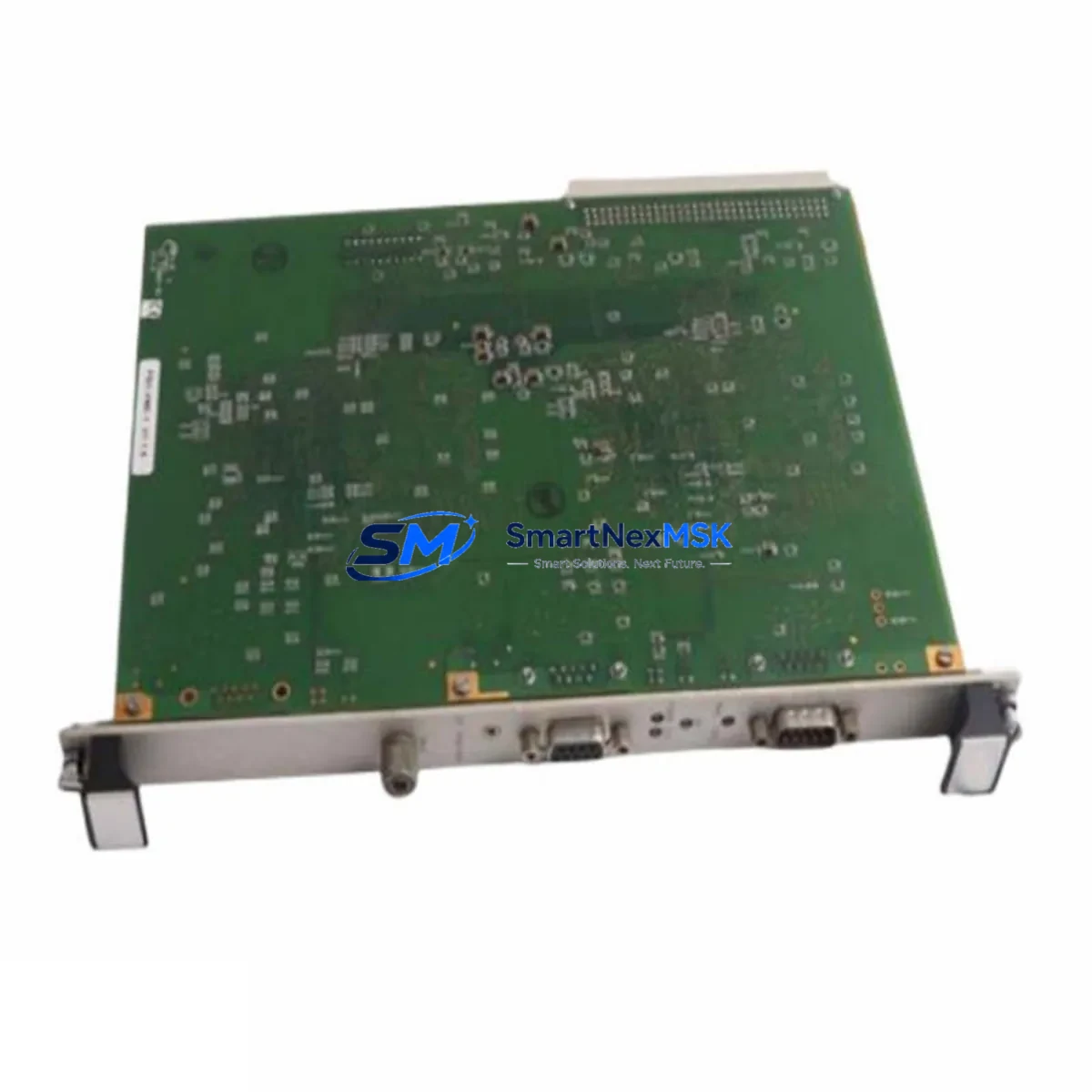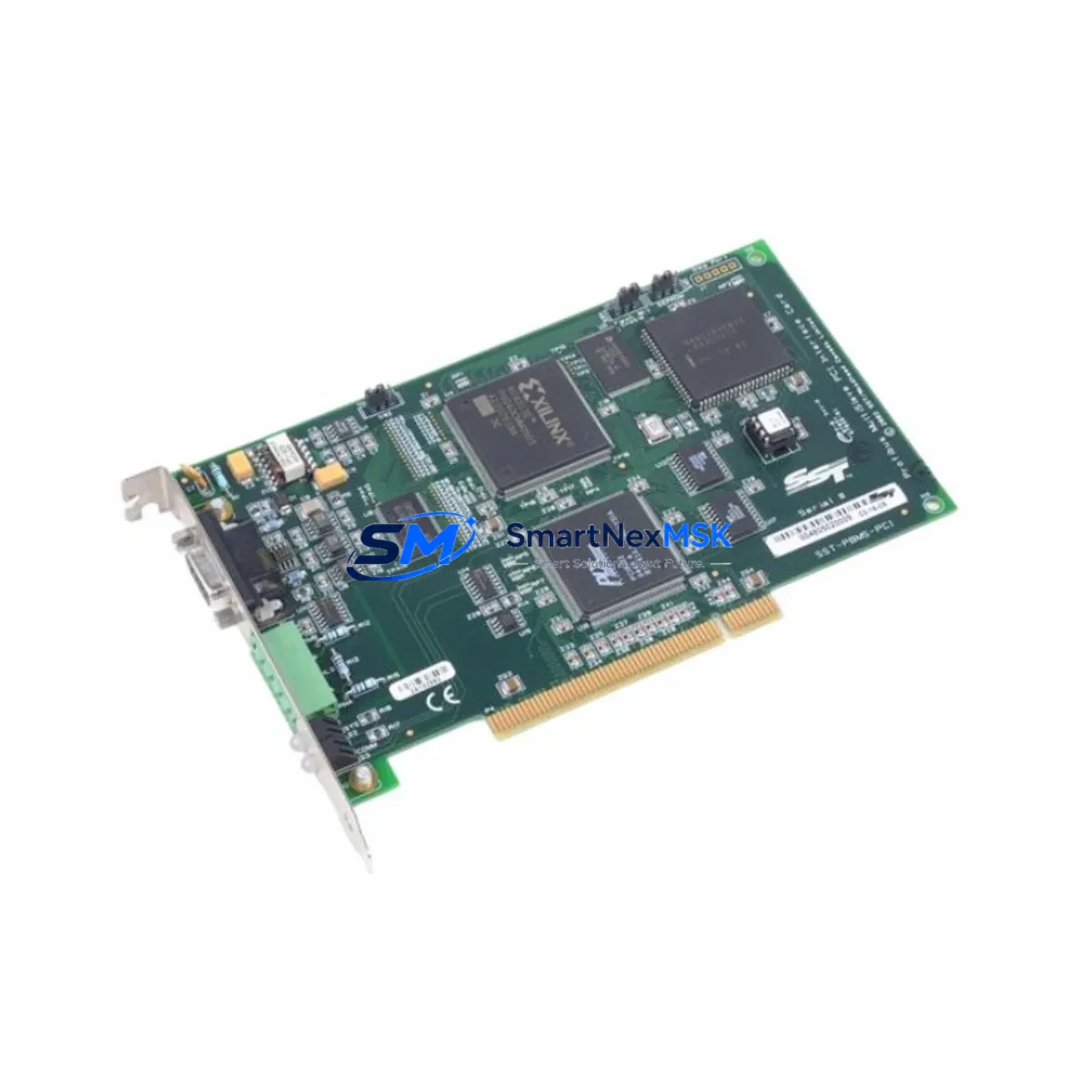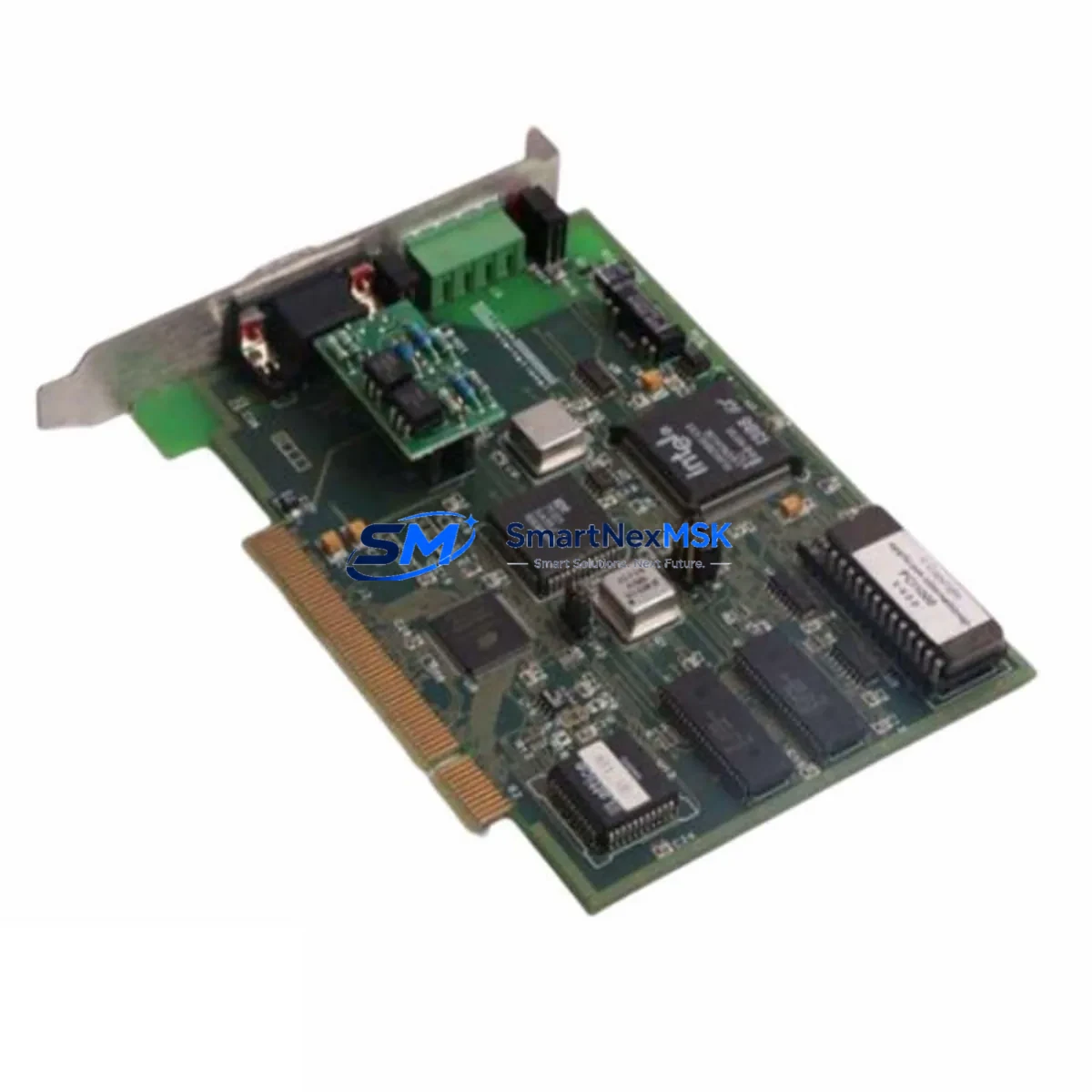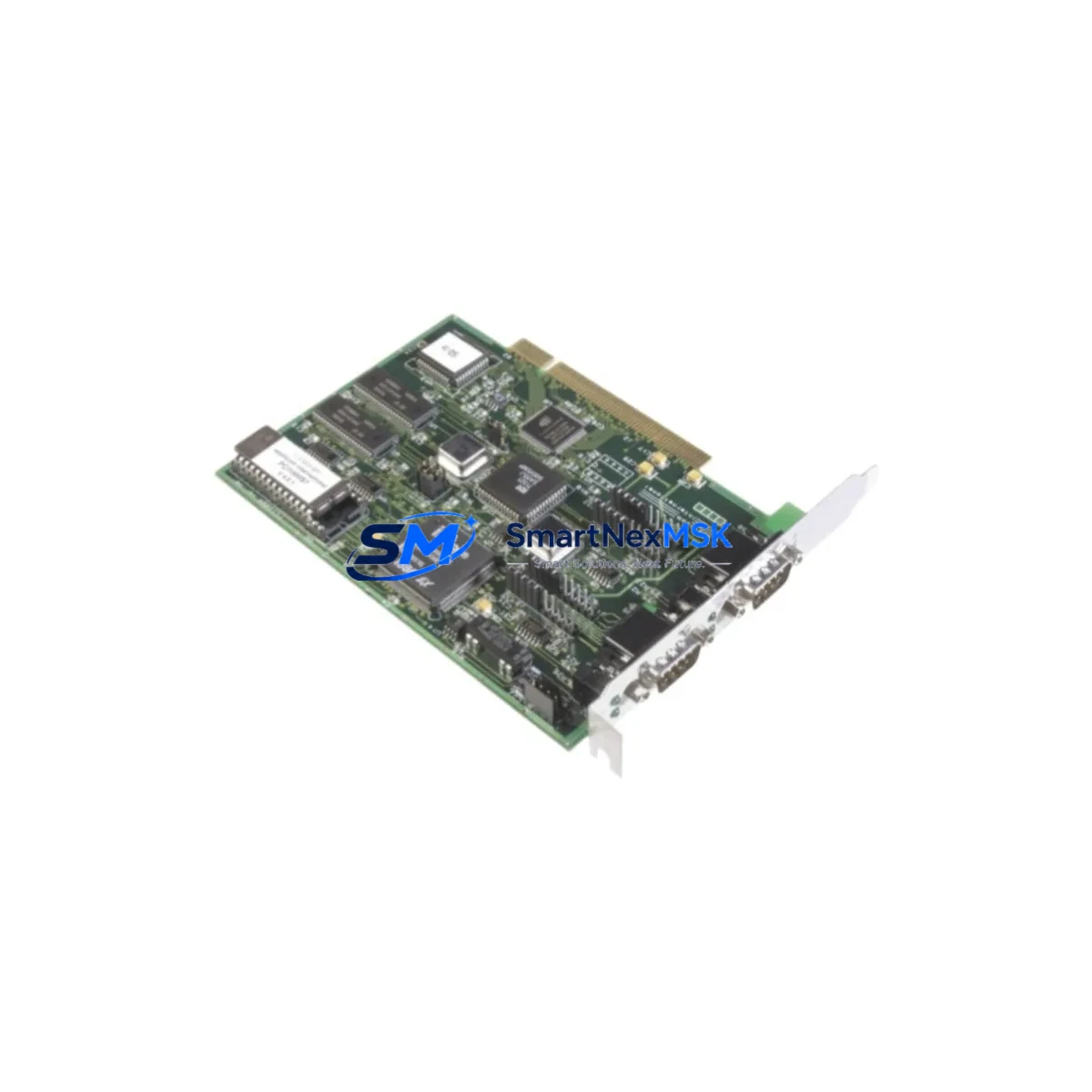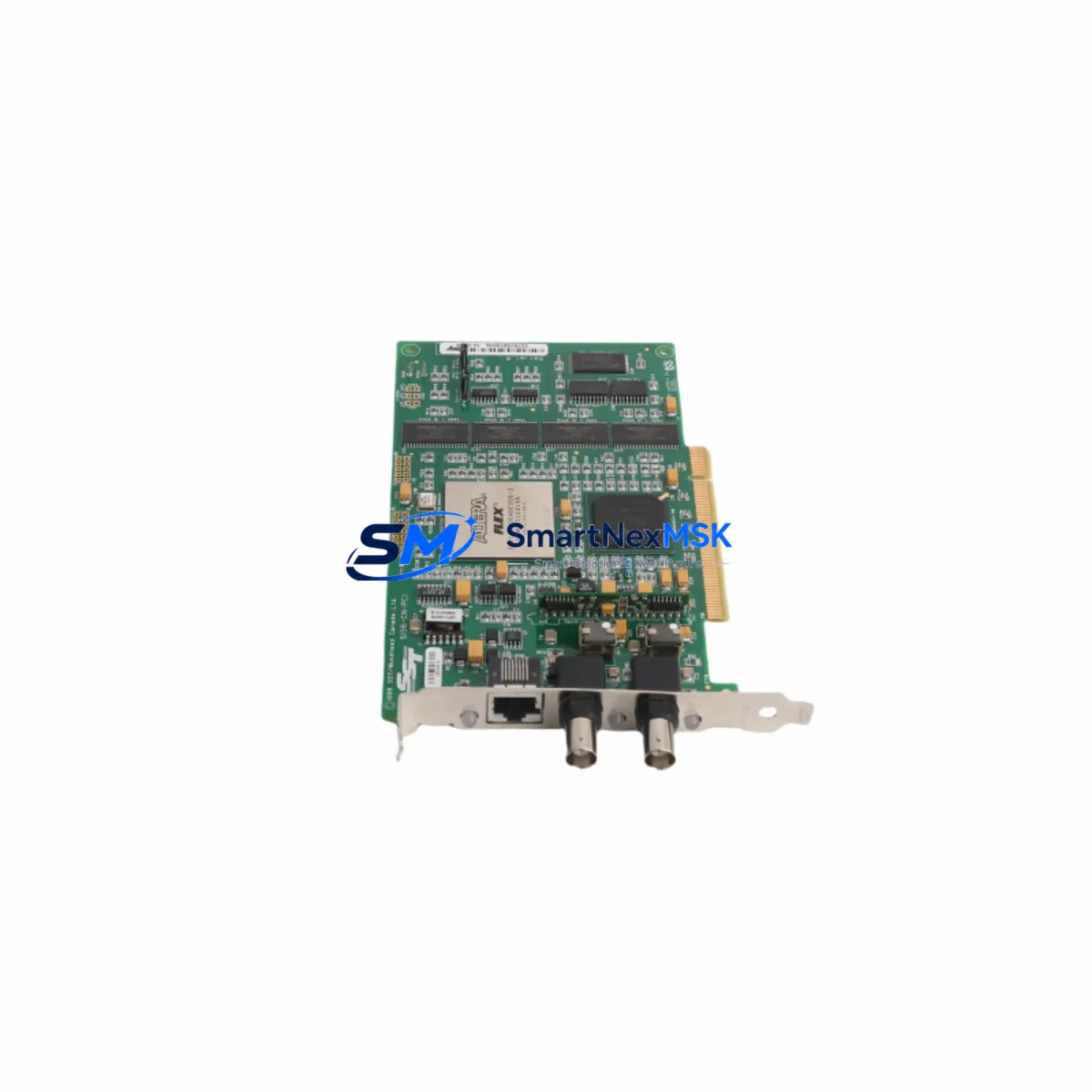
SST 5136-CN-PCI Maintenance-Ready Spare for 5136 Automation
The SST 5136-CN-PCI is an original ControlNet PCI interface card engineered for industrial automation environments where network reliability and uptime are non-negotiable. Designed as a direct replacement for aging or failed ControlNet communication cards in Allen-Bradley and Rockwell Automation control architectures, this spare part enables maintenance engineers to restore PLC-to-device communication rapidly — minimizing unplanned downtime and protecting production continuity.
In modern industrial facilities, a failed ControlNet interface card can cascade into full line stoppages. The 5136-CN-PCI provides a tested, verified, and immediately deployable solution for maintenance teams managing legacy 5136-series systems. Whether you are executing a planned shutdown replacement, responding to an emergency fault, or building a strategic spare parts inventory for your control cabinet, this card delivers the compatibility and reliability your operation demands.
Each unit is sourced as an original SST component, inspected prior to dispatch, and backed by a 12-month warranty — giving procurement engineers the confidence to stock this part as a long-term supply item.
Spare Maintenance Table
| Parameter | Specification |
|---|---|
| Part Number / SKU | 5136-CN-PCI |
| Brand | SST (Woodhead / Molex) |
| Series | 5136 |
| Interface Type | ControlNet (IEEE 802.3 Coax) |
| Form Factor | PCI Bus Card |
| Compatible Systems | Allen-Bradley / Rockwell Automation ControlNet networks; RSLinx, RSNetWorx |
| Operating Voltage | 3.3 V / 5 V PCI (universal) |
| Operating Temperature | 0 °C to 55 °C |
| Communication Protocol | ControlNet (CTNET) |
| Driver Support | Windows-based RSLinx Classic / RSLinx Enterprise |
| Installation Environment | Industrial PC / HMI workstation, control room |
| Condition | Original, new or refurbished-tested |
| Pre-shipment Testing | Communication link verified, firmware checked |
| Warranty | 12 Months |
| Origin | USA |
| Typical Replacement Scenario | ControlNet node loss, HMI communication fault, PLC I/O scan failure |
Maintenance Planning for Continuous Operation
When a ControlNet communication fault is traced to the 5136-CN-PCI interface card, experienced maintenance engineers know that the card itself is rarely the only component requiring attention. A thorough site inspection and replacement workflow should encompass the broader communication and power ecosystem within the control cabinet.
Begin by verifying the ControlNet coaxial trunk cable and BNC tap connectors — degraded coax or loose taps are a leading cause of intermittent node dropouts that are often misdiagnosed as card failures. Inspect the ControlNet repeater modules (such as the 1786-RPCD or 1786-RPA) if your network spans multiple segments; a failing repeater can cause the entire segment to lose scheduled data. Check the ControlNet media access unit (MAU) and confirm termination resistors at both ends of the trunk are intact.
On the power side, validate the 24 VDC power supply module feeding the industrial PC or HMI workstation hosting the 5136-CN-PCI card. Voltage sags or ripple on the DC bus can cause PCI card resets that mimic hardware failure. If the workstation is rack-mounted, inspect the backplane power distribution board and confirm PCI slot integrity.
For the PLC side of the ControlNet network, review the 1756-CNB or 1756-CNBR ControlNet bridge module in the ControlLogix chassis. A simultaneous fault on both the bridge module and the PC interface card is uncommon but not rare in high-vibration or high-humidity environments. While the chassis is open, inspect the 1756-PA72 or 1756-PB72 power supply for the ControlLogix rack — capacitor aging in these units can produce intermittent communication errors across all backplane modules.
Do not overlook the I/O modules on the ControlNet network. Modules such as the 1794-ACN15 FLEX I/O ControlNet adapter or 1756-CNB remote I/O scanner should be checked for firmware version compatibility after the interface card is replaced, particularly if the replacement card carries a different firmware revision. Mismatched firmware between the PC card and the network scanner can prevent scheduled connections from establishing.
Finally, if the system includes an RSLinx OPC server or a FactoryTalk View SE/ME HMI station, verify that the communication path is re-established in RSNetWorx for ControlNet after card replacement. A signal isolator or surge protection device on the ControlNet trunk is also recommended as a preventive measure, especially in environments with frequent lightning events or heavy motor switching loads nearby.
Stocking the 5136-CN-PCI alongside complementary spares — including ControlNet tap assemblies, a spare 1756-CNB bridge module, and a replacement 24 VDC DIN-rail power supply — constitutes a robust minimum spare parts kit for any facility running a ControlNet-based automation system.
Site Replacement Workflow
Step 1 — Fault Confirmation: Use RSLinx Classic to identify the node address of the failing 5136-CN-PCI card. Confirm the fault is card-level (not cable or network topology) by temporarily connecting a known-good laptop with a USB-to-ControlNet adapter to the same tap point.
Step 2 — Safe Shutdown: Place the ControlLogix controller in Program mode via the keyswitch or RSLogix 5000. Notify the operations team of the planned communication interruption. Document the current node address, scheduled connection parameters, and RSNetWorx network configuration file location before powering down the workstation.
Step 3 — Card Removal: Power down the industrial PC or HMI workstation. Ground yourself with an ESD wrist strap. Remove the BNC coaxial cable from the card’s tap connector. Unscrew the PCI bracket and carefully extract the 5136-CN-PCI card from the PCI slot.
Step 4 — Replacement Installation: Insert the new 5136-CN-PCI card into the same PCI slot. Secure the bracket screw. Reconnect the BNC coaxial cable. Power on the workstation and allow the operating system to detect the new hardware.
Step 5 — Driver and Configuration Restore: Install or confirm the SST ControlNet driver is loaded. Open RSLinx Classic and configure the new card with the same node address as the replaced unit. Use RSNetWorx for ControlNet to re-verify the network schedule and confirm all scheduled and unscheduled connections are re-established.
Step 6 — Functional Verification: Return the ControlLogix controller to Run mode. Monitor I/O status in RSLogix 5000 for a minimum of 15 minutes to confirm stable communication. Log the replacement in the site maintenance record and update the spare parts inventory.
This workflow is applicable whether replacing a failed card on an emergency basis or executing a planned preventive replacement during a scheduled maintenance window. The 5136-CN-PCI’s direct compatibility with existing RSLinx and RSNetWorx configurations means no network re-engineering is required — a critical advantage for minimizing total downtime.
Spare Parts Support FAQ
Q1: Is the 5136-CN-PCI still available as a new original part, and what is its supply lifecycle status?
The SST 5136-CN-PCI has reached end-of-active-production by the original manufacturer, but original new-old-stock (NOS) and professionally refurbished units remain available through authorized industrial spare parts distributors. Each unit supplied by SMARTNEXMSK is individually tested for communication functionality and shipped with a 12-month warranty, ensuring reliable performance even for long-term legacy system support.
Q2: How do I verify compatibility before installation in my existing ControlNet network?
Confirm that your industrial PC or HMI workstation has an available PCI slot (not PCIe) and is running a Windows OS version supported by the SST ControlNet driver (Windows XP through Windows 10, 32/64-bit depending on driver version). Cross-reference your RSLinx Classic version with the SST driver compatibility matrix. If your system uses RSLinx Enterprise, verify the OPC server path configuration before replacement. Contact our technical team with your existing card’s firmware label if you require firmware-matched units.
Q3: What pre-shipment testing is performed, and what does the 12-month warranty cover?
Every 5136-CN-PCI unit undergoes a communication link verification test using a live ControlNet network bench setup prior to dispatch. Firmware version is confirmed and documented. The 12-month warranty covers hardware defects and communication failures under normal operating conditions. It does not cover physical damage caused by incorrect installation, ESD mishandling, or overvoltage events. Warranty claims are processed with a replacement-first policy to minimize your downtime.
Q4: What is the recommended spare parts stocking strategy for facilities running multiple ControlNet nodes?
For facilities with 3 or more ControlNet nodes relying on PC-based interface cards, we recommend maintaining a minimum of one 5136-CN-PCI spare per 5–10 installed units, stored in an ESD-safe bag in a climate-controlled spare parts cabinet. Pair this with at least one spare ControlNet tap assembly and a spare BNC termination resistor set. For critical production lines, consider a cold-standby workstation pre-configured with the SST driver and RSLinx to enable sub-30-minute recovery from a complete workstation failure.
© 2026 SMARTNEXMSK. All rights reserved.
Original Source: https://smartnexmsk.com
Contact: [email protected] | +86 18259474341