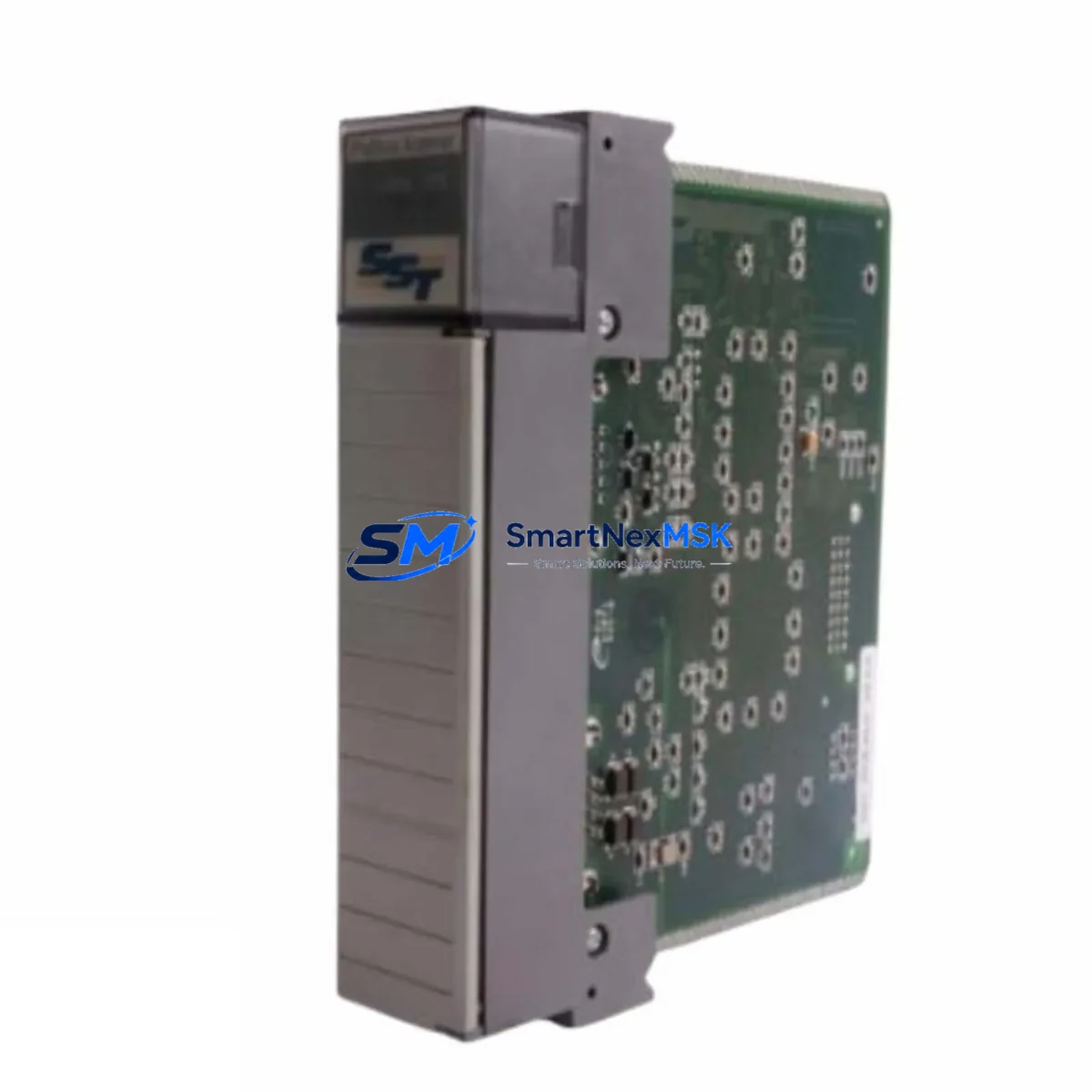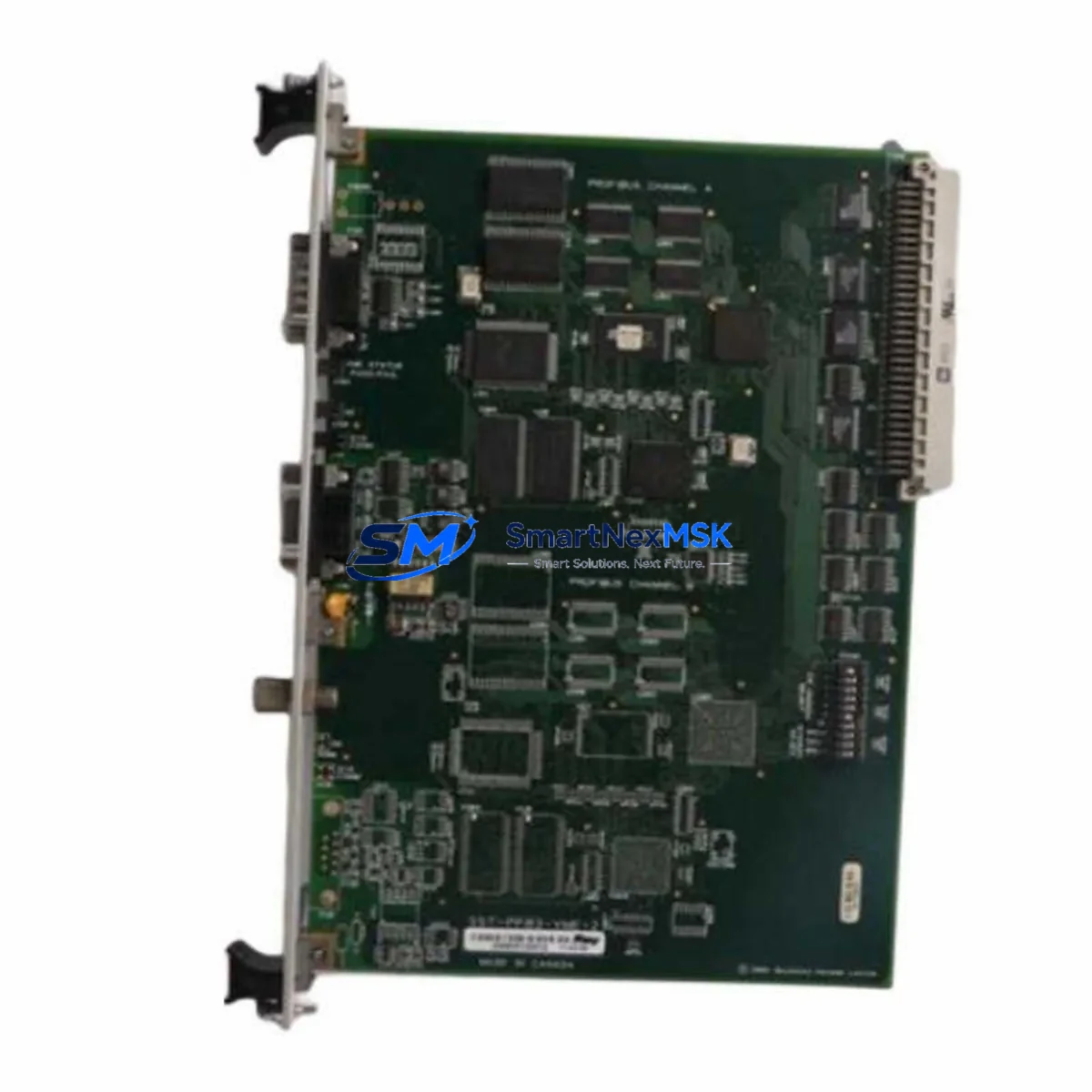
SST 5136-PFB-PCI Maintenance-Ready Spare for PROFIBUS Automation
The SST 5136-PFB-PCI is an original PROFIBUS-DP Master PCI communication card engineered for industrial automation environments where network uptime is non-negotiable. Designed by SST (formerly Woodhead, now Molex), this card provides a reliable, high-performance interface between a host PC or industrial workstation and a PROFIBUS-DP fieldbus network. For maintenance engineers managing aging DCS or PLC-based control systems, having a verified spare of the 5136-PFB-PCI on the shelf is a frontline strategy against unplanned downtime.
Whether you are running a Siemens S7-300/S7-400 integrated architecture, a legacy ABB or Honeywell DCS with PROFIBUS I/O expansion, or a standalone SCADA workstation acting as a PROFIBUS master, the 5136-PFB-PCI delivers the deterministic communication performance required for real-time process control. Its PCI form factor ensures broad compatibility with industrial PCs and operator workstations still in active service across process plants, automotive lines, and utility substations.
Spare Maintenance Table
| Parameter | Specification / Detail |
|---|---|
| SKU / Part Number | 5136-PFB-PCI |
| Brand | SST (Woodhead / Molex) |
| Series | 5136 PROFIBUS-DP Master |
| Interface | PCI Bus (32-bit, 33 MHz) |
| Protocol | PROFIBUS-DP (EN 50170 / IEC 61158) |
| Baud Rate | 9.6 kbps – 12 Mbps (auto-detect) |
| Max Slave Nodes | 125 per segment |
| Operating Voltage | +5 VDC via PCI slot |
| Operating Temperature | 0°C to +60°C |
| Compatibility | Siemens S7-300/400, ABB, Honeywell, Emerson DCS; Windows/Linux drivers |
| Installation | Standard PCI slot in industrial PC or workstation |
| Condition | Original, new or refurbished-tested |
| Warranty | 12 Months |
| Pre-shipment Test | Full functional and communication test performed |
| Origin | United States |
Maintenance Planning for Continuous Operation
When a PROFIBUS master card such as the 5136-PFB-PCI fails or degrades, the impact extends well beyond the card itself. A systematic replacement workflow requires maintenance engineers to inspect and verify the health of every component in the communication chain before and after card swap-out.
Begin with the PROFIBUS cable and DB9 connector at the card’s port — damaged shielding or a loose termination resistor is a frequent root cause of intermittent communication faults that are misdiagnosed as card failure. Verify the bus termination at both ends of the PROFIBUS segment; an improperly terminated segment will cause reflection errors even with a healthy 5136-PFB-PCI installed.
Inspect the 24 VDC power supply module feeding the industrial PC or workstation rack. Voltage sag under load is a known cause of PCI card instability. If the workstation also hosts an SST 5136-DNP-PCI DeviceNet card or an SST 5136-MBS-PCI Modbus card in adjacent slots, confirm that the system power budget is not exceeded after the replacement.
For systems where the 5136-PFB-PCI acts as the PROFIBUS master communicating with Siemens ET 200M or ET 200S remote I/O stations, validate each I/O module’s diagnostic status after card replacement — a communication interruption can leave I/O modules in a fault-hold state that requires a manual reset or a GSD re-initialization cycle.
Check the PROFIBUS repeater or optical link module (OLM) if the segment spans more than 200 meters or crosses electrical isolation boundaries. Repeater faults are often masked by card-level diagnostics. Similarly, inspect any DP/PA segment coupler if the network extends into PROFIBUS-PA instrumentation loops for pressure, flow, or level transmitters.
For control cabinets housing the host PC, conduct a full cabinet inspection: verify cooling fan operation, check for dust accumulation on PCI slot contacts, and inspect the UPS or surge protection module protecting the workstation. Transient voltage events are a leading cause of PCI communication card degradation in industrial environments.
If the system uses a Siemens CP 5611 or CP 5613 PROFIBUS card as a backup or parallel master, confirm that the redundancy switchover logic is functioning correctly after the 5136-PFB-PCI is restored to service. Document the GSD file version and master parameter set used, as these must match the replacement card’s driver configuration exactly to avoid slave address conflicts.
Finally, update your spare parts register to reflect the consumed unit and reorder a replacement 5136-PFB-PCI to maintain minimum stock levels. For facilities running extended PROFIBUS networks with multiple masters, a minimum of one cold-standby card per site is the recommended inventory posture.
Site Replacement Workflow
Step 1 — Pre-replacement verification: Confirm the failed card’s slot position, IRQ assignment, and driver version from the system’s device manager or STEP 7 / TIA Portal hardware configuration. Export the current master parameter set and GSD configuration before powering down.
Step 2 — Safe shutdown: Place the PROFIBUS master in a controlled stop state via the SCADA or DCS operator station. Notify process operators of the planned communication interruption. Power down the industrial PC following the site’s lockout/tagout (LOTO) procedure.
Step 3 — Physical swap: Remove the faulty 5136-PFB-PCI from the PCI slot. Inspect the slot contacts and backplane connector for corrosion or mechanical damage. Install the replacement card, ensuring full seating and secure bracket fastening.
Step 4 — Driver and configuration restore: Power up the workstation and install the SST PROFIBUS driver package. Import the previously exported master parameter set. Verify that the card is recognized at the correct IRQ and memory address with no conflicts.
Step 5 — Network commissioning: Perform a live bus scan to confirm all slave nodes are online. Check diagnostic buffers for any residual fault entries. Validate cyclic data exchange for all I/O slaves before releasing the system to normal operation.
Step 6 — Documentation: Record the replacement date, card serial number, driver version, and post-commissioning test results in the site maintenance log. Update the spare parts inventory accordingly.
Spare Parts Support FAQ
Q1: Is the 5136-PFB-PCI a direct drop-in replacement for older SST PROFIBUS cards?
Yes. The 5136-PFB-PCI is the standard SST PROFIBUS-DP Master PCI card and is compatible with the same driver stack and GSD-based configuration tools used by earlier SST PROFIBUS products. In most cases, the existing master parameter set can be imported directly without reconfiguration of slave nodes.
Q2: What pre-shipment testing is performed on each unit?
Every 5136-PFB-PCI unit undergoes a full functional test including PROFIBUS communication verification at multiple baud rates, PCI bus enumeration check, and driver initialization test before shipment. A test report is available upon request.
Q3: What does the 12-month warranty cover?
The 12-month warranty covers manufacturing defects and functional failures under normal operating conditions. It includes free replacement or repair of the card. The warranty does not cover damage caused by incorrect installation, overvoltage events, or physical mishandling on site.
Q4: Can this card be used in systems still running Windows XP or Windows 7 industrial workstations?
Yes. SST provides driver support for legacy Windows operating systems including XP and Windows 7 (32/64-bit), which remain in service in many process industries. Please confirm your OS version at the time of order so the correct driver package can be included with shipment.
© 2026 SMARTNEXMSK. All rights reserved.
Original Source: https://smartnexmsk.com
Contact: [email protected] | +86 18259474341