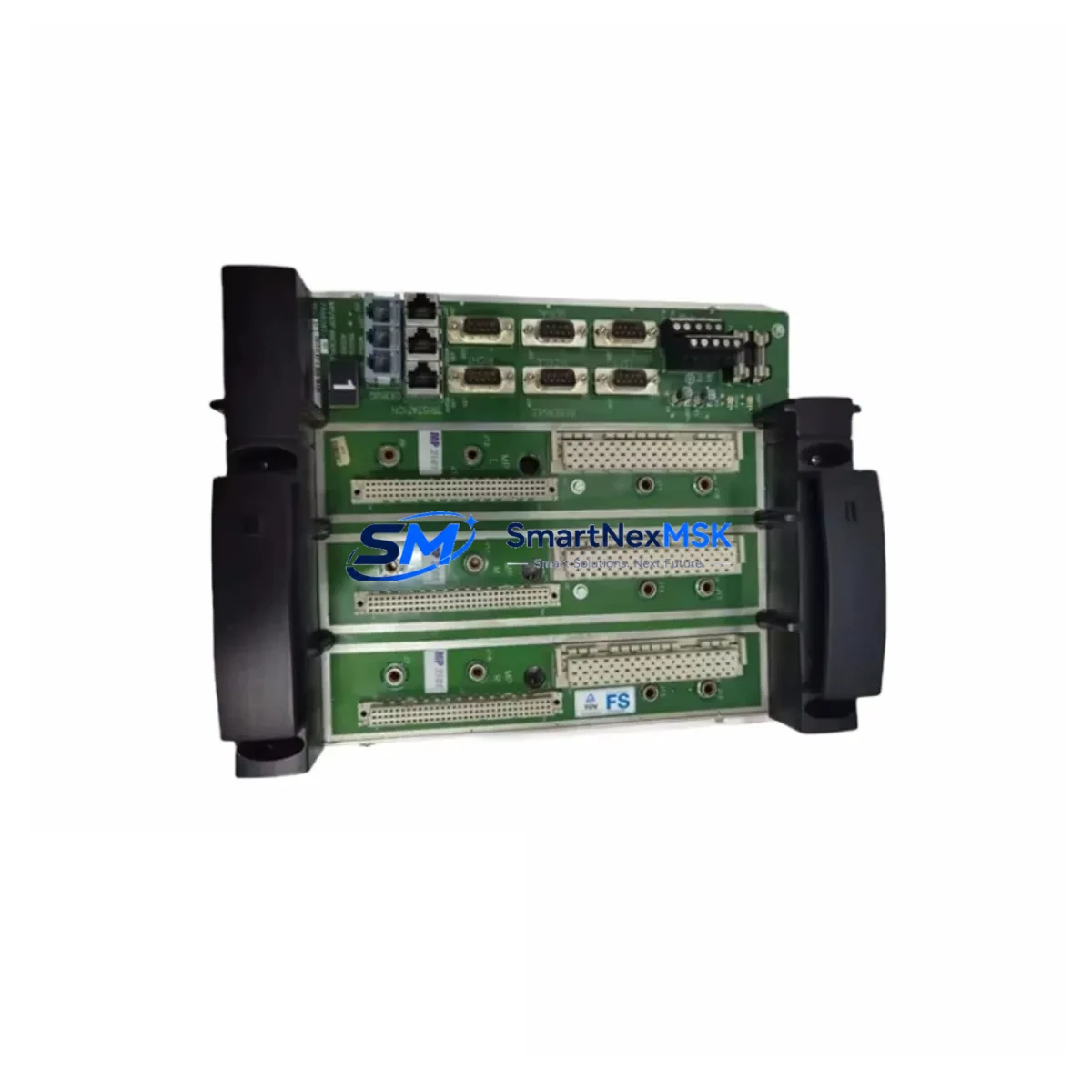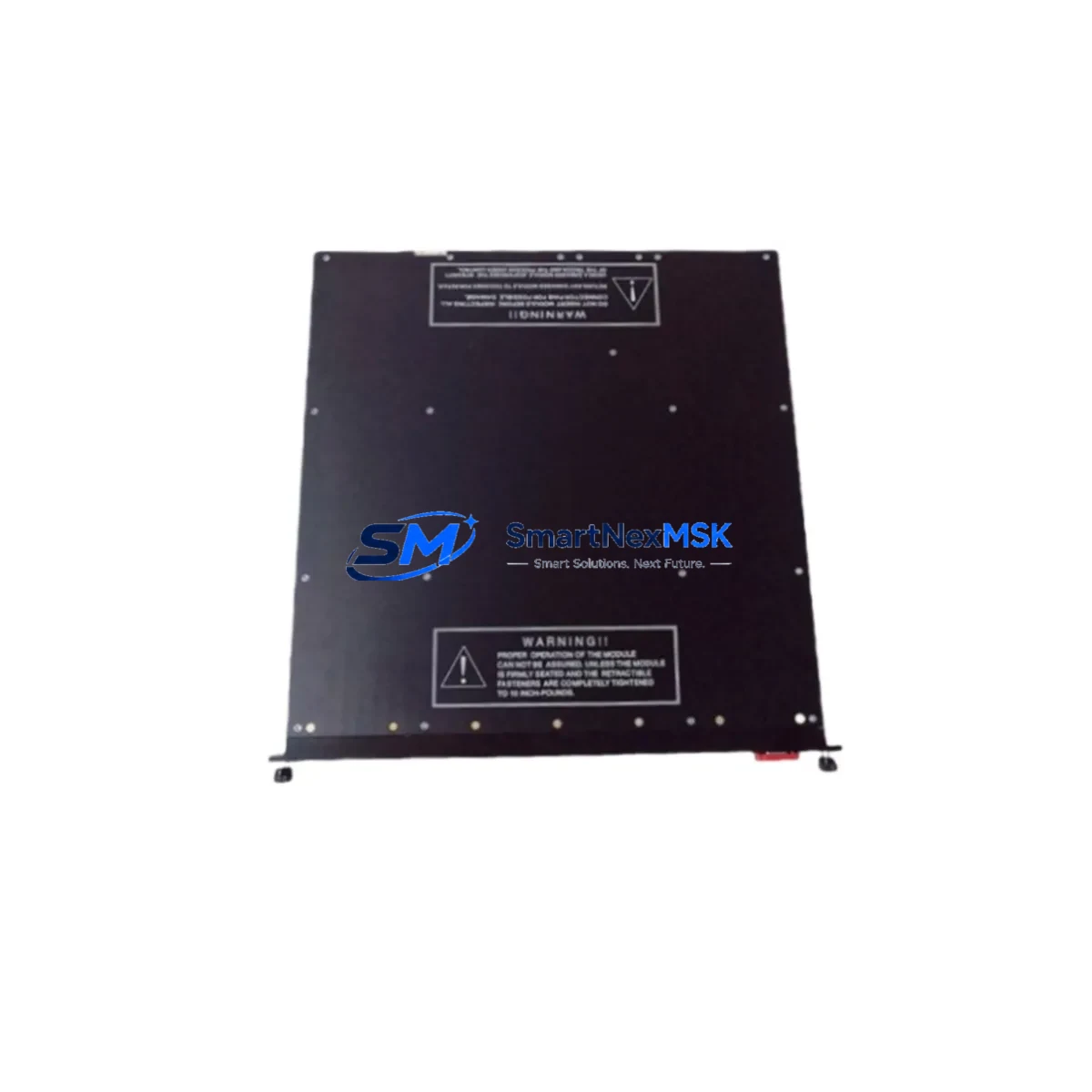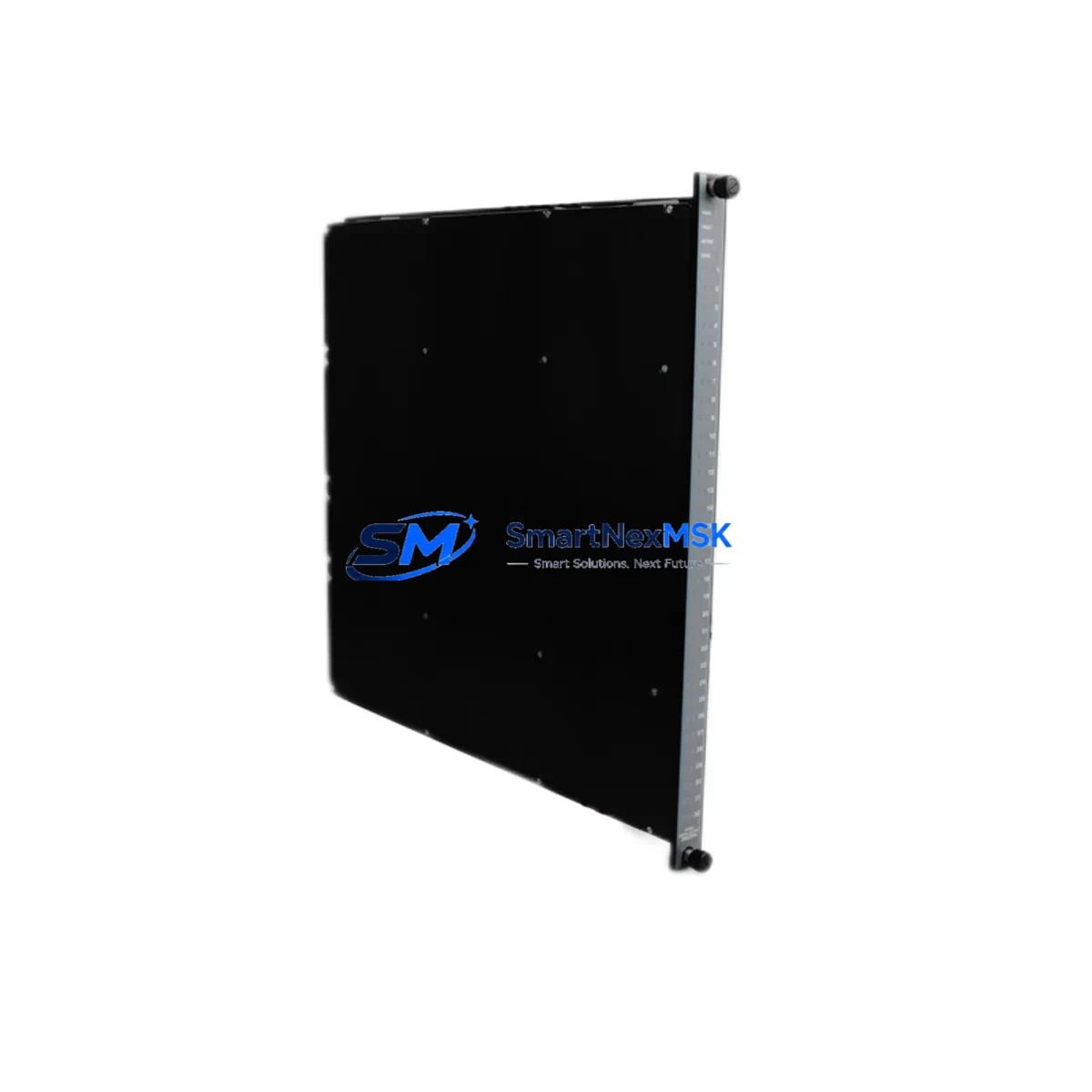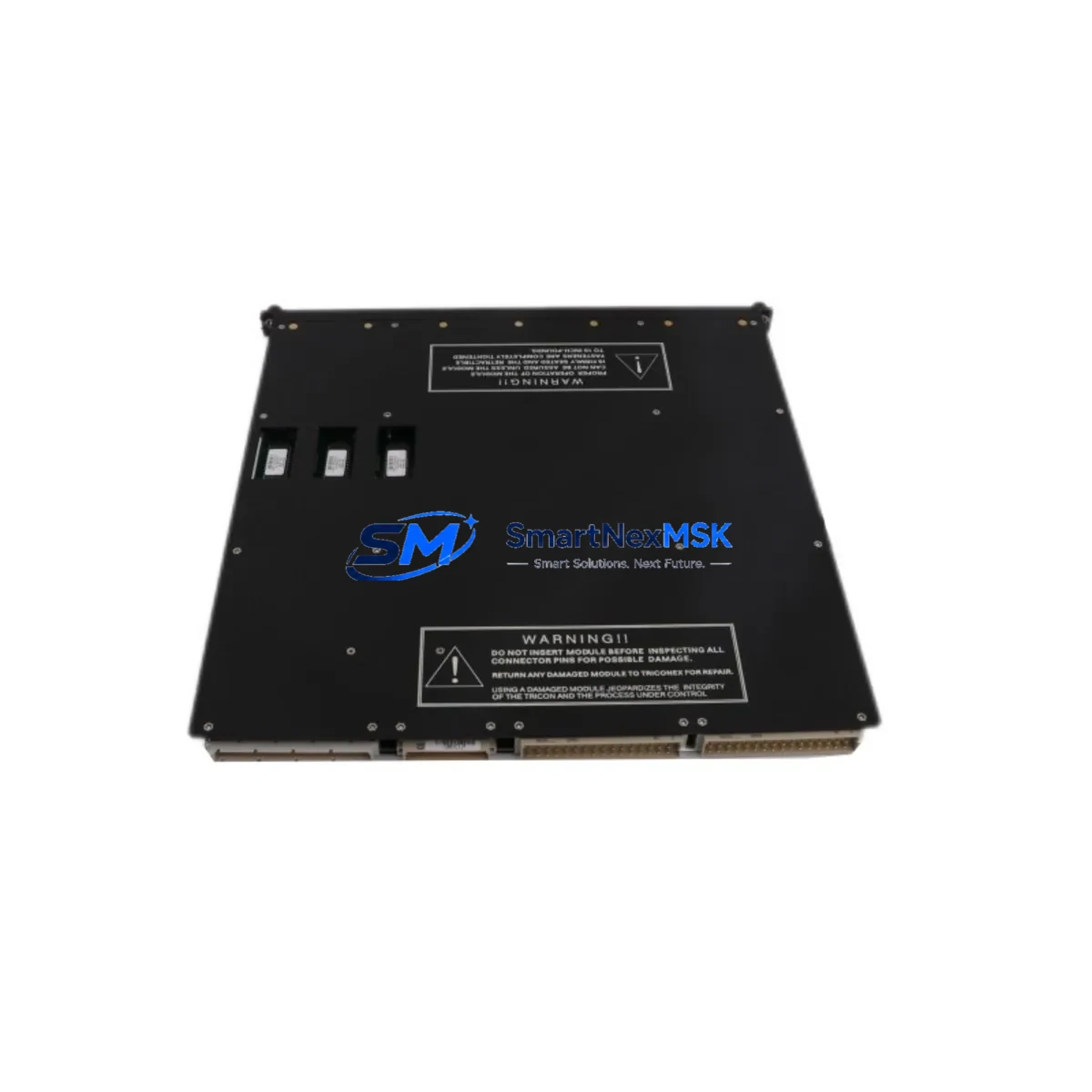
TRICONEX 3501E Retrofit-Ready Digital Input Module for Tricon TMR Control Systems
The TRICONEX 3501E is a 32-channel Digital Input Module engineered for the Tricon Triple Modular Redundant (TMR) safety system platform. As legacy Tricon installations age and OEM support for discontinued modules becomes increasingly limited, the 3501E has become one of the most sought-after retrofit and replacement components in safety-critical process automation environments — including oil & gas, petrochemical, power generation, and offshore platforms.
Whether you are replacing a failed module in an active SIL 3 loop, upgrading an aging control cabinet, or executing a planned migration from an older Tricon configuration, the 3501E provides a verified drop-in solution that preserves your existing wiring infrastructure, backplane addressing, and program logic without requiring a full system redesign.
Upgrade Compatibility Table
| Parameter | Details |
|---|---|
| Module Type | 32-Channel Digital Input Module |
| Compatible Platform | Tricon TMR (Triple Modular Redundant) Safety System |
| SIL Rating | SIL 3 (IEC 61508 compliant) |
| Backplane Interface | Tricon standard backplane — direct slot replacement |
| Input Voltage Range | 24 VDC nominal (field-side) |
| Terminal Wiring | Compatible with existing Tricon field termination assemblies (FTAs) |
| Communication Compatibility | Tricon internal TMR bus; compatible with TriStation 1131 programming environment |
| Replacement Recommendation | Direct replacement for 3501, 3501T, and equivalent legacy DI modules |
| Commissioning Notes | Module address must be verified in TriStation 1131; no firmware re-flash required for standard swap |
| Warranty | 12-Month Warranty — tested and verified prior to shipment |
Retrofit Planning for Existing Automation Systems
A successful Tricon retrofit begins well before the module arrives on-site. Engineers planning a 3501E replacement should first audit the existing chassis configuration, confirming the slot assignment and module address within the Tricon Main Chassis or Expansion Chassis. The 3501E occupies a standard I/O slot and communicates over the Tricon internal TMR bus, meaning no additional communication configuration is required when replacing a like-for-like module.
Field wiring connects through the existing Field Termination Assembly (FTA) — typically a dedicated Tricon FTA panel mounted in the control cabinet. Verify that the FTA cable connector is undamaged and that terminal assignments match the channel map documented in your as-built drawings. In many retrofit scenarios, the FTA and field cables remain completely untouched, significantly reducing installation time and the risk of wiring errors.
Power budget verification is a critical pre-installation step. The Tricon Power Supply Module (such as the 8312 or 8310 series) must have sufficient headroom to support the 3501E alongside other installed modules. Review the chassis power consumption report in TriStation 1131 before proceeding. If the existing power supply is operating near capacity — a common situation in older, fully populated chassis — consider whether a power supply upgrade or load redistribution is warranted before the module swap.
For sites running the Tricon Communication Module (TCM) or integrating with a DCS via Modbus, HART, or OPC-DA/UA, confirm that the I/O channel assignments referenced in the communication configuration still align with the 3501E’s slot position. Changes to slot addressing can propagate to HMI tag databases and DCS faceplates, so coordinate with the control room team before executing the swap.
If the retrofit is part of a broader migration — for example, moving from an older Tricon v9 chassis to a Tricon v10 or Triconex Safety Manager (TSM) architecture — the 3501E can serve as an interim solution to stabilize the existing system while the migration is planned and validated. In such cases, it is common to also source Tricon Main Processor (MP) modules, Tricon Analog Input Modules (such as the 3700A or 3703E), and Tricon Digital Output Modules (such as the 3601E or 3625) to complete the inventory of critical spares before the cutover window.
Sites integrating with third-party SCADA or historian platforms via the Tricon Enhanced Intelligent Communication Module (EICM) should verify that the I/O point list exported from TriStation 1131 remains consistent after the module replacement. Any discrepancy in channel count or addressing will require a configuration update in the SCADA system before the loop can be returned to automatic control.
Downtime Control During System Migration
Minimizing unplanned downtime is the primary operational concern when replacing a module in a live SIL 3 safety system. The Tricon TMR architecture provides a significant advantage here: its triple-redundant design allows a single leg to be taken offline for maintenance while the remaining two legs continue to execute the safety logic. This means a 3501E replacement can often be performed as a hot swap — without a full system shutdown — provided the site’s safety management procedures permit online module replacement and the process conditions are within safe operating limits.
Before initiating the swap, export and archive the current TriStation 1131 project file, including all I/O configuration, cause-and-effect matrices, and SIL verification documentation. This backup ensures that if any unexpected behavior occurs during or after the replacement, the original program state can be restored without delay. Confirm that the Tricon Main Processor is running the correct application version and that no pending downloads are queued in TriStation 1131.
During the physical swap, follow the Tricon module removal and insertion procedure precisely: release the module locking mechanism, extract the module smoothly from the backplane, insert the 3501E into the same slot, and secure the locking tab. The TMR system will automatically detect the new module and begin the self-test and synchronization sequence. Monitor the module status LEDs and the TriStation 1131 diagnostics panel to confirm that all three legs report the module as healthy before returning the loop to automatic control.
Post-installation, perform a channel-by-channel functional verification: apply a known input signal to each of the 32 channels and confirm that the corresponding tag in the HMI or DCS reflects the correct state. Document the test results as part of your site’s management of change (MOC) record. This step is mandatory for SIL 3 loop reinstatement and should be completed before the process unit is returned to full production.
Retrofit Support FAQ
Q1: Is the TRICONEX 3501E a direct drop-in replacement for the 3501 and 3501T modules?
Yes. The 3501E is backward-compatible with the 3501 and 3501T in standard Tricon TMR chassis configurations. The backplane connector, slot dimensions, and channel addressing are identical. No changes to the TriStation 1131 project file are required for a like-for-like replacement. Verify the module address in the I/O configuration screen after installation to confirm correct recognition.
Q2: What wiring changes are required when installing the 3501E?
In most retrofit scenarios, no wiring changes are required. The 3501E connects to the field via the existing Tricon Field Termination Assembly (FTA). Confirm that the FTA cable is seated correctly and that the terminal block assignments match your as-built drawings. If the FTA itself is damaged or obsolete, a replacement FTA may be required — consult your site documentation for the correct FTA part number.
Q3: Has the 3501E been tested before shipment?
Yes. Every TRICONEX 3501E supplied by SMARTNEXMSK undergoes functional testing prior to shipment, including power-on self-test verification and channel continuity checks. A 12-month warranty is provided from the date of shipment, covering defects in materials and workmanship under normal operating conditions.
Q4: Can the 3501E be used in a Triconex Safety Manager (TSM) or TriconexCX system?
The 3501E is designed for the classic Tricon TMR platform. Compatibility with Triconex Safety Manager (TSM) or TriconexCX architectures depends on the specific chassis and backplane version in use. Contact our technical team with your system configuration details — including the chassis model, MP version, and TriStation software version — and we will confirm compatibility before shipment.
© 2026 SMARTNEXMSK. All rights reserved.
Original Source: https://smartnexmsk.com
Contact: [email protected] | +86 18259474341