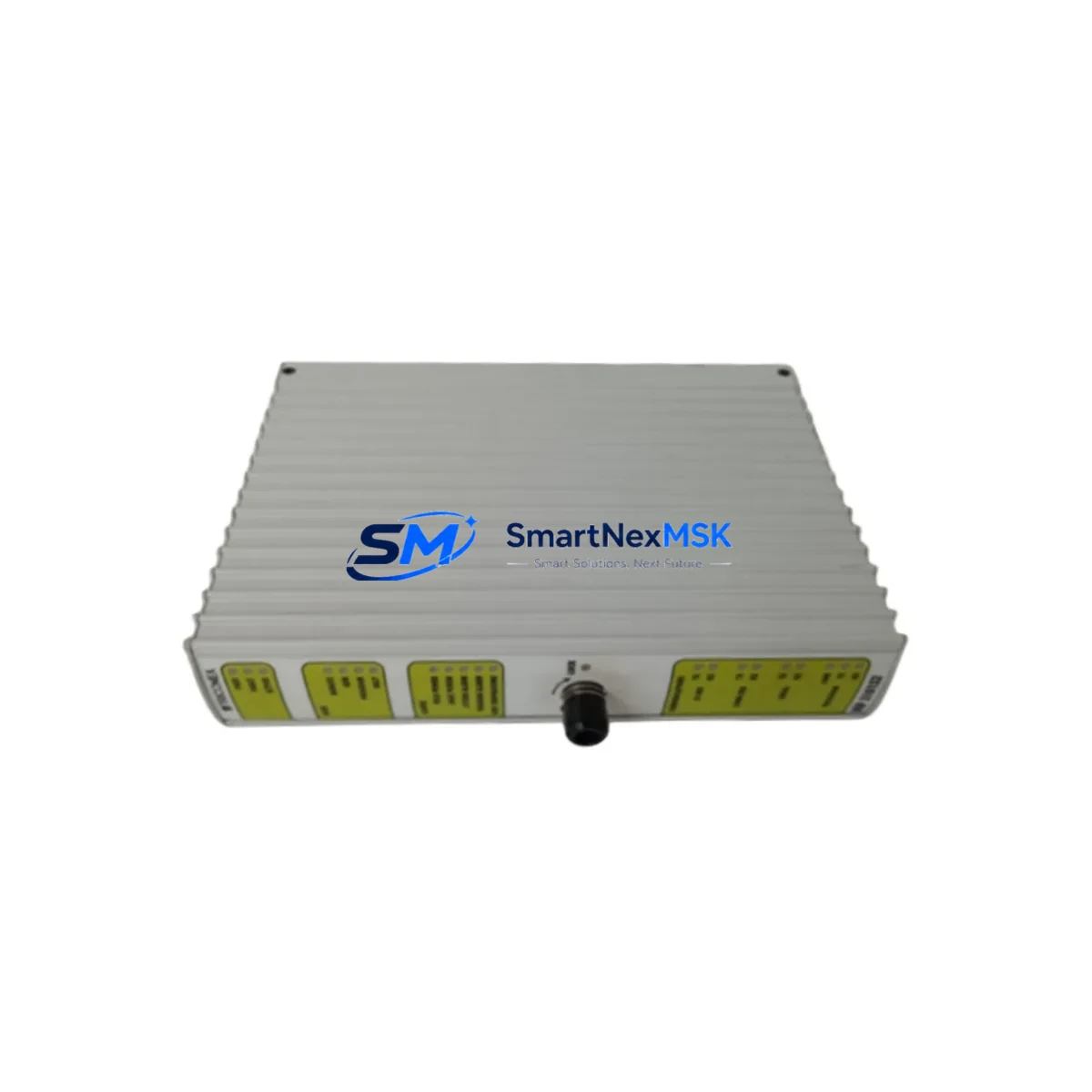
Triconex MP3101S2 Retrofit-Ready Digital Input for Tricon TMR Systems: Seamless Compatibility & Legacy System Upgrade
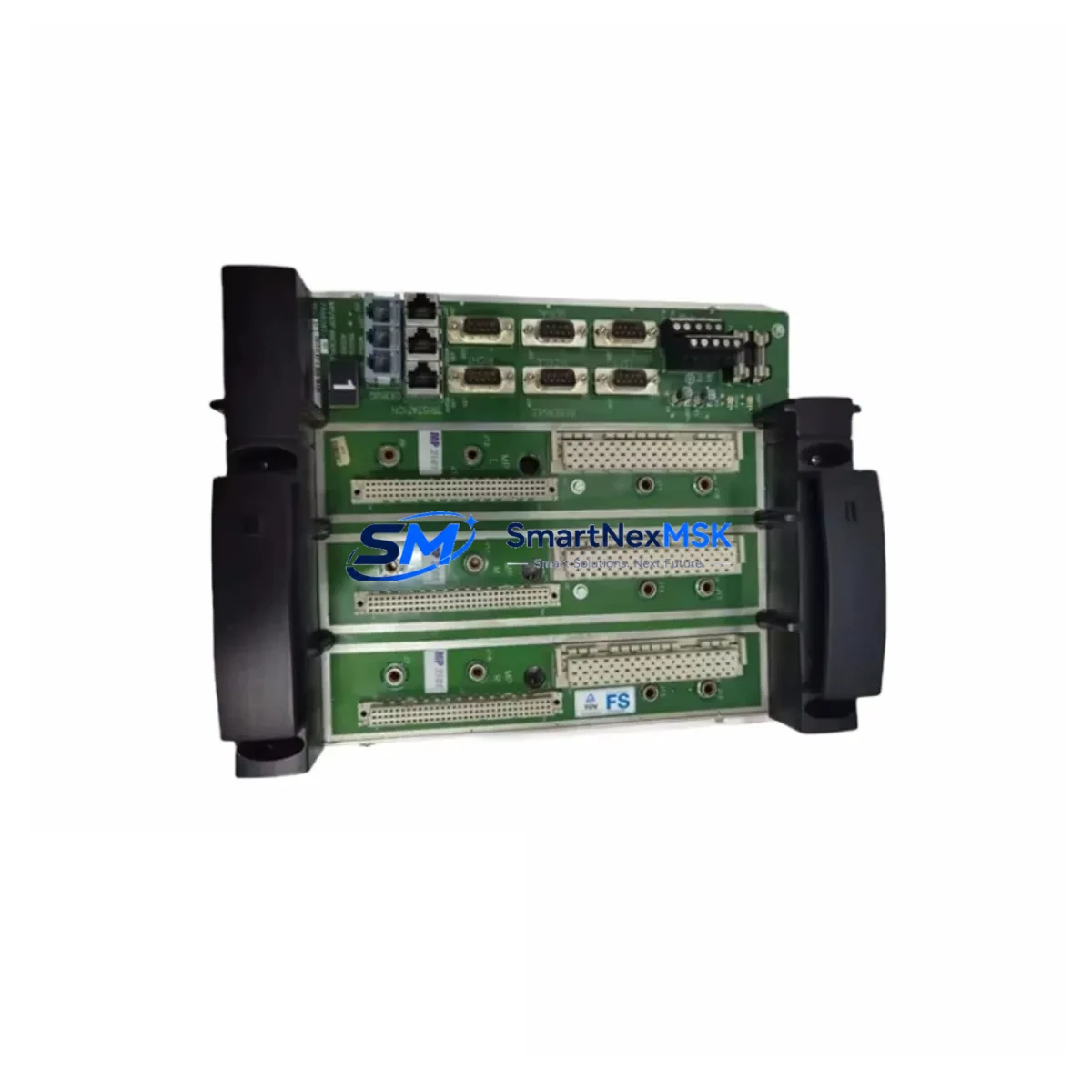
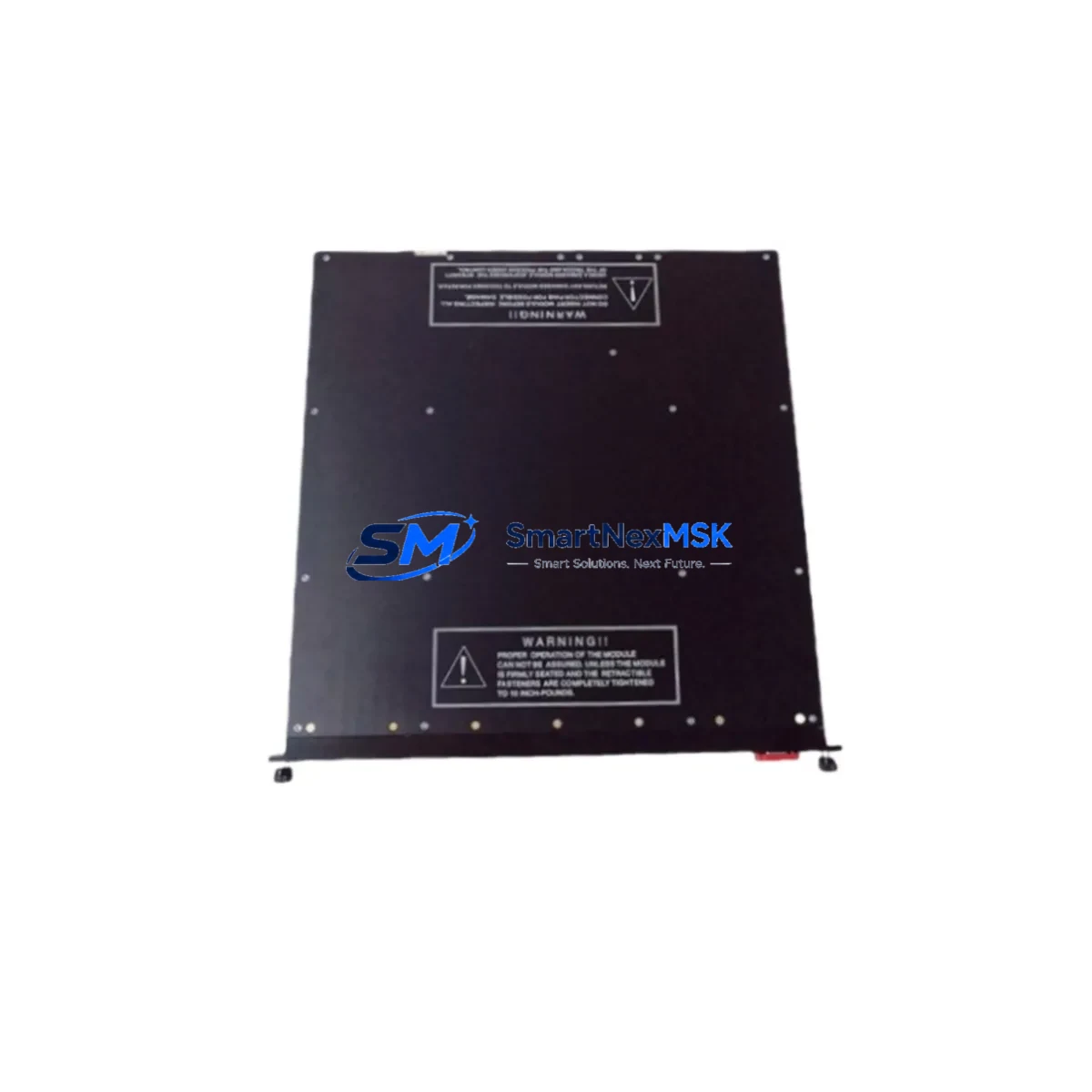
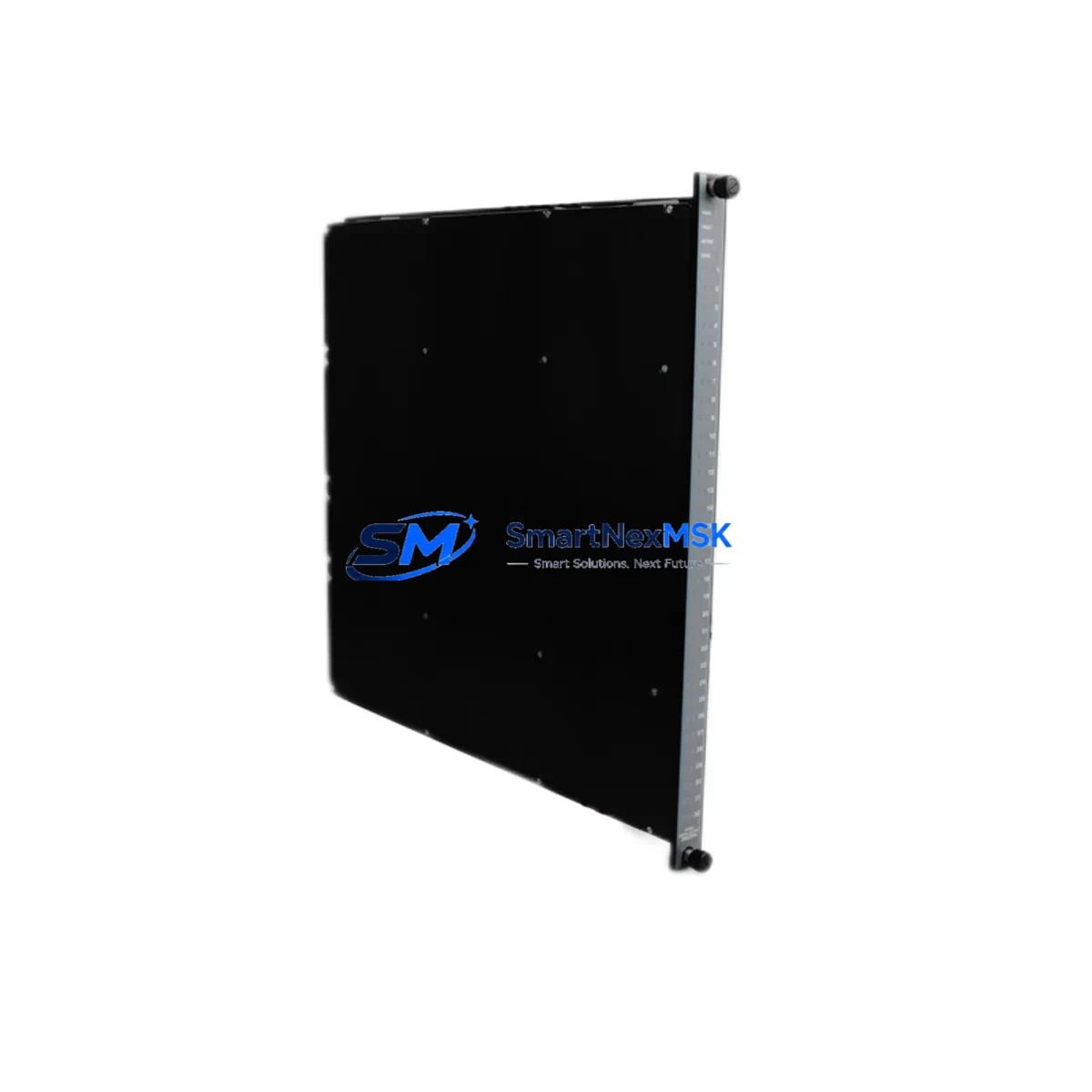
The Triconex MP3101S2 is a 32-channel digital input module engineered for the Tricon Triple Modular Redundant (TMR) safety control platform. Rated to SIL 3 under IEC 61511, this module is the authoritative drop-in replacement for aging or discontinued digital input cards across Tricon 9000-series and legacy Tricon v9/v10 chassis installations. Whether you are executing a planned control-system modernization, recovering from an unplanned module failure, or extending the operational life of an existing safety instrumented system (SIS), the MP3101S2 delivers the electrical compatibility, firmware alignment, and diagnostic transparency that retrofit engineers demand.
SMARTNEXMSK maintains verified stock of the MP3101S2 with full functional testing, 12-month warranty coverage, and documented traceability. Each unit ships with inspection records and is available for rapid dispatch to minimize process downtime.
Upgrade Compatibility Table
| Parameter | MP3101S2 Specification | Retrofit Notes |
|---|---|---|
| Channel Count | 32 Digital Input Channels | Direct replacement for 32-ch DI cards in Tricon 9000 chassis |
| Safety Integrity Level | SIL 3 (IEC 61511 / IEC 61508) | Maintains SIL 3 loop integrity without re-validation of the safety function |
| Backplane Interface | Tricon TMR Backplane Bus | Compatible with Tricon 9000-series main chassis and expansion chassis backplanes |
| Input Voltage Range | 24 VDC nominal (field-side) | Verify field wiring voltage; no re-termination required for standard 24 VDC loops |
| Terminal Wiring | Field Terminal Assembly (FTA) compatible | Existing FTA wiring and marshalling panels remain unchanged |
| Communication Protocol | Tricon internal TMR bus; TriStation 1131 programming environment | No protocol migration required; module address assignment via TriStation 1131 |
| Module Address | Slot-based addressing | Confirm slot assignment in TriStation 1131 project before hot-swap or cold-swap |
| Firmware Compatibility | Compatible with Tricon v9.x and v10.x firmware | Verify main processor firmware revision; update MP3101S2 firmware if required |
| Installation Method | Hot-swap capable (with TMR redundancy active) | Hot-swap permissible when remaining two TMR legs are healthy |
| Warranty | 12-Month Warranty | Covers functional failure under normal operating conditions; includes pre-shipment test report |
Retrofit Planning for Existing Automation Systems
A successful MP3101S2 retrofit begins well before the module arrives on site. The first step is a thorough audit of the existing Tricon chassis configuration. Engineers should document the current slot map using TriStation 1131, the Triconex programming and configuration software, and confirm that the target slot is assigned to a 32-channel digital input function. If the installation uses a Tricon 9000-series main chassis paired with one or more Tricon expansion chassis, verify that the backplane revision is compatible with the MP3101S2 before ordering.
Power budget verification is a critical pre-retrofit step. The Tricon Power Supply Module (typically a redundant pair such as the Tricon 8310 or 8311 power supply) must have sufficient headroom to support the MP3101S2 alongside all other installed modules. Calculate the total chassis load from the current module inventory and confirm that adding or swapping the MP3101S2 does not exceed the power supply’s rated output. Insufficient power margin is a common root cause of intermittent faults after module replacement.
Field terminal wiring should be inspected at the associated Field Terminal Assembly (FTA). The MP3101S2 interfaces with the FTA through the standard Tricon cable harness; no re-termination is required for installations that were originally wired to Triconex specifications. However, if the legacy FTA shows signs of corrosion, loose terminations, or non-standard wiring modifications, these should be corrected before the new module is inserted to avoid nuisance diagnostics or false input readings.
For sites that are also upgrading their communication infrastructure, the MP3101S2 retrofit is an ideal opportunity to review the Tricon Communication Module (TCM) configuration. If the plant is migrating from legacy serial Modbus RTU to Modbus TCP/IP or OPC DA/UA, the TCM may need to be upgraded in parallel. Similarly, if the control narrative is being revised to incorporate new I/O points, consider whether additional Tricon Analog Input Modules or Tricon Digital Output Modules are required in adjacent slots to support the expanded I/O count.
HMI integration should be validated after the module swap. If the plant uses a Wonderware InTouch, Ignition SCADA, or a dedicated Triconex HMI station, confirm that the tag database correctly maps to the MP3101S2 channel addresses. Any changes to the TriStation 1131 project — such as re-assigning I/O tags or modifying safety function logic — must go through the site’s management of change (MOC) process and be reviewed against the Safety Requirements Specification (SRS) before download.
Programming cable connectivity is another practical consideration. Ensure that the TriStation programming cable (typically a USB-to-serial or Ethernet connection depending on the TCM version) is available and functional before beginning the retrofit. A failed programming connection mid-swap can extend downtime unnecessarily. Keep a spare cable and a laptop with a validated TriStation 1131 installation on site throughout the maintenance window.
Downtime Control During System Migration
The Tricon TMR architecture is specifically designed to support module replacement with minimal or zero process interruption, provided the replacement is executed correctly. When all three TMR legs are healthy, the MP3101S2 can be inserted into the target slot as a hot-swap operation. The TMR voting logic continues to operate on the two remaining legs while the new module initializes, synchronizes, and joins the voting group. This window — typically 30 to 90 seconds depending on firmware version and chassis load — is the period of highest risk, and field personnel should be stationed at the process to monitor for any unexpected control response.
To further reduce downtime risk, prepare a pre-tested MP3101S2 unit before the maintenance window opens. SMARTNEXMSK performs functional testing on every unit prior to shipment, and the accompanying test report can be used as evidence of pre-installation verification. On site, perform a visual inspection of the module’s backplane connector and confirm that the slot is free of debris before insertion.
After insertion, monitor the TriStation 1131 diagnostic display to confirm that the MP3101S2 has achieved a healthy status on all three TMR legs. Verify that all 32 input channels are reading correctly against the known field states. If any channel shows a discrepancy, cross-reference the FTA wiring and confirm that the field device is powered and in the expected state before concluding that the module is at fault.
For cold-swap scenarios — where the process must be taken to a safe state before the module is replaced — coordinate with the operations team to establish a clear timeline. Document the pre-shutdown I/O states, execute the swap, restore power in the correct sequence, and perform a systematic channel-by-channel verification before returning the process to automatic control. A structured commissioning checklist, prepared in advance, is the most effective tool for keeping cold-swap downtime within the planned maintenance window.
Retrofit Support FAQ
Q1: Is the MP3101S2 a direct replacement for all 32-channel digital input modules in the Tricon 9000 series?
The MP3101S2 is the current production replacement for 32-channel digital input functions in the Tricon TMR platform. Compatibility depends on the chassis backplane revision and the firmware version of the main processor modules. Contact SMARTNEXMSK with your chassis serial number and current firmware revision for a definitive compatibility confirmation before ordering.
Q2: What wiring changes are required when installing the MP3101S2 to replace a legacy Tricon digital input module?
In most standard installations, no wiring changes are required. The MP3101S2 uses the same FTA interface and cable harness as the legacy module it replaces. If the existing FTA was wired to Triconex standard specifications, the field wiring can remain in place. Non-standard wiring configurations should be reviewed by a qualified Triconex engineer before the swap.
Q3: How is the module address configured after installation?
The MP3101S2 uses slot-based addressing within the TriStation 1131 project. The module address is determined by the physical slot position in the chassis. If the replacement module is installed in the same slot as the original, no address reconfiguration is required. If the slot assignment has changed, the TriStation 1131 project must be updated and downloaded to the main processor before the module will be recognized correctly.
Q4: What does the 12-month warranty cover, and what pre-shipment testing is performed?
Every MP3101S2 supplied by SMARTNEXMSK is functionally tested prior to shipment. The 12-month warranty covers failure of the module under normal operating conditions as defined by Triconex specifications. The warranty period begins from the date of shipment. A pre-shipment test report is included with each unit. Warranty claims are processed through SMARTNEXMSK’s technical support team; contact [email protected] with the unit serial number and a description of the fault.
© 2026 SMARTNEXMSK. All rights reserved.
Original Source: https://smartnexmsk.com
Contact: [email protected] | +86 18259474341