TRUMPF CPX 18-22-91-A1 Maintenance-Ready Spare for CPX Series Automation
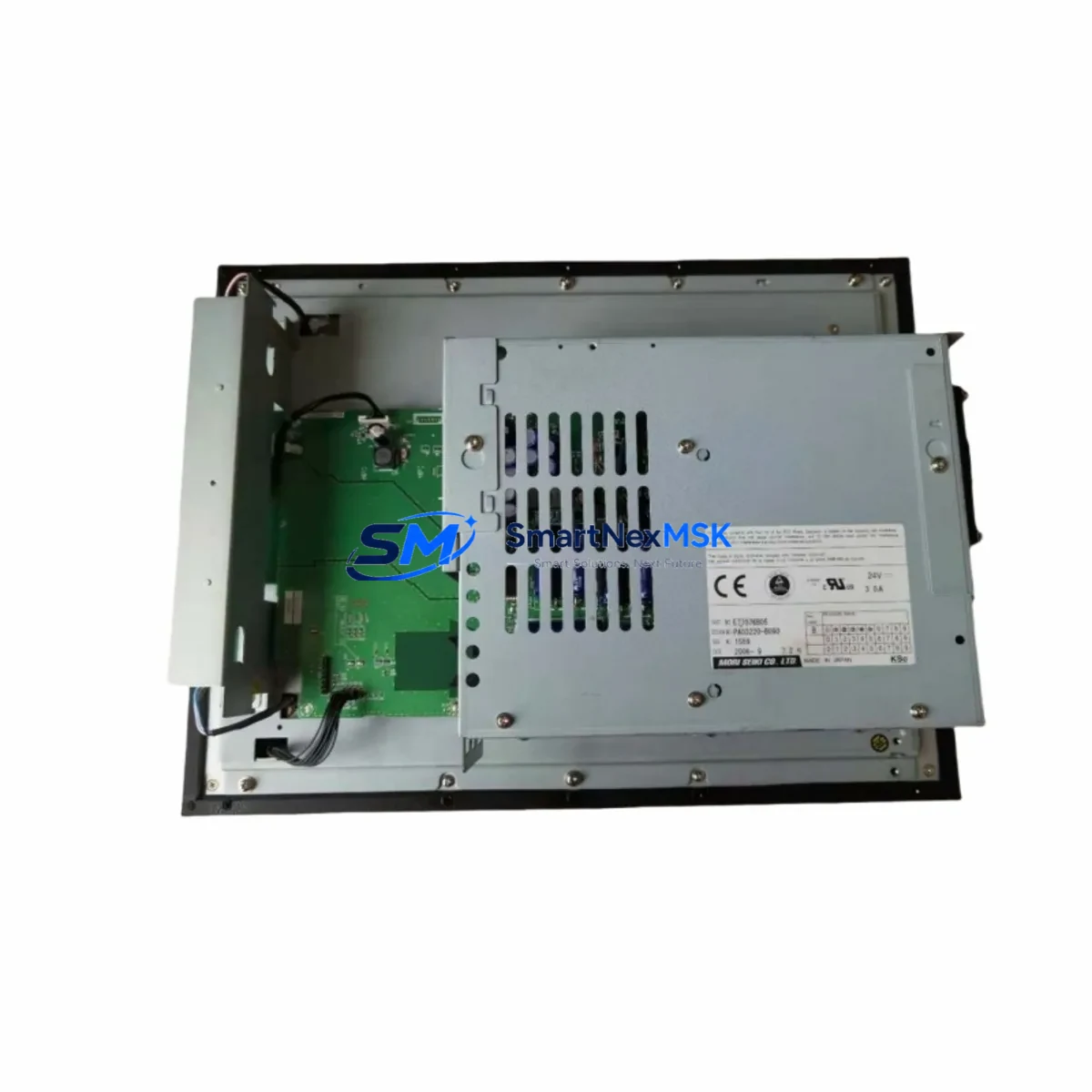
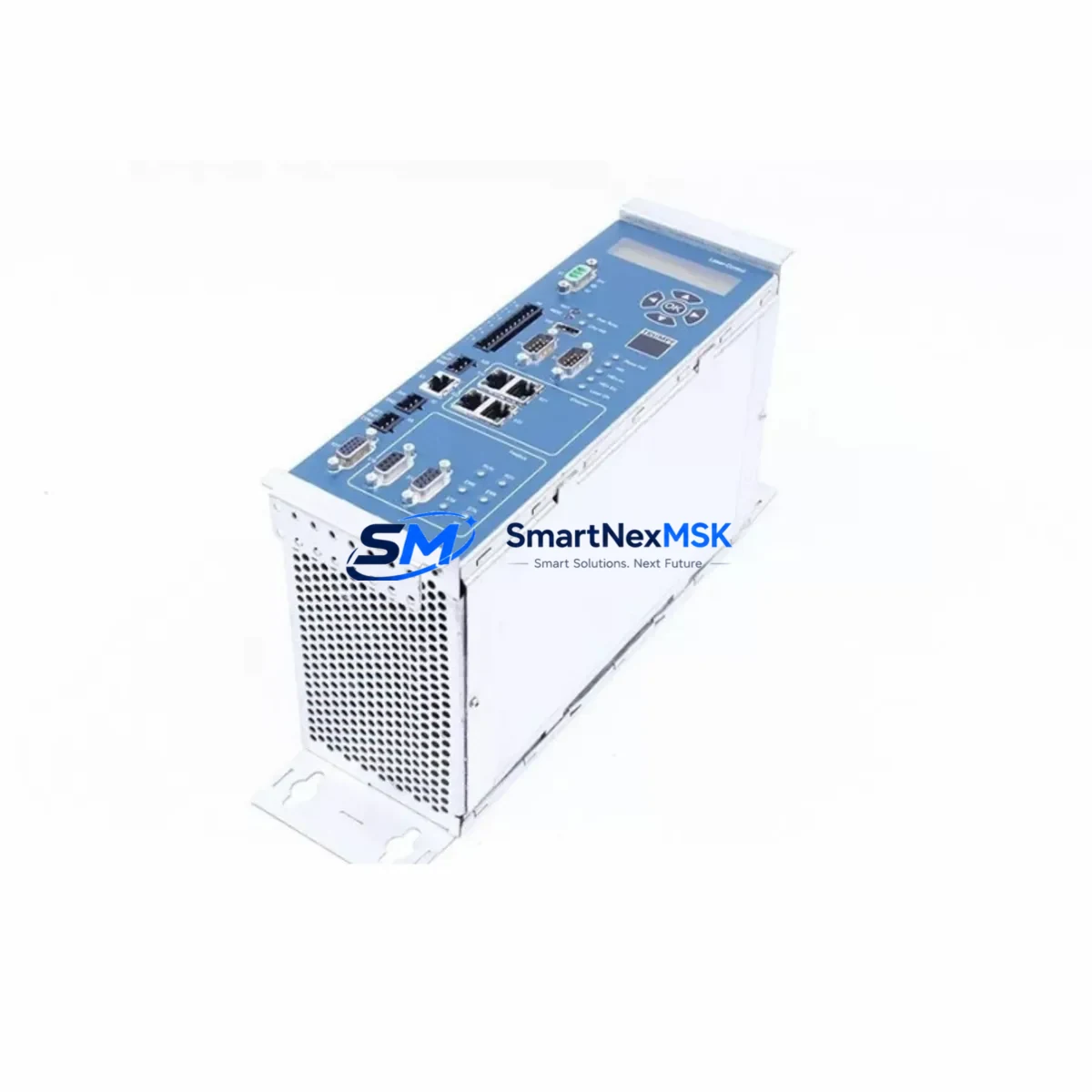
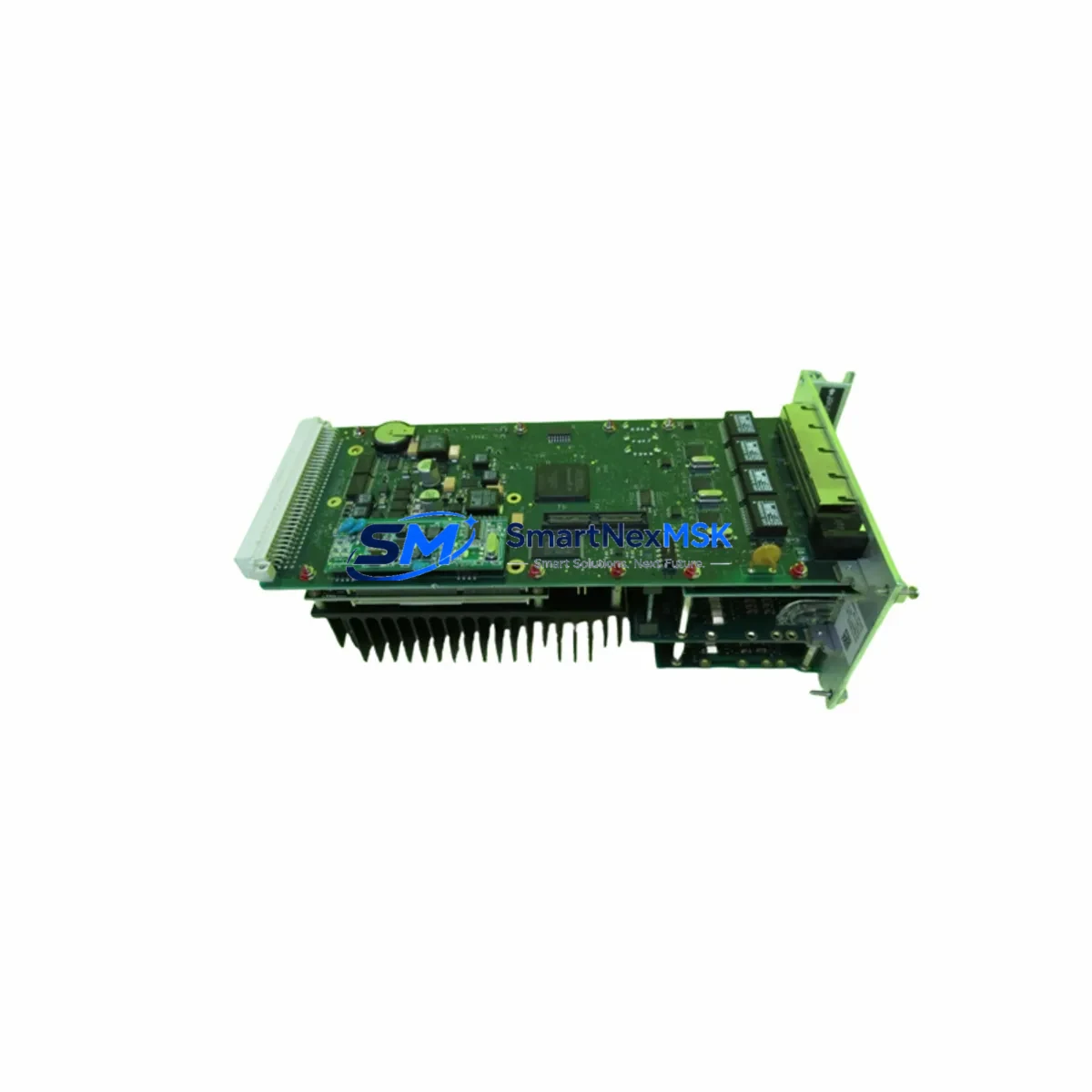
The TRUMPF CPX 18-22-91-A1 is an original industrial control board engineered for CPX Series laser and machine tool automation systems. For maintenance engineers managing aging TRUMPF installations, sourcing a verified, tested spare for this board is critical to minimizing unplanned downtime and protecting production continuity. Whether you are executing a scheduled overhaul, responding to an emergency fault, or building a strategic spare parts buffer, the CPX 18-22-91-A1 delivers the electrical integrity and compatibility assurance your operation demands.
This board serves as the core control interface within the CPX Series control cabinet, managing signal routing, I/O coordination, and communication handshakes between the machine’s PLC backbone and peripheral subsystems. A failure at this level — whether caused by thermal stress, power surge, or component aging — can halt an entire production cell. Having a pre-tested, shelf-ready CPX 18-22-91-A1 on hand is the single most effective way to compress mean time to repair (MTTR) and restore throughput within hours rather than days.
Each unit supplied by SMARTNEXMSK undergoes functional verification prior to dispatch, is packaged in anti-static protective materials, and ships with a 12-month warranty covering manufacturing defects and operational failure under normal industrial conditions. Long-term supply continuity is maintained through established sourcing channels, ensuring availability even for discontinued or end-of-life TRUMPF part numbers.
Spare Maintenance Table
| Part Number | CPX 18-22-91-A1 |
| Brand | TRUMPF |
| Series | CPX Series |
| Product Type | Industrial Control Board / PCB Assembly |
| Origin | Germany (DE) |
| Compatible Systems | TRUMPF CPX Series laser systems and machine tool automation platforms |
| Board Function | Signal routing, I/O coordination, PLC-peripheral communication interface |
| Installation Type | Direct board-level replacement; DIN rail or backplane mount (per cabinet configuration) |
| Operating Environment | Industrial control cabinet; standard IEC 60068 environmental conditions |
| Pre-shipment Testing | Functional verification performed on every unit |
| Packaging | Anti-static bag, foam-lined carton |
| Weight | 200 g (approx.) |
| Warranty | 12 Months — covers manufacturing defects and operational failure under normal use |
| Lead Time | In-stock units ship within 1–3 business days |
| Long-term Supply | Available for discontinued and end-of-life TRUMPF part numbers |
Maintenance Planning for Continuous Operation
When replacing the CPX 18-22-91-A1, a disciplined maintenance engineer will treat the board swap as an opportunity to audit the surrounding electrical environment. Isolated board failures are rarely random — they are often preceded or accompanied by stress conditions in adjacent components. Before closing the control cabinet, inspect and where necessary replace the following:
Power supply integrity is the first checkpoint. The CPX Series 24 VDC regulated power supply module should be load-tested; a sagging or ripple-prone supply is a leading cause of premature board failure. Verify that the power supply’s output voltage holds within ±2% under full I/O load. If the supply is original to the machine and has accumulated more than 50,000 operating hours, proactive replacement is advisable.
I/O modules and terminal blocks connected to the CPX 18-22-91-A1 should be inspected for oxidized contacts, loose ferrules, and thermal discoloration. TRUMPF CPX Series digital input modules and digital output modules share the same backplane bus; a shorted output channel on an adjacent I/O module can induce voltage spikes that damage the control board. Clean or replace suspect terminal blocks and verify torque on all screw terminals.
Communication and fieldbus interfaces warrant close attention. If the CPX system uses PROFIBUS-DP or Ethernet-based communication, inspect the PROFIBUS termination resistors, cable shielding continuity, and connector seating. A degraded fieldbus connection can cause the replacement board to generate spurious fault codes immediately after installation, leading to misdiagnosis.
Relay output modules and contactor coils in the same cabinet should be checked for contact wear. Inductive kickback from aging contactors — particularly if suppression diodes or RC snubbers have failed — is a documented source of transient damage to control boards in TRUMPF installations.
Signal isolators and analog input conditioning modules should be verified if the CPX system interfaces with temperature sensors, pressure transducers, or servo drives. A failed signal isolator can inject common-mode noise into the board’s analog input circuitry. Similarly, inspect any fuse holders and miniature circuit breakers protecting the 24 VDC control circuit — a slow-blow fuse that has partially degraded will not protect the new board under fault conditions.
HMI panel and operator interface connections should be reseated. Loose ribbon cables or corroded D-sub connectors between the HMI and the CPX control board are a frequent source of intermittent faults that are incorrectly attributed to board failure. If the HMI itself shows display artifacts or touch calibration drift, consider scheduling its replacement alongside the board to avoid a repeat service call.
Building a minimum viable spare parts kit around the CPX 18-22-91-A1 — including at least one spare power supply module, one spare I/O module of each type in use, a set of replacement fuses, and a spare PROFIBUS connector — is the most cost-effective insurance against extended downtime in a TRUMPF CPX installation.
Site Replacement Workflow
Step 1 — Fault isolation. Before ordering or installing a replacement CPX 18-22-91-A1, confirm the fault is board-level. Use the TRUMPF diagnostic software or the machine’s built-in error log to identify the fault code. Cross-reference with the CPX Series service manual to rule out upstream causes (power supply, fieldbus, I/O module) that could damage a new board if left unresolved.
Step 2 — Safe de-energization. Isolate the machine at the main disconnect. Follow TRUMPF lockout/tagout procedures. Allow capacitors in the power supply section to discharge fully (minimum 5 minutes) before opening the control cabinet.
Step 3 — Documentation. Photograph all cable connections, wire labels, and board orientation before removal. Note the firmware revision label if present on the original board — this information is useful if the replacement board requires firmware alignment.
Step 4 — Board removal and installation. Remove the faulty CPX 18-22-91-A1 using appropriate ESD precautions. Install the replacement board, ensuring all connectors are fully seated and locking tabs engaged. Do not apply force to misaligned connectors.
Step 5 — Power-up and verification. Restore power and observe the board’s status LEDs during boot. Confirm that the machine’s PLC establishes communication with all I/O modules and that no residual fault codes are present. Run a dry-cycle (no material, no laser) to verify all I/O channels respond correctly before returning the machine to production.
Step 6 — Documentation update. Record the replacement in the machine’s maintenance log, including the new board’s serial number, installation date, and the name of the technician. Update your spare parts inventory to trigger reorder of a replacement CPX 18-22-91-A1 for the next event.
Spare Parts Support FAQ
Q1: Is the CPX 18-22-91-A1 supplied by SMARTNEXMSK an original TRUMPF part or a compatible substitute?
All units are sourced as original TRUMPF components. We do not supply reverse-engineered or third-party compatible boards for this part number. Each unit is individually verified before shipment.
Q2: What does the 12-month warranty cover, and how is a warranty claim processed?
The 12-month warranty covers manufacturing defects and operational failure under normal industrial operating conditions. It does not cover damage caused by incorrect installation, overvoltage events, or physical impact. To initiate a warranty claim, contact [email protected] with the order number, fault description, and photographs of the installed board. Replacement or repair is arranged within 5 business days of claim confirmation.
Q3: How do I confirm compatibility before ordering if my machine has been modified or upgraded?
Provide your machine’s serial number, the existing board’s part number label, and the TRUMPF software version currently in use. Our technical team will cross-reference against the CPX Series compatibility matrix and confirm fit before the order is processed. Contact us at [email protected] or +86 18259474341.
Q4: Can SMARTNEXMSK support long-term supply for discontinued TRUMPF CPX Series parts?
Yes. We maintain sourcing relationships that cover end-of-life and discontinued TRUMPF part numbers. For customers managing aging CPX installations, we recommend establishing a standing supply agreement to ensure priority allocation and stable pricing over a 12–36 month horizon. Contact our sales team to discuss volume and scheduling options.
© 2026 SMARTNEXMSK. All rights reserved.
Original Source: https://smartnexmsk.com
Contact: [email protected] | +86 18259474341