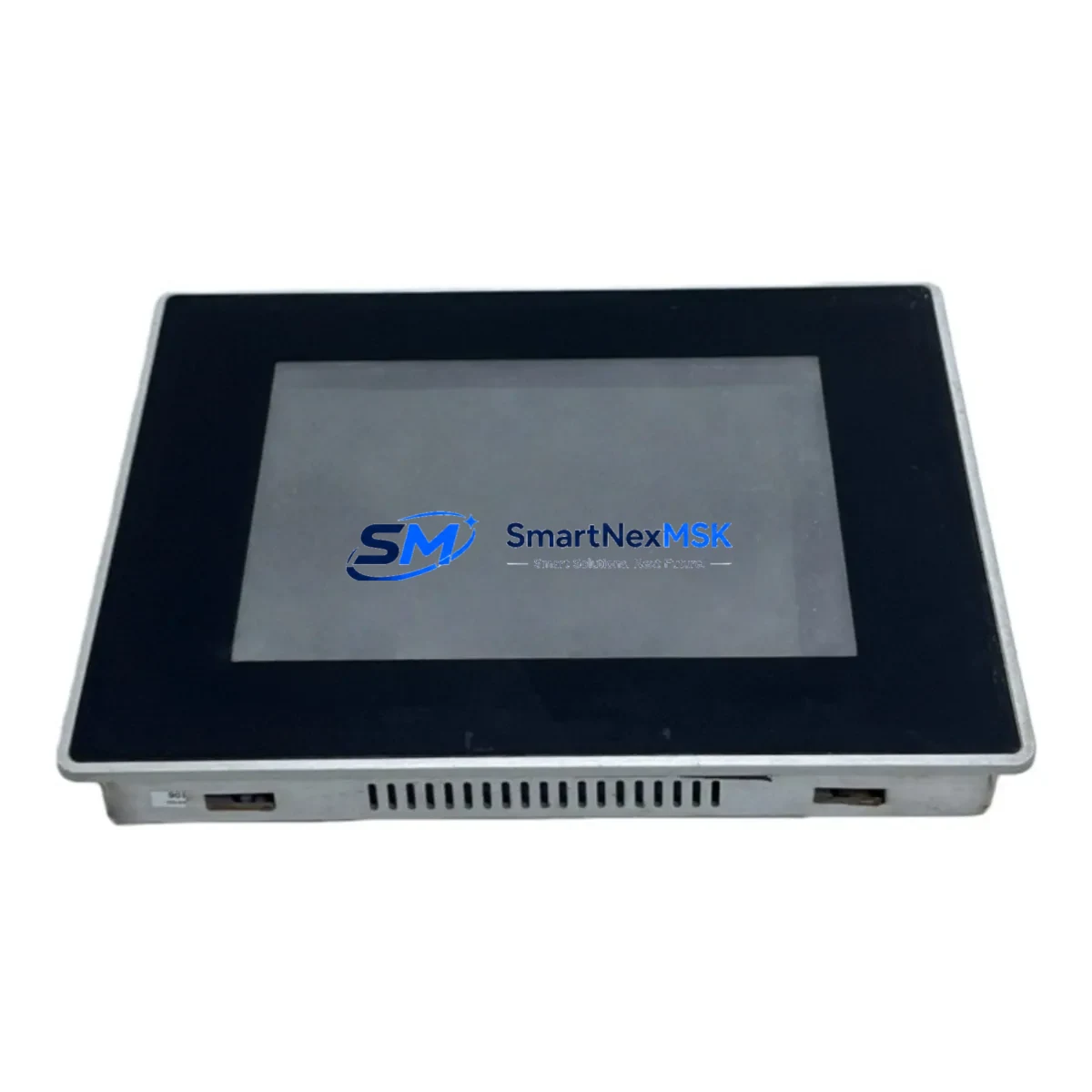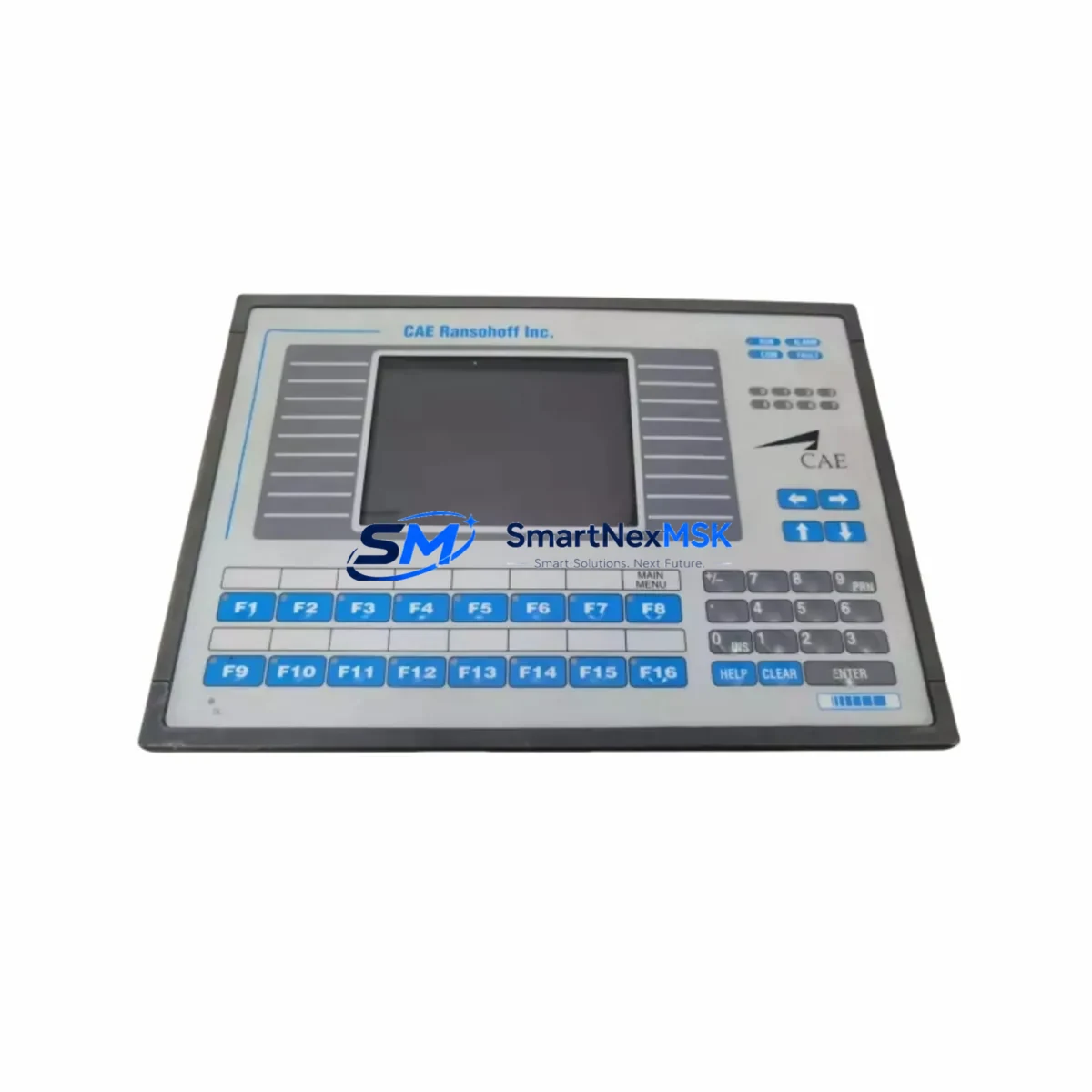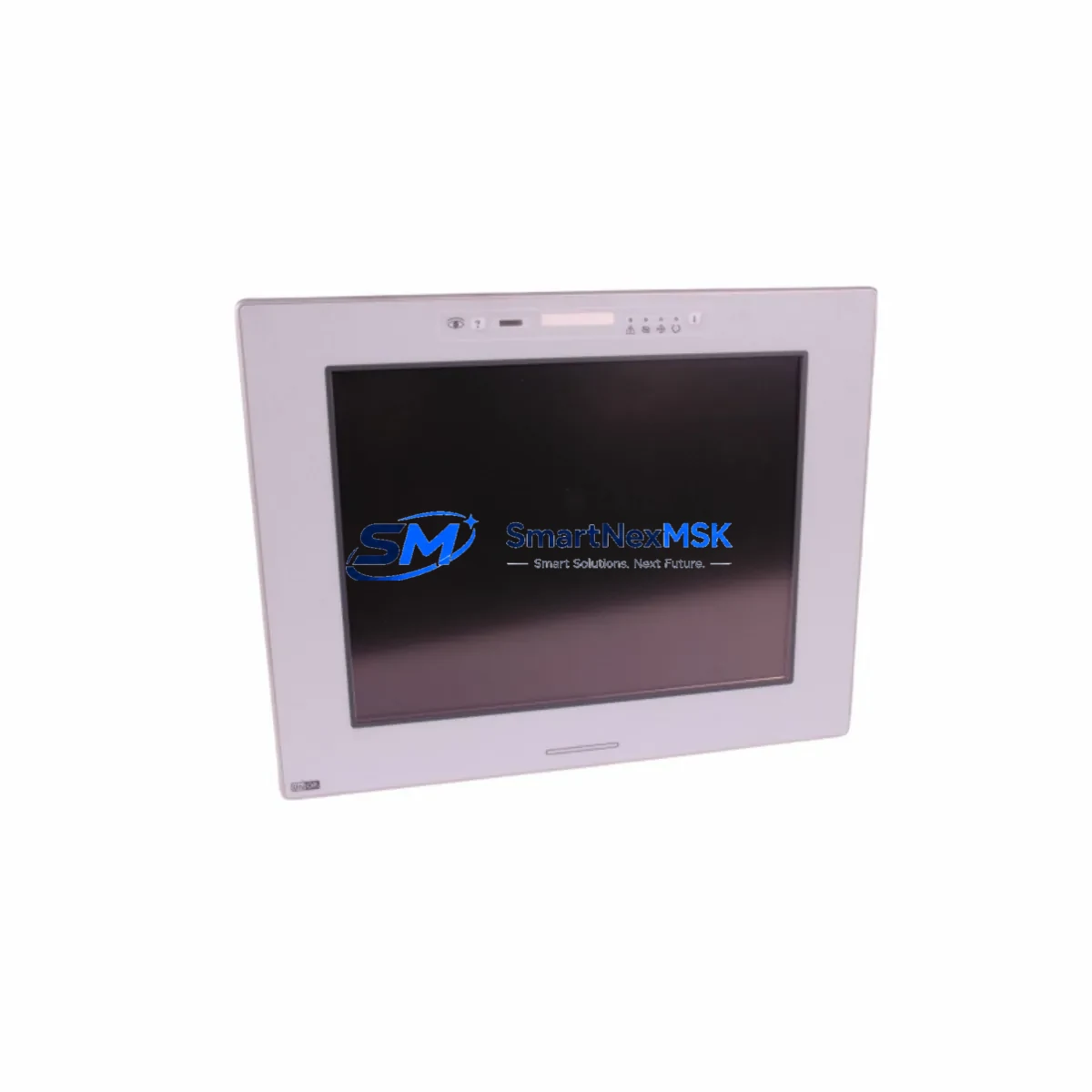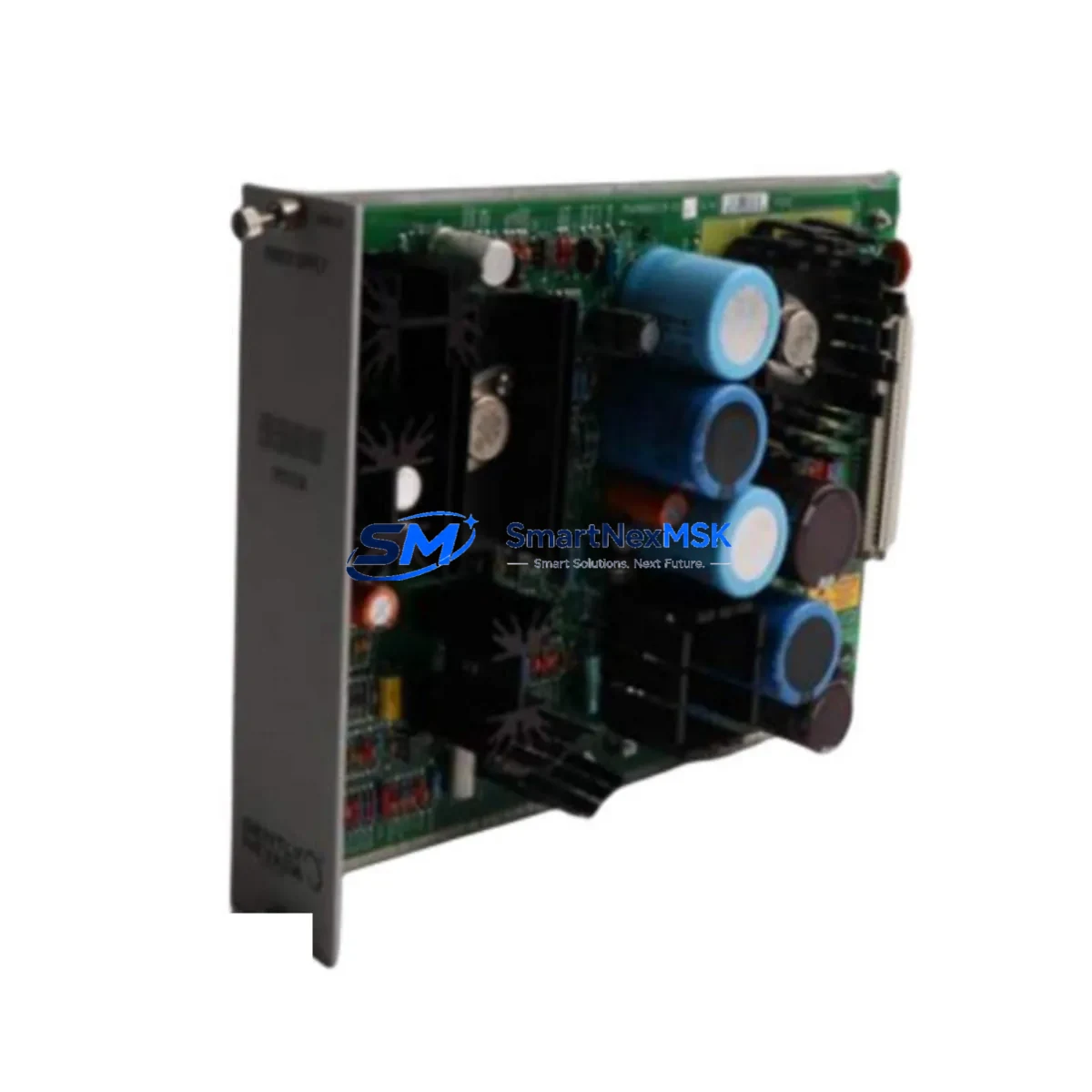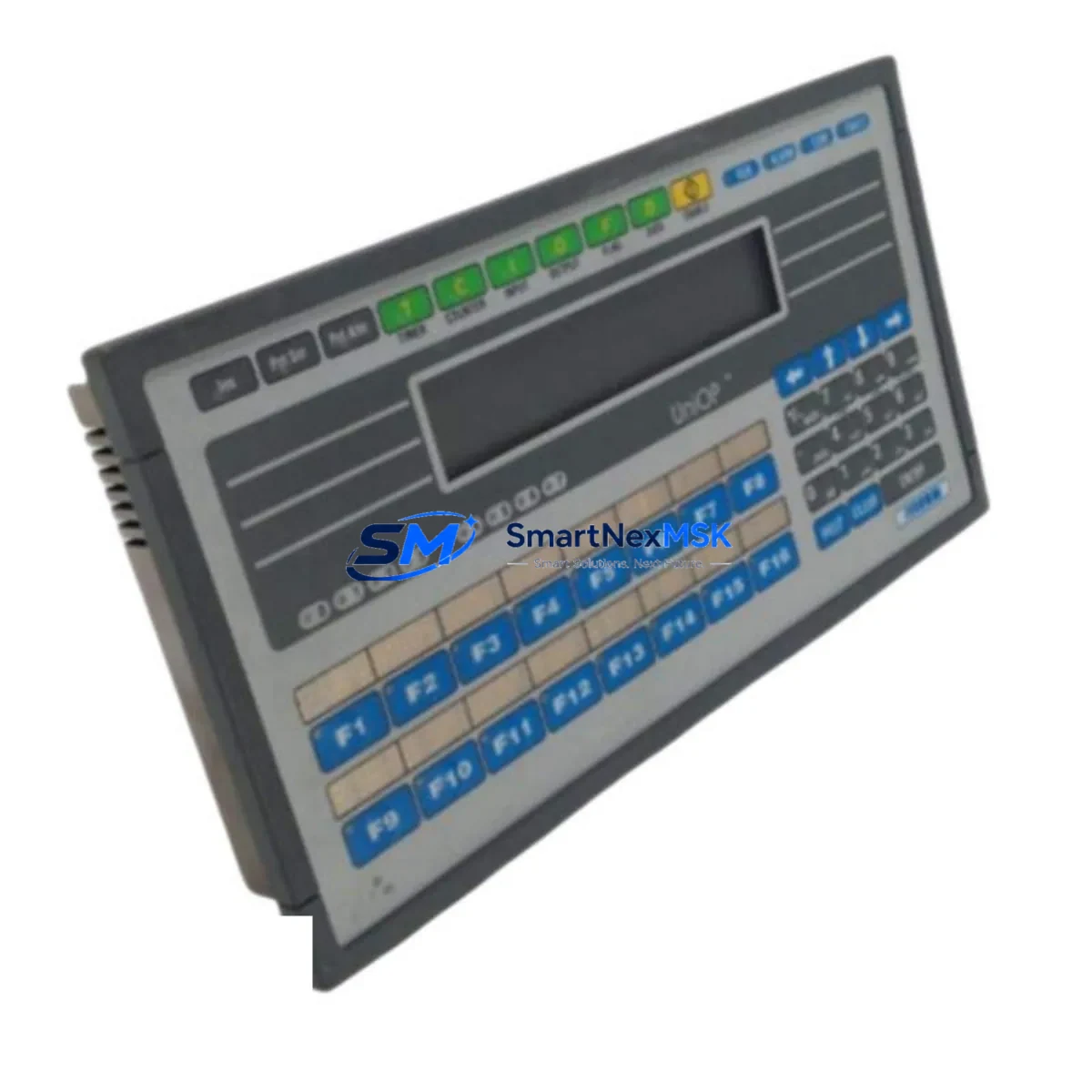
UNIOP EK-04 6ZA983-7 Maintenance-Ready Spare for EK Series Automation
The UNIOP EK-04 6ZA983-7 is an original HMI operator panel spare part designed for EK Series industrial automation systems. For maintenance engineers managing aging control infrastructure, unplanned HMI failure is one of the highest-risk events in a production environment — it can halt an entire line within minutes. Sourcing a verified, tested replacement unit with confirmed compatibility is the fastest path to restoring normal operations and minimizing downtime costs.
This unit is sourced as an original UNIOP component, fully tested prior to shipment, and backed by a 12-month warranty. It is suitable for direct replacement in EK Series control cabinets, SCADA-linked operator stations, and standalone machine HMI applications across manufacturing, process control, and utilities sectors.
Spare Maintenance Table
| Parameter | Specification |
|---|---|
| Part Number / SKU | EK-04 6ZA983-7 |
| Brand | UNIOP |
| Series | EK Series |
| Product Type | HMI Operator Panel |
| Origin | Germany (DE) |
| Display Type | Operator Interface Panel (EK Series) |
| Communication Interface | Serial / RS-232 / RS-485 (EK Series standard) |
| Power Supply | 24 VDC nominal (EK Series standard) |
| Mounting | Panel cutout, front-mount (EK Series standard) |
| Operating Temperature | 0°C to +50°C |
| Protection Rating | IP65 front panel (typical EK Series) |
| Weight | 620 g |
| Compatibility | UNIOP EK Series automation systems; compatible with major PLC brands via serial protocol |
| Condition | Original spare, pre-shipment tested |
| Warranty | 12 Months |
| Shipping | Worldwide express; DHL / FedEx available |
Maintenance Planning for Continuous Operation
When the EK-04 6ZA983-7 HMI panel fails or shows signs of degradation — such as display flickering, unresponsive touch input, communication dropouts, or backlight failure — a structured replacement workflow is essential to prevent extended downtime. Maintenance engineers should treat this unit as part of a broader control cabinet inspection rather than an isolated swap.
Before or during replacement of the EK-04 6ZA983-7, the following associated components should be inspected and verified:
- 24 VDC power supply module — Verify output voltage stability; a degraded PSU is a common root cause of HMI panel failure and should be replaced proactively if voltage ripple is detected.
- RS-232 / RS-485 communication cable — Inspect for insulation damage, connector corrosion, and continuity. A faulty serial cable will prevent the new HMI from establishing communication with the PLC.
- PLC CPU module (e.g., UNIOP-compatible Siemens S5/S7 or equivalent) — Confirm the PLC is operational and the communication port is functioning before commissioning the replacement HMI.
- Terminal blocks and wiring harness — Check for loose terminals, oxidized contacts, and correct wire labeling at the HMI power and signal connectors.
- I/O expansion modules — If the HMI is part of a distributed I/O architecture, verify that all connected I/O modules are responding correctly after HMI replacement.
- Relay output modules — Inspect relay contacts for wear if the HMI controls relay-driven outputs; replace any relay modules showing contact resistance above specification.
- Signal isolators — If analog signals are routed through the HMI or adjacent signal conditioning modules, verify isolator integrity to prevent ground loop interference after panel swap.
- Fuse holders and circuit protection — Replace any blown or degraded fuses in the HMI power circuit; check fuse ratings match the EK-04 6ZA983-7 power requirements.
- Backplane or DIN rail mounting hardware — Inspect the mounting rail and panel cutout for deformation that could cause mechanical stress on the replacement unit.
- UNIOP programming cable and software — Ensure the configuration file (project) for the EK-04 is backed up and available for upload to the replacement unit before installation.
Procurement engineers should consider maintaining at least one EK-04 6ZA983-7 unit in the on-site spare parts inventory, particularly for systems where this HMI is the sole operator interface. Long lead times for legacy HMI panels make proactive stocking a critical risk mitigation strategy.
Site Replacement Workflow
Replacing the UNIOP EK-04 6ZA983-7 on-site follows a straightforward procedure that minimizes system downtime when executed with a pre-staged replacement unit:
- Isolate power — De-energize the control cabinet following LOTO (Lockout/Tagout) procedures. Confirm 24 VDC supply to the HMI is off before disconnecting.
- Document existing wiring — Photograph or label all communication cables, power connectors, and signal wires connected to the existing EK-04 6ZA983-7 before removal.
- Remove the failed unit — Release the panel mounting clips or screws, carefully withdraw the unit from the panel cutout, and disconnect all connectors.
- Inspect the panel cutout — Check for moisture ingress, corrosion, or mechanical damage before installing the replacement unit.
- Install the replacement EK-04 6ZA983-7 — Connect all cables per the documented wiring, seat the unit in the panel cutout, and secure the mounting hardware.
- Upload the project file — Using the UNIOP programming software and cable, upload the backed-up project configuration to the new unit.
- Restore power and test — Energize the cabinet, verify HMI display initialization, confirm PLC communication link, and test all operator functions before returning the system to production.
This replacement procedure is compatible with all standard EK Series panel installations and does not require PLC program modification, ensuring system compatibility is maintained throughout the swap.
Spare Parts Support FAQ
Q1: Is the EK-04 6ZA983-7 a direct drop-in replacement for the original UNIOP unit?
Yes. This is an original UNIOP EK-04 6ZA983-7 spare part with the same hardware revision and communication protocol support as the factory-installed unit. No hardware modification is required for direct replacement in EK Series systems.
Q2: How is the unit tested before shipment?
Each EK-04 6ZA983-7 unit undergoes functional testing prior to dispatch, including power-on verification, display check, and communication port validation. A test report is available upon request. All units are shipped with protective packaging to prevent transit damage.
Q3: What does the 12-month warranty cover?
The 12-month warranty covers manufacturing defects and functional failures under normal operating conditions. It does not cover damage resulting from incorrect installation, overvoltage, or physical impact. Warranty claims are processed with full technical support from our team.
Q4: Can you supply multiple units for long-term spare parts inventory?
Yes. We support bulk procurement for maintenance stock programs. Contact our sales team for volume pricing, lead time confirmation, and long-term supply agreements. We maintain ongoing stock of EK Series UNIOP components to support extended system lifecycles.
© 2026 SMARTNEXMSK. All rights reserved.
Original Source: https://smartnexmsk.com
Contact: [email protected] | +86 18259474341