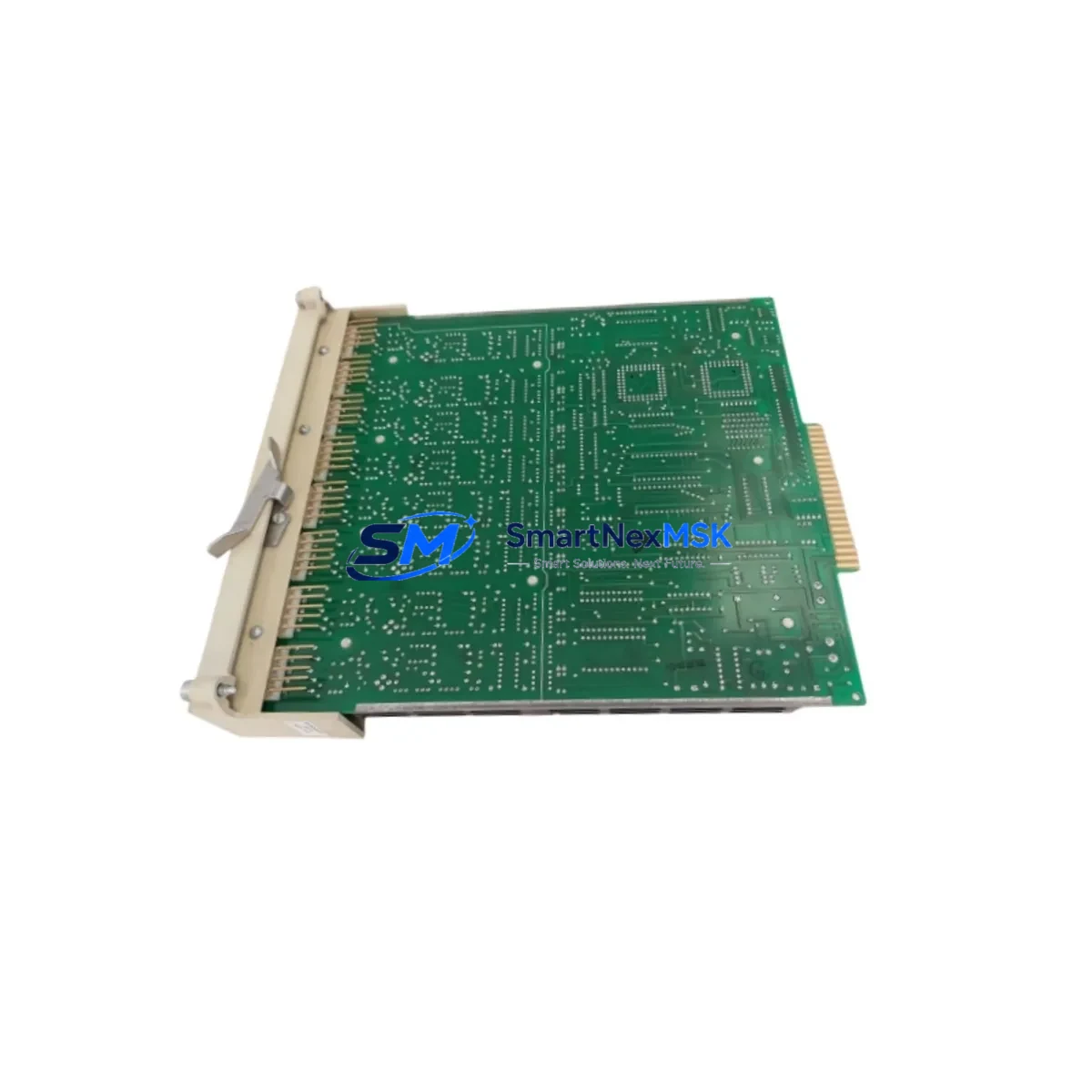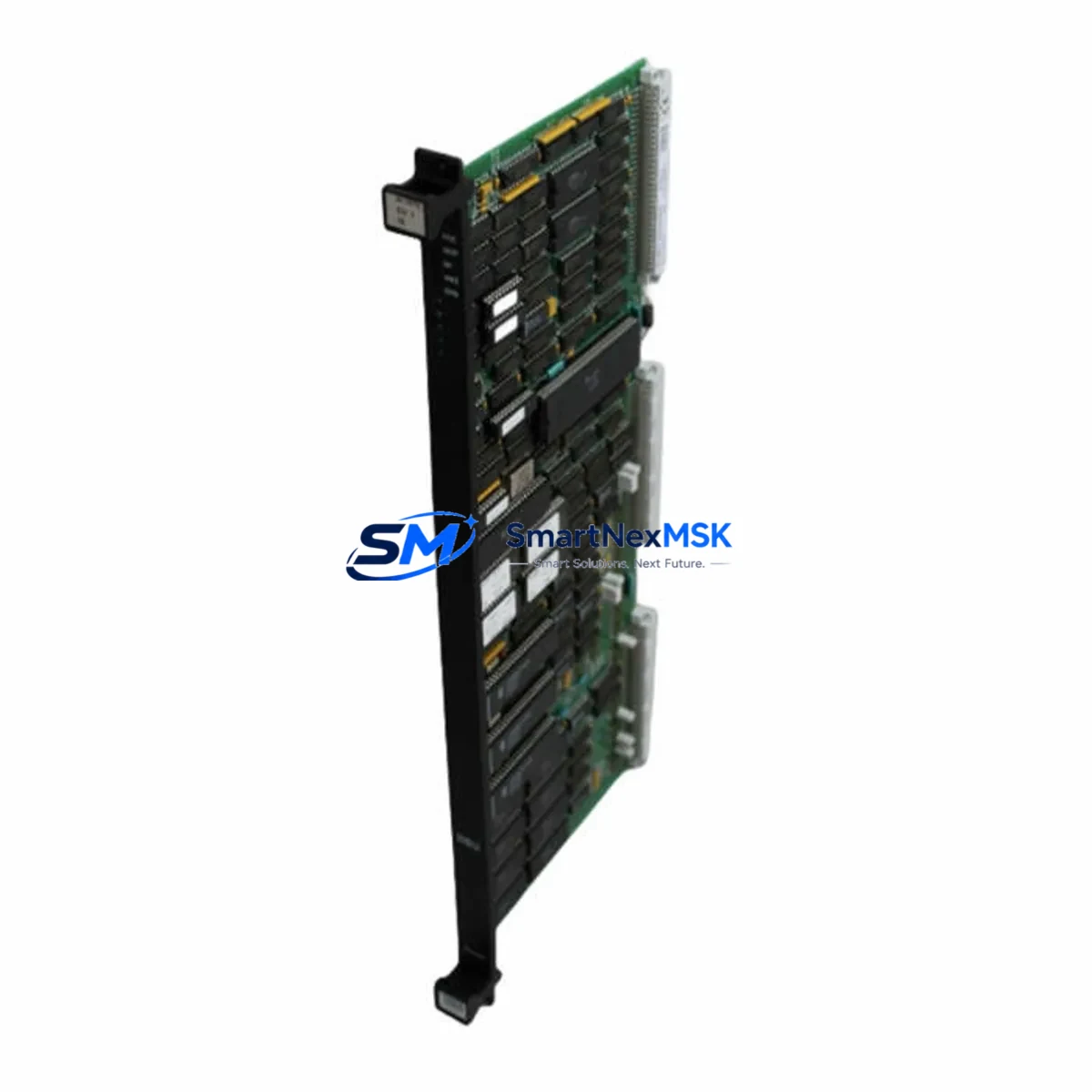
VALMET A413050 Maintenance-Ready Spare for Damatic XD Automation
The VALMET A413050 is an original DCS computer module engineered for the Damatic XD distributed control system — one of VALMET’s most widely deployed process automation platforms in pulp, paper, and energy industries. For maintenance engineers managing aging Damatic XD installations, sourcing a verified A413050 spare is critical to minimizing unplanned downtime and sustaining continuous process control. This module serves as the computational backbone of the Damatic XD controller rack, handling real-time process data acquisition, logic execution, and communication with field I/O subsystems.
Whether you are executing a planned shutdown inspection, responding to a controller fault alarm, or building a strategic spare parts buffer for a legacy DCS system, the A413050 is a high-priority line item. Its role in the control architecture means that failure without an available replacement can result in extended production outages — a risk no maintenance or reliability engineer can afford in a continuous-process environment.
This unit is sourced as an original VALMET component, fully tested prior to shipment, and backed by a 12-month warranty. It is available for immediate dispatch to support emergency replacement or scheduled maintenance programs.
Spare Maintenance Table
| Parameter | Specification |
|---|---|
| Part Number / SKU | A413050 |
| Brand | VALMET |
| Series / Platform | Damatic XD |
| Module Type | DCS Computer Module |
| Origin | Finland (FI) |
| Weight | 620 g |
| Compatibility | Damatic XD distributed control system controller racks |
| Application Environment | Pulp & paper, energy, process industries; industrial control cabinets |
| Installation | Rack-mounted; hot-swap capability subject to system configuration |
| Condition | Original spare; tested before shipment |
| Warranty | 12 months from date of shipment |
| Maintenance Recommendation | Inspect backplane connectors, verify firmware revision, confirm I/O bus integrity before installation |
Maintenance Planning for Continuous Operation
When replacing the A413050 in a Damatic XD system, a thorough site inspection of the surrounding control architecture is essential to prevent repeat failures and ensure stable resumption of operations. Maintenance engineers should treat this replacement as an opportunity to audit the full controller cabinet.
Begin with the Damatic XD power supply module — an aging or under-spec PSU is a leading cause of premature CPU and computer module failures. Verify output voltage stability under load before commissioning the new A413050. Next, inspect the Damatic XD backplane and rack assembly; corroded or loose backplane connectors can cause intermittent communication faults that mimic CPU module failure.
Check all I/O modules connected to the controller — both analog input modules and digital output modules in the same rack should be inspected for fault LEDs, loose terminal blocks, and wiring integrity. If the system uses Damatic XD communication modules for fieldbus or serial links (e.g., PROFIBUS, Modbus), verify that these are operating without error flags, as a failed computer module can sometimes corrupt communication module state.
For systems with signal isolators or signal conditioners on 4–20 mA loops feeding this controller, confirm isolation integrity — ground loops introduced through field wiring are a common source of module stress. Review the terminal blocks and marshalling panels for loose connections, especially on high-cycle I/O points.
If the Damatic XD installation includes an operator station or HMI linked to this controller node, verify that the HMI communication link is restored and that process graphics are updating correctly after module swap. For sites running redundant controller configurations, confirm that the redundancy switchover logic is functioning and that the standby module is healthy.
Procurement engineers building a spare parts inventory for Damatic XD systems should consider stocking the A413050 alongside compatible Damatic XD I/O bus interface modules, power supply units, and communication interface cards to ensure a complete recovery kit for any controller-level fault scenario. A well-structured spare parts list reduces mean time to repair (MTTR) and supports long-term system life extension for installations where full DCS migration is not yet planned.
Site Replacement Workflow
Step 1 — Pre-replacement verification: Confirm the fault is isolated to the A413050 by reviewing system diagnostics, fault logs, and LED status on the module. Cross-reference with Damatic XD system documentation to rule out backplane or power faults.
Step 2 — Safe isolation: Follow site lockout/tagout (LOTO) procedures. If the system supports hot-swap for this module type, confirm with your site safety plan before proceeding without a full shutdown.
Step 3 — Module extraction: Remove the A413050 carefully, noting connector orientation and any jumper or DIP switch settings that must be replicated on the replacement unit.
Step 4 — Replacement installation: Insert the new A413050, ensuring full backplane connector engagement. Restore power and observe system startup diagnostics.
Step 5 — Functional verification: Confirm all I/O points are scanning correctly, communication links are active, and the HMI is displaying live process data. Run a short-duration monitoring period before returning the loop to automatic control.
Step 6 — Documentation: Record the replacement in the site maintenance log, including the new module serial number, installation date, and any configuration changes made during the swap.
This workflow supports rapid downtime recovery while maintaining system compatibility and audit traceability — critical requirements for regulated process industries.
Spare Parts Support FAQ
Q1: Is the A413050 compatible with all Damatic XD controller rack configurations?
The A413050 is designed for the Damatic XD platform. Compatibility depends on the specific rack generation and firmware revision in your installation. We recommend providing your system’s hardware revision and software version when ordering so our technical team can confirm fit before shipment.
Q2: What testing is performed before the A413050 is shipped?
Each unit undergoes functional verification prior to dispatch, including power-on self-test and basic I/O bus communication checks. Units that do not pass testing are not shipped. All shipped units are covered by a 12-month warranty from the date of delivery.
Q3: How should I manage A413050 inventory for a multi-unit Damatic XD installation?
For sites with three or more Damatic XD controller nodes, we recommend maintaining at least one A413050 on-site as a cold standby. For critical continuous-process applications, a two-unit buffer is advisable. Coordinate with your procurement team to align spare parts replenishment cycles with planned shutdown intervals.
Q4: Can the A413050 replace older or discontinued Damatic XD computer module variants?
In many cases, the A413050 serves as a direct or functionally equivalent replacement for earlier Damatic XD computer module revisions. However, firmware and hardware revision compatibility must be verified against your system’s configuration. Contact our technical support team with your existing module part number and system revision for a compatibility assessment before ordering.
© 2026 SMARTNEXMSK. All rights reserved.
Original Source: https://smartnexmsk.com
Contact: [email protected] | +86 18259474341