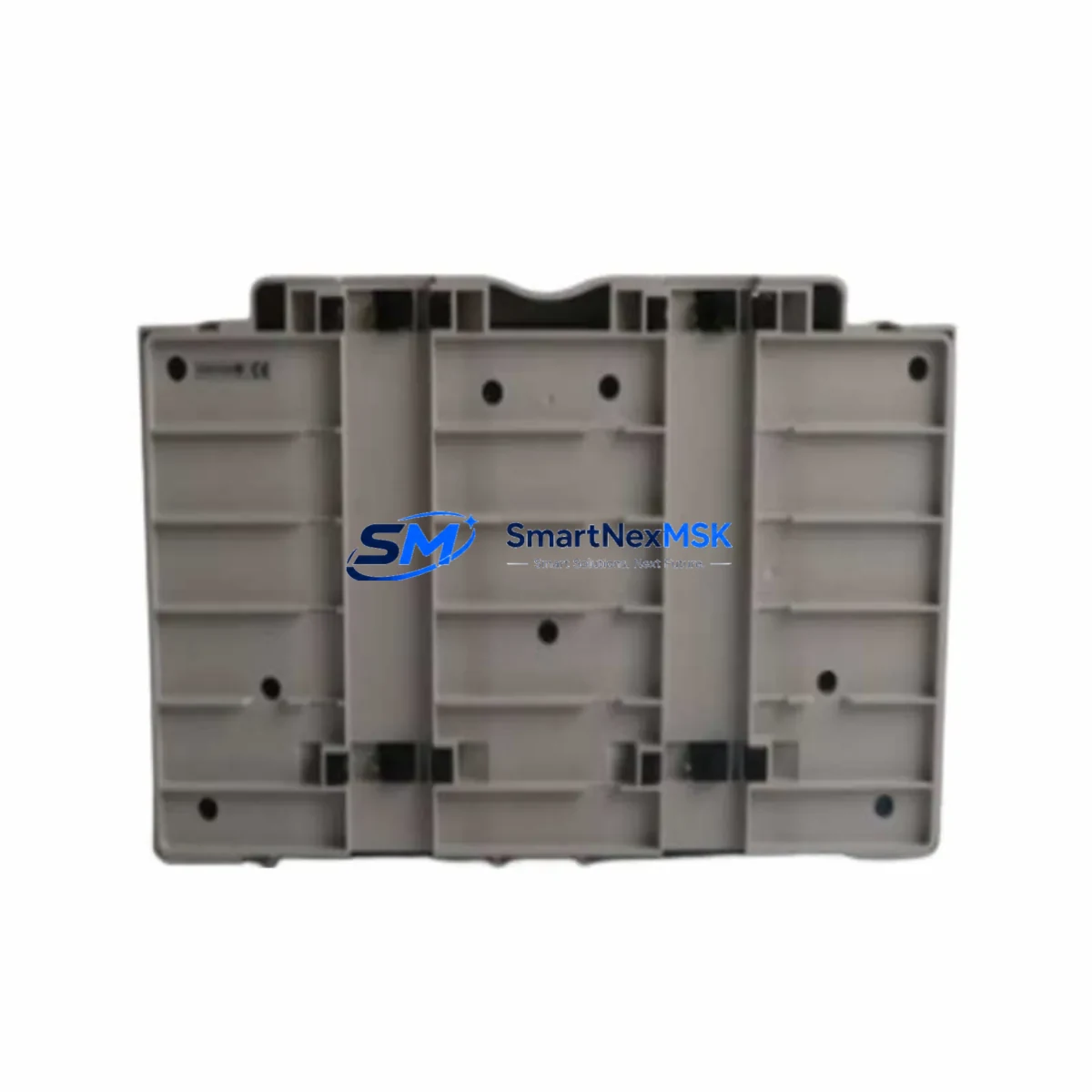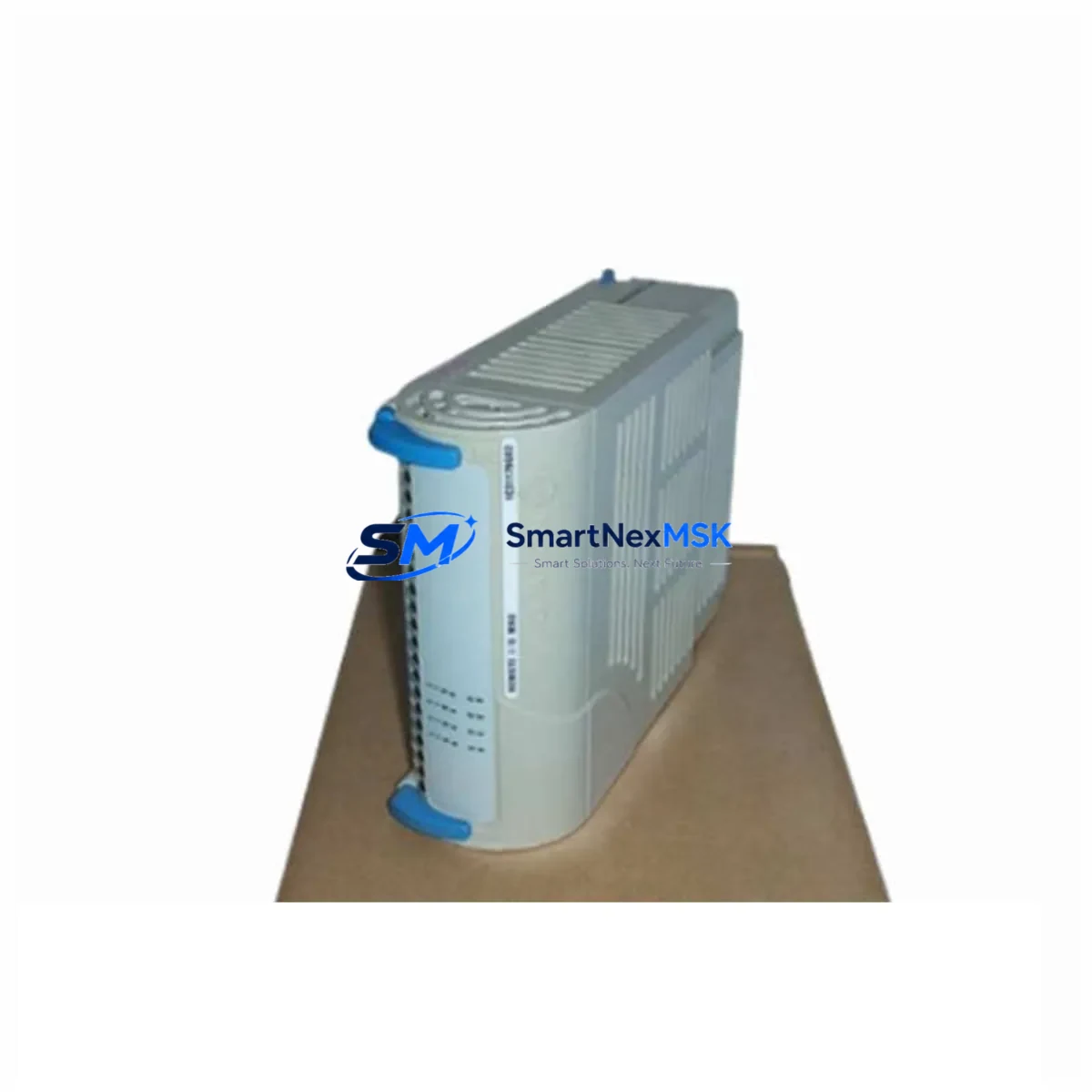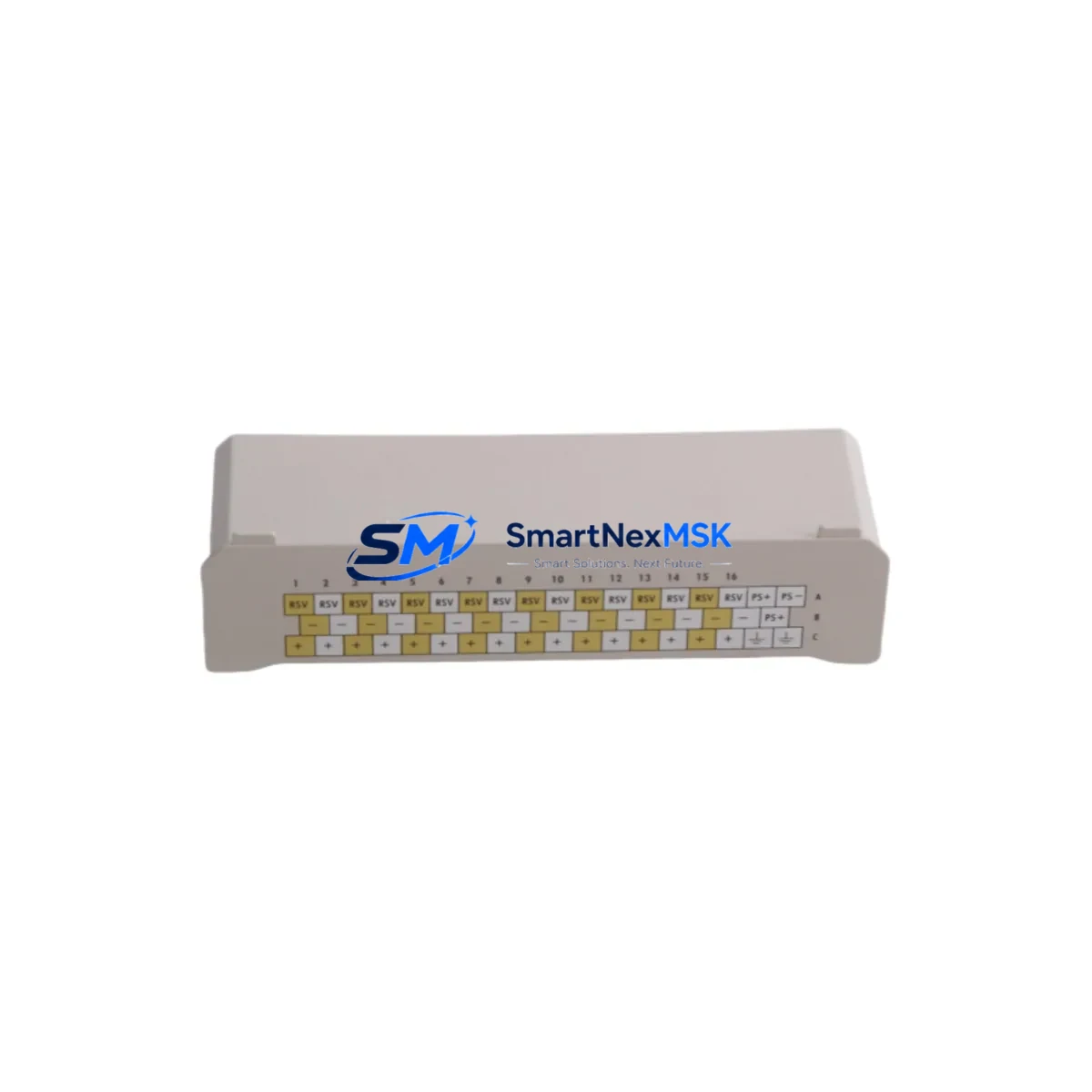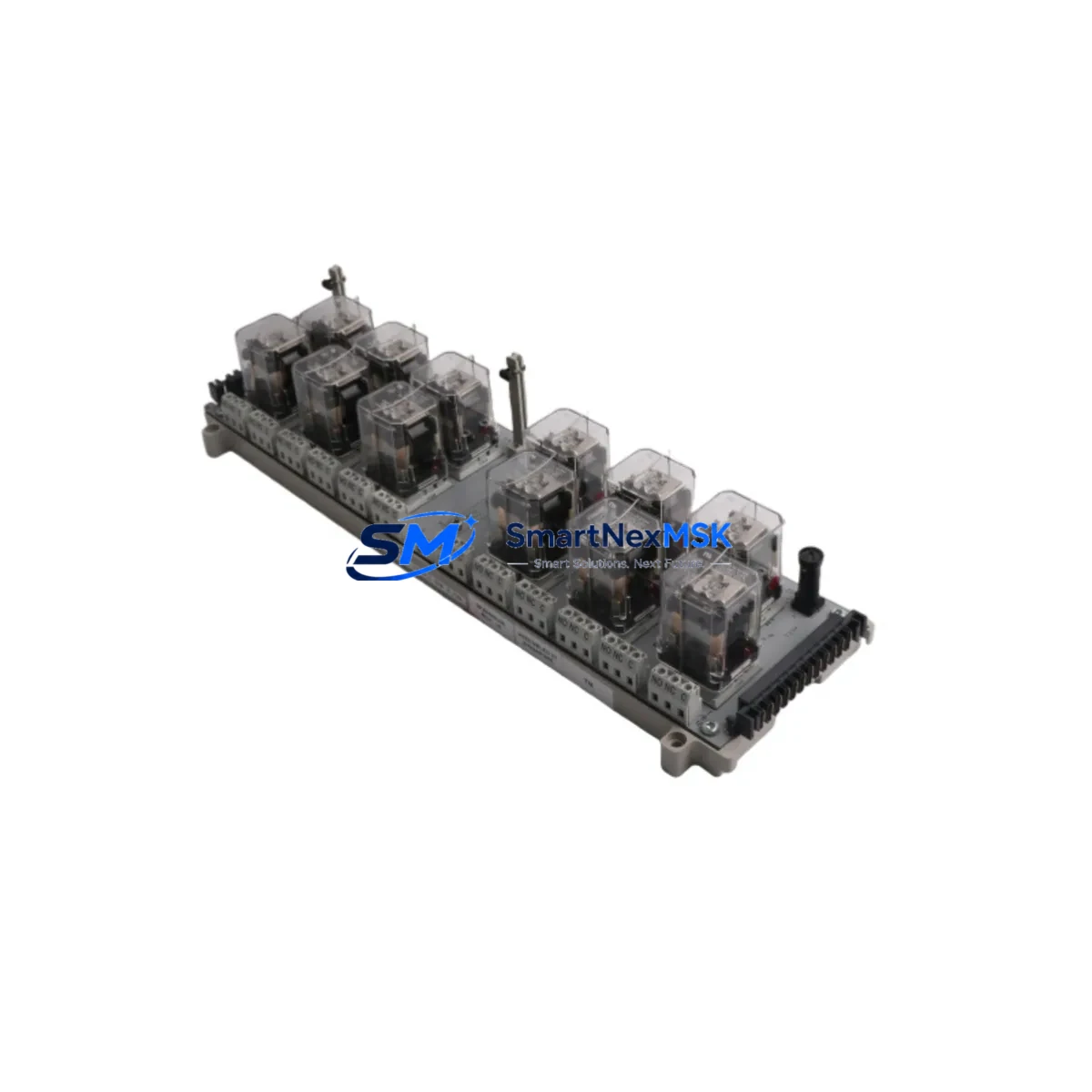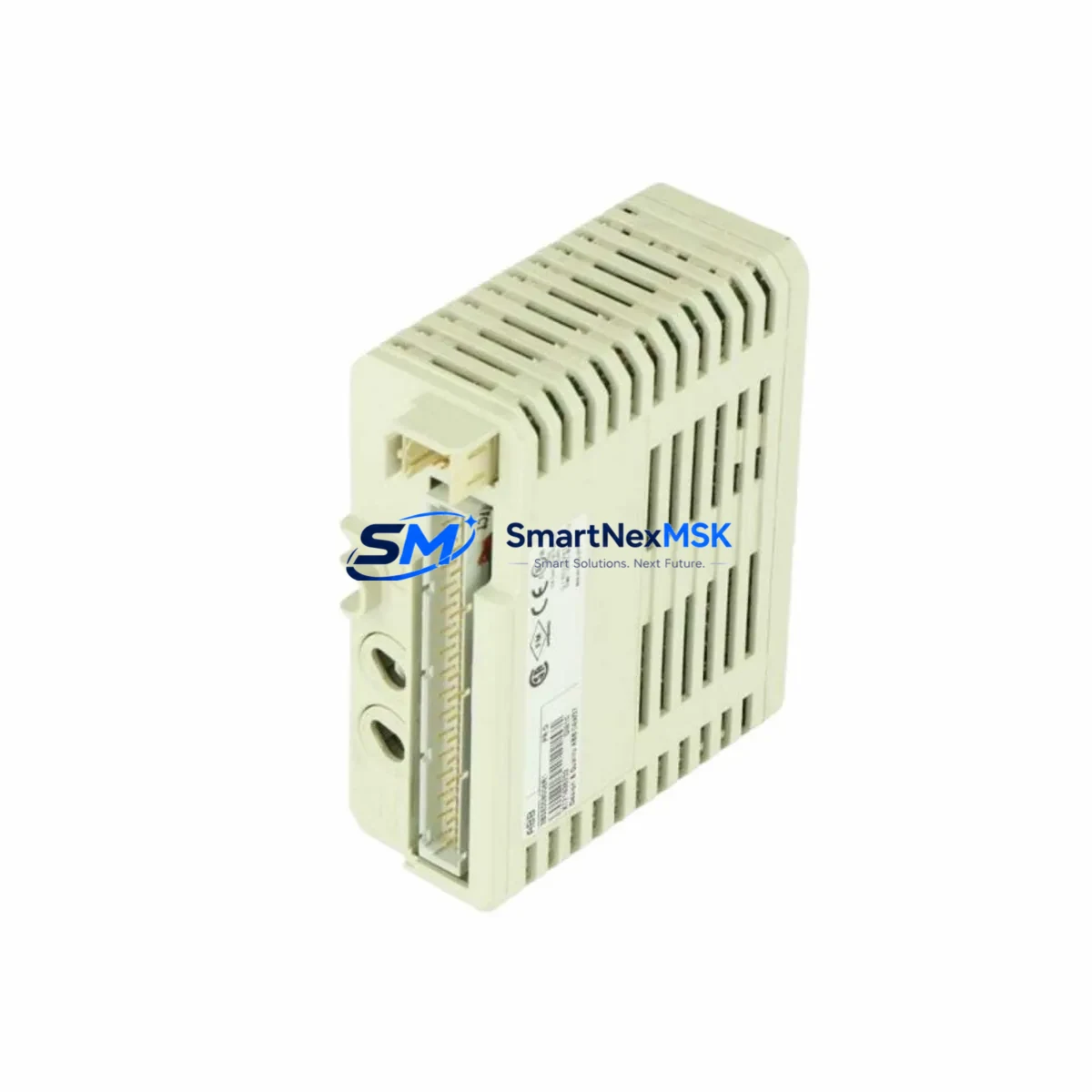
Westinghouse 1C31204G01 Retrofit-Ready I/O Module for Ovation DCS: Compatible Modernization & Smooth System Upgrade
The Westinghouse 1C31204G01 is a critical I/O interface module designed for the Ovation Distributed Control System (DCS) platform — one of the most widely deployed process control architectures in power generation, oil & gas, and heavy industrial facilities worldwide. As original equipment reaches end-of-life and OEM support windows close, facilities operating legacy Ovation control cabinets face increasing pressure to source verified replacement modules that maintain full backward compatibility without requiring costly re-engineering of existing control logic or field wiring.
SMARTNEXMSK maintains ready inventory of the 1C31204G01 module, sourced through established industrial supply channels and subject to full incoming inspection and functional verification prior to shipment. Each unit is tested against Ovation DCS backplane communication standards and I/O signal integrity benchmarks before dispatch. A 12-month warranty is included with every shipment, covering manufacturing defects and functional failures under normal operating conditions.
Upgrade Compatibility Table
| Parameter | Details |
|---|---|
| Module SKU | 1C31204G01 |
| Platform Compatibility | Westinghouse Ovation DCS (all generations) |
| Backplane Interface | Ovation standard I/O backplane connector — direct plug-in replacement |
| Installation Requirement | No hardware modification required; fits standard Ovation I/O rack/chassis |
| Communication Compatibility | Compatible with Ovation network communication protocol; no firmware re-flash required in most configurations |
| Wiring Compatibility | Terminal block wiring retained from original installation; no re-termination required |
| Replacement Recommendation | Direct drop-in for failed or end-of-life 1C31204G01 units; verify module address assignment before power-up |
| Commissioning Notes | Confirm I/O module address via Ovation Developer Studio; validate signal mapping against existing control narrative |
| Warranty | 12 months from shipment date — covers functional failure under normal operating conditions |
Retrofit Planning for Existing Automation Systems
Replacing the 1C31204G01 in an active Ovation DCS environment requires a structured approach that accounts for the interdependencies between I/O modules, the Ovation controller, and the broader control cabinet architecture. Before initiating a swap, engineers should audit the existing I/O rack to confirm the slot position, module address, and wiring harness configuration. The 1C31204G01 interfaces with the Ovation I/O backplane, which is shared across multiple module slots — meaning a loose backplane connector or damaged rack guide rail can cause communication faults that are incorrectly attributed to the replacement module itself.
In systems where the Ovation Operator Station (OIS) or a third-party HMI is configured to display I/O channel status, technicians should capture a screenshot or export of the current HMI faceplate configuration before the module is removed. This ensures that after the replacement 1C31204G01 is installed and the Ovation controller re-scans the I/O network, the HMI display can be validated against the pre-swap baseline without relying on memory or undocumented field changes.
Power supply integrity is a frequently overlooked factor in I/O module replacements. The Ovation I/O rack is typically fed by a dedicated 24 VDC power supply module — such as the 1C31234G01 or equivalent Ovation power supply card — and any degradation in rail voltage can cause intermittent faults in newly installed modules that are mistakenly attributed to the replacement unit. Verifying rail voltage at the backplane connector before and after installation is a recommended commissioning step.
For facilities undertaking broader control system modernization — such as migrating from an older Ovation version to a current-generation Ovation platform, or integrating a new Ovation controller module alongside legacy I/O — the 1C31204G01 replacement is often one step in a larger upgrade sequence that may also involve the Ovation communication module, Ovation remote I/O nodes, and updates to the Ovation Developer Studio project database. In multi-drop communication architectures, the I/O module address must be confirmed against the existing network map to avoid address conflicts with other modules such as the 1C31197G01 analog input module or the 1C31166G01 digital output module sharing the same rack.
Where the retrofit involves migrating from a legacy serial communication link to an Ethernet-based Ovation network, additional planning is required to ensure that the replacement 1C31204G01 is compatible with the updated network topology. In such cases, the Ovation network interface card and associated communication cables should be inspected and replaced if necessary. Facilities that have already upgraded their Ovation Operator Station to a Windows-based platform should also verify that the Ovation Developer Studio version in use supports the module firmware revision of the replacement unit.
Terminal block wiring should be documented with photographs before removal. The 1C31204G01 uses a standard Ovation field termination assembly, and in many installations the field wiring is connected via a separate termination panel — such as the 5X00070G01 termination assembly — that remains in place during the module swap, significantly reducing re-wiring time and the risk of wiring errors. Confirm that the termination panel connectors are clean and free of corrosion before re-mating with the replacement module.
Downtime Control During System Migration
Minimizing unplanned downtime during an I/O module replacement in an active Ovation DCS environment requires pre-staging the replacement 1C31204G01 and completing all preparatory steps — address verification, wiring documentation, HMI baseline capture, and power supply check — before the control system is taken offline. Where the process permits, placing the affected I/O channels in manual mode via the Ovation Operator Station allows field operators to maintain control continuity while the module swap is performed, reducing the window during which the process is operating without automated I/O feedback.
For critical loops where manual operation is not feasible, coordinating the module replacement during a scheduled maintenance window and pre-configuring the replacement module’s address offline — using a bench test setup with an Ovation controller and programming cable — can reduce the in-cabinet swap time to under 15 minutes. After installation, the Ovation controller should be allowed to complete its I/O scan cycle before any control outputs are returned to automatic mode, ensuring that all channel assignments are correctly recognized and that no spurious output signals are generated during the initialization sequence.
Post-replacement commissioning should include a point-by-point I/O verification against the control narrative, confirmation of alarm setpoints in the Ovation Developer Studio database, and a review of the HMI display to ensure all channel tags are correctly mapped. Any discrepancies between the pre-swap baseline and the post-replacement state should be documented and resolved before the system is returned to full automatic operation. SMARTNEXMSK provides technical support during the commissioning phase for customers who require assistance with module configuration or troubleshooting.
Retrofit Support FAQ
Q: Is the 1C31204G01 a direct drop-in replacement for the original Westinghouse Ovation module?
A: Yes. The replacement 1C31204G01 supplied by SMARTNEXMSK is form-fit-function compatible with the original Westinghouse part. It installs into the same backplane slot, uses the same field wiring termination, and communicates over the standard Ovation I/O network without requiring firmware changes in the majority of installations. Module address assignment should be verified in Ovation Developer Studio before power-up.
Q: What pre-shipment testing is performed on each unit?
A: Every 1C31204G01 unit undergoes incoming inspection and functional verification at our Xiamen facility prior to shipment. Testing covers backplane communication integrity, I/O signal accuracy, and power consumption within specification. Units that do not pass all test criteria are quarantined and not shipped. A 12-month warranty is included with each unit, covering functional failures under normal operating conditions.
Q: What information should I provide when ordering to ensure compatibility?
A: Please provide the full SKU (1C31204G01), your Ovation DCS version, the rack and slot position of the module to be replaced, and any known firmware revision information from the existing module’s label. This allows our technical team to confirm compatibility and advise on any configuration steps specific to your installation.
Q: Can SMARTNEXMSK support the commissioning process after the module is installed?
A: Yes. Our technical support team is available to assist with module address configuration, I/O signal verification, and troubleshooting during the commissioning phase. Customers are encouraged to contact us via [email protected] or +86 18259474341 with their system configuration details so we can provide targeted commissioning guidance.
© 2026 SMARTNEXMSK. All rights reserved.
Original Source: https://smartnexmsk.com
Contact: [email protected] | +86 18259474341