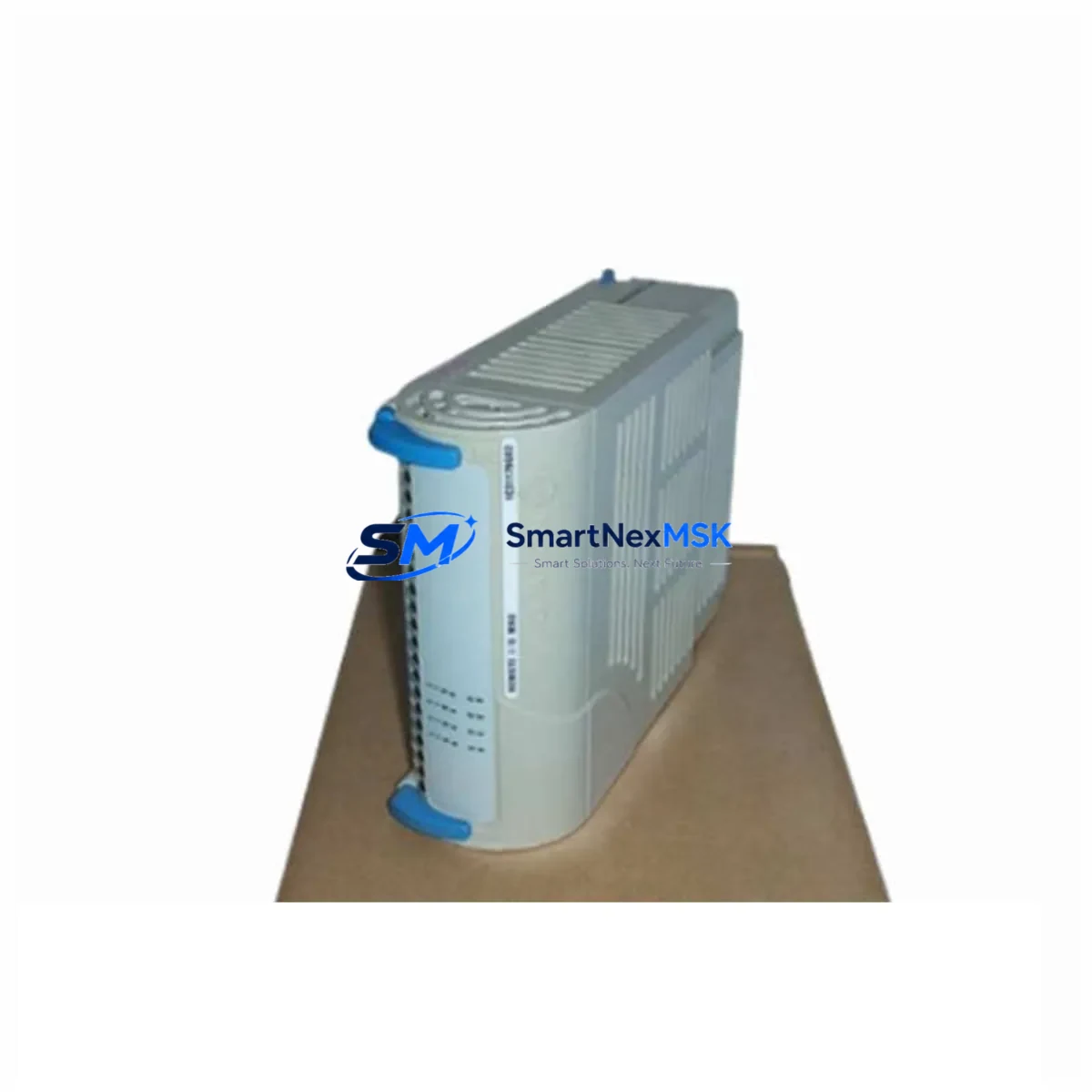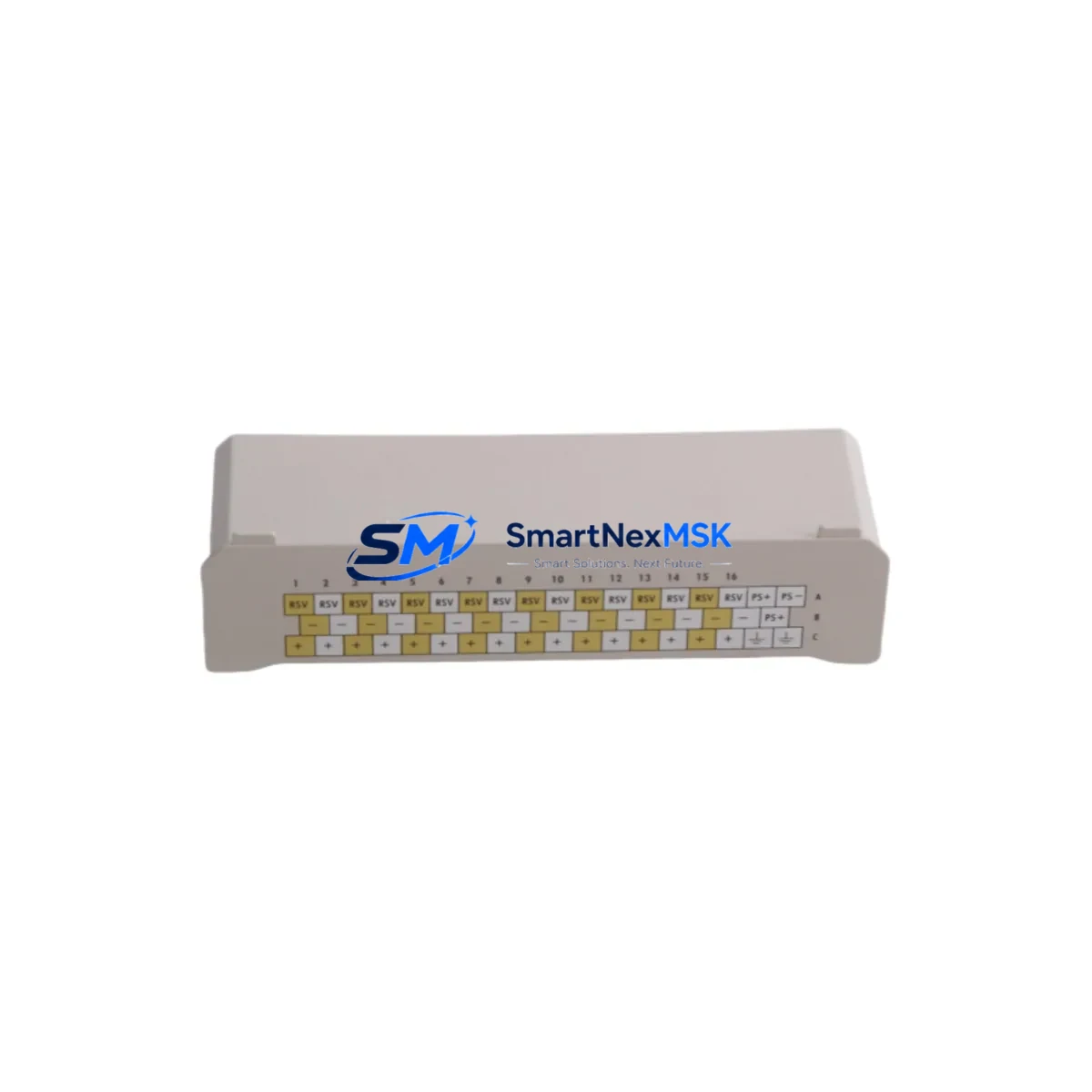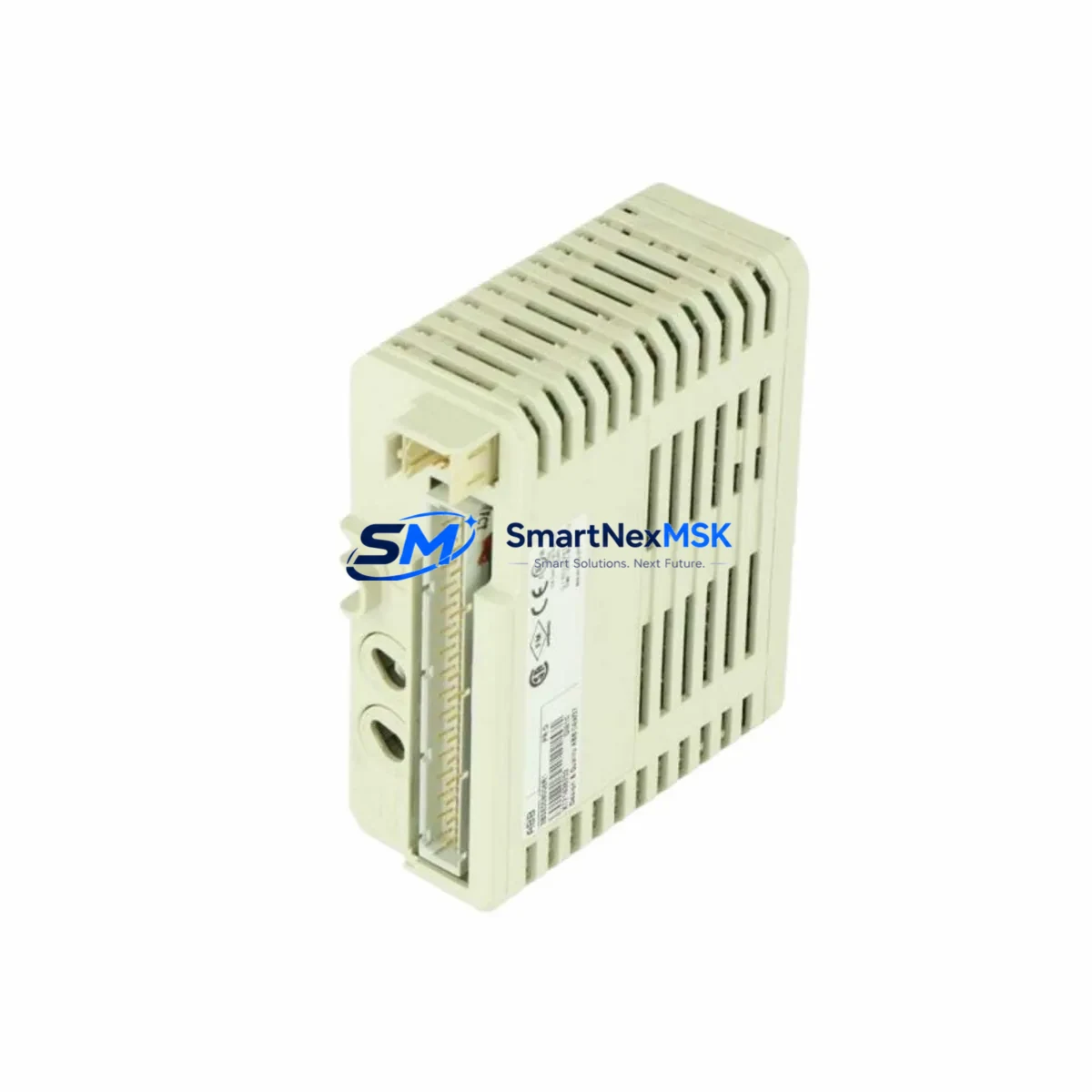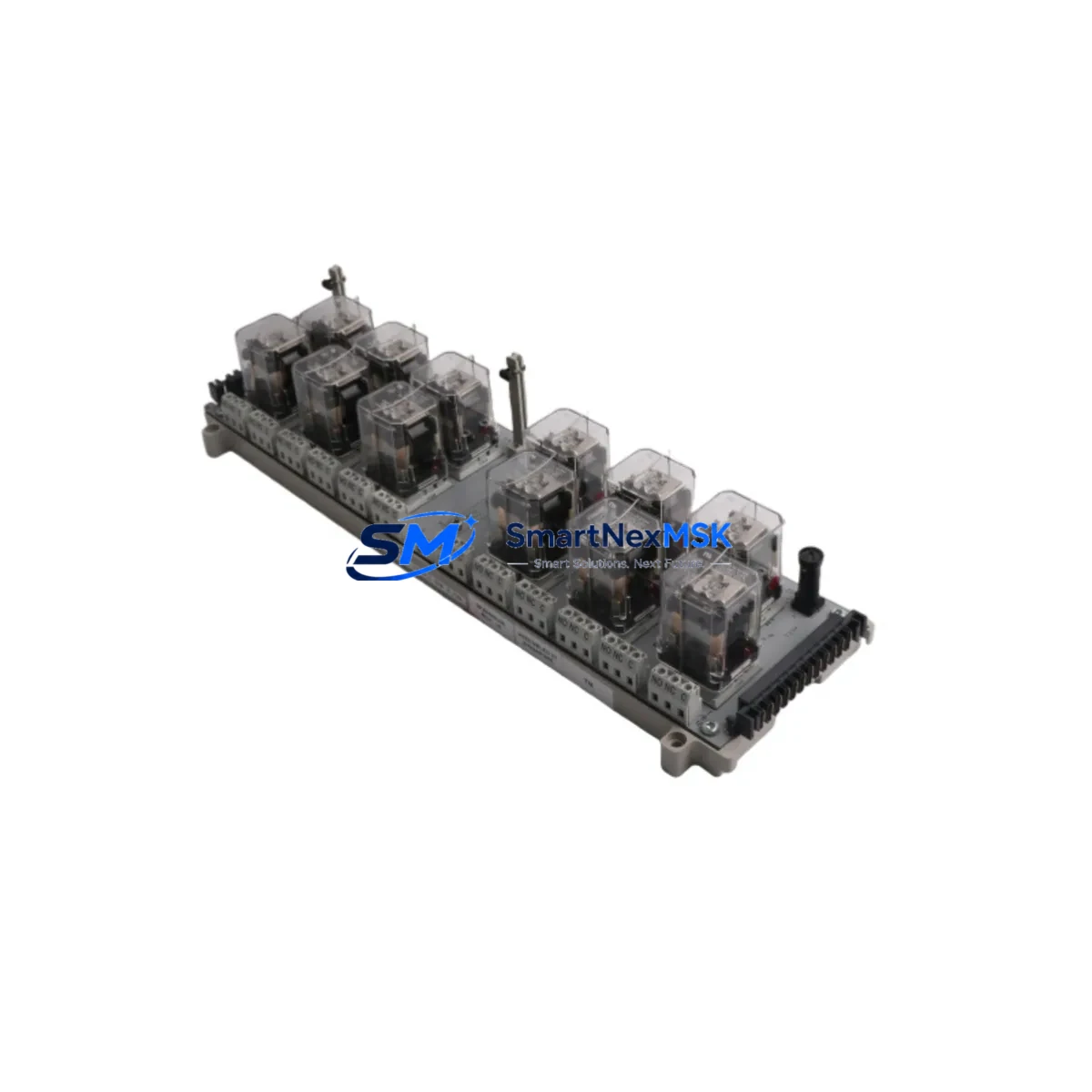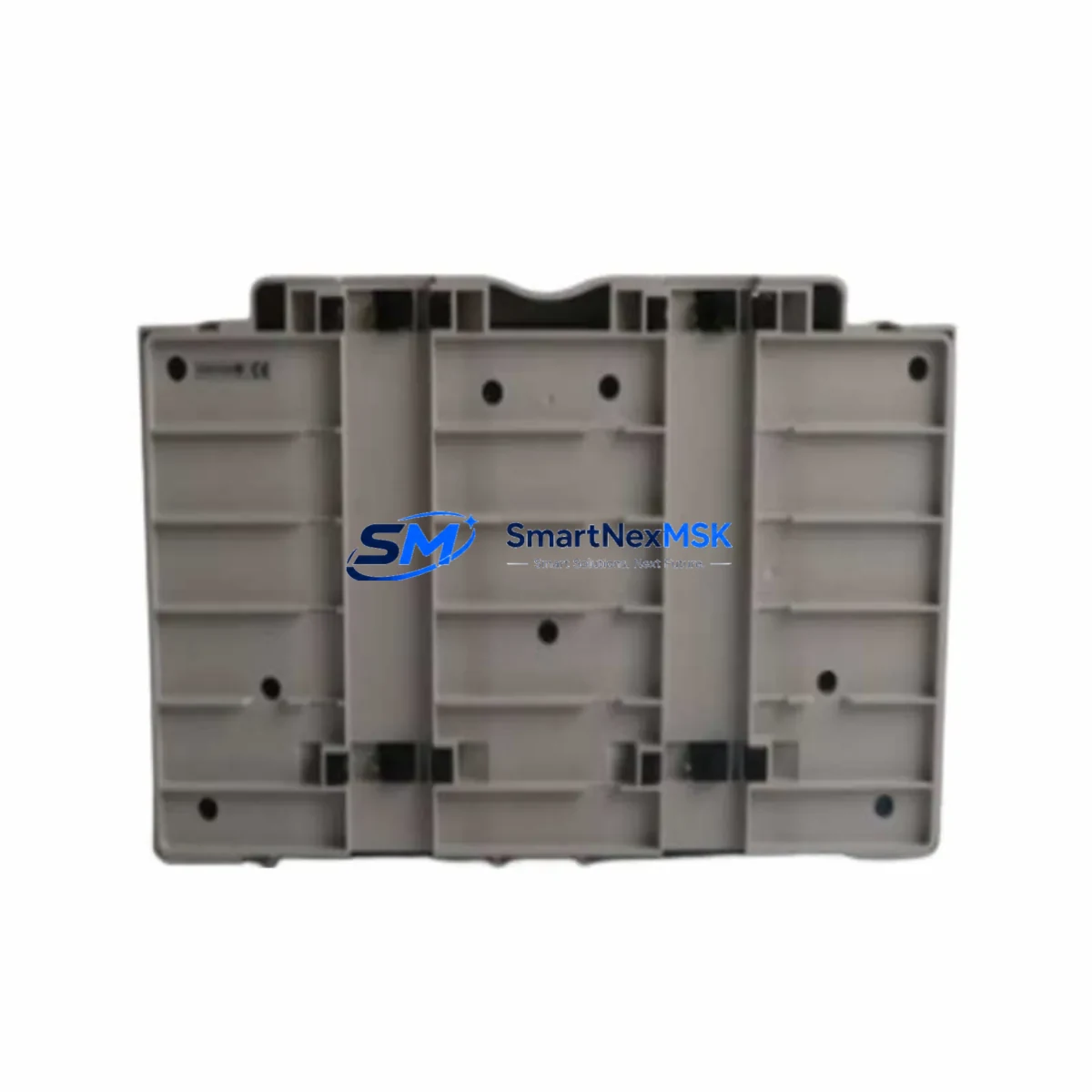
Westinghouse 5X00270G01 Retrofit-Ready Process Module for Ovation DCS: Seamless Compatibility & Legacy System Upgrade
The Westinghouse 5X00270G01 is a Process Module designed for the Ovation Distributed Control System (DCS) platform — one of the most widely deployed control architectures in power generation, water treatment, and continuous process industries. As original equipment reaches end-of-life and OEM support windows close, the 5X00270G01 has become a critical retrofit component for engineers managing aging control infrastructure. SMARTNEXMSK maintains verified in-stock inventory of this module, fully tested and backed by a 12-month warranty, to support planned upgrades and emergency replacement scenarios alike.
Whether you are replacing a failed unit in a live plant, executing a phased DCS modernization, or building a spare-parts buffer ahead of a scheduled outage, the 5X00270G01 delivers the electrical and functional compatibility your Ovation system requires — without forcing a full platform migration.
Upgrade Compatibility Table
| Parameter | Details |
|---|---|
| Module SKU | 5X00270G01 |
| Platform Compatibility | Westinghouse / Emerson Ovation DCS (all generations) |
| Module Type | DCS Process Module |
| Backplane / Rack Interface | Ovation standard backplane; compatible with Ovation I/O expansion racks |
| Installation Requirement | Hot-swap capable in supported rack configurations; verify rack firmware revision before insertion |
| Communication Compatibility | Ovation proprietary network; supports legacy Ovation LAN and upgraded Ethernet-based Ovation OCR400 controller environments |
| Replacement Recommendation | Direct drop-in for failed or end-of-life 5X00270G01 units; verify terminal block wiring map before swap |
| Commissioning Notes | Module address assignment via Ovation Developer Studio; confirm I/O channel mapping and loop calibration post-installation |
| Warranty | 12-Month Warranty — covers manufacturing defects and functional failure under normal operating conditions |
| Origin | China (CN) — sourced and tested by SMARTNEXMSK, Xiamen |
Retrofit Planning for Existing Automation Systems
Successful integration of the 5X00270G01 into an existing Ovation DCS environment requires a structured pre-installation review. Engineers should begin by auditing the power supply capacity of the target rack — the Ovation PS0024 or equivalent 24VDC power supply must be confirmed to have sufficient headroom to support the additional module load without triggering under-voltage faults on adjacent I/O modules.
Terminal block wiring is the next critical checkpoint. The 5X00270G01 uses a standard Ovation field termination assembly (FTA), and the wiring schedule from the original module must be preserved exactly. Any deviation in signal polarity, shielding continuity, or ground reference can introduce measurement error or communication faults. If the original FTA is damaged or missing, a replacement Ovation FTA compatible with the 5X00270G01 signal type should be sourced concurrently.
Backplane slot assignment must be verified against the existing Ovation rack configuration. The Ovation I/O rack — typically a 16-slot or 32-slot chassis — assigns module addresses based on physical slot position. Before inserting the 5X00270G01, confirm the slot address in Ovation Developer Studio matches the address expected by the control logic. Mismatched addresses will cause the controller — such as the Ovation OCR400 or OCR1100 — to fail to recognize the module, resulting in I/O loss alarms.
For sites running legacy Ovation communication infrastructure, the transition from the older Ovation LAN (coaxial-based) to the current Ethernet-based Ovation network may require a parallel upgrade of the Ovation network interface card (NIC) or communication bridge module. In these scenarios, the 5X00270G01 retrofit is often paired with an Ovation communication module upgrade to ensure end-to-end data integrity between the field I/O and the Ovation operator workstation.
HMI screen validation is frequently overlooked during module swaps. After the 5X00270G01 is installed and recognized by the controller, engineers should verify that all associated Ovation HMI faceplates — including analog trend displays, alarm setpoints, and manual/auto mode indicators — are reading correctly. Any discrepancy between the HMI display and field instrument readings should be resolved through loop calibration before returning the loop to automatic control.
For sites that also require I/O expansion, the 5X00270G01 retrofit is commonly executed alongside the installation of additional Ovation analog input modules, digital output modules, or RTD input modules, depending on the process measurement requirements. Programming cable access via the Ovation serial programming port or USB-to-serial adapter may be required for firmware verification or module configuration during commissioning.
Downtime Control During System Migration
Minimizing unplanned downtime is the primary operational constraint in any DCS module replacement. For the 5X00270G01, the recommended approach is a pre-staged swap: the replacement module is configured, addressed, and bench-tested before the maintenance window begins. This eliminates configuration time from the critical path and reduces the live outage window to the physical swap and loop verification steps only.
Where the Ovation rack supports hot-swap operation, the 5X00270G01 can be replaced without a full controller shutdown, provided the affected I/O channels are placed in manual mode at the Ovation operator workstation before extraction. This protects the original control logic from generating spurious output commands during the transition. After insertion, the module should be allowed to complete its self-diagnostic cycle — typically 15 to 30 seconds — before channels are returned to automatic control.
For racks that do not support hot-swap, a coordinated shutdown sequence should be documented in advance, including the order in which field devices are placed in manual, the sequence for de-energizing the rack power supply, and the restoration sequence after the new module is seated. Preserving the original Ovation Developer Studio project backup before any hardware change is non-negotiable — this ensures that if a configuration discrepancy is discovered post-swap, the original program logic can be restored without data loss.
SMARTNEXMSK ships the 5X00270G01 with a pre-shipment functional test report, confirming that the module has passed power-on self-test and basic I/O channel verification. This documentation supports site acceptance testing and provides a baseline for any post-installation troubleshooting.
Retrofit Support FAQ
Q1: Is the 5X00270G01 a direct replacement for the original Westinghouse Ovation Process Module, or are there wiring or configuration differences I need to account for?
The 5X00270G01 is designed as a direct functional replacement for the original Ovation Process Module of the same part number. Terminal block pinout, backplane connector, and module address assignment are identical to the original specification. However, we recommend verifying the rack firmware revision and Ovation Developer Studio project version before installation, as some later Ovation software releases introduced module recognition changes that may require a minor configuration update.
Q2: What commissioning steps are required after installing the 5X00270G01 in an existing Ovation DCS rack?
After physical installation, confirm the module is recognized in Ovation Developer Studio under the correct rack and slot address. Perform a channel-by-channel I/O verification against the field wiring schedule, then execute a loop calibration check for all analog channels. For digital I/O channels, verify that field device status matches the HMI display before returning loops to automatic control. Document all calibration results for the site maintenance record.
Q3: Can the 5X00270G01 be used in an Ovation system that has been partially upgraded to the OCR400 controller platform?
Yes. The 5X00270G01 is compatible with both legacy Ovation controller generations and the current OCR400 platform, provided the rack backplane and communication infrastructure are correctly configured. In mixed-generation environments, confirm that the Ovation network segment connecting the upgraded controller to the legacy I/O rack is operating correctly, and that the module address assignments in Developer Studio are consistent across both controller domains.
Q4: What does the 12-month warranty cover, and what is the process for a warranty claim?
The 12-month warranty covers manufacturing defects and functional failure under normal operating conditions from the date of shipment. It does not cover damage resulting from incorrect installation, overvoltage, or physical mishandling. To initiate a warranty claim, contact SMARTNEXMSK at [email protected] with the original order reference, a description of the failure mode, and the pre-shipment test report supplied with the module. Replacement or repair will be arranged within the warranty period at no additional cost.
© 2026 SMARTNEXMSK. All rights reserved.
Original Source: https://smartnexmsk.com
Contact: [email protected] | +86 18259474341