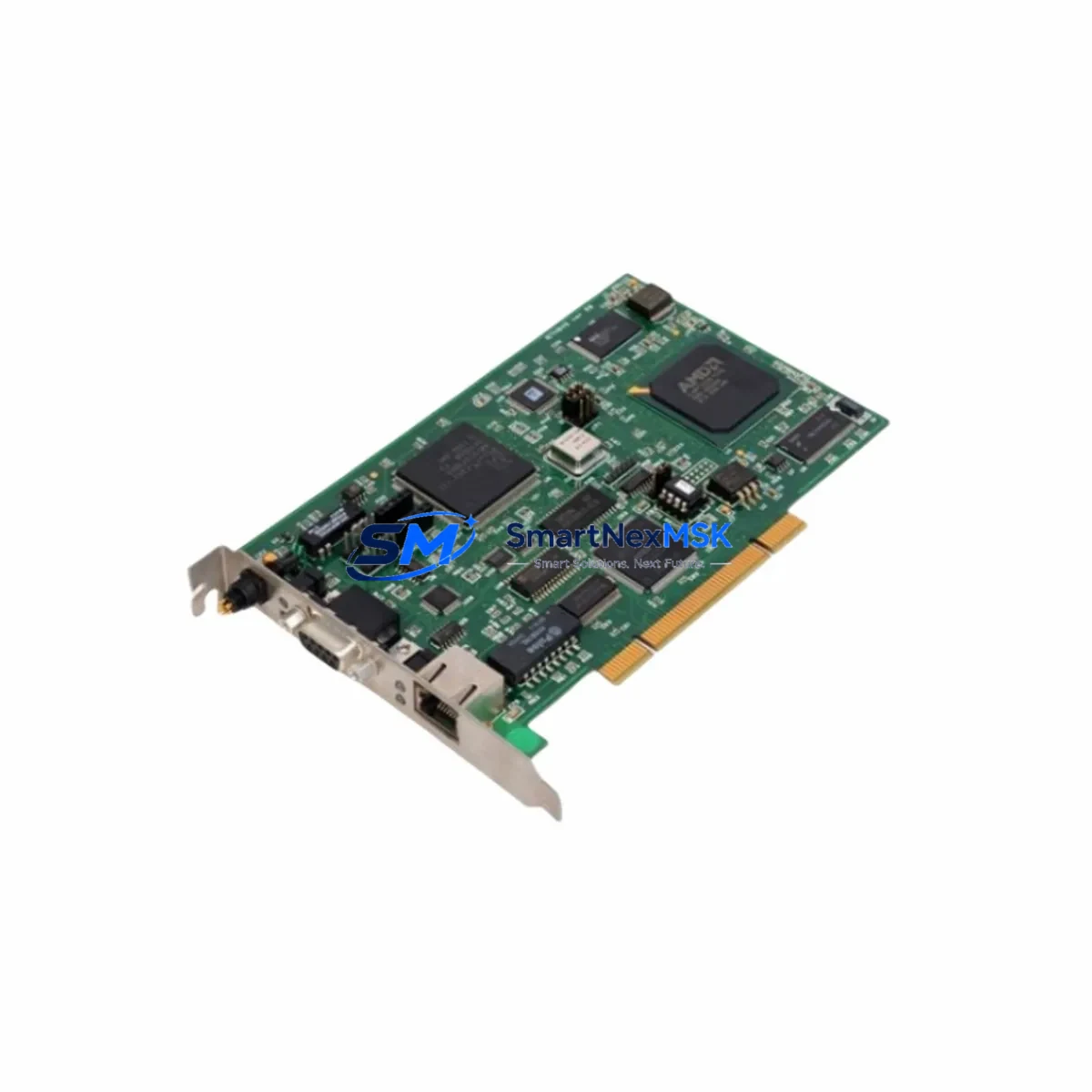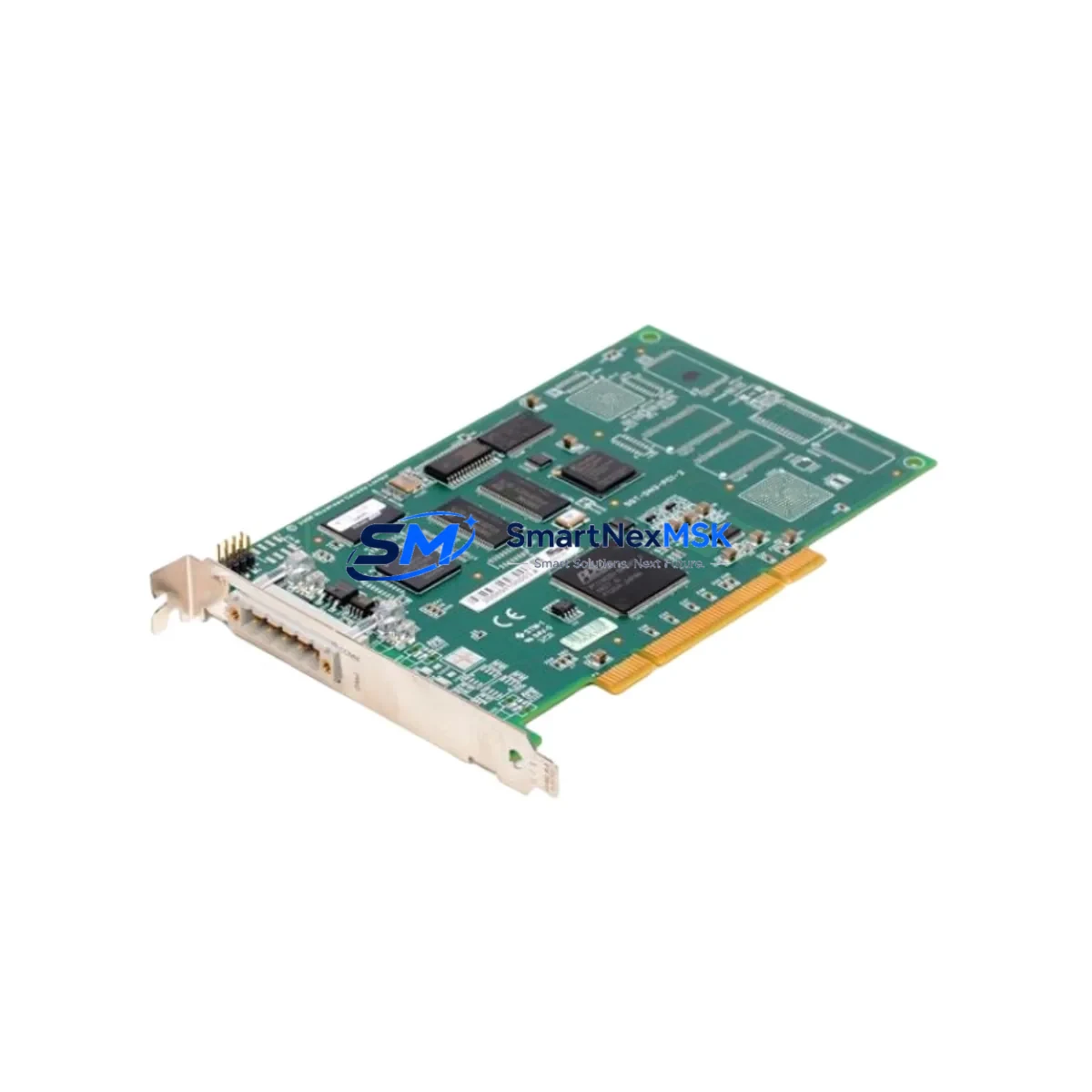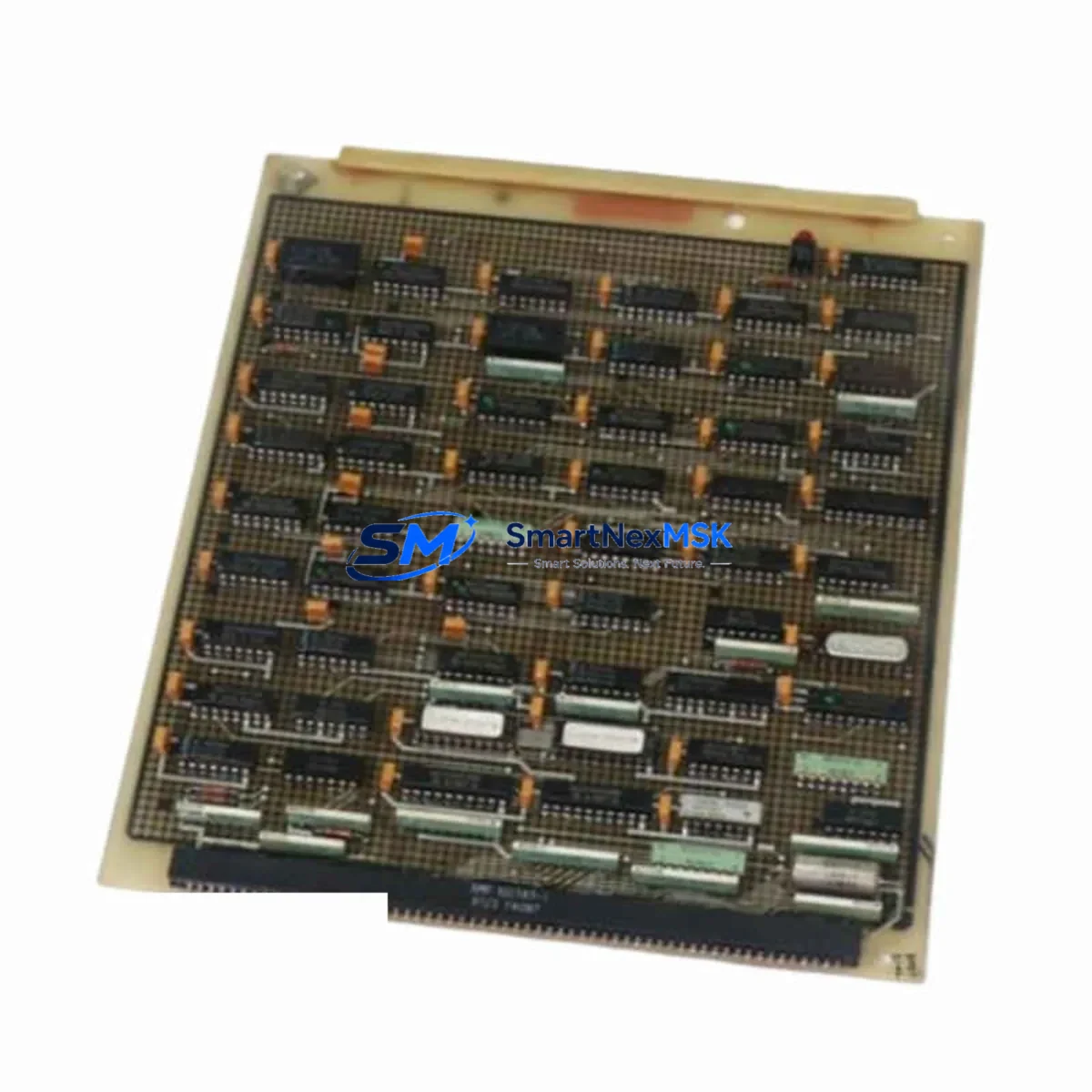
WOODHEAD 5462-916 Retrofit-Ready Connector for Brad Series Control Systems
The WOODHEAD 5462-916 is a retrofit-ready industrial connector module engineered for seamless integration into Molex Brad Series control systems and legacy automation architectures. As industrial facilities face increasing pressure to modernize aging control infrastructure without full system overhauls, the 5462-916 delivers a proven, wiring-compatible upgrade path that minimizes engineering risk and reduces unplanned downtime. Whether you are replacing a discontinued component in a running production line, upgrading a control cabinet, or migrating I/O wiring from an obsolete fieldbus topology, this connector module is designed to drop into existing installations with minimal rework.
Sourced directly from authorized supply channels and subject to full pre-shipment functional testing, every unit ships with a 12-month warranty covering manufacturing defects and electrical performance. Stock is maintained in Xiamen for rapid dispatch to global destinations, with typical lead times of 3–7 business days for in-stock units.
Upgrade Compatibility Table
| Parameter | Details |
|---|---|
| SKU / Part Number | 5462-916 |
| Brand | WOODHEAD (Molex Brad) |
| Series Compatibility | Brad Series industrial connector platform |
| Connector Interface | Compatible with Brad Series panel-mount and field-wiring receptacles |
| Installation Type | Direct retrofit; no panel modification required in standard Brad Series enclosures |
| Communication Compatibility | Passive connector — protocol-agnostic; supports DeviceNet, Profibus, and discrete I/O wiring topologies common to Brad Series deployments |
| Replacement Recommendation | Drop-in replacement for discontinued or damaged 5462-916 units in Brad Series control cabinets |
| Commissioning Notes | Verify terminal torque spec, pin-out orientation, and cable strain relief before energizing |
| Warranty | 12 months from date of shipment — covers manufacturing defects and electrical performance |
| Pre-Shipment Testing | Full continuity and insulation resistance test performed on every unit |
Retrofit Planning for Existing Automation Systems
Successful retrofit of the WOODHEAD 5462-916 into an existing control system requires a structured pre-installation review. Begin by auditing the control cabinet layout: confirm that the existing Brad Series panel-mount receptacle is mechanically intact and that the mating connector body is free of corrosion or deformation. In multi-drop DeviceNet or Profibus segments, document the node address assignments before disconnecting any wiring — address conflicts after reconnection are a common source of commissioning delays.
For systems using a Molex Brad SST DeviceNet interface card or similar fieldbus master, verify that the network termination resistors remain correctly positioned at both ends of the trunk line after the connector swap. If the 5462-916 is part of a drop cable assembly feeding a Brad Series micro-change receptacle on a distributed I/O block — such as a Molex Brad 1485P-P1A5-MF or equivalent patchcord — inspect the drop cable for insulation fatigue before reuse.
In control cabinets where the 5462-916 interfaces with a PLC I/O rack — for example, an Allen-Bradley 1756 ControlLogix chassis with a 1756-DNB DeviceNet bridge module, or a Siemens ET 200S distributed I/O station — confirm that the I/O module’s channel mapping in the PLC program still reflects the physical wiring after the connector replacement. A mismatch between the program’s I/O table and the physical terminal assignment is a frequent cause of post-retrofit faults that are difficult to diagnose under time pressure.
Where the legacy system uses a Molex Brad 1485T-P1E4-T1 trunk cable or similar thick-media DeviceNet trunk, ensure the new connector’s cable clamp is rated for the trunk cable diameter. Thin-media and mid-cable tap configurations require different strain relief hardware. If the retrofit is part of a broader migration from DeviceNet to EtherNet/IP, plan for the parallel installation of a Brad Harrison DataPlug or equivalent Ethernet field connector at the same panel location to avoid a second cabinet opening during the protocol cutover.
For systems incorporating a Molex Brad 1485C-P1-C10 DeviceNet configuration cable or a USB-to-DeviceNet adapter for RSNetWorx commissioning, retain the configuration backup before disconnecting the node. Restoring a node’s electronic data sheet (EDS) parameters after a connector swap is straightforward, but only if the backup exists. Finally, if the control system includes an HMI panel — such as an Allen-Bradley PanelView Plus or a Siemens TP700 Comfort — verify that any I/O status tags mapped to the affected DeviceNet node are displaying correctly after the retrofit before releasing the line to production.
Downtime Control During System Migration
Minimizing production downtime during a connector retrofit requires preparation that begins well before the maintenance window opens. The most effective strategy is to pre-stage the replacement WOODHEAD 5462-916 unit alongside all required tools — torque screwdriver, cable labels, multimeter, and a laptop loaded with the current PLC program backup and RSNetWorx or Step 7 project file — so that the physical swap can be completed within a single planned shutdown window.
Before de-energizing the segment, capture a screenshot or printout of the HMI diagnostic screen showing the current node status for all DeviceNet or Profibus devices on the affected drop. This provides a baseline for post-retrofit verification and eliminates ambiguity about which faults were pre-existing. If the system uses a ControlLogix 1756-L7x or 1756-L8x controller with non-volatile memory, confirm that the program is saved to the controller’s SD card before the shutdown — this protects against accidental program loss if power is interrupted unexpectedly during the connector swap.
After installing the 5462-916 and re-terminating the field wiring, perform a point-to-point continuity check before re-energizing the network. Bring the DeviceNet or Profibus segment online with the PLC in Program mode first, confirm that all nodes are recognized and fault-free, then switch to Run mode and monitor the first production cycle closely. This staged power-up sequence preserves the original control logic, prevents spurious output activation, and maintains field control continuity throughout the migration.
Retrofit Support FAQ
Q1: Is the WOODHEAD 5462-916 a direct replacement for the original discontinued part?
Yes. The 5462-916 is a form-fit-function replacement for the original WOODHEAD Brad Series connector of the same part number. No panel modification or wiring rework is required in standard Brad Series installations. Confirm pin-out orientation against your existing wiring diagram before installation.
Q2: What commissioning steps are required after replacing the connector?
After physical installation, perform a continuity check on all terminals, verify node address settings if applicable, bring the network online in Program mode, confirm all nodes are recognized, then switch to Run mode. For DeviceNet systems, use RSNetWorx to verify the node’s EDS parameters match the configuration backup. For Profibus systems, confirm the GSD file assignment in Step 7 or TIA Portal.
Q3: How do I verify wiring compatibility before installation?
Compare the terminal count, pin-out diagram, and cable entry diameter of the 5462-916 against your existing connector and cable assembly. Check that the cable’s conductor cross-section is within the connector’s specified termination range. If the existing cable uses a non-standard jacket diameter, confirm that the strain relief clamp can accommodate it before proceeding.
Q4: What does the 12-month warranty cover, and what is the return process?
The 12-month warranty covers manufacturing defects and electrical performance failures under normal operating conditions. It does not cover damage resulting from incorrect installation, over-voltage, or mechanical impact. To initiate a warranty claim, contact [email protected] with the order number, a description of the fault, and photos of the unit. Replacement or refund will be processed within 5 business days of fault confirmation.
© 2026 SMARTNEXMSK. All rights reserved.
Original Source: https://smartnexmsk.com
Contact: [email protected] | +86 18259474341