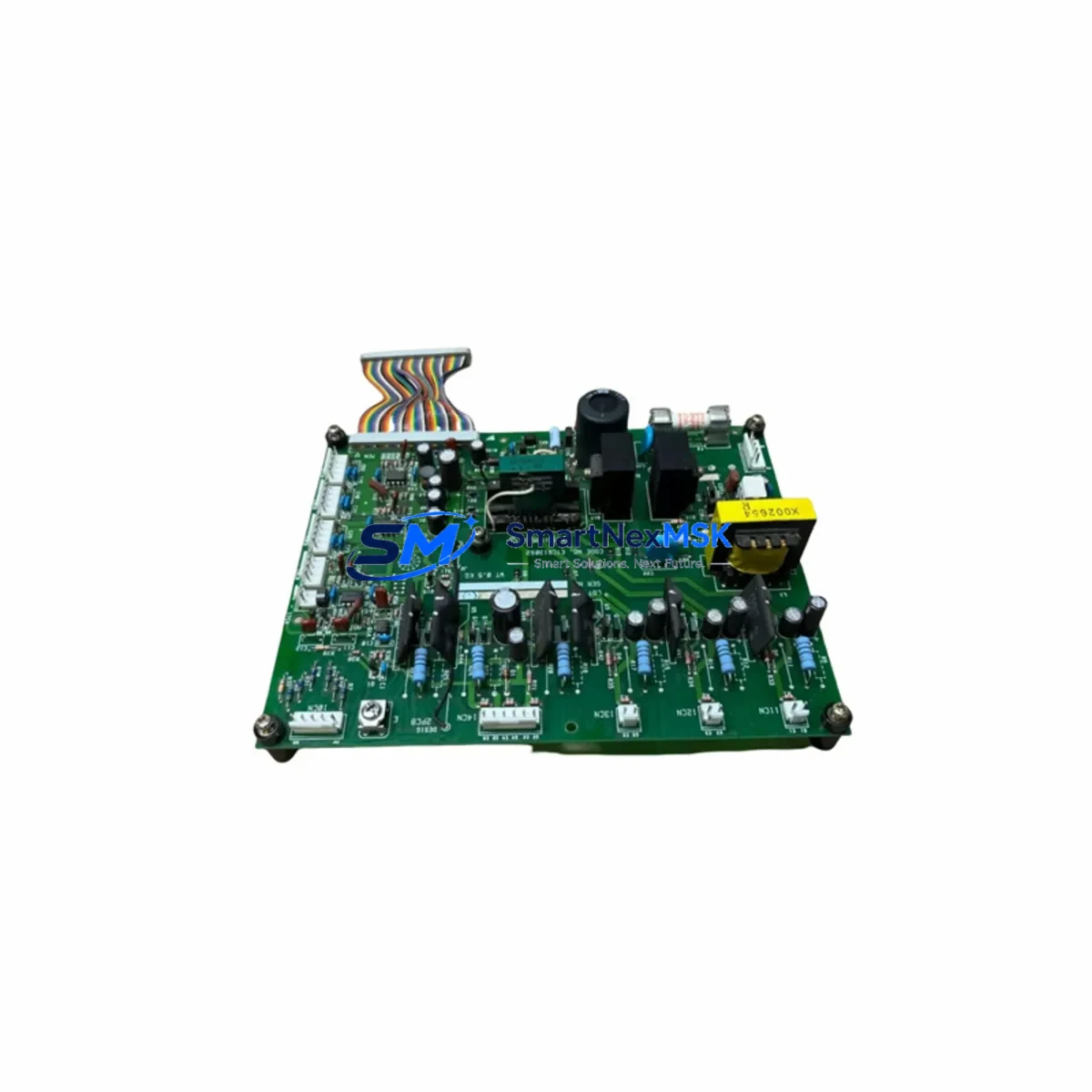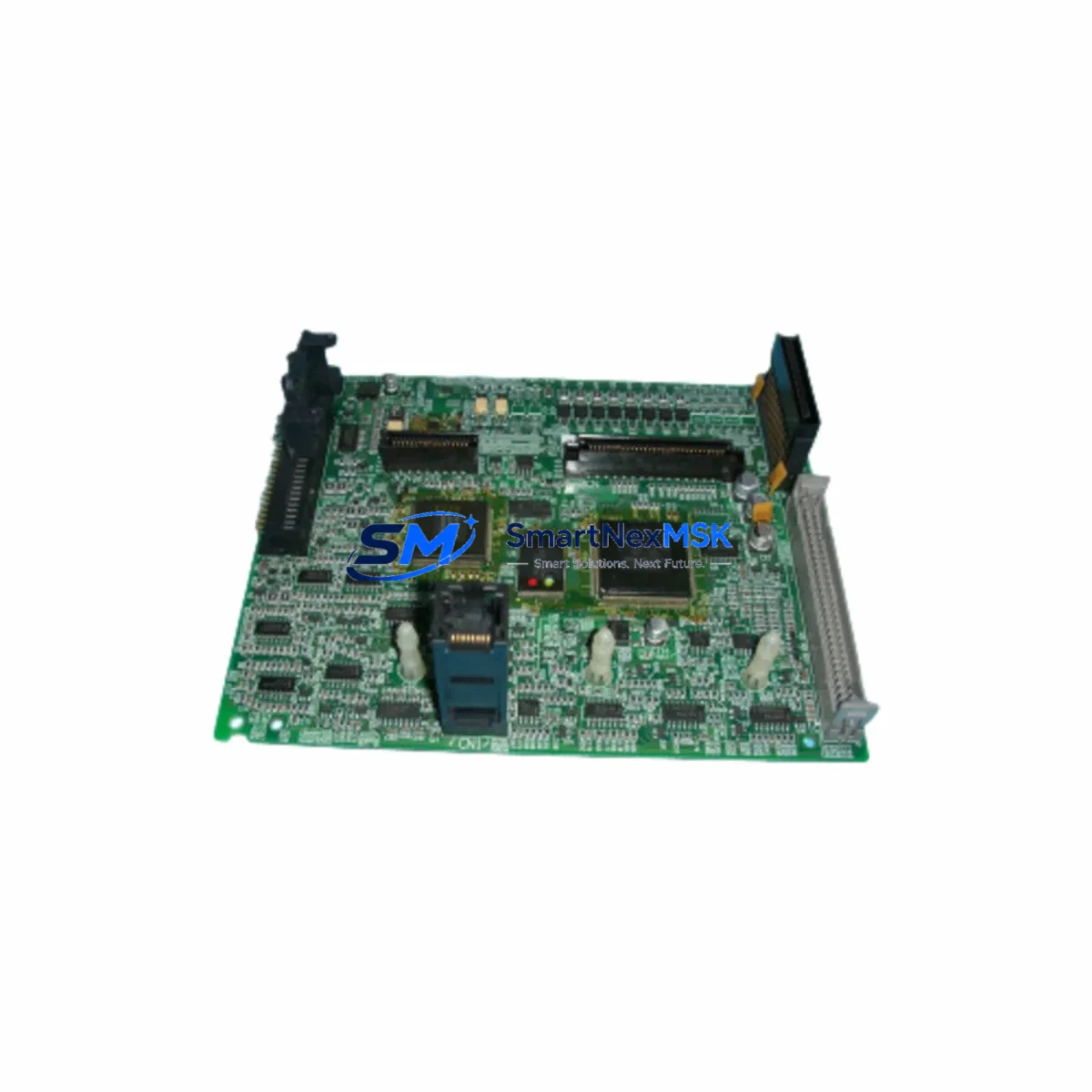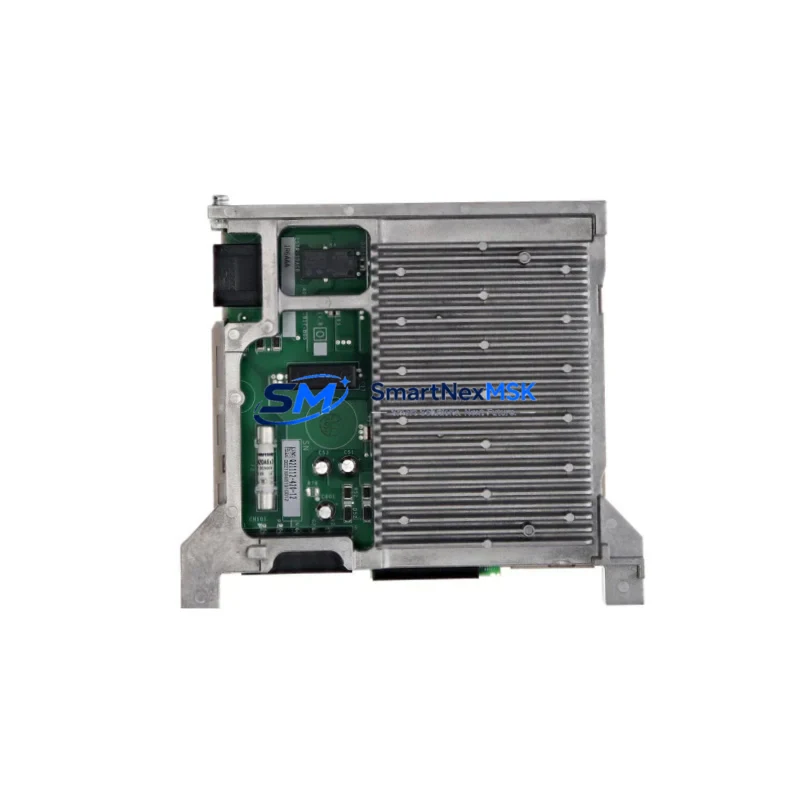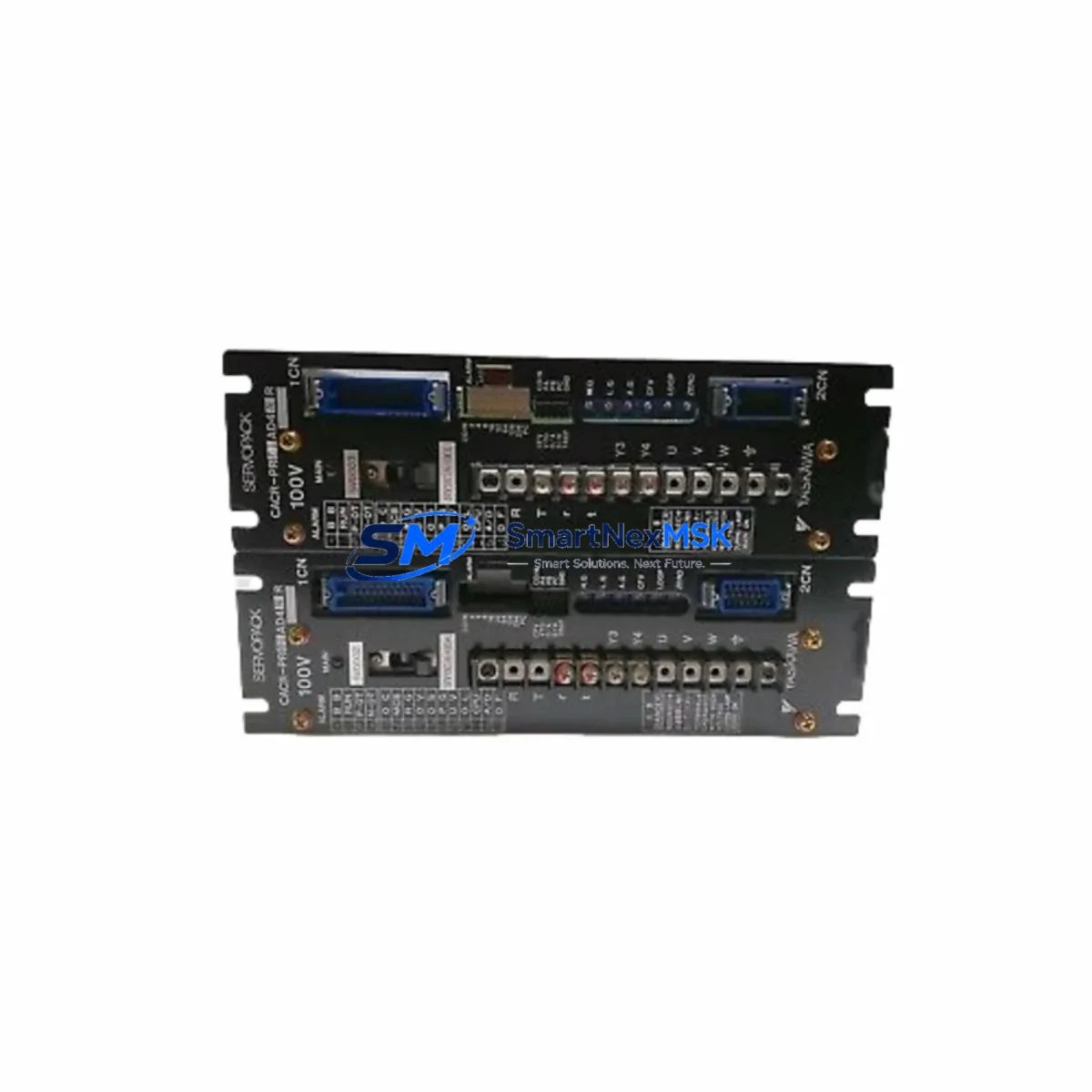
YASKAWA CACR-PR01AD4NR Retrofit-Ready AC Servo Amplifier for Sigma-I Control Systems
The YASKAWA CACR-PR01AD4NR is a single-axis AC servo amplifier designed for the Sigma-I series servo system platform. As legacy Sigma-I installations age and original spare parts become increasingly scarce, the CACR-PR01AD4NR has become a critical retrofit component for engineers tasked with modernizing aging motion control infrastructure without replacing the entire control architecture. Whether you are managing a CNC machine tool retrofit, a packaging line upgrade, or a legacy robot controller overhaul, this amplifier provides a wiring-compatible, firmware-consistent replacement path that preserves existing program logic and minimizes engineering rework.
The CACR-PR01AD4NR accepts single-phase or three-phase AC input depending on the rated capacity variant, and interfaces directly with YASKAWA Sigma-I series servo motors through the standard CN1 encoder connector and CN2 motor power connector. Engineers replacing a failed or end-of-life unit should verify the power supply voltage, regenerative resistor configuration, and axis address DIP switch settings before commissioning. In multi-axis systems, the amplifier is typically mounted alongside companion units such as the CACR-PR02AD4NR or CACR-PR05AD4NR on a shared control cabinet backplane, sharing a common DC bus or individual AC feeds depending on the cabinet design.
For systems originally programmed through a YASKAWA MP920 or MP2000 series machine controller, the CACR-PR01AD4NR communicates via the MECHATROLINK-I or analog reference interface, depending on the installed option card. Engineers migrating from MECHATROLINK-I to MECHATROLINK-II should note that the CACR-PR01AD4NR does not natively support MECHATROLINK-II without a protocol bridge or controller upgrade. In such cases, a parallel upgrade path using the Sigma-II SGDH series or Sigma-V SGDV series amplifiers may be evaluated, though this requires reconfiguration of the servo parameters, encoder cable pinout adaptation, and HMI screen updates if the operator interface references axis-specific alarm codes or tuning parameters.
When retrofitting a control cabinet that also contains a YASKAWA JZNC-YRK01-1E robot controller or a GL120 programmable controller, care must be taken to isolate the servo drive power circuit from the controller logic supply. The 24 VDC control power rail feeding the I/O terminal block and the STO (Safe Torque Off) circuit must remain stable during amplifier hot-swap procedures. If the cabinet includes a YASKAWA VS-616G5 or VS-606V7 variable frequency drive on an adjacent axis, ensure that the drive’s carrier frequency does not introduce EMI interference into the servo feedback cable — shielded encoder cables with proper grounding at the amplifier chassis are mandatory.
Upgrade Compatibility Table
| Parameter | Detail |
|---|---|
| SKU / Part Number | CACR-PR01AD4NR |
| Brand / Manufacturer | YASKAWA Electric Corporation |
| Series | Sigma-I AC Servo Amplifier |
| Rated Output | 100 W (0.1 kW) |
| Input Voltage | Single-phase 200–230 VAC, 50/60 Hz |
| Encoder Interface | Incremental encoder, CN1 connector (Sigma-I standard) |
| Motor Power Connector | CN2 (Sigma-I standard pinout) |
| Communication Interface | Analog reference / Pulse train (MECHATROLINK-I optional) |
| Mounting | DIN rail or panel mount, standard Sigma-I footprint |
| Replacement Compatibility | Direct drop-in for Sigma-I CACR-PR01AD4NR installations |
| Cross-Reference | Compatible with SGMAH-01A servo motor series |
| Commissioning Tool | YASKAWA SigmaWin+ or hand-held digital operator JUSP-OP05A |
| Warranty | 12 months from date of shipment |
| Condition | New / Surplus New / Tested Refurbished (specify on order) |
| Origin | Japan |
Retrofit Planning for Existing Automation Systems
A successful CACR-PR01AD4NR retrofit begins with a thorough audit of the existing control cabinet. Before removing the failed amplifier, document the terminal wiring on the CN1, CN2, and CN3 connectors using the original electrical schematic. If schematics are unavailable, photograph all connector pinouts and record the DIP switch positions on the amplifier front panel — these switches define the axis address, regenerative resistor selection, and control mode (position, speed, or torque).
The power supply feeding the CACR-PR01AD4NR must be verified against the amplifier’s rated input. A dedicated 200 VAC single-phase feed with appropriate circuit breaker sizing (typically 5–10 A for a 100 W unit) is required. If the cabinet uses a shared transformer with other servo axes — for example, a CACR-PR02AD4NR on axis 2 and a CACR-PR05AD4NR on axis 3 — confirm that the transformer’s secondary capacity can support the combined inrush current during simultaneous power-on.
The servo motor connected to the CACR-PR01AD4NR is typically a SGMAH-01A or SGMAH-01AAA series motor. Verify the motor nameplate data against the amplifier’s rated output before energizing. If the motor has been in service for more than five years, inspect the encoder cable for insulation degradation and replace the JUSP-OP05A digital operator battery if applicable. The encoder cable shield must be grounded at the amplifier chassis, not at the motor end, to prevent ground loop interference.
For systems that include a YASKAWA MP920 machine controller communicating with the servo amplifier via a MECHATROLINK-I network, confirm that the network terminator resistor is correctly installed at the last node. Adding or replacing a node without re-terminating the network is a common cause of communication faults (alarm A.E7) after retrofit. If the system also includes a JEPMC-W6022 MECHATROLINK cable, inspect the connectors for pin corrosion before reuse.
HMI screens on operator panels — whether a YASKAWA OP-84 touch panel or a third-party Proface or Siemens TP series panel — may reference axis-specific alarm codes that are mapped to the CACR-PR01AD4NR’s alarm output relay. Verify that the HMI alarm table is consistent with the replacement amplifier’s alarm code list. Minor differences in alarm code numbering between amplifier firmware revisions can cause misleading fault displays if not updated.
Downtime Control During System Migration
Minimizing production downtime during a CACR-PR01AD4NR replacement requires preparation before the maintenance window begins. The following approach has proven effective in field retrofit projects:
Pre-swap preparation: Upload the existing servo parameters from the amplifier using SigmaWin+ or the JUSP-OP05A digital operator and save the parameter file. Record the current position reference offset, speed loop gain (Pn100), position loop gain (Pn102), and feed-forward gain (Pn109). These values are machine-specific and will need to be re-entered into the replacement unit. If the amplifier is communicating via MECHATROLINK-I, also record the station address (Pn006).
During swap: De-energize the cabinet following the site lockout/tagout procedure. Disconnect the CN1 encoder cable, CN2 motor power cable, and control terminal wiring in sequence. Install the replacement CACR-PR01AD4NR, reconnect all cables, and verify DIP switch positions match the original unit. Do not energize until all connectors are fully seated and the cabinet door is closed.
Post-swap commissioning: Restore the saved parameter file via SigmaWin+. Perform a JOG operation at low speed to verify encoder feedback direction and motor rotation direction. Check for alarm codes A.02 (parameter error), A.04 (parameter setting error), or A.40 (encoder error) before returning the axis to automatic mode. If the system uses absolute encoder backup (SGMAH motor with battery), verify the absolute encoder setup procedure is completed before handing over to production.
By following this structured approach, most CACR-PR01AD4NR replacements can be completed within a 2–4 hour maintenance window, preserving the original PLC ladder logic, HMI screens, and motion program without modification.
Retrofit Support FAQ
Q1: Is the CACR-PR01AD4NR a direct drop-in replacement for my existing Sigma-I amplifier?
Yes. The CACR-PR01AD4NR is a direct mechanical and electrical replacement for existing Sigma-I series installations using the same part number. The CN1, CN2, and control terminal pinouts are identical. You will need to re-enter servo parameters after installation, as parameters are stored in the amplifier’s internal EEPROM and are not transferred automatically.
Q2: Can I use the CACR-PR01AD4NR with a Sigma-II or Sigma-V series servo motor?
No. The CACR-PR01AD4NR is designed exclusively for Sigma-I series servo motors (SGMAH, SGMPH, SGMGH families with incremental encoders). Sigma-II and Sigma-V motors use different encoder protocols and connector pinouts. Attempting to connect a Sigma-II motor to a Sigma-I amplifier will result in encoder communication faults and may damage the encoder interface circuit.
Q3: What commissioning tools are required for the CACR-PR01AD4NR?
The recommended tools are the YASKAWA SigmaWin+ software (PC-based, connected via RS-232 or USB-serial adapter) or the JUSP-OP05A hand-held digital operator. SigmaWin+ allows full parameter upload/download, alarm history review, and JOG/autotuning functions. The JUSP-OP05A is suitable for field parameter entry and alarm monitoring without a laptop.
Q4: What warranty coverage is provided with this unit?
All CACR-PR01AD4NR units supplied by SMARTNEXMSK carry a 12-month warranty from the date of shipment. Each unit undergoes pre-shipment functional testing including power-on verification, alarm code check, and encoder interface continuity test. Warranty claims are supported by our technical team at [email protected]. Replacement or repair is provided at no charge for defects confirmed to be manufacturing or component-related within the warranty period.
© 2026 SMARTNEXMSK. All rights reserved.
Original Source: https://smartnexmsk.com
Contact: [email protected] | +86 18259474341