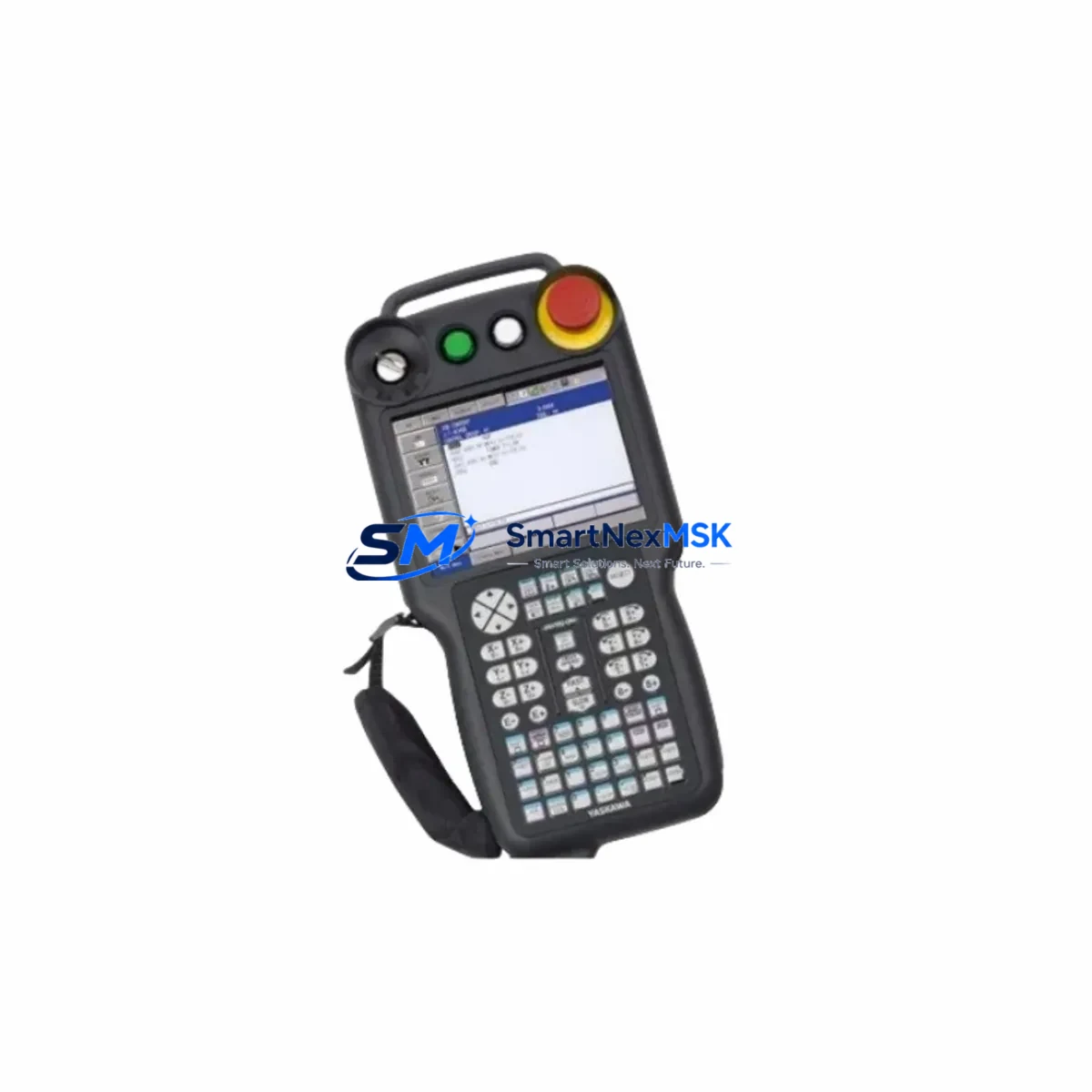
Yaskawa NX100-JZRCR-NPP01-1 Maintenance-Ready Spare for NX100 Automation
The Yaskawa NX100-JZRCR-NPP01-1 is a factory-original interconnect cable engineered for the NX100 robot controller platform — one of Yaskawa’s most widely deployed motion control systems in arc welding, material handling, and general industrial automation. When this cable degrades or fails, the entire robot cell loses communication integrity between the controller and the manipulator, resulting in immediate production stoppage. Stocking a verified replacement is the single most effective measure a maintenance team can take to minimize unplanned downtime on NX100-based lines.
For maintenance engineers managing aging Yaskawa NX100 installations, the NX100-JZRCR-NPP01-1 represents a critical link in the signal and power routing architecture of the controller cabinet. Its replacement is a routine but high-stakes task: incorrect cable seating, damaged connectors, or substitution with non-original parts can introduce intermittent faults that are difficult to diagnose and may damage downstream servo amplifier boards. Using an original Yaskawa spare eliminates compatibility risk and ensures the system returns to validated operating parameters immediately after installation.
Procurement engineers sourcing this part for MRO inventory should note that the NX100-JZRCR-NPP01-1 is a long-lifecycle component with stable demand across automotive, food processing, and electronics manufacturing facilities still operating NX100 controller fleets. Securing stock ahead of scheduled maintenance windows or end-of-line audits is strongly recommended, particularly for facilities running multi-robot cells where a single cable failure can cascade into full-line shutdown.
Spare Maintenance Table
| Parameter | Specification / Detail |
|---|---|
| Part Number | NX100-JZRCR-NPP01-1 |
| Brand | Yaskawa Electric Corporation |
| Compatible Platform | Yaskawa NX100 Robot Controller Series |
| Component Type | Robot Controller Interconnect Cable |
| Origin | Japan (Original Yaskawa Manufacture) |
| Application | Arc Welding, Material Handling, General Industrial Automation |
| Installation Environment | Indoor control cabinet; standard industrial temperature and humidity range |
| Connector Compatibility | NX100 controller backplane and manipulator interface connectors |
| Maintenance Interval | Inspect at each planned shutdown; replace on visible wear, intermittent fault codes, or every 3–5 years in high-cycle environments |
| Condition | New, Original Yaskawa Spare |
| Pre-shipment Testing | Continuity and insulation resistance verified before dispatch |
| Warranty | 12 Months from date of shipment |
| Lead Time | In-stock; ships within 1–3 business days |
Maintenance Planning for Continuous Operation
Replacing the NX100-JZRCR-NPP01-1 in isolation is rarely sufficient for a thorough maintenance event. Experienced maintenance engineers treat a cable replacement as an opportunity to audit the full signal and power chain within the NX100 controller cabinet. During the same maintenance window, it is advisable to inspect the JZRCR-NPP01B pendant cable connecting the programming pendant to the controller, as both cables share the same connector family and experience similar wear patterns in high-cycle environments.
The NX100 JZNC-NRK01B robot I/O unit should be checked for loose terminal connections and contamination, particularly in welding applications where spatter and flux residue can migrate into the cabinet. Alongside this, the JZRCR-YPU01 power supply unit within the NX100 rack deserves voltage output verification — a marginal power supply is a common root cause of intermittent cable fault codes that are misdiagnosed as cable failures.
For facilities running coordinated multi-axis cells, the JZNC-NIF01 network interface board and associated communication cables should be inspected for secure seating and connector corrosion. Signal integrity issues on the network interface can mimic cable faults and lead to unnecessary part replacement. Similarly, the JZRCR-NPU01 CPU board battery should be checked and replaced on schedule to prevent parameter loss during power cycling after maintenance.
Terminal blocks and DIN rail wiring within the NX100 cabinet — particularly those serving the safety relay circuit and the external axis I/O — should be re-torqued and inspected for insulation cracking. Fuse holders protecting the 24VDC control circuit are frequently overlooked during cable-focused maintenance; verifying fuse continuity and replacing aged ceramic fuses takes minutes but prevents post-maintenance faults. If the installation includes a JZRCR-YEW01 Ethernet communication module, connector seating and cable routing should be confirmed before closing the cabinet.
For older NX100 systems approaching end-of-support lifecycle, this maintenance event is also an appropriate time to document the full cable assembly map of the controller and cross-reference against the current Yaskawa spare parts catalog to identify any additional components approaching obsolescence.
Site Replacement Workflow
Step 1 — Pre-replacement verification: Confirm the fault code or symptom is consistent with a cable failure (e.g., communication error alarms, axis not ready, pendant disconnection faults). Download and save current robot parameters and job files before beginning any hardware work.
Step 2 — Safe isolation: Follow site LOTO (Lockout/Tagout) procedures. De-energize the NX100 controller and confirm zero-energy state before opening the cabinet. Allow capacitors to discharge per Yaskawa service documentation.
Step 3 — Cable identification and removal: Photograph the existing cable routing and connector positions before disconnection. The NX100-JZRCR-NPP01-1 uses keyed connectors; do not force removal. Release locking tabs fully before pulling.
Step 4 — Installation of replacement: Route the new NX100-JZRCR-NPP01-1 following the original cable path. Seat connectors fully until the locking tab engages. Avoid sharp bends or contact with heat sources within the cabinet.
Step 5 — Post-installation verification: Power up the controller and confirm no communication fault codes are present. Perform a slow-speed test cycle before returning the robot to production speed. Verify pendant communication and I/O response.
Step 6 — Documentation: Record the replacement date, part number, and technician in the equipment maintenance log. Update the spare parts inventory to trigger reorder of a replacement stock unit.
This workflow applies equally to planned maintenance replacements and emergency breakdown scenarios. The primary advantage of holding verified original Yaskawa stock is the elimination of the sourcing delay — the most significant contributor to extended downtime in unplanned failure events.
Spare Parts Support FAQ
Q: Is the NX100-JZRCR-NPP01-1 compatible with all NX100 controller variants?
A: The NX100-JZRCR-NPP01-1 is designed for the Yaskawa NX100 controller platform. Compatibility should be confirmed against your specific controller serial number and configuration. Contact our technical team with your controller nameplate data for confirmation before ordering if you have any uncertainty.
Q: What pre-shipment checks are performed on this cable?
A: Each unit undergoes continuity testing and insulation resistance verification before dispatch. Connectors are inspected for pin integrity and locking mechanism function. The part ships in original or equivalent protective packaging to prevent transit damage.
Q: How should this cable be stored if purchased for inventory?
A: Store in a clean, dry environment away from direct sunlight, ozone sources, and chemical exposure. Maintain storage temperature between 0°C and 40°C. Avoid coiling tightly or placing heavy objects on the cable. Inspect connectors annually if held in long-term stock.
Q: What does the 12-month warranty cover?
A: The 12-month warranty covers manufacturing defects and verified failures under normal operating conditions from the date of shipment. It does not cover damage resulting from incorrect installation, electrical overstress, or use outside the specified application. Our support team will work with you to diagnose and resolve any warranty claim efficiently.
© 2026 SMARTNEXMSK. All rights reserved.
Original Source: https://smartnexmsk.com
Contact: [email protected] | +86 18259474341