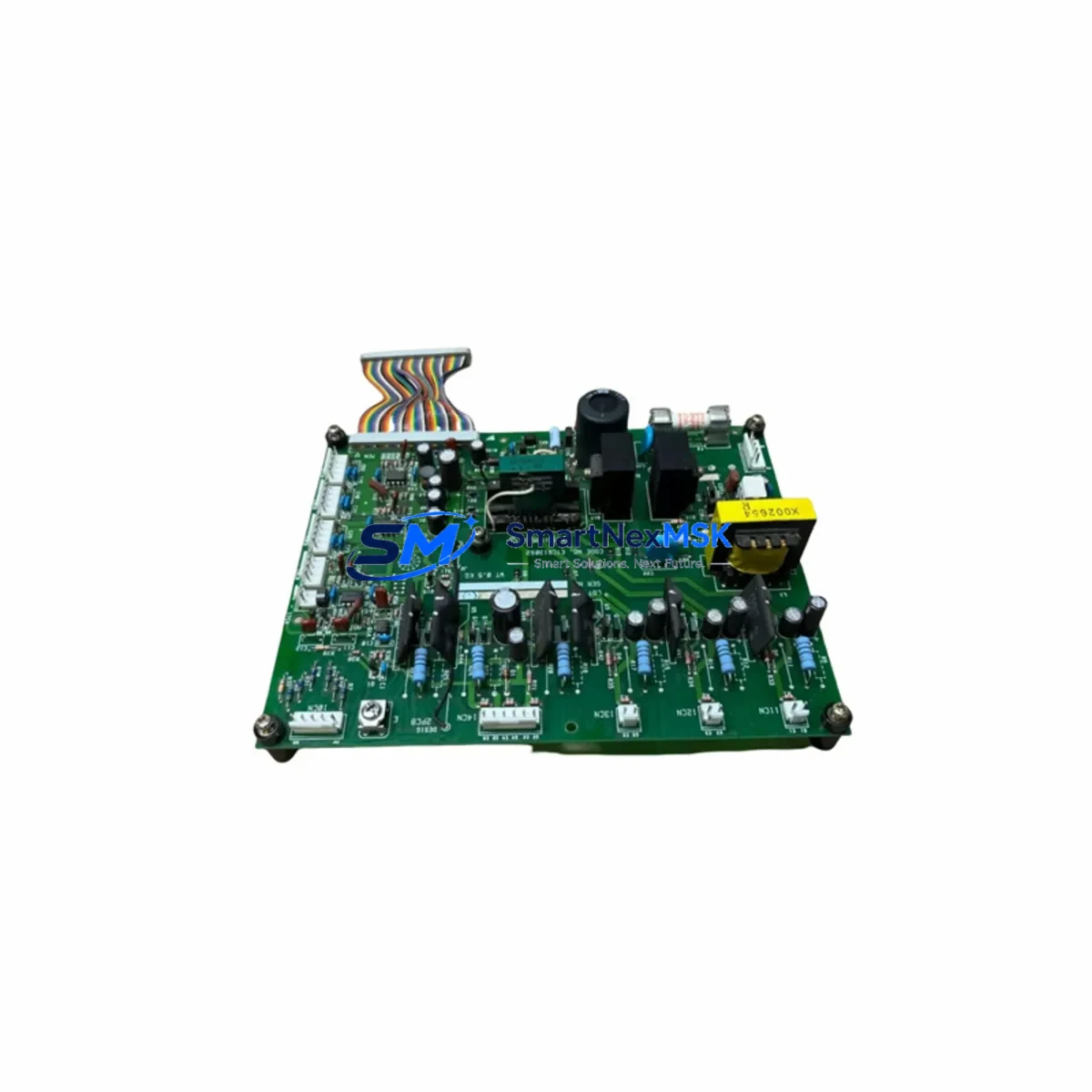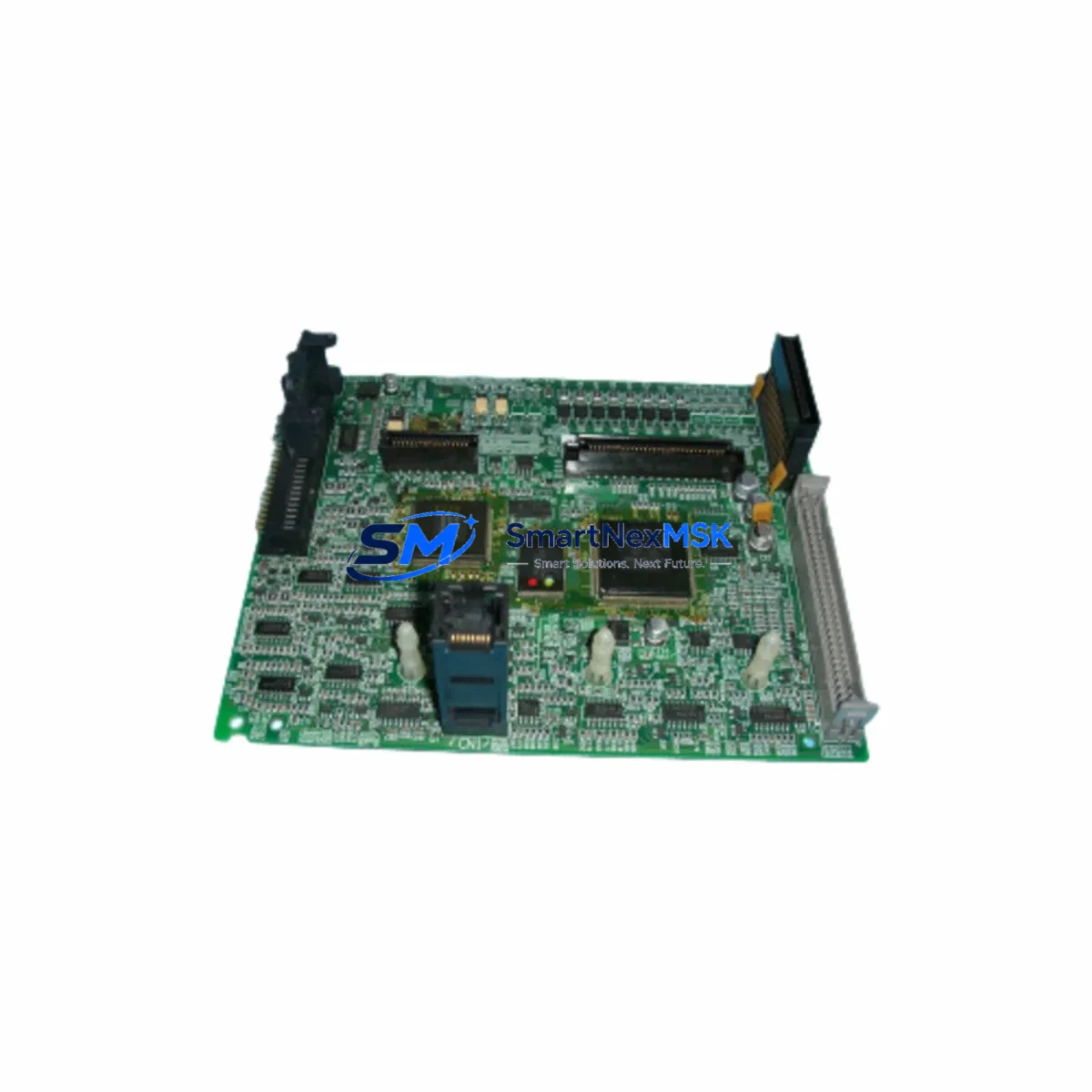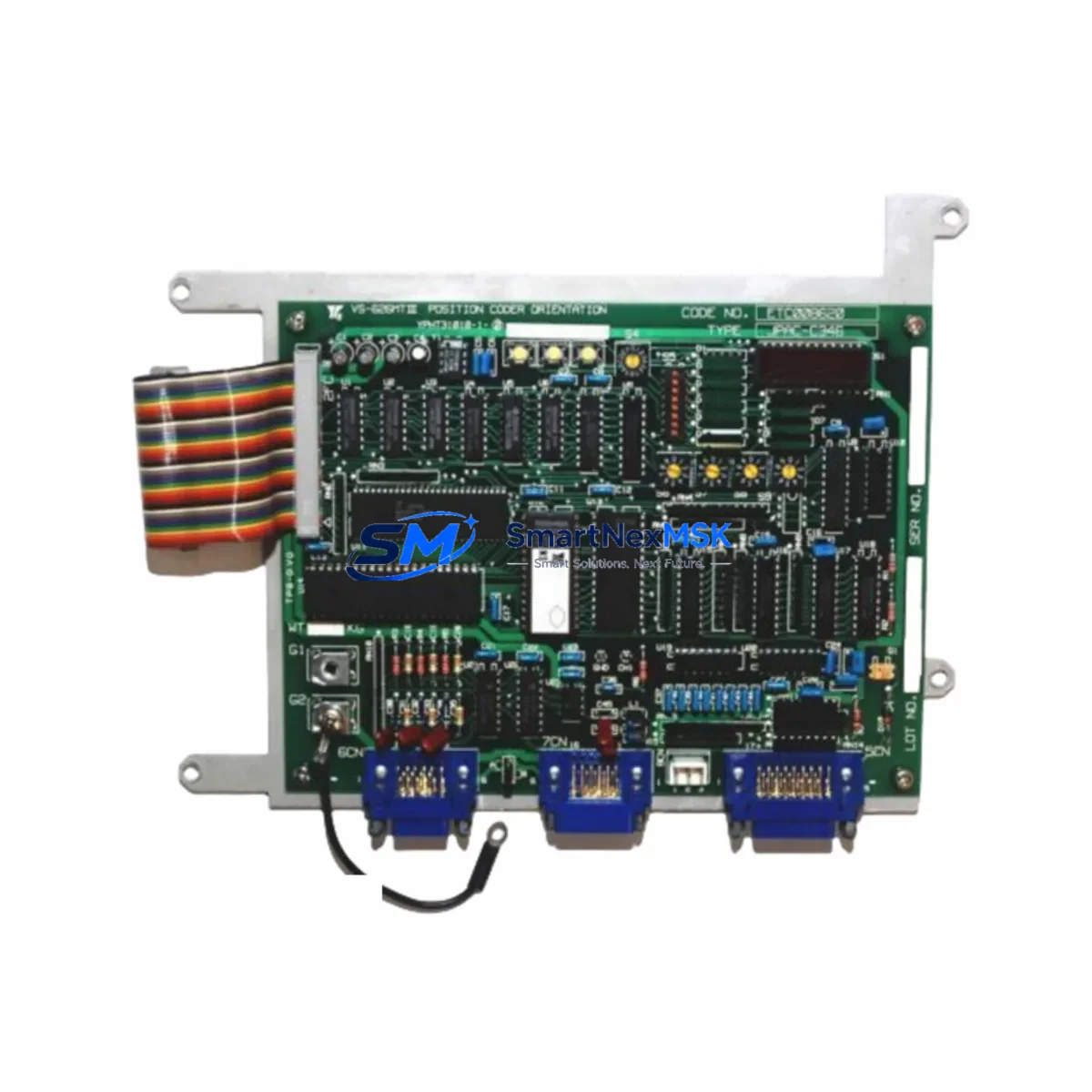
YASKAWA YPLT31006-1A Retrofit-Ready AC Drive Control Board for G7/F7/E7 Control Systems
The YASKAWA YPLT31006-1A is a retrofit-ready AC drive control board engineered for seamless integration into legacy YASKAWA G7, F7, and E7 series variable frequency drive systems. As industrial facilities face increasing pressure to modernize aging automation infrastructure without full system replacement, the YPLT31006-1A provides a cost-effective, specification-accurate solution for control cabinet upgrades, production line retrofits, and drive system restoration. Whether you are replacing a failed PCB in a critical conveyor system, upgrading a legacy pump control panel, or migrating from an end-of-life drive platform, this board delivers the electrical compatibility and firmware alignment required for a smooth, low-risk transition.
Sourced directly from verified supply channels and subjected to pre-shipment functional testing, each YPLT31006-1A unit ships with a 12-month warranty covering manufacturing defects and component failure under normal operating conditions. Our inventory is maintained to support urgent replacement orders, minimizing unplanned downtime for facilities operating continuous production schedules.
Upgrade Compatibility Table
| Parameter | Details |
|---|---|
| Compatible Drive Series | YASKAWA G7, F7, E7 Series VFDs |
| Replacement Target | Original YPLT31006-1A control PCB in G7/F7/E7 drives |
| Interface / Connector | Standard G7/F7/E7 backplane connector; direct plug-in replacement |
| Communication Compatibility | MEMOBUS/Modbus RTU; optional SI-N3/SI-P3 option card slots retained |
| Installation Requirement | Power-off installation; ESD precautions required; torque spec per drive manual |
| Parameter Backup | Back up all parameters via DriveWizard Industrial or keypad copy before swap |
| Firmware Alignment | Verify drive firmware version post-installation; re-initialize if prompted |
| Commissioning Note | Perform auto-tuning after board replacement if motor data is not retained |
| Replacement Recommendation | Direct drop-in for failed or damaged YPLT31006-1A; no wiring modification required |
| Warranty | 12 months from shipment date; covers manufacturing defects under normal use |
Retrofit Planning for Existing Automation Systems
Successful retrofit of the YPLT31006-1A begins well before the physical board swap. Engineers responsible for the upgrade should first audit the existing control cabinet to confirm the drive model, firmware revision, and the condition of surrounding components. In many G7 and F7 installations, the control board failure is accompanied by degraded performance in related components such as the YASKAWA JVOP-182 digital operator keypad, the SI-N3 MEMOBUS communication option card, or the 24VDC control power supply feeding the drive’s logic circuitry. These should be inspected and replaced as needed during the same maintenance window to avoid repeat failures.
For systems using the YASKAWA G7 series in multi-drive configurations, the retrofit plan must account for the MECHATROLINK-II or DeviceNet communication links that coordinate drive sequencing. If the failed YPLT31006-1A was part of a coordinated motion or process control loop managed by a YASKAWA MP2300 machine controller or a third-party PLC, the communication node address and baud rate settings stored on the original board must be documented before removal. These parameters are typically held in the drive’s EEPROM and may be lost if the board is completely non-functional.
Terminal wiring on the G7 and F7 control terminal block — including analog input signals (AI1, AI2), digital input assignments (S1–S8), and relay output wiring (MA, MB, MC) — does not require modification when replacing the YPLT31006-1A, as the terminal block remains on the drive chassis. However, engineers should verify that the 24VDC external power supply connected to terminals HC and H1 is within specification, as an out-of-tolerance supply voltage is a common root cause of control board failure. The YASKAWA CIMR-G7A series power board and gate driver board should also be visually inspected for signs of thermal stress or capacitor bulging during the same service interval.
For facilities migrating from the older YASKAWA VS-616G5 or VS-686DC5 platforms to the G7 series, the YPLT31006-1A retrofit represents a significant upgrade in processing capability and communication flexibility. The G7 control architecture supports expanded I/O through option cards such as the DO-A3 digital output card and the AI-A3 analog input card, enabling engineers to replicate legacy I/O maps without rewiring field devices. HMI screens connected via RS-485 to the original drive should be reconfigured to address the new MEMOBUS register map, and any custom function blocks in the PLC program referencing drive status words should be validated against the G7 parameter list.
Downtime Control During System Migration
Minimizing production downtime during a control board replacement requires a structured pre-outage preparation protocol. Before scheduling the maintenance window, technicians should use DriveWizard Industrial software to perform a full parameter upload from the operational drive, saving the configuration file to a secure location. If the drive is already non-functional, a parameter sheet from the original commissioning documentation or a sister machine running the same configuration should be used as the restoration baseline.
The physical board swap on a YASKAWA G7 or F7 drive typically requires 30 to 60 minutes for an experienced technician, including safe isolation of the drive from the AC supply, discharge of the DC bus capacitors (minimum 5-minute wait after power-off), careful extraction of the control board using the retention clips, and seating of the replacement YPLT31006-1A. Following installation, the drive should be powered up in a no-load condition first, with the motor disconnected, to verify that the keypad displays correctly and that no fault codes are present. Parameter restoration should then be performed via DriveWizard or manual entry, followed by a low-speed motor test before returning the system to full production load.
For critical processes where even a brief interruption is unacceptable, a pre-staged spare drive — such as a YASKAWA CIMR-G7A4037 pre-loaded with the correct parameter set — can be used as a hot-swap chassis while the original unit is repaired. This approach keeps the production line running while the YPLT31006-1A replacement is completed offline, with the repaired drive returned to service as the new spare. Maintaining at least one pre-configured spare drive and one spare YPLT31006-1A control board in the facility’s critical spares inventory is strongly recommended for any G7 or F7 installation supporting continuous process operations.
Retrofit Support FAQ
Q1: Is the YPLT31006-1A a direct replacement for the original board in all G7 and F7 series drives?
The YPLT31006-1A is the designated control board for YASKAWA G7 and F7 series drives where this part number is specified. Before ordering, confirm the part number printed on the existing board matches YPLT31006-1A. Some G7 variants use alternate control board assemblies depending on the drive capacity and production date. If you are unsure, provide your drive’s full model number (e.g., CIMR-G7A4037) and we will confirm compatibility before shipment.
Q2: Will I need to re-tune the motor after replacing the control board?
If parameters are successfully restored from a backup file, motor tuning data (E2-xx parameters) will be retained and re-tuning is generally not required. However, if the original board was completely non-functional and no parameter backup exists, stationary auto-tuning should be performed after parameter restoration to ensure accurate motor control. Rotary auto-tuning is recommended if the load can be safely disconnected during commissioning.
Q3: What wiring changes are required when installing the YPLT31006-1A?
No wiring changes are required. The YPLT31006-1A is a direct plug-in replacement for the existing control board. The control terminal block, option card slots, and backplane connector remain on the drive chassis and are not affected by the board swap. Technicians should inspect all terminal connections for corrosion or loose wiring and re-torque to specification as part of the service procedure.
Q4: What does the 12-month warranty cover, and how is it handled?
Each YPLT31006-1A ships with a 12-month warranty from the date of shipment, covering manufacturing defects and component failure under normal operating conditions. Warranty claims require the original order reference and a description of the fault. Units showing evidence of physical damage, incorrect installation, overvoltage exposure, or unauthorized modification are not covered. Pre-shipment functional testing is performed on all units before dispatch to minimize the risk of DOA failures.
© 2026 SMARTNEXMSK. All rights reserved.
Original Source: https://smartnexmsk.com
Contact: [email protected] | +86 18259474341