
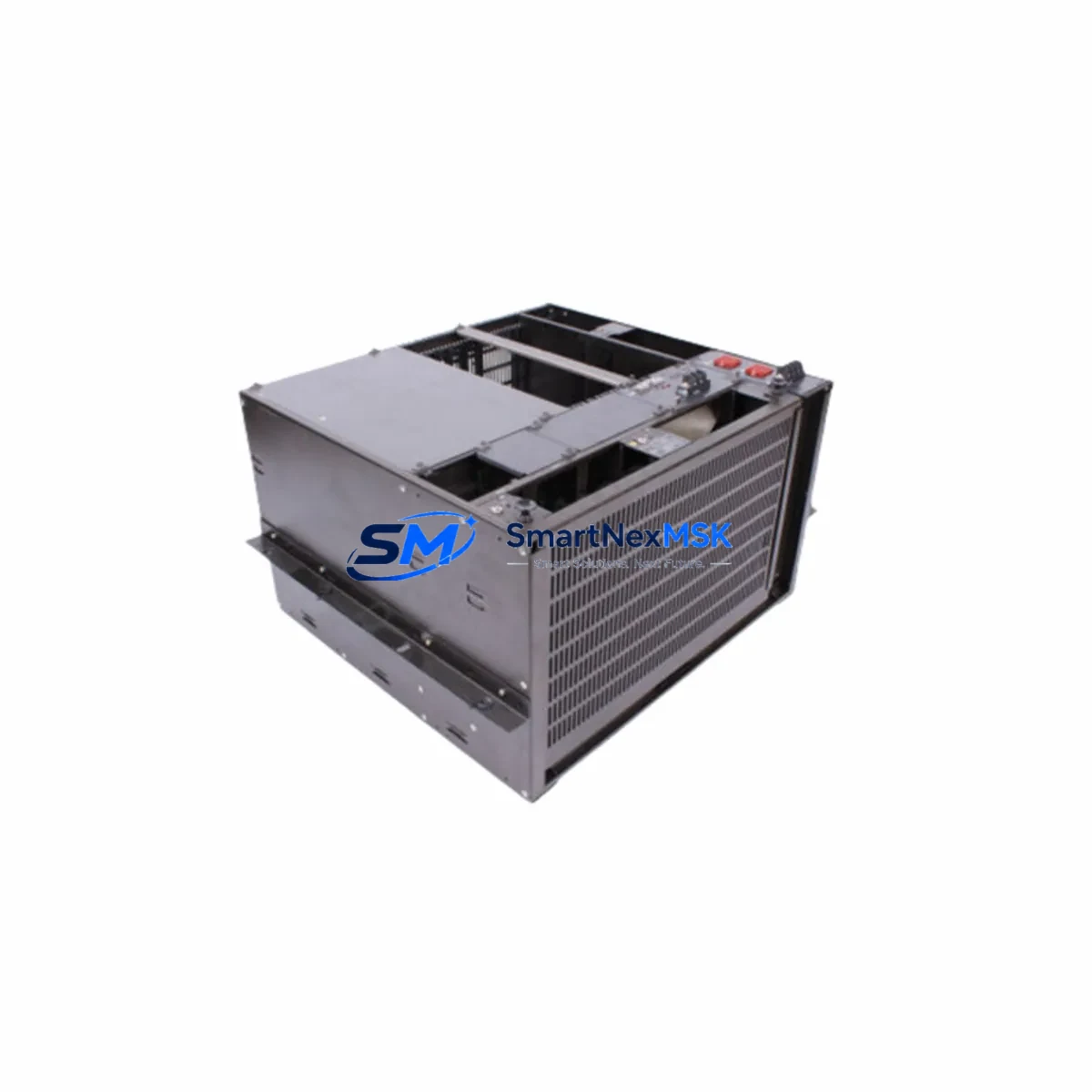
YOKOGAWA CP133E-16-S1 Retrofit-Ready CPU for CENTUM VP Control Systems
The YOKOGAWA CP133E-16-S1 is a high-reliability central processing unit module designed for CENTUM VP distributed control systems. As legacy CENTUM CS 3000 and CENTUM VP R4 installations approach end-of-life, plant engineers and automation managers increasingly require a verified, drop-in retrofit solution that preserves existing wiring infrastructure, control logic, and HMI configurations while delivering the performance and communication capabilities demanded by modern process industries. The CP133E-16-S1 addresses this need directly — serving as a proven replacement for discontinued or aging CPU modules across refinery, chemical, power generation, and pharmaceutical automation environments.
Upgrade Compatibility Table
| Parameter | Details |
|---|---|
| Compatible Platform | YOKOGAWA CENTUM VP, CENTUM VP R5/R6 |
| Replaces / Upgrades From | CP133, CP133E, CP133E-16 (discontinued variants) |
| Backplane Interface | Standard CENTUM VP FCU backplane — no adapter required |
| Communication Protocols | Vnet/IP, Ethernet (100BASE-TX), RS-232C engineering port |
| I/O Bus Compatibility | Compatible with ESB bus I/O modules and RIO bus expansion |
| Installation Requirement | Standard 19-inch rack mount; fits existing FCU cabinet |
| Power Supply Compatibility | Works with PW481 and PW482 power supply modules |
| HMI Compatibility | Fully compatible with CENTUM VP HIS stations; no screen rebuild required |
| Replacement Recommendation | Direct swap; verify firmware revision before commissioning |
| Commissioning Focus | Module address assignment, Vnet/IP domain configuration, watchdog test |
| Warranty | 12-Month Warranty — covered against manufacturing defects |
Retrofit Planning for Existing Automation Systems
Successful retrofit of the CP133E-16-S1 into an operating CENTUM VP system requires systematic pre-migration planning. Before removing the existing CPU, engineers should document the current FCU station address, Vnet/IP domain ID, and all I/O module slot assignments. The CP133E-16-S1 slots directly into the existing FCU backplane without mechanical modification, but the replacement process must account for several interdependent components.
Power supply capacity is the first checkpoint. The PW481 or PW482 power supply modules feeding the FCU cabinet must be verified to support the CP133E-16-S1’s rated load, particularly when the cabinet also houses ALF111 fieldbus communication modules or AAI141 analog input modules with high channel counts. If the existing power budget is marginal, a parallel power supply upgrade should be scheduled concurrently.
Terminal wiring on field I/O modules — including AAI543 analog output modules and ADV151 digital input modules — does not require modification during a CPU swap, as the ESB bus architecture isolates the CPU from direct field wiring. However, all terminal blocks should be inspected for corrosion or loose connections during the planned maintenance window.
Communication link continuity is critical. The Vnet/IP network connecting the CP133E-16-S1 to the CENTUM VP HIS operator stations and the EWS engineering workstation must be verified at the switch level. If the plant network includes ACF11 communication modules or ALR121 remote I/O controllers, their node addresses must be confirmed against the new CPU’s routing table before restart.
For systems that include RIO bus expansion — connecting remote I/O nodes via the ER bus — the CP133E-16-S1’s RIO bus master configuration must be loaded from the engineering database prior to commissioning. This is particularly relevant in large-scale installations where the FCU controls distributed I/O across multiple marshalling cabinets, each housing multiple AAT145 or AAI841 I/O modules.
HMI screen integrity is preserved automatically when the CPU replacement is performed without changing the FCU station number. CENTUM VP HIS stations reference the FCU by station address, not by hardware serial number, so operator graphics, trend groups, and alarm configurations remain intact. A full HMI communication test — verifying live tag updates across all process groups — should be completed before returning the unit to automatic control.
Downtime Control During System Migration
Minimizing unplanned downtime during a CP133E-16-S1 swap requires a structured hot-standby or cold-swap procedure depending on the FCU redundancy configuration. For redundant FCU pairs, the replacement can be performed on the standby CPU while the primary remains in control, achieving zero-impact switchover. For simplex FCU configurations, a planned maintenance window of 2–4 hours is typical, covering module removal, installation, firmware verification, Vnet/IP re-registration, and a full I/O scan confirmation.
Before initiating the swap, the current control program should be backed up from the EWS engineering workstation using CENTUM VP Builder. This backup preserves all function block definitions, loop tuning parameters, sequence logic, and interlock configurations. If the replacement CP133E-16-S1 carries a different firmware revision than the original, a compatibility check against the Builder project version is mandatory — mismatched firmware can prevent program download or cause unexpected behavior during the first scan cycle.
Field control continuity during the switchover window can be maintained by placing critical control loops in manual mode at the HIS station prior to CPU removal. This prevents process upsets caused by output initialization during the CPU restart sequence. Once the CP133E-16-S1 is installed and the FCU has completed its self-diagnostic cycle, loops can be returned to automatic mode sequentially, with process values confirmed stable before each transfer.
Retrofit Support FAQ
Q1: Is the CP133E-16-S1 a direct replacement for the CP133E without hardware modification?
Yes. The CP133E-16-S1 uses the same backplane connector and FCU slot form factor as the CP133E series. No bracket adapters or wiring changes are required. Confirm the firmware version compatibility with your CENTUM VP Builder project before installation.
Q2: Will my existing HMI graphics and alarm configurations be preserved after the CPU swap?
Yes, provided the FCU station address is not changed during the replacement. CENTUM VP HIS stations reference process data by station and tag address, not by CPU hardware identity. All operator graphics, trend pens, and alarm setpoints remain active without reconfiguration.
Q3: What commissioning steps are required after installing the CP133E-16-S1?
After physical installation, complete the following: (1) Verify Vnet/IP domain and station address assignment via the EWS. (2) Download the control program from CENTUM VP Builder. (3) Confirm all I/O modules are recognized in the FCU I/O map. (4) Perform a watchdog relay test. (5) Conduct a full HMI communication scan before returning to automatic control.
Q4: Does the CP133E-16-S1 come with a warranty, and has it been tested before shipment?
Yes. Every CP133E-16-S1 unit supplied by SMARTNEXMSK is covered by a 12-month warranty against manufacturing defects and functional failure. Each unit undergoes pre-shipment functional testing including power-on self-test, communication port verification, and backplane interface check before dispatch.
© 2026 SMARTNEXMSK. All rights reserved.
Original Source: https://smartnexmsk.com
Contact: [email protected] | +86 18259474341



