
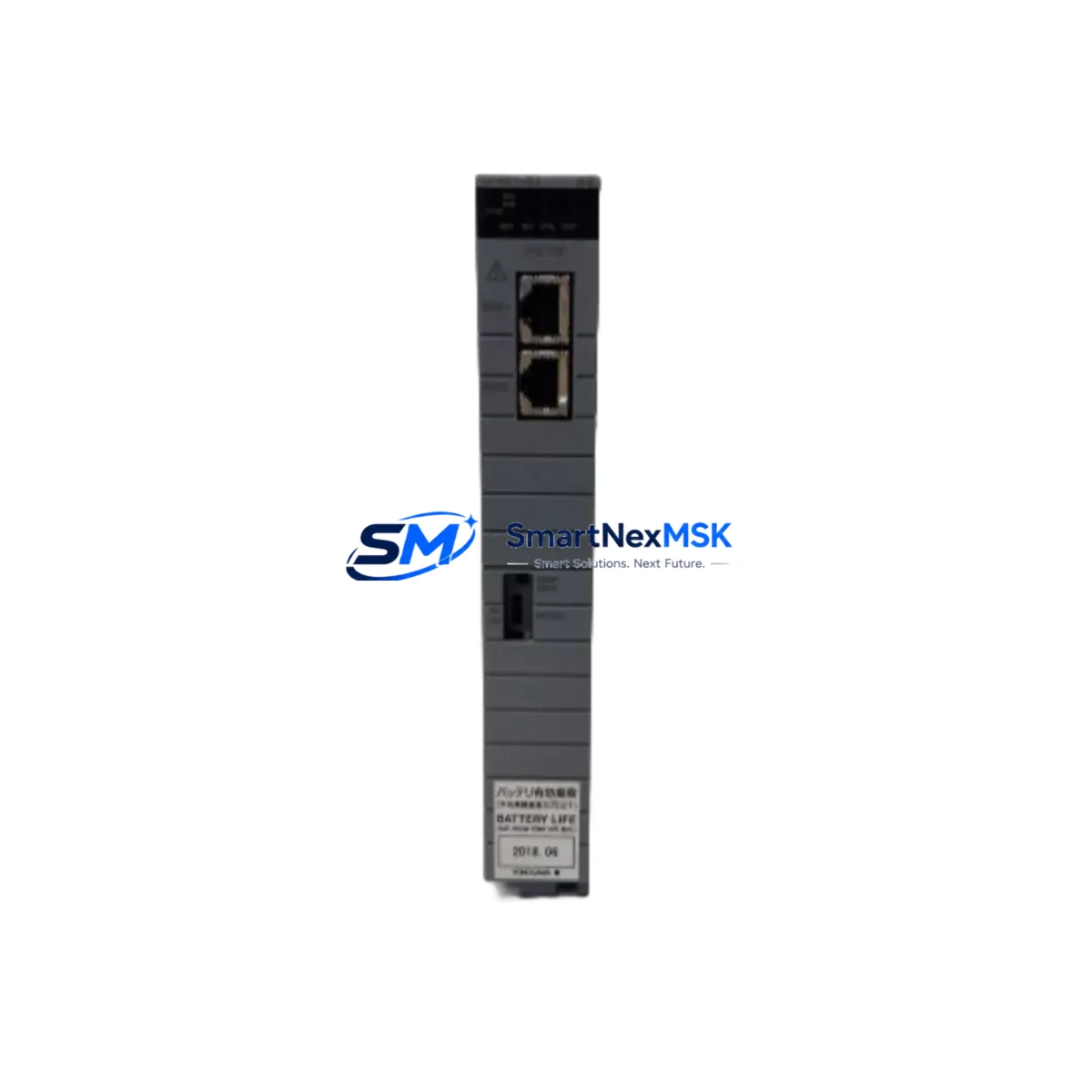
Yokogawa CP451-51 S2 Maintenance-Ready Spare CS3000 Automation
The Yokogawa CP451-51 S2 is a central processing unit module designed for the CENTUM CS3000 distributed control system — one of the most widely deployed DCS platforms in refining, petrochemical, power generation, and continuous process industries. As a maintenance-ready original spare, the CP451-51 S2 is sourced, inspected, and dispatched to support rapid site replacement, planned turnaround maintenance, and emergency downtime recovery. Every unit is tested prior to shipment and covered by a 12-month warranty, giving maintenance engineers and procurement teams the confidence to stock this module as a critical spare in their control room inventory.
For facilities running CENTUM CS3000 or transitioning from legacy CENTUM CS configurations, the CP451-51 S2 CPU module represents a direct-fit replacement that preserves existing I/O wiring, field bus topology, and HMI communication without requiring system reconfiguration. Its availability as a verified spare reduces mean time to repair (MTTR) and supports the long-term operational life of installed DCS infrastructure — a key priority for plants deferring full system migration.
Spare Maintenance Table
| Parameter | Specification / Detail |
|---|---|
| SKU / Part Number | CP451-51 S2 |
| Brand | Yokogawa Electric Corporation |
| Compatible System | CENTUM CS3000 Distributed Control System |
| Module Type | DCS Central Processing Unit (CPU) Module |
| Series | CENTUM CS3000 / CS3000 R3 |
| Origin | Japan |
| Installation | Direct backplane insertion; no hardware modification required |
| Communication | Vnet/IP or V-net fieldbus (system-dependent) |
| Application Environment | Process control cabinets; indoor industrial environments |
| Operating Temperature | 0°C to 55°C (standard industrial DCS cabinet range) |
| Maintenance Recommendation | Inspect annually; replace on fault code or CPU watchdog alarm |
| Compatibility Verification | Confirm firmware revision and system software version before installation |
| Warranty | 12 Months from date of shipment |
| Pre-Shipment Testing | Functional test performed on every unit |
| Lead Time | In-stock units ship within 1–3 business days |
Maintenance Planning for Continuous Operation
When a CP451-51 S2 CPU module is flagged for replacement — whether through a scheduled inspection, a watchdog timeout alarm, or an unplanned fault — the replacement event should be treated as a broader control cabinet health check. Maintenance engineers are advised to simultaneously inspect the following components to prevent cascading failures and ensure the restored system operates reliably:
The CP451-50 and CP451-10 variants are closely related CPU modules within the CENTUM CS3000 family and should be cross-checked for firmware compatibility when sourcing a replacement. The PW481 and PW482 power supply modules that feed the CPU bus should be load-tested and inspected for capacitor aging — a degraded power supply is a common root cause of intermittent CPU faults. The EB401 Vnet/IP interface module and associated Vnet/IP communication cables should be verified for signal integrity, as communication errors can be misdiagnosed as CPU failures.
On the I/O side, AAI141 analog input modules and ADV151 digital output modules connected to the same node should be checked for loose terminal block connections and proper grounding. The TB805 terminal board and field wiring terminations are frequent sources of intermittent signal faults that surface after a CPU swap. If the system includes ALR111 alarm modules or signal isolators in the field junction boxes, these should be inspected for contact wear and isolation resistance.
For facilities using CENTUM CS3000 HMI workstations running HIS (Human Interface Station) software, confirm that the replacement CPU module’s firmware version is compatible with the installed HIS software revision to avoid communication handshake errors after restart. Stocking one CP451-51 S2 unit per DCS node — alongside a spare PW481 power supply and a set of EB401 communication modules — represents a practical minimum spare parts inventory for plants targeting sub-4-hour MTTR on DCS CPU faults.
Site Replacement Workflow
Replacing the CP451-51 S2 in a live CENTUM CS3000 system follows a structured procedure to minimize downtime and avoid configuration loss. Before removing the faulty module, the maintenance engineer should export the current CPU configuration and tag database from the CENTUM CS3000 Engineering Environment (CAMS for HIS or System View), and confirm that a recent system backup is available on the engineering workstation.
With the DCS node placed in manual control or with field outputs held at last value, the CP451-51 S2 can be hot-swapped on systems that support redundant CPU configurations. For simplex CPU installations, a controlled shutdown of the affected node is required. The replacement module should be inserted into the same backplane slot, with the system software performing automatic firmware synchronization on first boot. Engineers should monitor the Vnet/IP communication status and I/O scan cycle time in the HIS alarm summary for the first 15–30 minutes of operation to confirm stable restoration.
This workflow applies equally when upgrading from an older CP451-50 or CP451-10 module to the CP451-51 S2 revision — a common scenario in legacy system life-extension projects where the original CPU model has reached end-of-manufacture. The CP451-51 S2 provides a compatible upgrade path that preserves existing I/O configurations, field wiring, and control logic without requiring a full system migration, making it a cost-effective solution for extending the operational life of CENTUM CS3000 installations by 5–10 years.
Spare Parts Support FAQ
Q1: Is the CP451-51 S2 compatible with both CENTUM CS3000 and CENTUM CS3000 R3 systems?
Yes. The CP451-51 S2 is designed for use across the CENTUM CS3000 platform, including R3 revisions. However, firmware version compatibility should always be confirmed against your installed system software version before installation. Our technical team can assist with compatibility verification prior to shipment.
Q2: What does the 12-month warranty cover, and what pre-shipment testing is performed?
Every CP451-51 S2 unit undergoes functional testing before dispatch, verifying power-on self-test completion, communication interface operation, and basic I/O scan functionality. The 12-month warranty covers manufacturing defects and functional failures under normal operating conditions. Units that fail within the warranty period are replaced or refunded at no additional cost.
Q3: How quickly can the CP451-51 S2 be shipped for emergency downtime recovery?
In-stock units are dispatched within 1–3 business days. For emergency orders, expedited shipping options are available — contact our sales team directly at [email protected] or +86 18259474341 to confirm stock availability and arrange priority dispatch.
Q4: Can you supply other CENTUM CS3000 spare parts alongside the CP451-51 S2?
Yes. We maintain inventory of complementary CENTUM CS3000 components including power supply modules, Vnet/IP communication modules, analog and digital I/O modules, and terminal boards. Sourcing related spares together reduces lead time risk and simplifies your maintenance procurement process. Contact us with your full spare parts list for a consolidated quotation.
© 2026 SMARTNEXMSK. All rights reserved.
Original Source: https://smartnexmsk.com
Contact: [email protected] | +86 18259474341



