
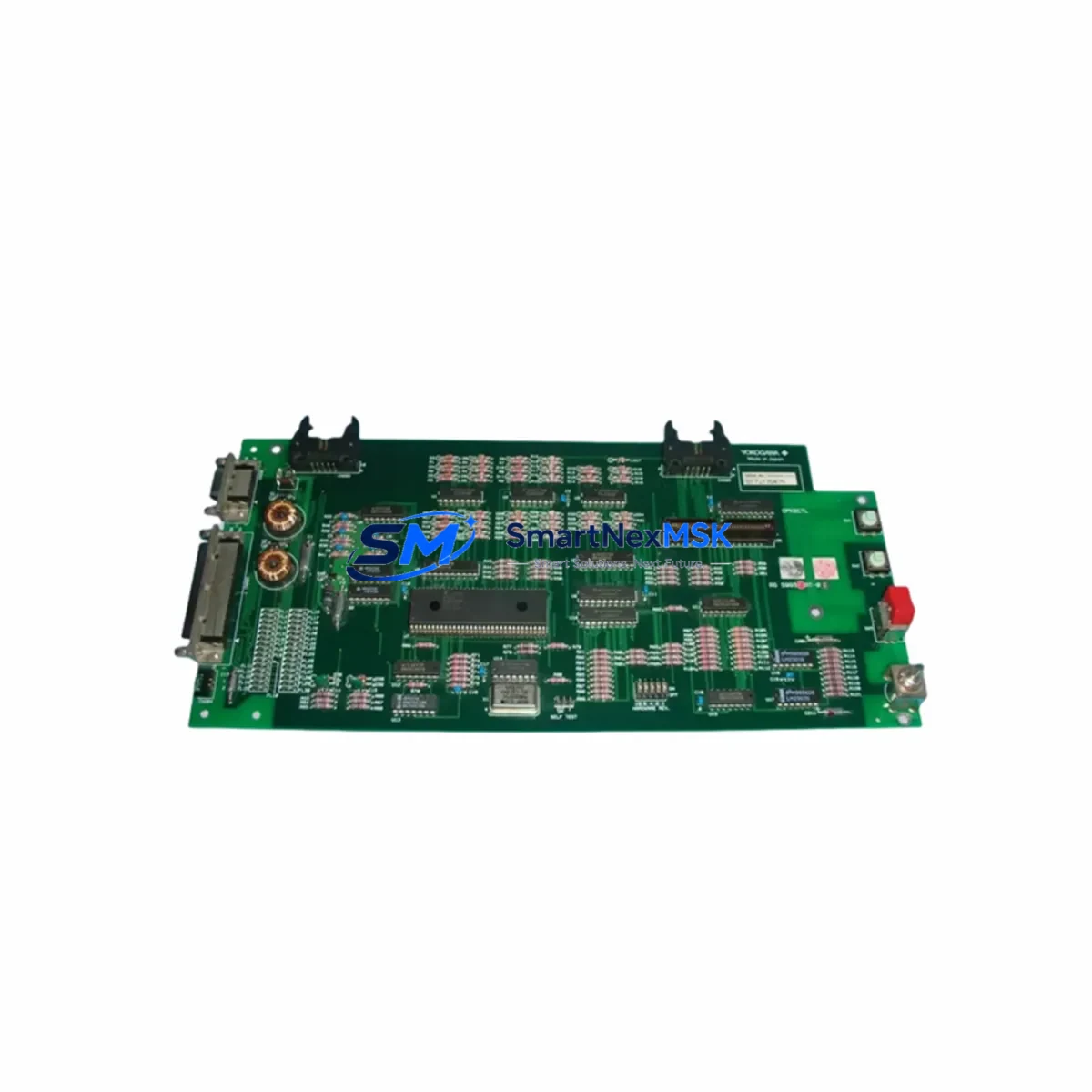
YOKOGAWA S9930AT-01 Spare for STARDOM FCN Automation: Spare Replacement & Industrial Downtime Risk Control
The YOKOGAWA S9930AT-01 is a critical controller module within the STARDOM FCN/FCJ distributed control architecture, widely deployed in process automation, utility management, water treatment, and remote SCADA applications. As a maintenance-ready original spare, the S9930AT-01 is engineered to deliver seamless drop-in replacement for aging or failed units, enabling maintenance engineers to restore system operation with minimal downtime and without requiring firmware reconfiguration or hardware adaptation.
For facilities running YOKOGAWA STARDOM FCN systems, maintaining a verified stock of the S9930AT-01 is a fundamental element of any proactive maintenance strategy. Controller module failures in FCN-based systems can cascade rapidly — affecting I/O polling cycles, communication integrity with upstream SCADA hosts, and real-time process data acquisition. Having a tested, original-specification spare on hand eliminates the critical gap between fault detection and system recovery.
Each S9930AT-01 unit supplied by SMARTNEXMSK is sourced from verified industrial channels, inspected prior to dispatch, and covered by a 12-month warranty. We support maintenance engineers and procurement teams with long-term spare parts supply, technical compatibility confirmation, and rapid international shipping to minimize plant downtime exposure.
Spare Maintenance Table
| Parameter | Specification / Detail |
|---|---|
| Part Number / SKU | S9930AT-01 |
| Brand | YOKOGAWA |
| Series | STARDOM FCN / FCJ |
| Module Type | Controller Module (CPU / Communication) |
| Application | Distributed Control, Remote SCADA, Process Automation, Utility Management |
| Compatibility | YOKOGAWA STARDOM FCN / FCJ controller chassis; compatible with standard FCN backplane and I/O expansion modules |
| Communication Protocol | Ethernet (Modbus TCP / OPC / FOUNDATION Fieldbus per system configuration) |
| Operating Environment | Industrial control cabinet; standard DIN-rail or rack-mount installation |
| Power Supply Requirement | Supplied via FCN backplane; verify backplane power module (e.g. F3PU20-0S or equivalent) output before installation |
| Installation Method | Direct module slot replacement; no soldering required |
| Firmware | Compatible with existing FCN system firmware; confirm revision with site engineer prior to swap |
| Condition | Original, new or tested-good surplus; pre-shipment inspection completed |
| Origin | Japan |
| Warranty | 12 Months from date of shipment |
| Shipping | International express; ESD-safe packaging; tested before dispatch |
| Maintenance Recommendation | Replace as part of scheduled controller module inspection cycle; verify I/O scan integrity post-installation |
Maintenance Planning for Continuous Operation
When replacing the S9930AT-01 in a STARDOM FCN control cabinet, a thorough maintenance engineer will not limit the inspection to the controller module alone. The FCN architecture integrates tightly with surrounding hardware, and a module swap is the ideal opportunity to audit the health of adjacent components that share the same electrical environment and communication bus.
Begin with the FCN backplane power supply module — any degradation in backplane voltage regulation can cause intermittent controller resets that mimic module failure. Verify output voltage stability under load before declaring the S9930AT-01 as the root cause. Next, inspect the FCN I/O expansion modules installed in adjacent slots; loose backplane connectors or oxidized contacts can introduce signal errors that are misattributed to the controller. If the system uses analog input modules for process variable acquisition, confirm that signal scaling and channel calibration remain intact after the controller swap.
For sites using Ethernet communication modules or dedicated Modbus TCP gateway cards within the FCN rack, verify that IP addressing and network topology settings are preserved in the replacement unit’s configuration. SCADA connectivity should be tested end-to-end before returning the system to automatic control. Where serial communication modules (RS-232/RS-485) are used for field device integration, check cable termination and baud rate settings post-replacement.
Inspect terminal blocks and field wiring connections on all I/O modules in the cabinet — vibration and thermal cycling over time can loosen screw terminals, causing intermittent field signal faults. Fuse holders and circuit protection devices on the 24VDC field power rail should be checked for continuity and rated capacity. If the cabinet includes a signal isolator or loop-powered transmitter barrier, verify that isolation integrity is maintained, particularly for intrinsically safe loops.
For systems with an integrated HMI panel or operator workstation communicating with the FCN controller via OPC or Modbus, confirm that the HMI tag database and communication driver settings remain synchronized with the replacement module’s configuration. Finally, review the UPS or battery backup unit supplying the control cabinet — a weakened battery can cause data loss during controller module hot-swap procedures if the system is not properly isolated.
Maintaining a coordinated spare parts inventory that includes the S9930AT-01 alongside these associated components ensures that your maintenance team can execute a complete cabinet restoration without waiting for secondary parts to arrive.
Site Replacement Workflow
Step 1 — Pre-Replacement Verification: Confirm the failed module’s part number against the label on the installed unit. Cross-reference with the system’s bill of materials or cabinet drawing to ensure the S9930AT-01 is the correct replacement. Download or back up the current FCN project configuration from the engineering workstation before proceeding.
Step 2 — Safe Isolation: Place the FCN controller in maintenance mode or transfer control to a redundant controller if the system supports redundancy. Notify the operations team and document the start of the maintenance window. De-energize the specific module slot following YOKOGAWA’s lockout/tagout procedure for the FCN chassis.
Step 3 — Module Removal and Inspection: Remove the faulty S9930AT-01 by releasing the module locking mechanism and sliding it clear of the backplane connector. Inspect the backplane connector pins for damage, corrosion, or debris before inserting the replacement unit.
Step 4 — Replacement Installation: Insert the new S9930AT-01 into the correct slot, ensuring full backplane engagement. Re-energize the slot and observe the module’s status LEDs for normal initialization sequence. If the system requires firmware or configuration download, connect the engineering workstation and restore the project file.
Step 5 — Functional Verification: Confirm I/O scan integrity, communication link status with SCADA or DCS host, and all field signal readings. Run a complete I/O check against the process P&ID before returning the system to automatic operation. Document the replacement in the site maintenance log.
This workflow is applicable to both planned maintenance replacements and emergency fault recovery scenarios, and is designed to minimize total downtime from fault detection to system restoration.
Spare Parts Support FAQ
Q1: Is the S9930AT-01 still available as a new original spare, or only as surplus?
SMARTNEXMSK maintains stock of the S9930AT-01 in both new original and tested-good surplus condition. All units undergo pre-shipment functional inspection. The condition of each unit is confirmed at the time of order. For long-term maintenance contracts requiring guaranteed new-original supply, please contact our sales team to discuss dedicated stock reservation.
Q2: How do I verify compatibility between the S9930AT-01 and my existing STARDOM FCN system?
Compatibility is confirmed by matching the part number on the installed module label with S9930AT-01, and verifying that your FCN chassis and firmware revision are within the supported range documented in YOKOGAWA’s FCN hardware manual. Our technical team can assist with compatibility verification based on your system’s model number and firmware version prior to shipment.
Q3: What pre-shipment testing is performed on each S9930AT-01 unit?
Each unit is visually inspected for physical damage, connector integrity, and component condition. Functional power-on testing is performed where applicable. Units are packed in ESD-safe anti-static packaging with desiccant to prevent moisture ingress during international transit. A test report is available upon request.
Q4: What does the 12-month warranty cover, and how is a warranty claim handled?
The 12-month warranty covers manufacturing defects and functional failures under normal operating conditions from the date of shipment. In the event of a warranty claim, contact SMARTNEXMSK with the order reference and a description of the fault. We will arrange for a replacement unit to be dispatched or a repair assessment to be conducted. Warranty does not cover damage resulting from incorrect installation, overvoltage, or physical mishandling.
© 2026 SMARTNEXMSK. All rights reserved.
Original Source: https://smartnexmsk.com
Contact: [email protected] | +86 18259474341



