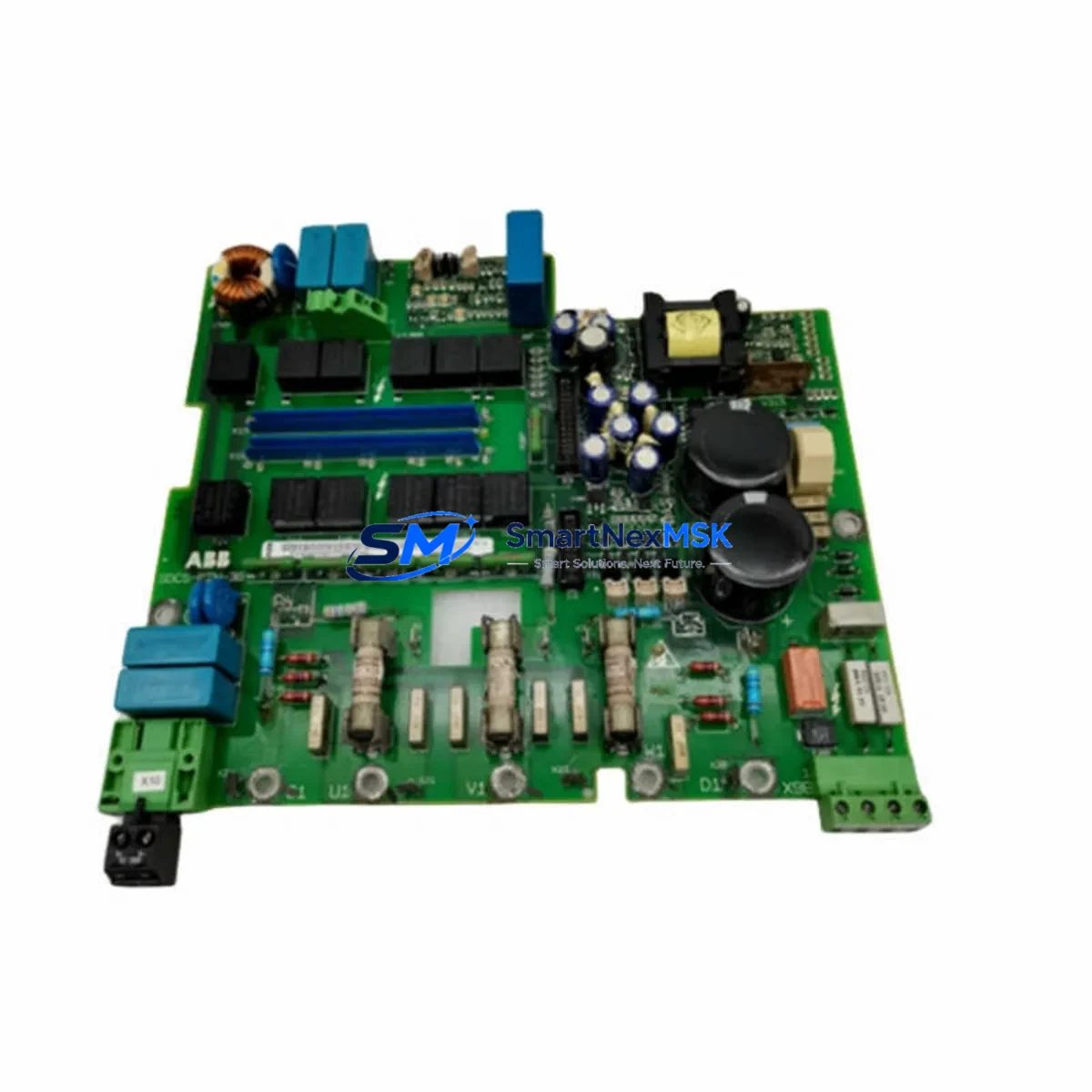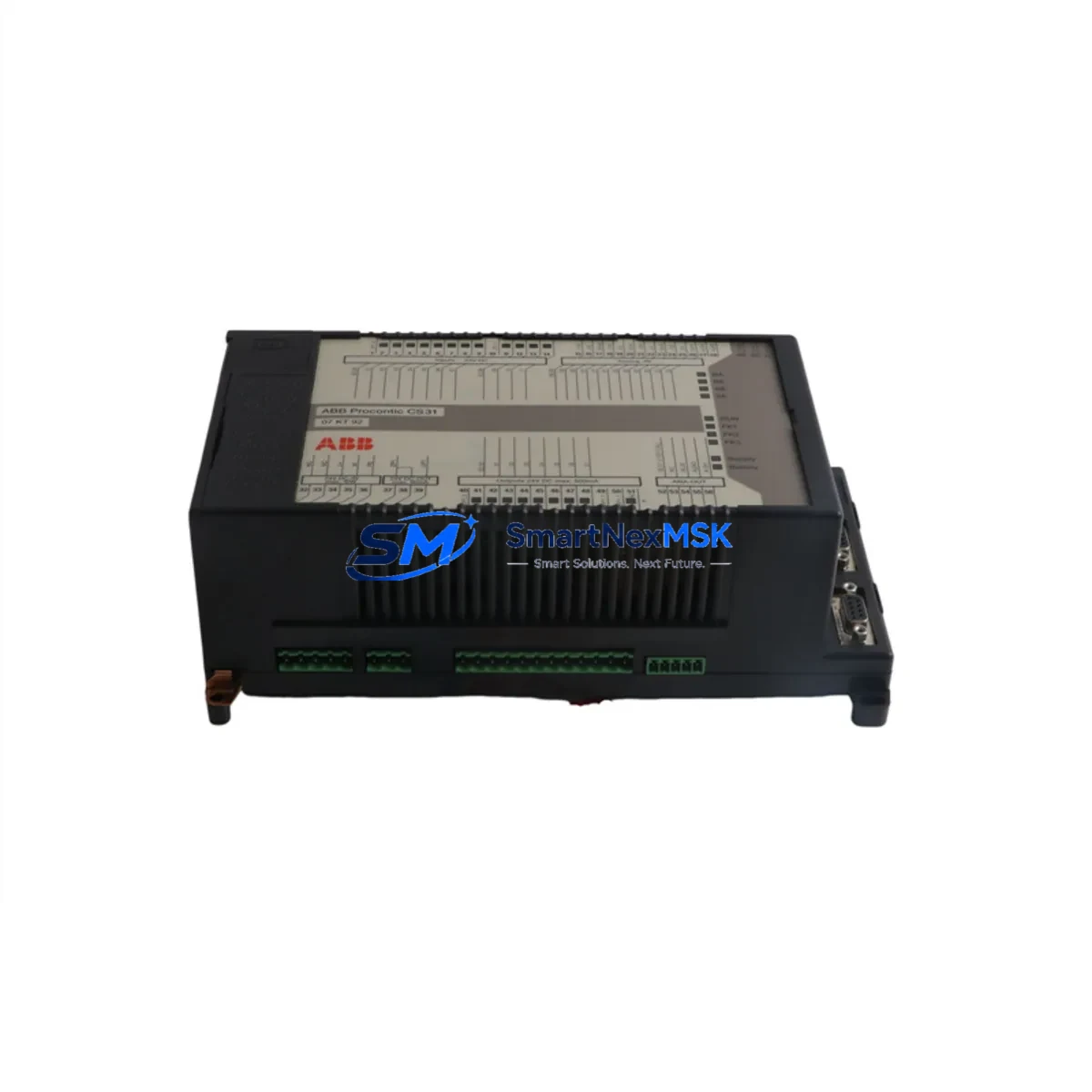
ABB 07KT92 GJR5250500R0902 Retrofit-Ready CPU for AC500 Control Systems: Compatible Modernization & Smooth Legacy Upgrade
The ABB 07KT92 (part number GJR5250500R0902) is a high-performance CPU module designed for the ABB AC500 programmable logic controller platform. As legacy AC500 installations age and original CPU modules reach end-of-life or become increasingly difficult to source, the 07KT92 stands as the proven retrofit and replacement solution for engineers managing aging control cabinets, distributed I/O panels, and process automation systems across manufacturing, energy, water treatment, and infrastructure sectors.
Whether you are replacing a failed 07KT91 or stepping up from an earlier AC500 generation, the 07KT92 is engineered to slot into existing PM571, PM581, and PM591 rack configurations with minimal hardware modification. Its compatibility with the AC500 backplane architecture means that existing TB521, TB541, and TB561 terminal base units can typically be retained, reducing rewiring time and protecting your existing field wiring investment during the upgrade window.
Upgrade Compatibility Table
| Parameter | Details |
|---|---|
| Replaces / Upgrades From | ABB 07KT91, 07KT93 (downgrade), AC500 V1 CPU variants |
| Compatible Rack / Backplane | AC500 standard backplane; PM571 / PM581 / PM591 mounting |
| Terminal Base Compatibility | TB521, TB541, TB561 — existing bases typically retained |
| Communication Protocols | Modbus RTU, Modbus TCP, PROFIBUS DP, CANopen, CS31 |
| Programming Environment | ABB Automation Builder / PS501 Control Builder Plus (IEC 61131-3) |
| I/O Expansion | Supports S500 I/O modules: DI581, DO581, AI531, AO523 and others |
| HMI Interface | Compatible with ABB CP600 HMI series via Modbus TCP / serial |
| Power Supply Requirement | 24 VDC nominal; verify existing PS501 or third-party PSU capacity |
| Installation Requirement | DIN rail mount; confirm backplane slot alignment before insertion |
| Commissioning Tool | USB programming cable or Ethernet direct connection to Automation Builder |
| Warranty | 12 Months — covers manufacturing defects, DOA replacement |
| Shipping & Stock | In stock; global shipping available; pre-shipment function test included |
Retrofit Planning for Existing Automation Systems
A successful retrofit begins well before the replacement module arrives on site. When planning a 07KT92 installation into an existing AC500 control system, engineers should start by auditing the current power supply capacity. The existing 24 VDC rail must support the 07KT92’s current draw alongside any co-installed S500 I/O modules such as the DI581 digital input module, DO581 digital output module, AI531 analog input module, and AO523 analog output module. If the original power supply — often an ABB CP-E 24/10.0 or equivalent third-party unit — is already running near its rated output, a parallel PSU or a higher-capacity replacement should be factored into the retrofit bill of materials before the maintenance window opens.
Terminal wiring on the TB521 or TB541 base units is generally preserved during a CPU swap, but each field terminal should be photographed and documented before removal. Pay particular attention to the CS31 bus wiring if the existing system uses remote I/O expansion over the CS31 serial bus, as address switches on remote modules may need to be re-verified after the new CPU initializes. For systems using PROFIBUS DP, the GSD file for the 07KT92 should be loaded into the PROFIBUS master configuration tool, and each slave device — including third-party drives, valve positioners, and remote I/O heads — should be confirmed online before the system is handed back to production.
If the existing control cabinet includes an ABB CP600 HMI panel, the HMI project should be backed up and the communication driver settings reviewed. The CP600 communicates with the AC500 CPU via Modbus TCP or serial Modbus RTU depending on the panel model; after the 07KT92 is installed and the IP address or COM port settings are confirmed, the HMI should be tested screen by screen to verify that all data tags are reading and writing correctly before the system is declared ready for production restart.
For systems that include a CI590-CS31 communication interface module or a CI501-PNIO PROFINET I/O adapter, these modules remain in their existing backplane slots and do not require replacement during a CPU upgrade. Their configuration parameters are stored in the CPU program, so restoring the original project file to the 07KT92 via Automation Builder is typically sufficient to bring the communication links back online. Always confirm firmware compatibility between the 07KT92 CPU firmware version and the installed communication module firmware before closing the cabinet.
Downtime Control During System Migration
Minimizing unplanned downtime is the primary concern for any industrial retrofit. The recommended approach for a 07KT92 CPU replacement is to prepare the new module fully before the maintenance window begins. This means loading the existing PLC program — exported from the original 07KT91 or predecessor CPU via Automation Builder — onto the 07KT92 in a bench environment, verifying that the program compiles without errors, and confirming that all I/O addresses, task cycle times, and communication parameters match the original configuration.
During the physical swap, the control system should be placed in a safe state with all outputs de-energized and all field devices confirmed in their safe positions. The original CPU is removed from the backplane, the 07KT92 is inserted, and the program is downloaded via USB programming cable or Ethernet. A cold-start sequence should be performed, and the CPU status LEDs monitored to confirm that the RUN state is achieved without fault codes. Communication links — including Modbus TCP to the CP600 HMI, PROFIBUS DP to field devices, and any CANopen nodes — should be verified in sequence before the system is returned to automatic mode.
For critical processes where even a brief interruption is unacceptable, a parallel commissioning approach can be used: the 07KT92 is installed in a temporary test rack alongside the live system, the program is validated offline, and the physical swap is performed only after full bench verification. This approach, combined with pre-shipment function testing of the 07KT92 module itself, reduces the risk of a failed startup and keeps the maintenance window as short as possible.
Retrofit Support FAQ
Q: Is the ABB 07KT92 GJR5250500R0902 a direct drop-in replacement for the 07KT91?
A: In most AC500 installations, yes. The 07KT92 uses the same backplane connector and terminal base footprint as the 07KT91. However, you should verify that your existing Automation Builder project is compatible with the 07KT92 firmware version. Minor program adjustments may be required if the original project used CPU-specific library functions tied to the 07KT91 hardware revision.
Q: What wiring changes are required when installing the 07KT92 into an existing control cabinet?
A: In most cases, no field wiring changes are required. The TB521 or TB541 terminal base units remain in place, and all field wiring stays connected. The only connections that may need attention are the programming port cable (USB or Ethernet) and any communication bus termination resistors on PROFIBUS DP or CS31 segments if the physical bus topology changes.
Q: How is the 07KT92 tested before shipment?
A: Each 07KT92 unit undergoes a pre-shipment function test covering power-on self-test, communication port verification, and I/O bus initialization. Units that pass all test criteria are packed with anti-static protection and shipped with a test record. The 12-month warranty covers manufacturing defects and dead-on-arrival (DOA) failures from the date of receipt.
Q: Can the 07KT92 support both PROFIBUS DP and Modbus TCP simultaneously?
A: Yes, with the appropriate communication interface modules installed in the AC500 backplane. The CI590-CS31 and CI501-PNIO modules can be used alongside the 07KT92 CPU to support multiple concurrent communication protocols. The Automation Builder configuration tool manages protocol assignments and ensures that bus cycle times are allocated correctly across all active communication interfaces.
© 2026 SMARTNEXMSK. All rights reserved.
Original Source: https://smartnexmsk.com
Contact: [email protected] | +86 18259474341