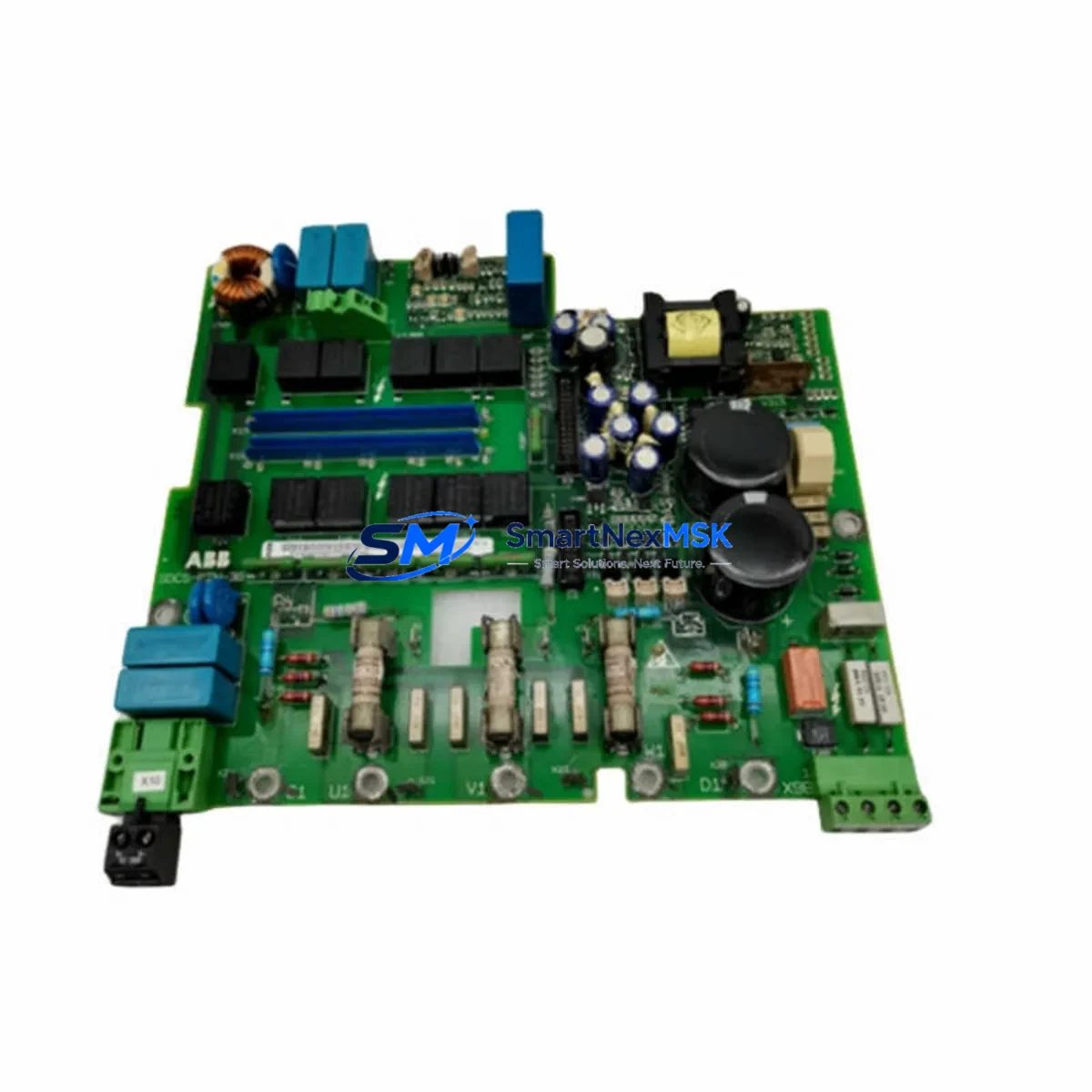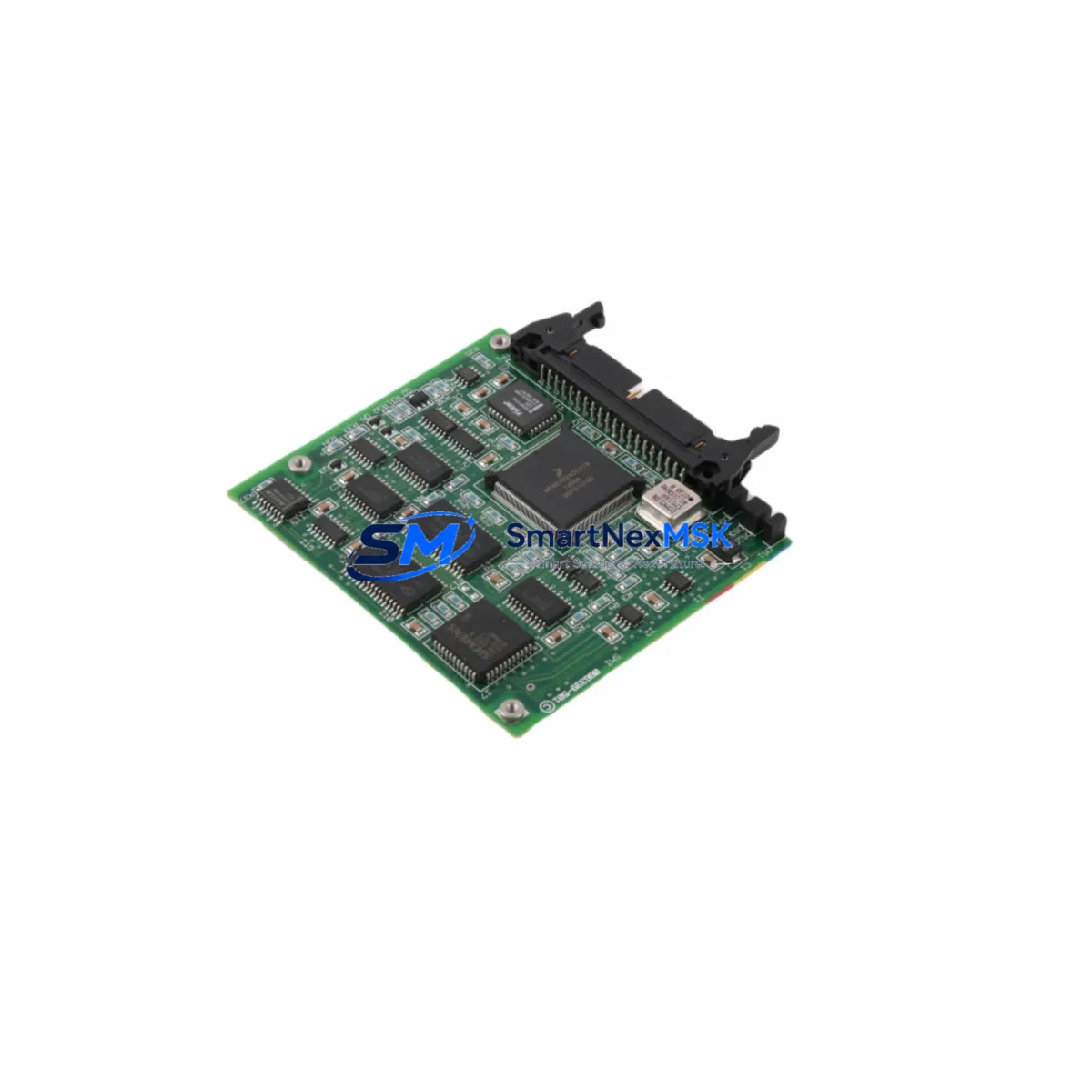
ABB 086339-001 Retrofit-Ready I/O Interface for DCS Control Systems
The ABB 086339-001 is a proven I/O interface board engineered for seamless integration into ABB Distributed Control System (DCS) architectures. Designed as a retrofit-ready replacement for aging or discontinued interface modules, this unit supports smooth migration from legacy control infrastructure to modernized automation platforms — without requiring full system redesign or extended production shutdowns.
Industrial facilities operating ABB Advant, Symphony Plus, or Bailey INFI 90 control platforms frequently encounter obsolescence challenges as original hardware reaches end-of-life. The 086339-001 addresses this directly: it maintains backward compatibility with existing backplane connectors, terminal wiring layouts, and module addressing schemes, allowing engineers to execute a like-for-like swap with minimal reconfiguration. Before installation, site teams should verify the backplane slot assignment, confirm the module address DIP switch settings match the original configuration, and review the I/O channel mapping against the existing process database.
Power supply compatibility is a critical pre-installation checkpoint. The 086339-001 draws from the standard 24 VDC bus common to ABB DCS controller cabinets. Engineers should confirm that the existing ABB DSQC 661 or equivalent power supply module has sufficient residual capacity to support the replacement board alongside co-installed modules such as the ABB DSAI 130 analog input module or ABB DSDO 115 digital output module. Overloading the power rail during commissioning is a leading cause of unexpected faults in retrofit projects.
Terminal wiring adaptation is straightforward when the original field wiring documentation is available. The 086339-001 uses a standard screw-terminal interface compatible with the wiring harnesses used across the ABB Advant OCS and MOD 300 families. If the original wiring schedule is unavailable, technicians should perform a point-to-point continuity check before energizing the replacement module. Pay particular attention to shield grounding and signal common connections, which are frequently mishandled during panel rewiring.
For systems that include communication-intensive subsystems — such as PROFIBUS DP segments managed by an ABB CI854 communication interface module, or Modbus RTU links handled by legacy serial adapters — the 086339-001 retrofit should be coordinated with a communication link audit. Verify that the replacement module’s I/O data is correctly mapped in the DCS controller’s process object database, and that any associated ABB AC800M controller firmware version supports the module’s diagnostic reporting format.
HMI screen updates are often overlooked during I/O board replacements. If the plant uses an ABB 800xA or legacy Conductor NT operator station, confirm that the faceplates and alarm configurations referencing the replaced module’s I/O tags remain valid after the swap. Tag renaming or address offset changes introduced during the retrofit can silently break alarm annunciation or trend logging.
Rack and backplane integrity should be inspected before inserting the 086339-001. Check the ABB DSBC 176 or equivalent backplane bus connector for oxidation, bent pins, or mechanical damage. A compromised backplane connection is a common root cause of intermittent faults that are difficult to diagnose after the module is installed. If the existing rack shows signs of wear, consider replacing the full rack assembly — including the ABB DSBC 174 bus extender if applicable — as part of the same maintenance window to avoid repeat downtime.
Programming compatibility is maintained across the standard ABB DCS software toolchain. The module’s I/O configuration can be managed through ABB Control Builder, Symphony Plus Engineering Studio, or legacy Advant Builder tools depending on the platform generation. No firmware flashing is required for standard replacement scenarios; the module initializes from the controller’s existing configuration download.
Upgrade Compatibility Table
| Parameter | Details |
|---|---|
| SKU | 086339-001 |
| Brand | ABB |
| Compatible Series | Advant OCS, Symphony Plus, Bailey INFI 90, MOD 300 |
| Interface Type | I/O Interface Board |
| Backplane Compatibility | Standard ABB DCS backplane bus (DSBC 176 / DSBC 174) |
| Power Requirement | 24 VDC (from DCS cabinet power rail) |
| Communication Compatibility | PROFIBUS DP, Modbus RTU, ABB proprietary DCS bus |
| Replacement Recommendation | Direct like-for-like swap; verify DIP switch address settings |
| Commissioning Notes | Confirm I/O tag mapping, HMI faceplate validity, power rail capacity |
| Warranty | 12-Month Warranty included |
Retrofit Planning for Existing Automation Systems
A successful 086339-001 retrofit begins with a structured pre-outage audit. Collect the original module’s wiring schedule, slot address, and I/O channel assignment list before scheduling the maintenance window. Coordinate with the DCS engineer to export a backup of the controller configuration — including the ABB AC800M application program and I/O database — before any hardware is disturbed.
During the outage, follow a disciplined sequence: de-energize the I/O bus, label and photograph all field wiring before disconnection, remove the legacy module, inspect the backplane connector, install the 086339-001, reconnect field wiring per the original schedule, and restore power in a controlled sequence. If the cabinet also houses an ABB DSAI 155 analog input module or ABB DSDP 150 pulse counter module on adjacent slots, ensure those modules are not disturbed during the swap to avoid introducing additional fault conditions.
After power restoration, perform a channel-by-channel I/O verification using the DCS diagnostic display or a handheld loop calibrator. Confirm that all analog inputs read within expected engineering unit ranges and that digital outputs respond correctly to manual forcing commands from the operator station. Document the commissioning results and retain them as part of the plant’s maintenance record.
Downtime Control During System Migration
Minimizing production impact during a DCS I/O board replacement requires advance preparation and a disciplined execution plan. The 086339-001’s like-for-like compatibility with ABB DCS backplane standards means that — under normal conditions — the physical swap can be completed within a single planned maintenance window of two to four hours, depending on the complexity of the field wiring and the number of I/O channels involved.
To protect the original program logic, always maintain a verified offline backup of the controller application before beginning work. If the plant operates an ABB AC800M redundant controller pair, the retrofit can sometimes be executed on the standby controller first, with a controlled switchover, to maintain continuous process control throughout the procedure. Confirm with the DCS vendor’s application notes whether hot-swap procedures are supported for the specific backplane and firmware version in use.
Communication link continuity — particularly for PROFIBUS DP segments or Modbus RTU chains that pass through the I/O interface — should be verified immediately after module insertion and before returning the process to automatic control. A brief communication interruption during module initialization is normal; a persistent fault indicates a configuration mismatch that must be resolved before handback.
Retrofit Support FAQ
Q: Is the ABB 086339-001 a direct replacement for the original module without software changes?
A: In most standard retrofit scenarios, yes. The 086339-001 maintains the same backplane interface and I/O addressing structure as the original module. However, engineers should verify the DIP switch address settings and confirm that the DCS controller’s I/O database references the correct slot and channel assignments before returning to automatic operation.
Q: What wiring changes are required during installation?
A: No wiring changes are required if the original field wiring schedule is followed. The 086339-001 uses the same terminal layout as the legacy module it replaces. Technicians should label all wires before disconnection and perform a continuity check after reconnection to confirm correct termination.
Q: How is compatibility with the existing DCS communication network verified?
A: After installation, use the DCS diagnostic tools — such as ABB Control Builder or Symphony Plus Engineering Studio — to confirm that the module appears on the I/O bus with the correct address and that all configured channels report valid status. For PROFIBUS DP segments, verify the GSD file configuration and check the bus master’s diagnostic log for any address conflicts.
Q: What does the 12-month warranty cover?
A: The 12-month warranty covers manufacturing defects and functional failures under normal operating conditions. Each unit undergoes pre-shipment functional testing to verify I/O channel integrity, communication interface operation, and power consumption within specification. Warranty claims are supported by SMARTNEXMSK’s technical team throughout the coverage period.
© 2026 SMARTNEXMSK. All rights reserved.
Original Source: https://smartnexmsk.com
Contact: [email protected] | +86 18259474341