
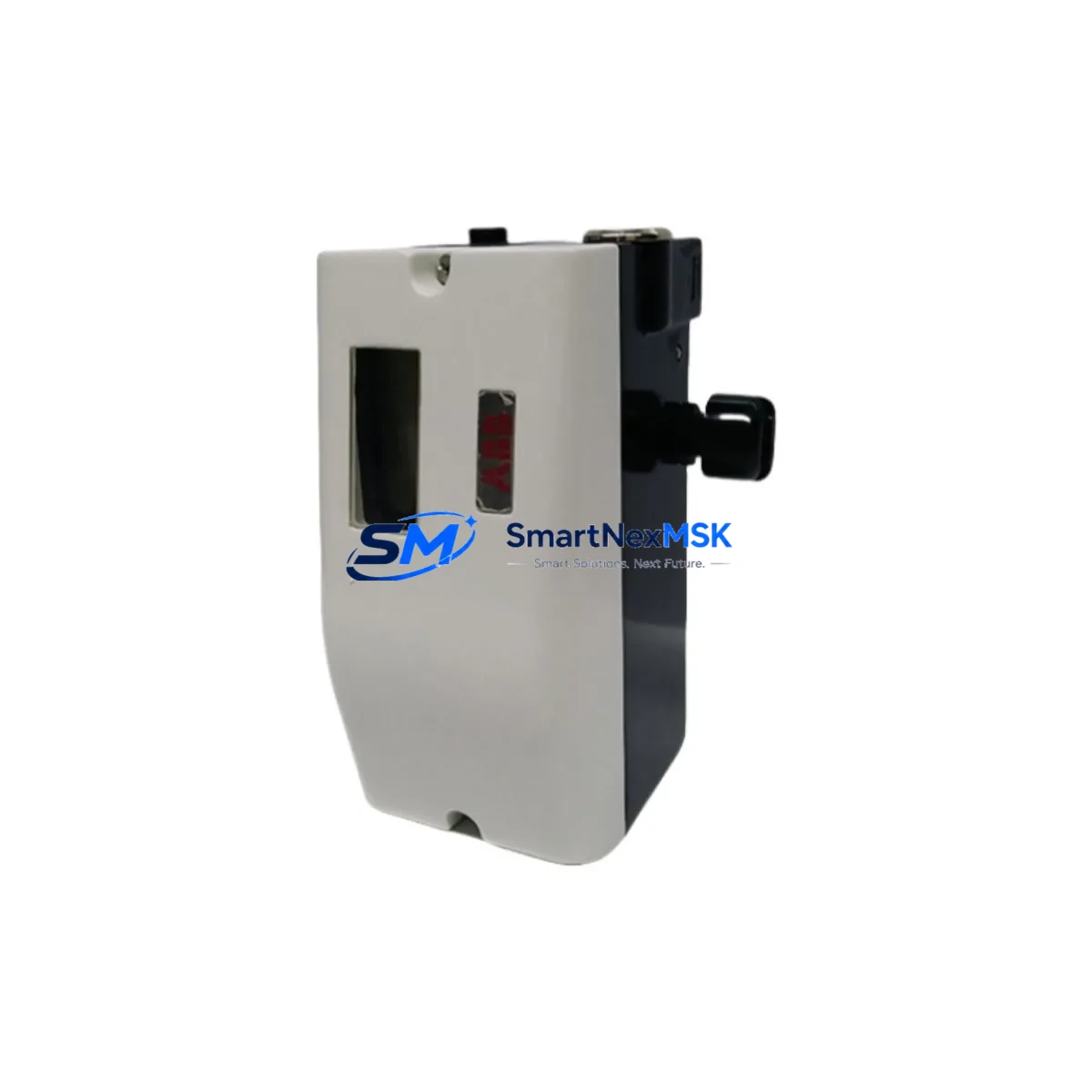
ABB 18345-1010421001 Maintenance-Ready Spare for S500 Automation
The ABB 18345-1010421001 is an original digital I/O module designed for the ABB S500 I/O family, fully compatible with the AC500 PLC platform. For maintenance engineers managing continuous production lines, control panel upgrades, or aging automation infrastructure, this module represents a critical spare that directly impacts system uptime and fault recovery speed. Sourced as a genuine ABB component, it is tested prior to shipment and backed by a 12-month warranty, making it a reliable choice for both planned maintenance inventories and emergency replacement scenarios.
In industrial environments where unplanned downtime translates directly into production loss, having a verified replacement for the 18345-1010421001 on the shelf is a fundamental risk-control measure. Whether your facility operates continuous process lines, batch manufacturing cells, or discrete assembly systems, the S500 I/O platform is widely deployed across sectors including chemical processing, water treatment, power generation, and machine building. The 18345-1010421001 module slots into the S500 I/O station and interfaces directly with the AC500 CPU via the S-Bus or PROFIBUS backplane, maintaining deterministic scan cycle performance critical to safety-rated and high-availability applications.
Spare Maintenance Table
| Parameter | Specification / Value |
|---|---|
| Part Number / SKU | 18345-1010421001 |
| Brand | ABB |
| Series | S500 I/O Family |
| Compatible Platform | ABB AC500 PLC (PM5xx, PM5xx-ETH, PM5xx-2ETH CPUs) |
| Module Type | Digital I/O Module |
| Signal Type | Digital Input / Digital Output (DI/DO) |
| Backplane Interface | S500 I/O Bus (S-Bus compatible) |
| Operating Voltage | 24 V DC (nominal) |
| Operating Temperature | 0 °C to +60 °C |
| Protection Rating | IP20 (panel-mount, DIN rail) |
| Origin | Germany (DE) |
| Condition | Original New / Genuine ABB |
| Pre-shipment Test | Yes — functional and electrical verification |
| Warranty | 12 Months |
| Delivery | Worldwide, express options available |
| Maintenance Recommendation | Inspect terminal blocks, I/O wiring, and backplane connector at each planned maintenance interval. Replace if channel fault LEDs indicate persistent errors or if diagnostic buffer logs recurring I/O faults. |
Maintenance Planning for Continuous Operation
When replacing the ABB 18345-1010421001 in a live AC500 control cabinet, a disciplined maintenance workflow requires more than a direct module swap. Maintenance engineers should treat this replacement as an opportunity to audit the surrounding electrical environment to prevent repeat failures and extend the service life of the entire I/O station.
Begin by verifying the 24 V DC power supply module feeding the S500 I/O rail — an unstable or under-rated supply is a common root cause of premature I/O module failure. Check the PS501 or PS502 power supply unit output voltage under load and inspect the terminal connections for oxidation or loose crimps. Next, examine the TB521 or TB523 terminal base that the 18345-1010421001 mounts onto; worn or cracked terminal bases can cause intermittent contact faults that mimic module failure.
Review the field wiring at the I/O terminal blocks — particularly for digital input channels connected to proximity sensors, limit switches, or push-button stations. Corroded terminals or undersized conductors introduce signal noise that can trigger false diagnostics. If the cabinet includes signal isolators or signal conditioners between field devices and the I/O module, verify their output ranges and isolation integrity.
For cabinets running PROFIBUS DP or Modbus RTU communication, inspect the CM572-DP or CM574-RS communication module for bus termination status and cable shielding continuity. A degraded communication module can cause the CPU to report I/O faults that are actually network-layer issues rather than hardware failures in the 18345-1010421001 itself.
If the AC500 system includes an HMI panel such as the CP600 series, confirm that the HMI program’s I/O tag mapping is updated after module replacement to reflect any address changes. Also inspect the DC541 or DC532 digital output modules in adjacent slots — output modules driving inductive loads (solenoids, contactors) without adequate suppression diodes can generate voltage spikes that degrade neighboring I/O modules over time.
Finally, check the fuse holders and miniature circuit breakers protecting the 24 V field circuits. Blown or weakened fuses are often overlooked during module replacement and can cause the replacement module to appear faulty on first power-up. Maintaining a spare inventory that includes the 18345-1010421001 alongside compatible terminal bases, power supply modules, and communication modules ensures that your team can execute a complete I/O station recovery within a single maintenance window.
Site Replacement Workflow
Step 1 — Isolation: Place the AC500 CPU in STOP mode via the CP600 HMI or programming tool (Automation Builder). De-energize the 24 V DC field supply to the affected I/O station. Lock out / tag out per site safety procedures.
Step 2 — Documentation: Photograph the existing wiring at the terminal base before removal. Record the slot address and I/O channel assignments from the Automation Builder project or the cabinet wiring diagram. Note any active diagnostic messages in the CPU diagnostic buffer.
Step 3 — Module Removal: Release the module locking lever on the TB521/TB523 terminal base and slide the 18345-1010421001 out of the base. The terminal base remains wired in place — field wiring does not need to be disturbed if the terminal base is in good condition.
Step 4 — Inspection: Inspect the terminal base connector pins for damage or contamination. Clean with isopropyl alcohol if necessary. Verify the replacement 18345-1010421001 part number matches the removed module exactly.
Step 5 — Installation: Slide the new module into the terminal base until the locking lever clicks. Restore 24 V DC field power. Place the CPU back in RUN mode.
Step 6 — Verification: Confirm all channel status LEDs on the new module show expected states. Check the CPU diagnostic buffer for any residual fault messages. Perform a functional test of connected field devices — sensors, actuators, and interlocks — before returning the system to production.
This workflow minimizes downtime to under 30 minutes for a trained technician and eliminates the risk of wiring errors that can damage the replacement module or connected field devices.
Spare Parts Support FAQ
Q1: Is the ABB 18345-1010421001 compatible with all AC500 CPU variants?
The 18345-1010421001 is part of the S500 I/O family and is compatible with the full range of AC500 CPUs including PM554, PM564, PM573, PM583, and PM592 variants, provided the terminal base (TB521 or TB523) is correctly specified. Always verify the terminal base part number against your cabinet documentation before ordering.
Q2: How is the module tested before shipment?
Each 18345-1010421001 unit undergoes functional and electrical verification prior to dispatch. Testing covers channel continuity, input signal response, output switching, and backplane communication integrity. A test report is available upon request for quality-critical applications.
Q3: What is the recommended spare inventory strategy for S500 I/O systems?
For facilities with more than four AC500 I/O stations, we recommend maintaining a minimum of one 18345-1010421001 per I/O type in active use, plus one spare terminal base per station type. For critical continuous-process applications, a two-unit buffer per module type is standard practice to cover both immediate replacement and the time required to replenish stock.
Q4: What does the 12-month warranty cover?
The 12-month warranty covers manufacturing defects, functional failures under normal operating conditions, and early-life failures identified during commissioning. It does not cover damage resulting from incorrect installation, overvoltage events, or use outside the specified environmental ratings. Warranty claims are processed with priority turnaround to minimize impact on production schedules.
© 2026 SMARTNEXMSK. All rights reserved.
Original Source: https://smartnexmsk.com
Contact: [email protected] | +86 18259474341



