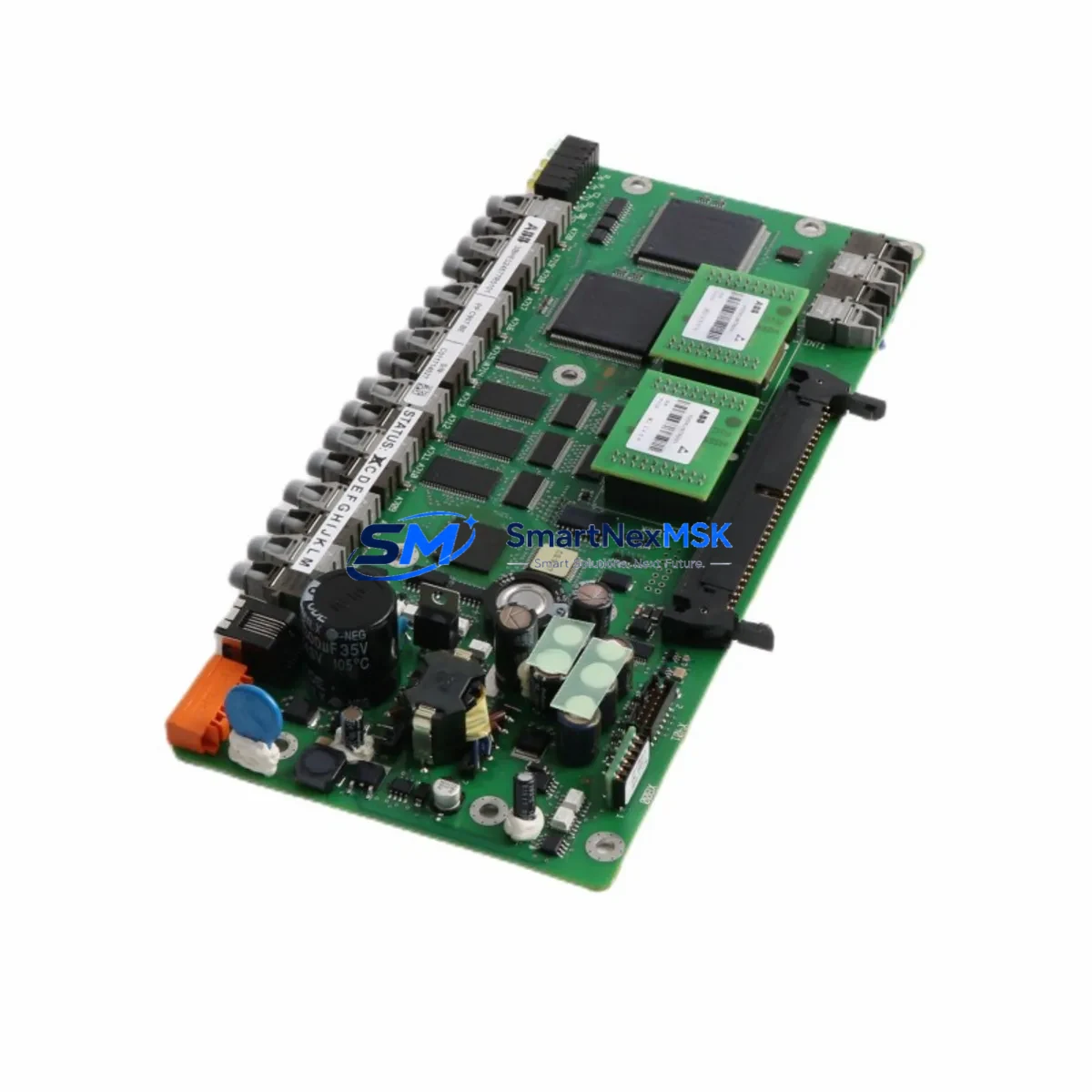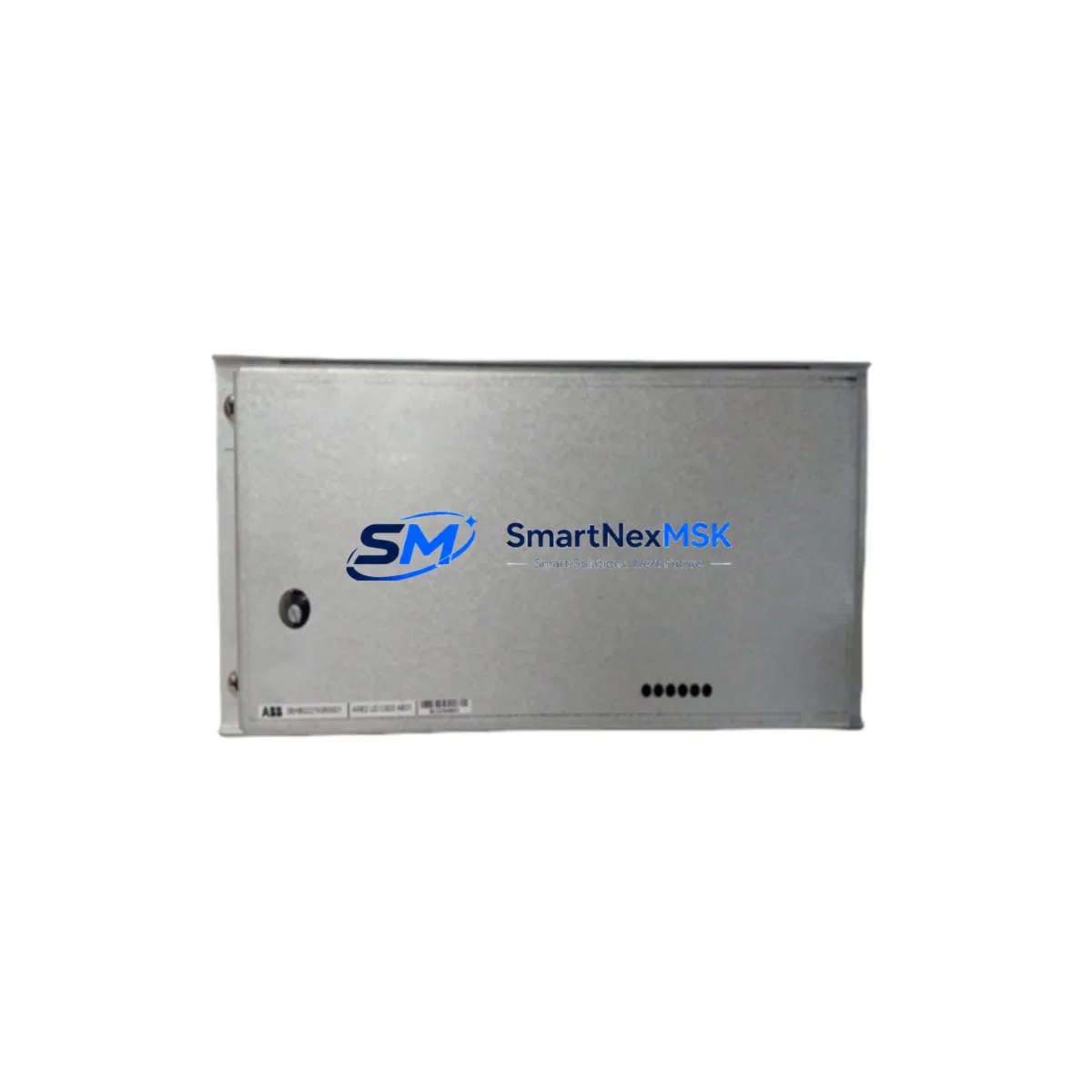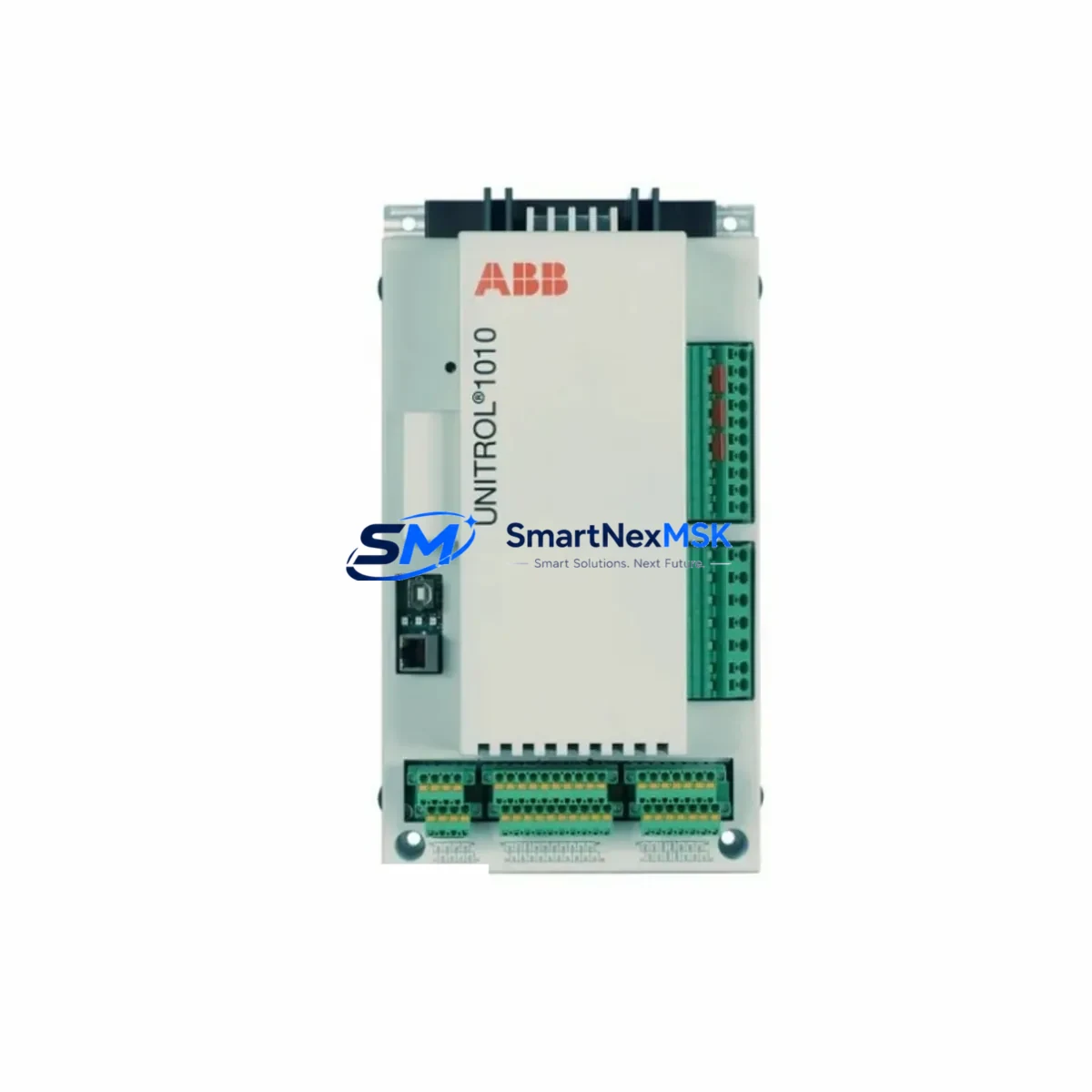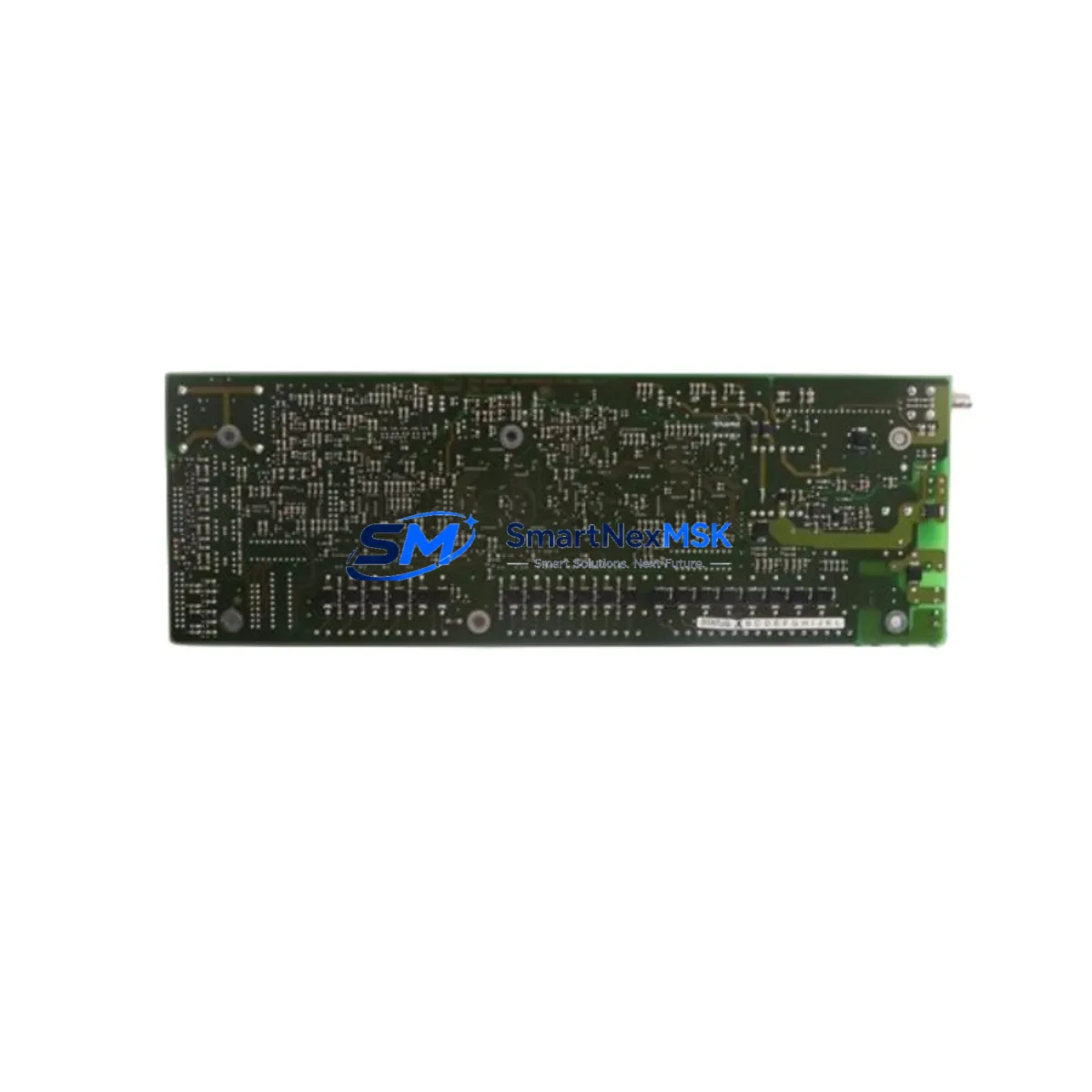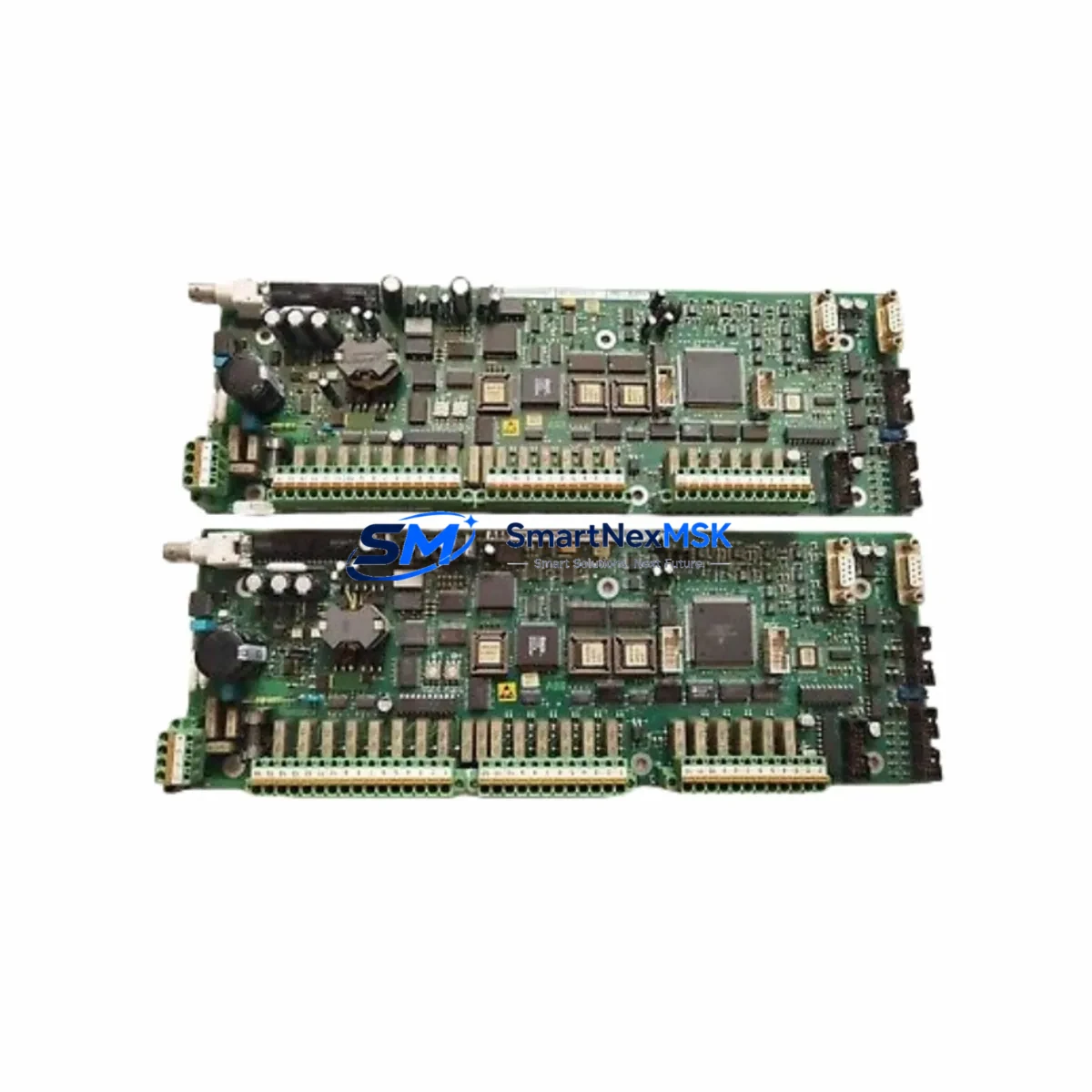
ABB 3BHB005922R0001 Retrofit-Ready CIN PCB for AC800M Control Systems
The ABB 3BHB005922R0001 (UNS 0880a-P.V1) is a Communication Interface Node (CIN) printed circuit board engineered for the ABB AC800M controller platform and Symphony Plus Distributed Control System (DCS). As legacy automation infrastructure ages and OEM support windows close, this module has become a critical retrofit component for facilities seeking to extend the operational life of their existing control architecture without committing to a full platform migration. Whether you are replacing a failed board, building a spare-parts buffer, or executing a phased modernization of your control cabinet, the 3BHB005922R0001 provides a verified drop-in upgrade path that preserves your existing program logic, HMI screens, and field wiring.
Sourced from certified industrial surplus channels and subjected to full functional testing prior to dispatch, each unit is backed by a 12-month warranty covering both component integrity and communication performance. Global shipping from our Xiamen warehouse ensures fast lead times for customers across Southeast Asia, the Middle East, Europe, and the Americas.
Upgrade Compatibility Table
| Parameter | Details |
|---|---|
| SKU / Part Number | 3BHB005922R0001 (UNS 0880a-P.V1) |
| Compatible Platform | ABB AC800M, Symphony Plus DCS |
| Module Function | Communication Interface Node (CIN) — handles inter-controller and fieldbus communication |
| Backplane Interface | AC800M standard module backplane; verify slot assignment against your PM865 or PM866 controller configuration |
| Communication Protocols | PROFIBUS DP, Modbus RTU/TCP, IEC 61850 (platform-dependent); confirm active protocol stack with your system integrator |
| Installation Requirement | DIN-rail or rack-mount per AC800M cabinet standard; no additional mounting hardware required for direct replacement |
| Replacement Recommendation | Direct replacement for failed or end-of-life 3BHB005922R0001 units; cross-reference with 3BHB005922R0002 if revision upgrade is required |
| Commissioning Focus | Module address assignment, communication link verification, HMI tag re-mapping, and I/O channel scan after installation |
| Firmware Compatibility | Compatible with AC800M firmware 5.x and above; verify with Control Builder M before deployment |
| Warranty | 12 Months — covers hardware defects and communication interface performance |
Retrofit Planning for Existing Automation Systems
A successful retrofit of the 3BHB005922R0001 into an operating plant begins well before the module arrives on site. The first step is a thorough audit of the existing control cabinet to confirm available backplane slots, power rail capacity, and the current firmware revision running on the AC800M PM865 or PM866 processor module. The PM865 and PM866 are the primary controllers in this platform, and their firmware version directly determines which communication stacks the CIN board can activate. If your site is running an older firmware branch, a coordinated firmware update using the ABB Control Builder M engineering tool should be scheduled as part of the same maintenance window.
Terminal wiring is the next critical checkpoint. The 3BHB005922R0001 connects to the communication bus through the backplane rather than through direct field terminals, which simplifies the physical installation significantly. However, any external communication cables — such as PROFIBUS DP trunk cables connecting to remote I/O stations, CI854 PROFIBUS communication interface modules, or Modbus RTU links to third-party drives and instruments — must be documented and verified for continuity before the new board is powered. If your system uses CI867 PROFINET communication modules or CI840 PROFIBUS DP modules in the same rack, confirm that module address assignments do not conflict after the CIN board is reseated.
For sites that also operate ABB S800 I/O modules — including AI810 analog input modules, AO810 analog output modules, DI810 digital input modules, and DO810 digital output modules — connected via remote I/O stations, the CIN board’s communication link to those stations must be re-established and verified through the Control Builder M I/O configuration tree. Any changes to module addressing during the retrofit must be reflected in the program logic before the controller is returned to RUN mode. HMI screens built on ABB System 800xA or legacy Operate IT should be reviewed for tag integrity, particularly for any communication-status faceplates that reference the CIN board’s diagnostic variables.
Power supply capacity is often overlooked during CIN board replacements. Confirm that the existing SD821 or SD822 power supply module in the AC800M rack can support the full load of all installed modules, including the replacement CIN board. If the rack is near its rated capacity, a load calculation should be performed before the new module is inserted. In some retrofit scenarios, adding a second SD821 power supply or upgrading to an SD823 redundant power supply module is recommended to ensure system stability during and after the changeover.
Downtime Control During System Migration
Minimizing unplanned downtime is the primary concern for any control system retrofit, and the 3BHB005922R0001 replacement is no exception. The recommended approach is to pre-configure and bench-test the replacement module before the scheduled maintenance window. Using a spare AC800M rack or a portable test bench with a PM865 controller, load the target firmware, assign the correct module address, and verify that the communication interface initializes correctly. This pre-commissioning step eliminates the most common source of extended downtime: discovering configuration errors only after the plant has been shut down.
During the actual replacement, follow a structured sequence: archive the current controller program from Control Builder M, export the I/O configuration, power down the rack in the correct sequence per the AC800M hardware manual, swap the CIN board, and restore power. The controller should be brought back online in STOP mode first, allowing the engineer to verify module recognition and communication link status before issuing a RUN command. If the system uses redundant AC800M controllers, the switchover to the standby controller should be executed before the primary rack is powered down, ensuring continuous process control throughout the hardware exchange.
For sites where even brief interruptions are unacceptable, a hot-standby configuration using a second AC800M rack with a pre-loaded program image provides the highest level of continuity. The 3BHB005922R0001 supports this architecture, and the switchover can be executed with sub-second transfer times when the redundancy configuration is correctly implemented in Control Builder M. After the replacement is complete, a full communication scan, I/O channel verification, and HMI alarm review should be conducted before the process is returned to automatic control.
Retrofit Support FAQ
Q1: Is the 3BHB005922R0001 a direct replacement for my existing CIN board, or do I need to update my program?
The 3BHB005922R0001 (UNS 0880a-P.V1) is designed as a direct hardware replacement for the same part number. In most cases, no program changes are required if the module address and firmware revision match the original configuration. However, if the replacement unit carries a different hardware revision suffix, a brief compatibility check in Control Builder M is recommended before deployment.
Q2: What wiring changes are needed when installing this module?
Because the 3BHB005922R0001 interfaces with the system through the AC800M backplane rather than through direct field terminals, no field wiring changes are typically required. External communication cables connected to the backplane’s communication ports should be inspected for connector integrity and re-seated after the module is installed. Label all cables before removal to ensure correct reconnection.
Q3: How do I verify communication compatibility before committing to the replacement?
Provide your existing module’s part number, hardware revision, and the firmware version currently running on your AC800M controller. Our technical team will cross-reference these against our test records and confirm compatibility before shipment. Each unit undergoes a communication interface test simulating PROFIBUS DP and Modbus RTU link establishment prior to dispatch.
Q4: What does the 12-month warranty cover, and what is the claims process?
The 12-month warranty covers hardware defects, PCB component failures, and communication interface malfunctions under normal operating conditions. If a fault is identified within the warranty period, contact our support team with the order reference and a description of the fault. We will arrange a replacement dispatch or repair within 5 business days. Warranty does not cover damage resulting from incorrect installation, overvoltage events, or unauthorized modification.
© 2026 SMARTNEXMSK. All rights reserved.
Original Source: https://smartnexmsk.com
Contact: [email protected] | +86 18259474341