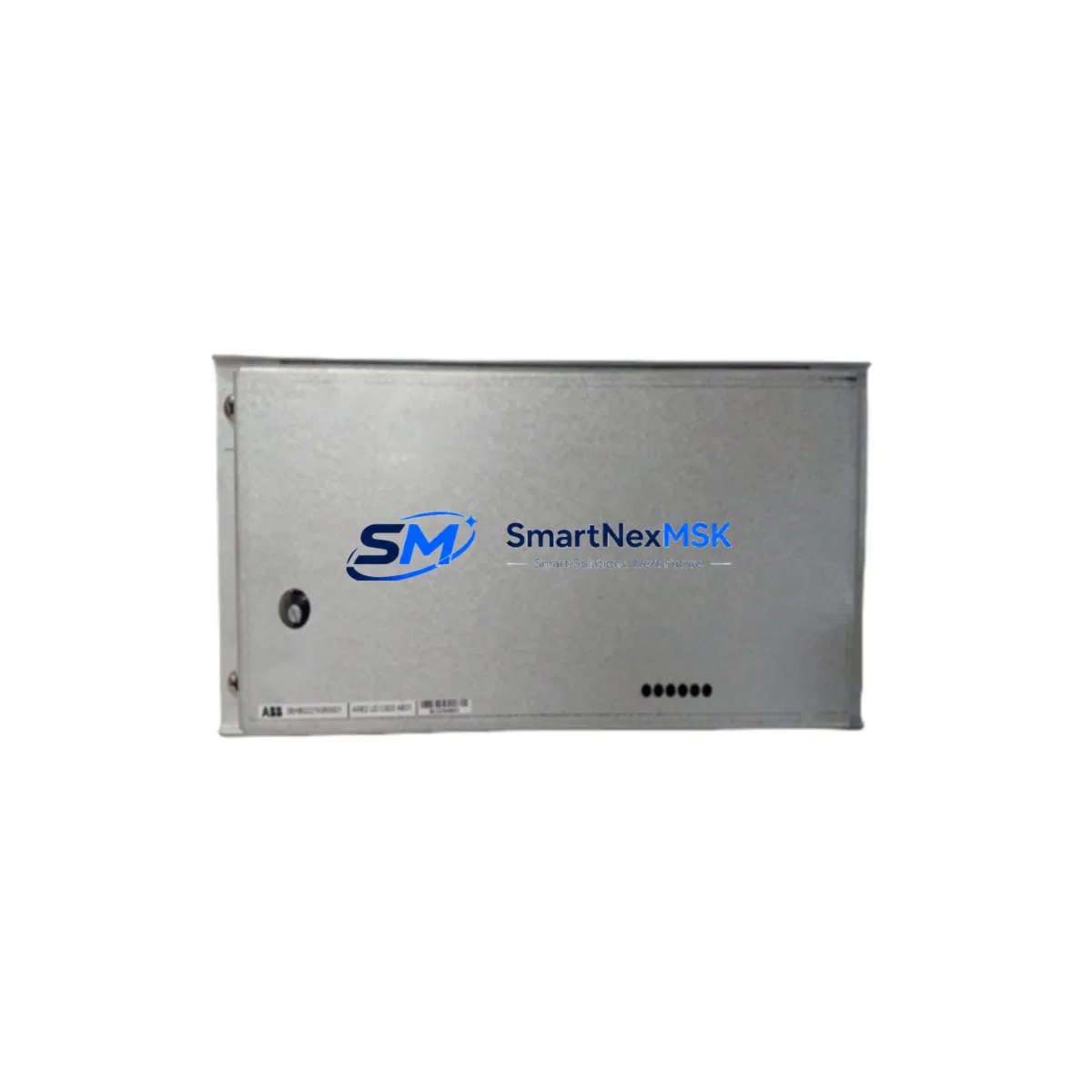
ABB 3BHB022793R0001 Retrofit-Ready Universal Drive Controller for UDC920 Control Systems
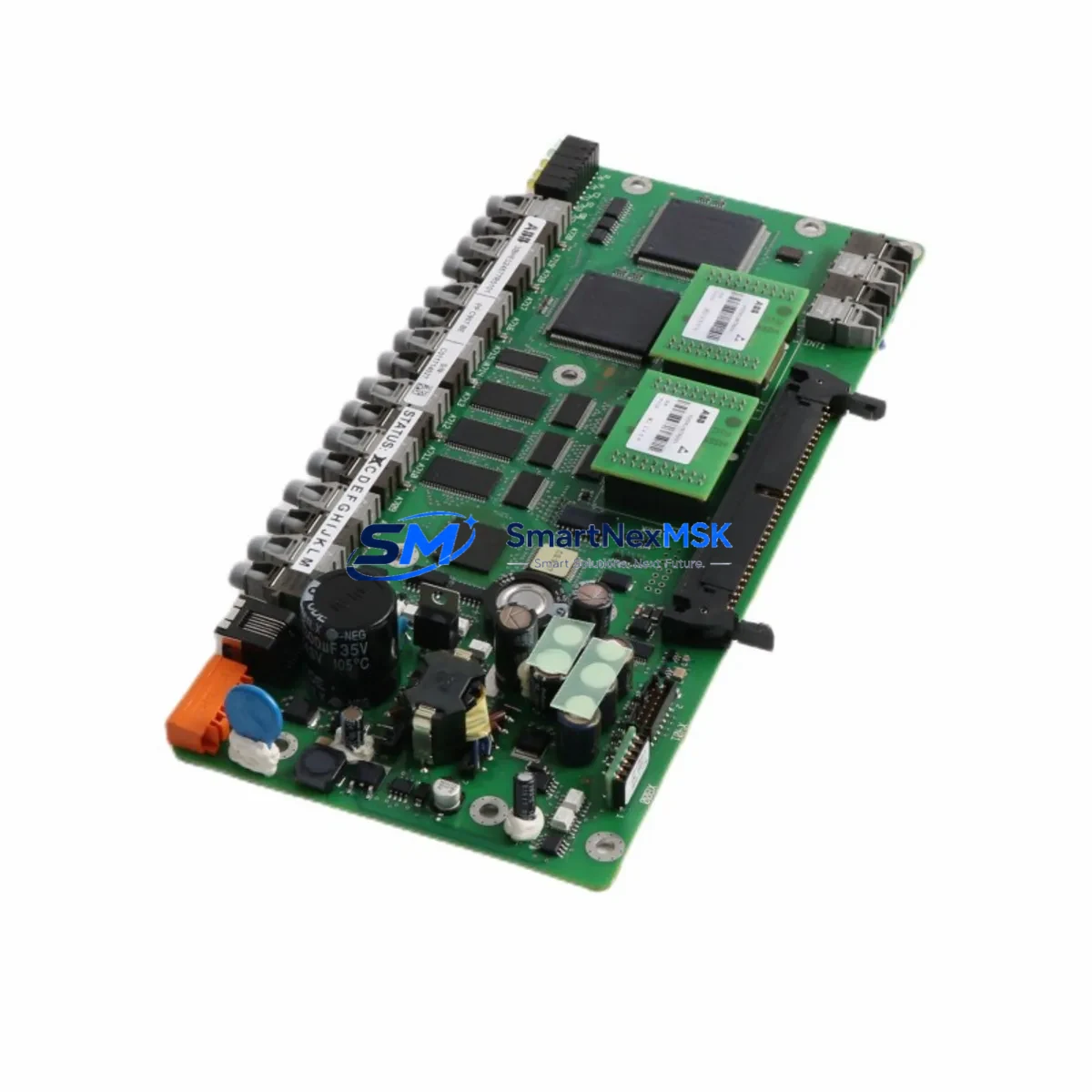
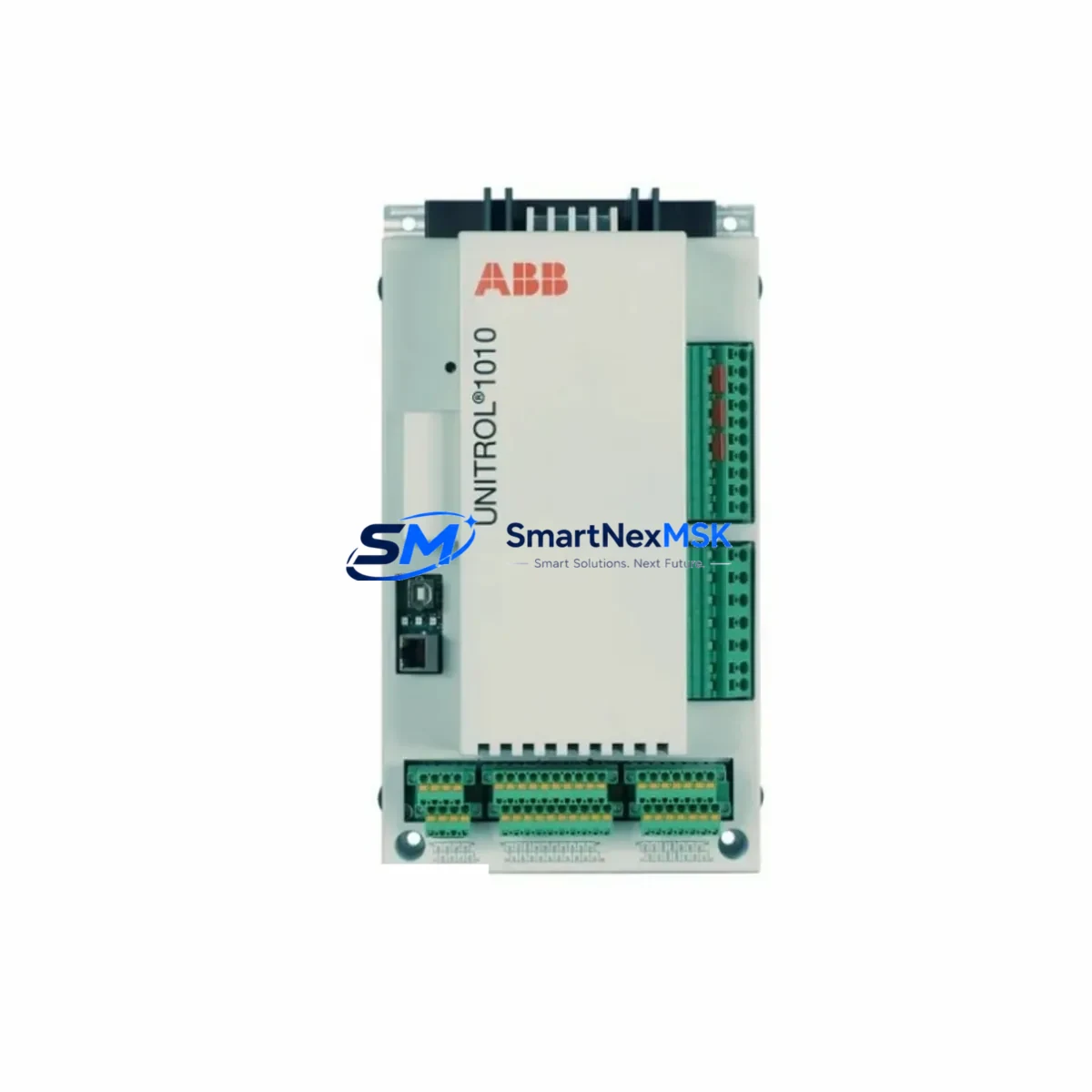
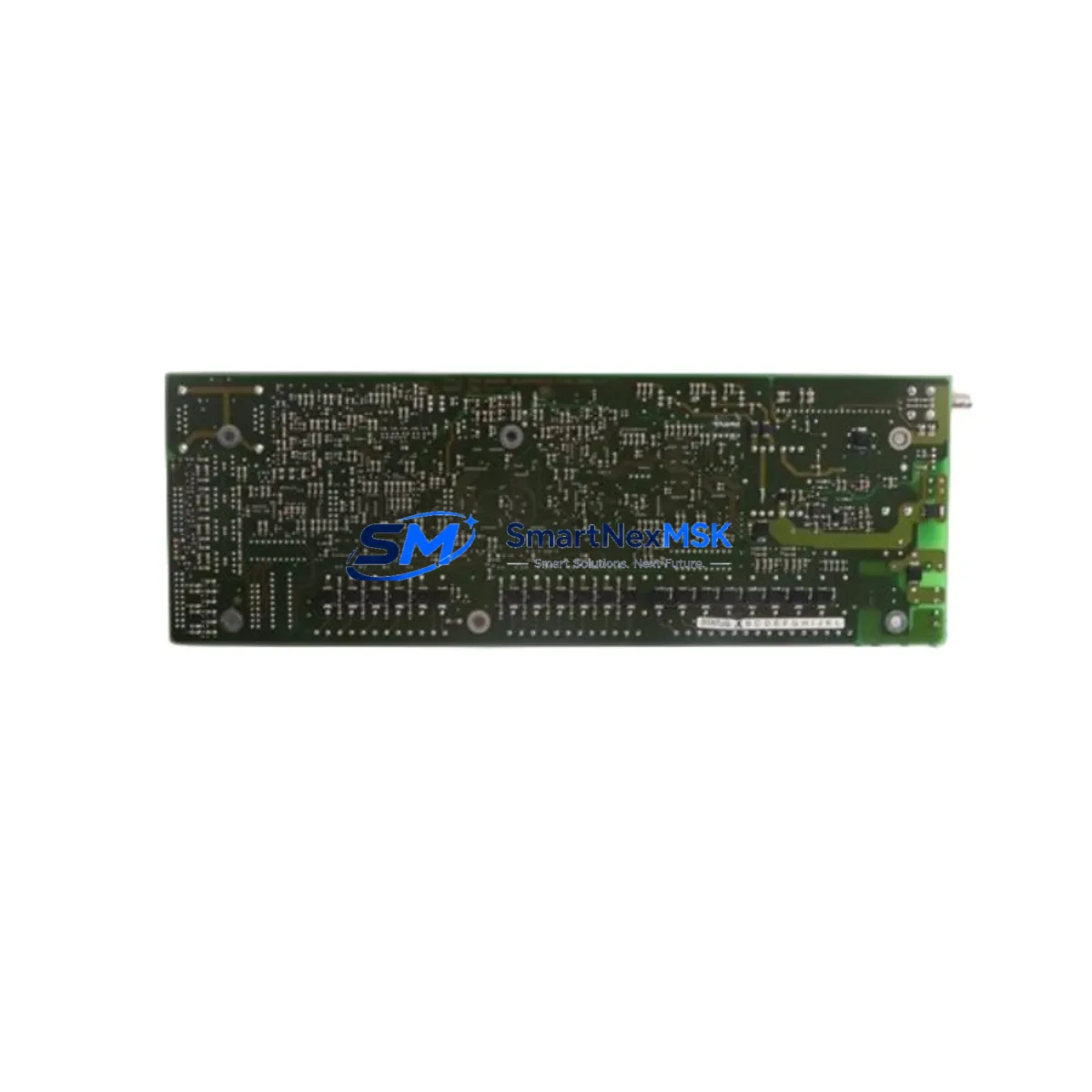
The ABB 3BHB022793R0001 is a Universal Drive Controller (UDC920) board engineered for seamless integration into legacy ABB drive systems requiring modernization, spare-part replacement, or control-cabinet upgrades. Whether you are retiring an end-of-life ACS800 or ACS600 drive platform, migrating from an older ASE2 control architecture, or restoring a failed drive controller on a critical production line, this module provides a verified drop-in solution backed by 12-month warranty coverage and pre-shipment functional testing.
Industrial facilities operating ABB drives in paper mills, cement plants, marine propulsion systems, and heavy-process industries frequently encounter the challenge of sourcing discontinued control boards. The 3BHB022793R0001 addresses this directly: it is fully compatible with the UDC920 ASE2 control platform and can be installed without hardware modification to the existing drive cabinet, provided the engineer confirms power supply ratings, backplane connector alignment, and module address configuration prior to commissioning.
Upgrade Compatibility Table
| Parameter | Details |
|---|---|
| SKU / Part Number | 3BHB022793R0001 |
| Compatible Platform | ABB UDC920 ASE2 Universal Drive Controller |
| Replaces / Supersedes | Legacy UDC920 ASE2 controller boards (discontinued) |
| Drive Series Compatibility | ACS800, ACS600 (with ASE2 control section) |
| Backplane Interface | Standard UDC920 backplane connector — no adapter required |
| Communication Compatibility | DDCS fiber-optic link, PROFIBUS-DP (via RPBA-01 adapter), Modbus RTU |
| Power Supply Requirement | Verify 24 VDC auxiliary supply capacity before installation |
| Installation Requirement | DIN-rail or direct backplane mount; confirm slot address via DIP switch |
| Commissioning Note | Parameter backup from original drive recommended before swap |
| Pre-Shipment Testing | Functional burn-in test performed on every unit |
| Warranty | 12 months from date of shipment |
| Origin | Germany (OEM) |
Retrofit Planning for Existing Automation Systems
A successful retrofit of the ABB 3BHB022793R0001 into an existing drive cabinet requires a structured approach that accounts for the full control architecture surrounding the UDC920 ASE2 board. Engineers should begin by auditing the existing NDIO-01 digital I/O extension module and NAIO-01 analog I/O module to confirm that their firmware revisions remain compatible with the replacement controller. In many ACS800 installations, the RDCO-02 DDCS communication adapter provides the fiber-optic link between the drive and the upper-level control system — this adapter must be verified for compatibility and re-parameterized after the controller swap.
For sites running PROFIBUS-DP networks, the RPBA-01 PROFIBUS adapter mounted on the drive’s option slot must be checked for GSD file alignment with the new controller firmware. Similarly, if the control cabinet includes an RMIO-11 motor control board or an RINT-5611C rectifier control board in a common DC bus configuration, the inter-board communication parameters must be reviewed to prevent bus conflicts after the 3BHB022793R0001 is installed.
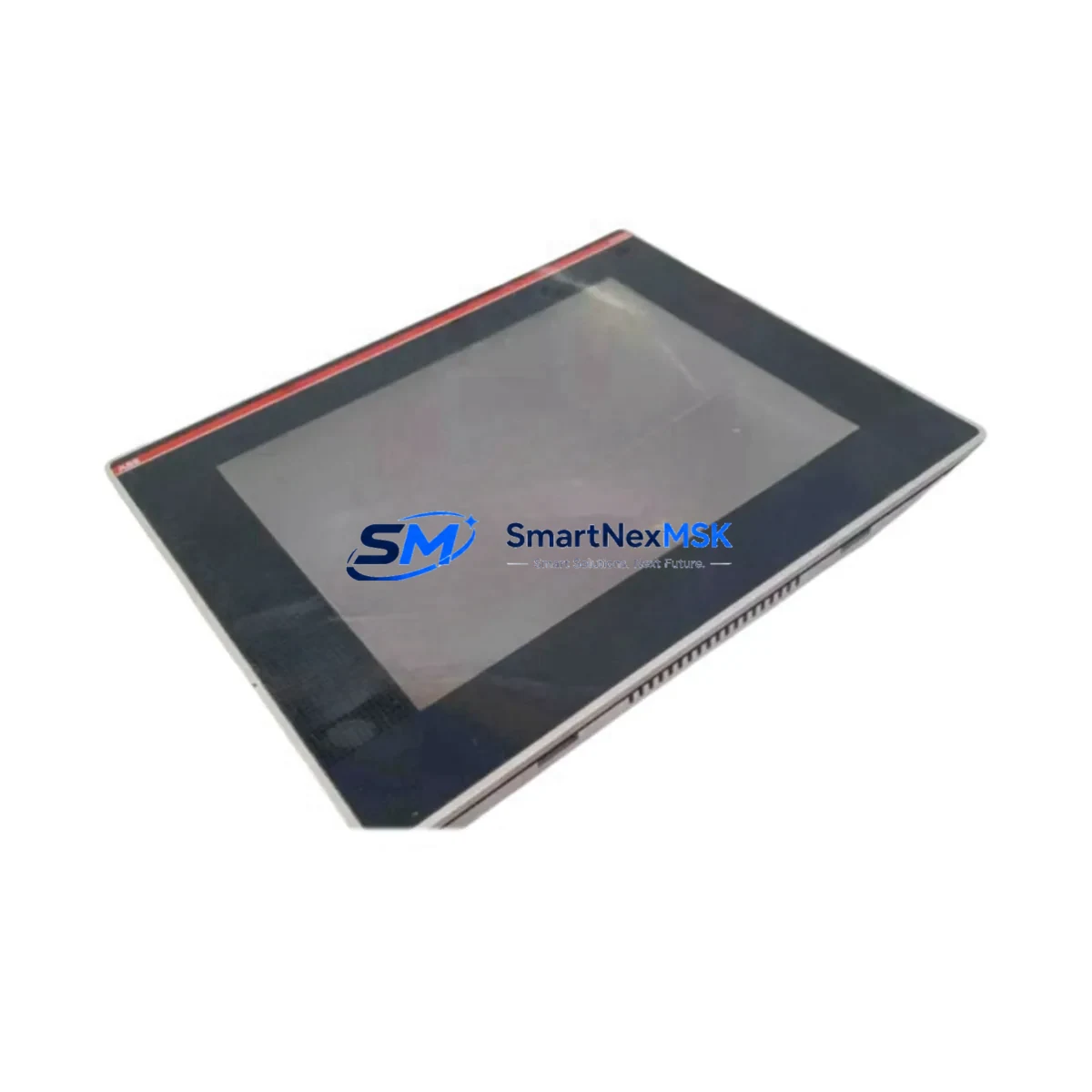
Panel-level considerations are equally important. If the existing operator interface uses an ACS800 CDP312R control panel or a third-party HMI communicating via the drive’s serial port, the HMI screen parameter mappings should be exported and validated against the replacement controller’s parameter set before the old board is removed. In multi-drive systems sharing a common NDBU-95 branching unit for DDCS topology, the node address of the replacement controller must be set to match the original before powering up the system.
Power supply capacity is a critical pre-installation check. The 24 VDC auxiliary supply feeding the UDC920 control section must be verified to deliver sufficient current for the replacement board plus any connected I/O modules. A SPBU-01 power supply buffer unit, if present in the cabinet, should be inspected for capacitor health before the retrofit proceeds. Wiring terminations on the X1 and X2 control terminal blocks should be photographed and documented before disconnection to ensure accurate reconnection during commissioning.
Downtime Control During System Migration
Minimizing production downtime during a UDC920 controller replacement requires preparation that begins well before the maintenance window. The recommended approach is to perform a full parameter upload from the existing drive using DriveWindow Light 2 or DriveWindow 2 software, saving the parameter file to a secure location. This backup preserves all application-specific tuning — speed controller gains, torque limits, I/O function assignments, and fault response settings — so that the replacement 3BHB022793R0001 can be commissioned to an identical configuration without manual re-entry.
Where the process cannot tolerate an extended outage, a cold-standby strategy is advisable: the replacement board is pre-configured on a bench using a spare RMIO-11 or a drive emulator, with parameters loaded and verified before the scheduled maintenance window. On the day of replacement, the swap can typically be completed within 30–60 minutes if all preparatory steps have been completed, reducing live downtime to the minimum required for physical installation, parameter download, and a supervised test run.
After installation, the commissioning sequence should follow ABB’s standard UDC920 startup procedure: verify auxiliary power, confirm module address, download the saved parameter file, run the motor identification routine if the motor has changed, and perform a no-load test run before returning the drive to production. All steps should be logged in the site’s maintenance record to support future audits and warranty claims.
Retrofit Support FAQ
Q: Is the 3BHB022793R0001 a direct drop-in replacement for the original UDC920 ASE2 controller board?
A: Yes. The 3BHB022793R0001 uses the same backplane connector and physical form factor as the original UDC920 ASE2 board. No hardware modification to the drive cabinet is required. Parameter re-entry or download from a backup file is necessary after installation.
Q: What communications protocols does this controller support?
A: The board natively supports the ABB DDCS fiber-optic protocol for drive-to-drive and drive-to-controller communication. PROFIBUS-DP and Modbus RTU are supported via optional adapter modules (RPBA-01 and RMBA-01 respectively) installed in the drive’s option slots.
Q: How do I verify wiring compatibility before installation?
A: Document all existing terminal connections on the X1 and X2 control terminal blocks using the original drive’s wiring diagram. The 3BHB022793R0001 uses the same terminal layout as the original UDC920 ASE2 board, so existing field wiring can be reconnected without modification. Confirm 24 VDC auxiliary supply current capacity before powering up.
Q: What does the 12-month warranty cover, and what pre-shipment testing is performed?
A: Every unit undergoes a functional burn-in test prior to shipment to verify board-level operation. The 12-month warranty covers manufacturing defects and functional failures under normal operating conditions. Units are shipped with test documentation. Contact [email protected] for warranty claims or technical support.
© 2026 SMARTNEXMSK. All rights reserved.
Original Source: https://smartnexmsk.com
Contact: [email protected] | +86 18259474341