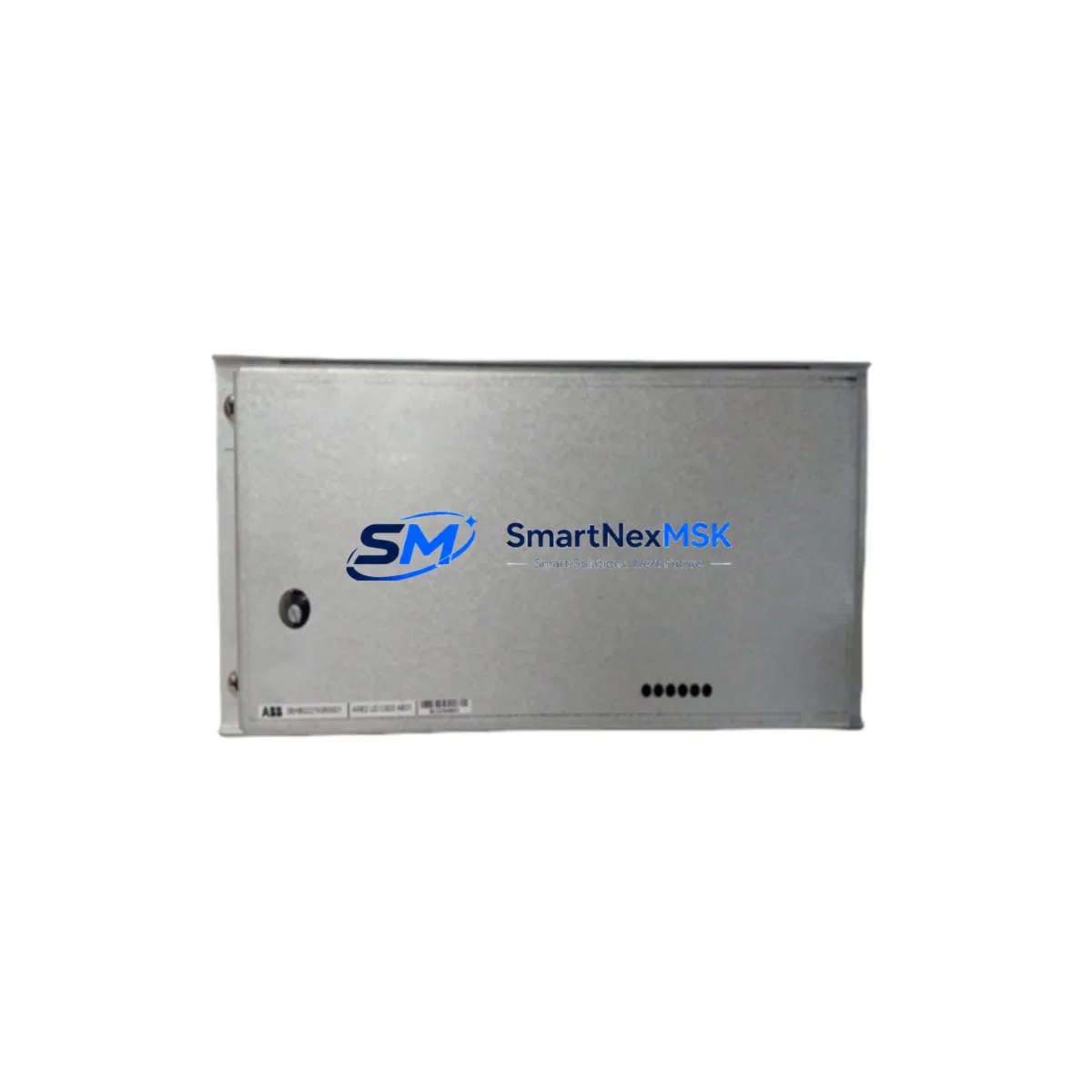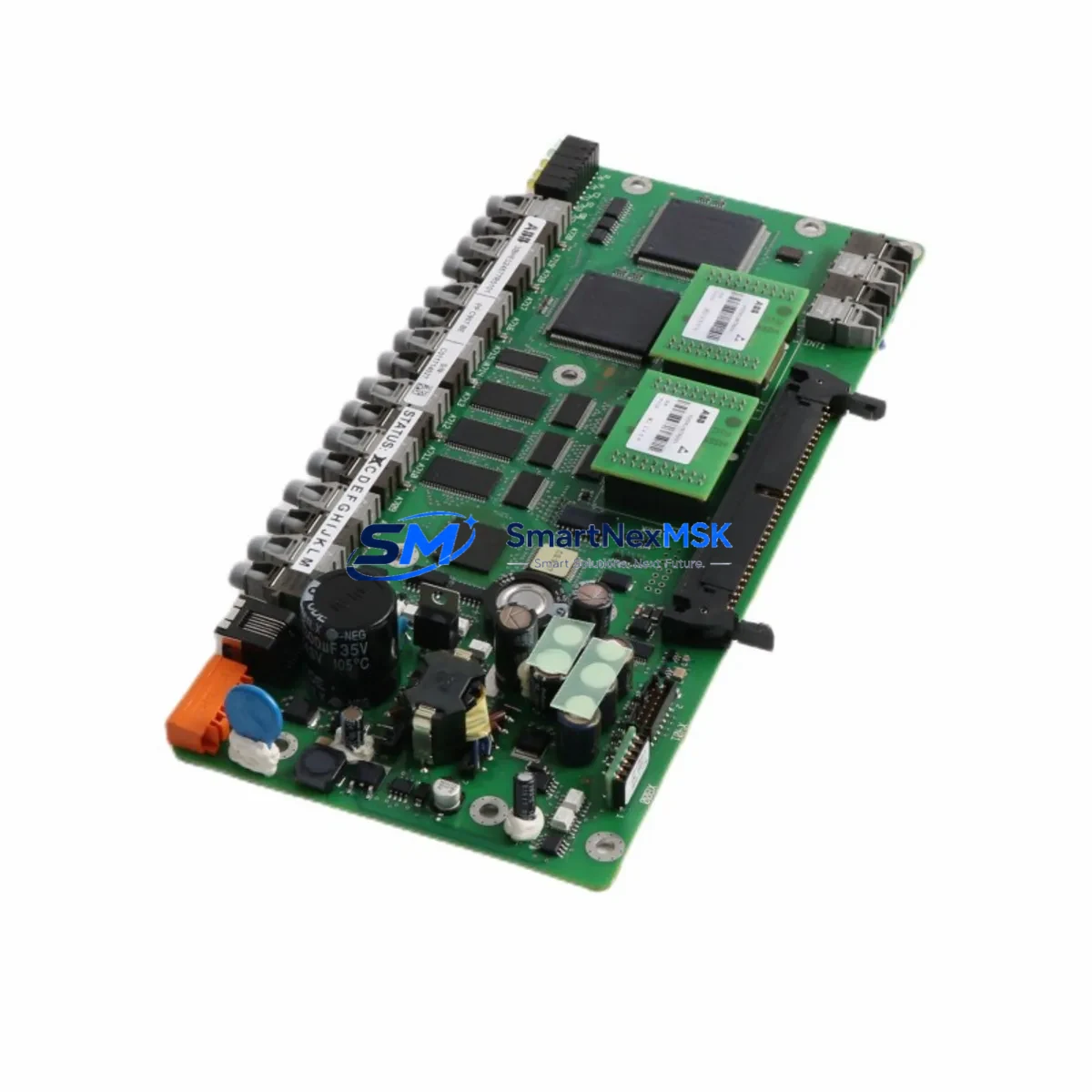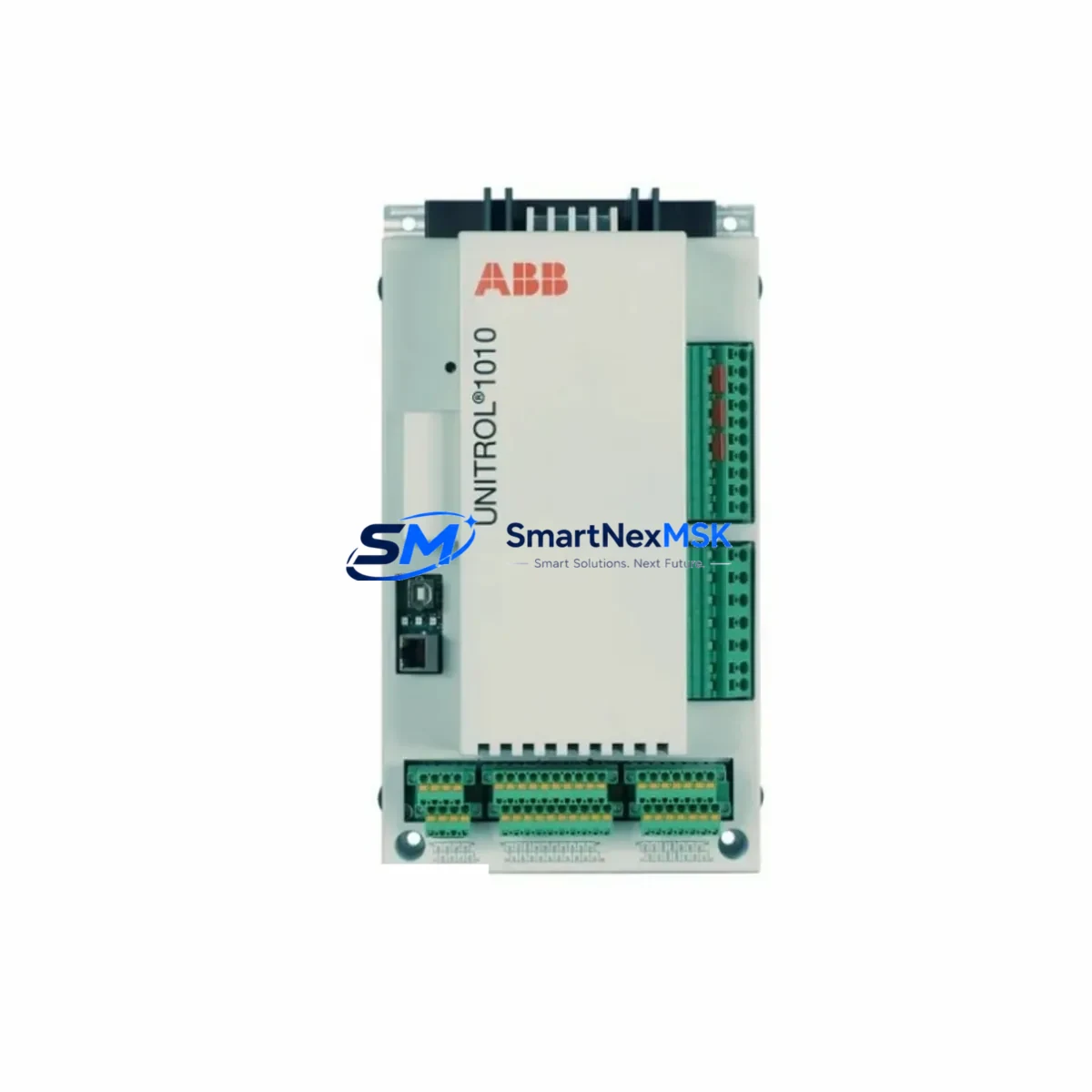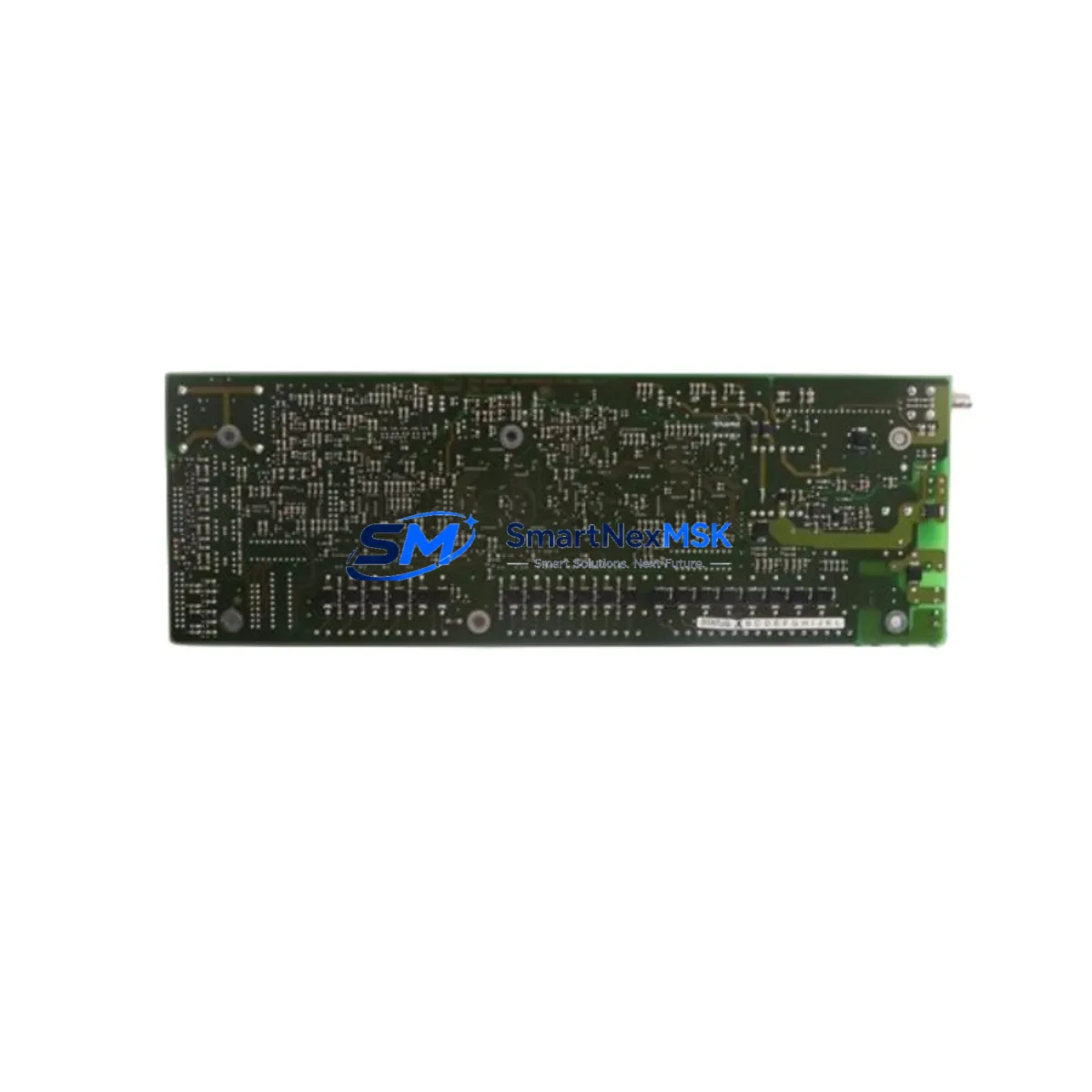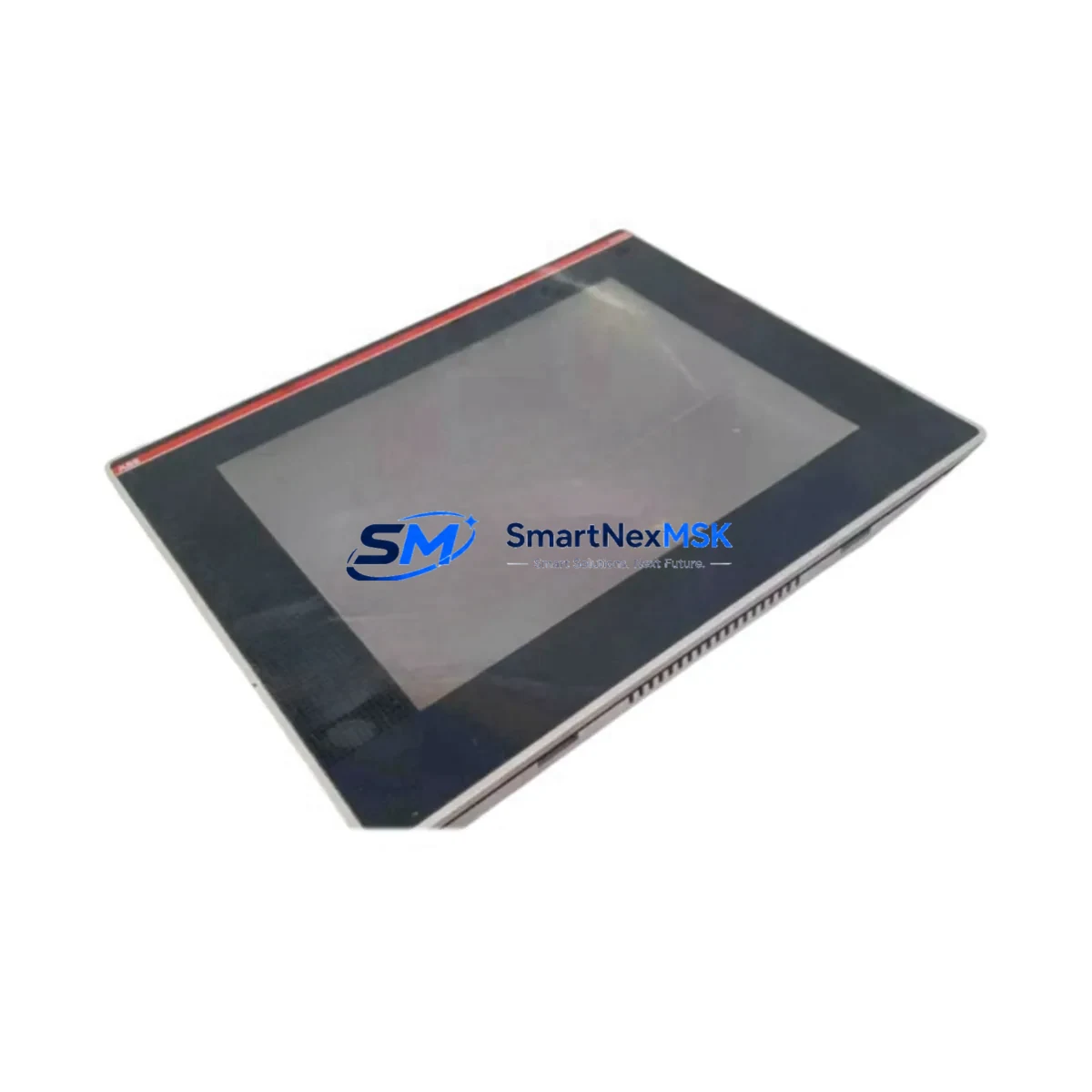
ABB CP561-WEB Maintenance-Ready Spare for AC500 Automation
The ABB CP561-WEB is an Ethernet communication processor designed for the AC500 PLC platform — one of ABB’s most widely deployed modular programmable logic controller families in industrial automation. As a maintenance-ready original spare, the CP561-WEB enables maintenance engineers and procurement teams to restore Ethernet-based communication links in AC500 control systems with minimal downtime. Whether you are managing a planned shutdown, responding to an unscheduled fault, or building a strategic spare parts inventory for aging AC500 installations, the CP561-WEB is a critical component to have on hand.
The CP561-WEB supports standard Ethernet protocols including MODBUS TCP and supports integration with SCADA, DCS, and HMI systems via standard TCP/IP infrastructure. Its plug-and-play compatibility with AC500 CPU modules such as the PM573, PM583, and PM595 makes it a reliable drop-in replacement without requiring firmware reconfiguration in most maintenance scenarios. For sites running legacy AC500 systems, maintaining a stocked CP561-WEB significantly reduces mean time to repair (MTTR) and protects production continuity.
All units are sourced as original ABB components, individually tested prior to dispatch, and covered by a 12-month warranty. Long-term supply availability is maintained to support extended system lifecycles beyond standard product end-of-life timelines.
Spare Maintenance Table
| SKU / Part Number | CP561-WEB |
| Brand | ABB |
| Series | AC500 |
| Product Type | Ethernet Communication Processor |
| Communication Protocol | Ethernet (MODBUS TCP, TCP/IP) |
| Compatible CPU Modules | PM573, PM583, PM595 and AC500 series CPUs |
| Supply Voltage | 24 VDC (via AC500 backplane) |
| Mounting | AC500 modular backplane slot |
| Operating Temperature | -25°C to +60°C |
| Protection Rating | IP20 |
| Origin | Germany |
| Application Environment | Industrial control panels, process automation, utilities, manufacturing |
| Maintenance Recommendation | Inspect Ethernet port integrity, verify firmware version compatibility, check backplane connector pins during scheduled maintenance |
| Warranty | 12 Months |
| Condition | Original, tested before shipment |
Maintenance Planning for Continuous Operation
When replacing the CP561-WEB in an AC500 control cabinet, a thorough maintenance inspection of the surrounding components is strongly recommended to prevent repeat faults and ensure full system restoration. Maintenance engineers should begin by verifying the 24 VDC power supply module — such as the ABB CP-E 24/5.0 or equivalent — to confirm stable voltage delivery to the backplane before inserting the new communication processor.
The AC500 backplane or terminal unit (TU515 or TU516) should be inspected for oxidation, bent connector pins, or mechanical damage that could cause intermittent communication faults after replacement. I/O modules installed in adjacent slots — including digital input modules (DI524) and digital output modules (DO524) — should be checked for proper seating and fault indicators, as a communication failure can sometimes mask underlying I/O errors.
Ethernet cabling and RJ45 connectors should be tested for continuity and shielding integrity, particularly in environments with high electromagnetic interference. If the AC500 system communicates with field devices via PROFIBUS DP, the CM572-DP communication module should also be inspected for configuration consistency after the CP561-WEB is replaced. For systems using the AC500 with a local HMI panel such as the CP600 series, verify that the HMI communication parameters are re-established after the module swap.
Signal isolators and surge protection devices on the Ethernet line — particularly in outdoor or high-voltage environments — should be tested as part of the same maintenance window. Terminal blocks and wiring within the control cabinet should be checked for loose connections, especially on power rails feeding the AC500 CPU and communication modules. Fuse holders and miniature circuit breakers protecting the 24 VDC control circuit should be verified for correct rating and continuity. Where the AC500 system interfaces with a DCS or SCADA via OPC or MODBUS TCP, the network switch ports and patch panel connections should be confirmed operational before returning the system to service.
Site Replacement Workflow
Step 1 — Isolate and document: Before removing the CP561-WEB, record the existing Ethernet configuration parameters (IP address, subnet mask, gateway, protocol settings) from the engineering workstation using ABB Automation Builder or PS501 Control Builder. This ensures rapid re-commissioning after the spare is installed.
Step 2 — Power down safely: De-energize the AC500 rack following site lockout/tagout procedures. Confirm 24 VDC supply is isolated before handling the communication module.
Step 3 — Remove and inspect: Extract the faulty CP561-WEB from the backplane slot. Inspect the slot connector and adjacent modules for physical damage or contamination.
Step 4 — Install the replacement: Insert the new CP561-WEB into the correct backplane slot. Ensure firm seating and secure the module latch. Restore power and confirm the module LED status indicates normal operation.
Step 5 — Restore configuration: Download the saved communication configuration to the replacement module via Automation Builder. Verify Ethernet link establishment, IP address assignment, and protocol handshake with connected SCADA or HMI systems.
Step 6 — Functional test: Confirm all I/O data exchange is restored, HMI displays are updating correctly, and no fault codes are active on the AC500 CPU. Log the replacement in the site maintenance record.
This workflow minimizes downtime to under two hours in most AC500 installations and ensures full system compatibility is maintained without requiring hardware reconfiguration of other modules in the rack.
Spare Parts Support FAQ
Q: Is the CP561-WEB compatible with all AC500 CPU generations?
A: The CP561-WEB is designed for the AC500 modular PLC platform and is compatible with standard AC500 CPU modules including PM573, PM583, and PM595. For older V1 AC500 hardware or specific firmware versions, compatibility should be verified against the ABB AC500 system manual or confirmed with our technical team prior to ordering.
Q: How is the CP561-WEB tested before shipment?
A: Each unit undergoes functional testing including power-on verification, Ethernet port integrity check, and communication protocol response testing before dispatch. A test report is available upon request. All units are shipped in anti-static packaging with protective covers on connectors.
Q: What is the recommended spare parts stocking strategy for AC500 systems?
A: For critical AC500 installations, we recommend maintaining at least one CP561-WEB per site alongside spares for the primary CPU module and power supply. For multi-rack installations or systems with high uptime requirements, a 1:5 spare ratio for communication modules is a common industry practice to support rapid fault recovery without waiting for procurement lead times.
Q: What does the 12-month warranty cover?
A: The 12-month warranty covers manufacturing defects and functional failures under normal operating conditions. It includes free replacement or repair of the unit. The warranty period begins from the date of shipment. Units damaged by incorrect installation, overvoltage, or environmental conditions outside the specified operating range are not covered under warranty.
© 2026 SMARTNEXMSK. All rights reserved.
Original Source: https://smartnexmsk.com
Contact: [email protected] | +86 18259474341