
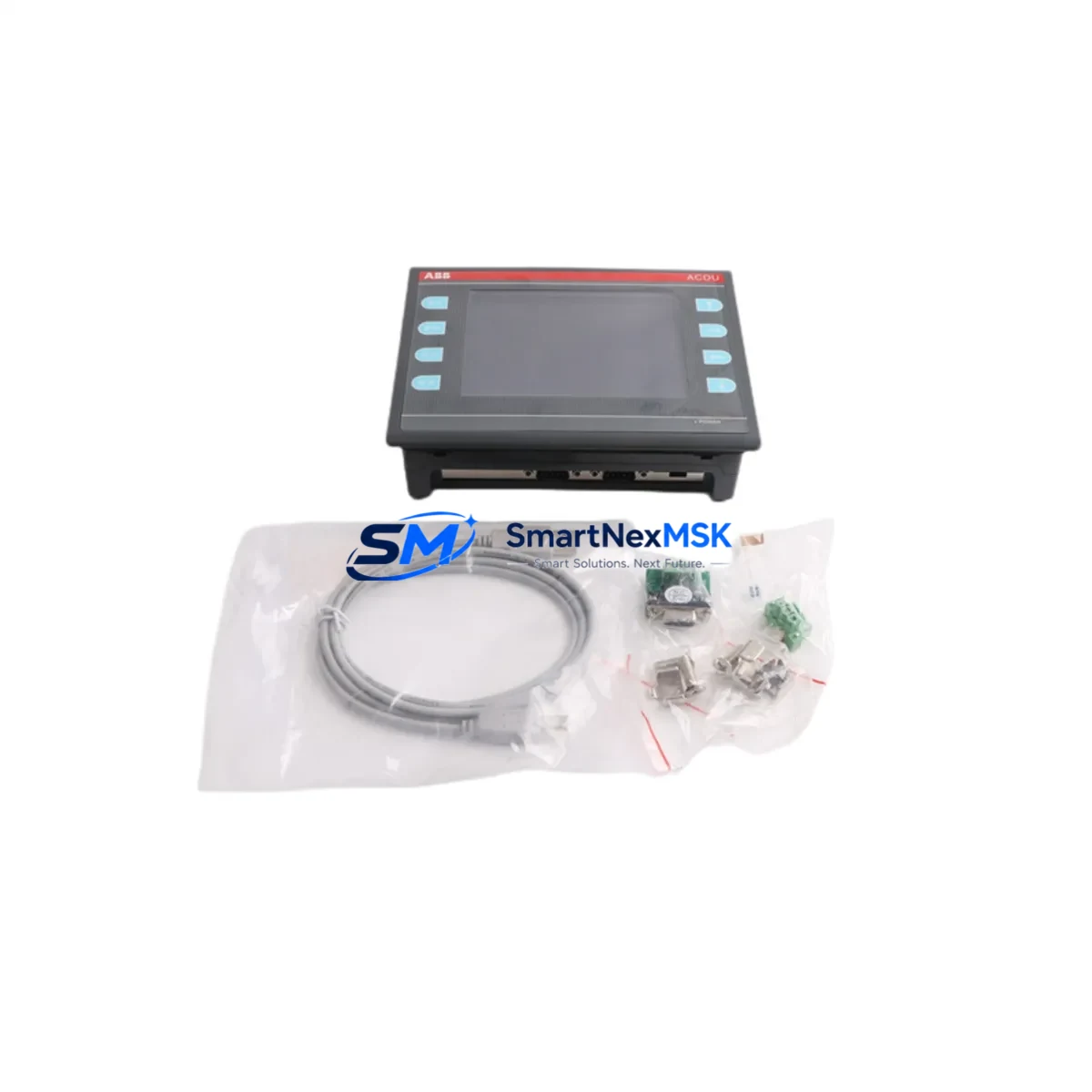
ABB ACDU V1.01 Retrofit-Ready Operator Display for Advant OCS Control Systems
The ABB ACDU V1.01 is a retrofit-ready operator interface module engineered for seamless integration into legacy Advant OCS and AC450 DCS control architectures. As ABB progressively phases out older Advant-series components, facilities running continuous processes — including power generation, pulp and paper, chemical processing, and oil & gas — face increasing pressure to source reliable, drop-in replacements that preserve existing control logic, wiring infrastructure, and HMI screen layouts without triggering a full system overhaul.
The ACDU V1.01 addresses this challenge directly. It maintains full electrical and mechanical compatibility with the original Advant OCS operator station backplane, accepting the same 24 VDC supply rail used across the ABB Advant Controller 450 platform. Terminal block pinouts are preserved, eliminating the need to re-terminate field wiring — a critical advantage when minimizing planned shutdown windows. Engineers replacing a failed or end-of-life display unit can complete the swap, restore the operator station address configuration, and return the loop to automatic control within a single maintenance shift.
Upgrade Compatibility Table
| Parameter | Detail |
|---|---|
| Compatible Platform | ABB Advant OCS, AC450 DCS, Advant Controller 450 |
| Module SKU | ACDU V1.01 |
| Power Supply | 24 VDC (compatible with existing Advant OCS power rail) |
| Backplane Interface | Advant OCS standard backplane connector — no adapter required |
| Terminal Wiring | Drop-in compatible; original terminal block pinout retained |
| Communication Protocol | MasterBus 300 / RCOM serial link (Advant OCS native) |
| Module Address Config | DIP switch / jumper — must match original unit address setting |
| HMI Screen Compatibility | Existing Advant OCS operator graphics retained without redraw |
| Replacement Recommendation | Direct swap for failed or discontinued ACDU units; no firmware re-flash required in most installations |
| Commissioning Note | Verify node address, confirm MasterBus link status, and perform loop test before returning to AUTO |
| Warranty | 12 months from date of shipment |
| Origin | China (tested and inspected prior to dispatch) |
Retrofit Planning for Existing Automation Systems
A successful ACDU V1.01 retrofit begins well before the module arrives on site. Maintenance engineers should pull the existing rack layout drawing to confirm the slot position of the operator display within the Advant OCS S100 I/O bus or S800 remote I/O cabinet. Adjacent modules — including the ABB DSDI 110A digital input module, DSDO 110A digital output module, and DSAI 130A analog input module — should be inspected for wear or marginal signal quality while the cabinet is open, as co-located I/O modules on the same rack often share similar service histories.
Power budget verification is essential. The ABB DSPU 110 power supply unit feeding the rack must have sufficient headroom to support the ACDU V1.01 alongside any other modules drawing from the same rail. If the existing power supply is already operating near capacity — a common finding in aging Advant OCS cabinets — this is an appropriate time to evaluate a parallel upgrade to a higher-capacity supply or to redistribute loads across a secondary DSPU 110A.
Communication link integrity is the next checkpoint. The ACDU V1.01 communicates over the MasterBus 300 serial backbone that interconnects operator stations, controllers, and engineering workstations in the Advant OCS architecture. Before powering the new module, verify that the MasterBus 300 cable termination resistors are correctly installed at both ends of the segment and that the ABB DSMB 127 MasterBus modem board in the controller rack is functioning. A degraded modem board is a frequent root cause of intermittent display faults that are misdiagnosed as operator interface failures.
For sites migrating from a fully discontinued Advant OCS installation toward a hybrid architecture incorporating ABB System 800xA or AC800M controllers, the ACDU V1.01 can serve as a bridging display during a phased migration. It allows operators to maintain familiar screen layouts and alarm presentations while the underlying control strategy is progressively ported to the new platform. This approach avoids the operational risk of a simultaneous cutover of both the control layer and the operator interface layer.
Where the retrofit scope extends to I/O expansion — for example, adding new measurement points to an existing loop — the ABB TB820 ModuleBus optical modem and compatible S800 I/O modules can be integrated into the existing cabinet without replacing the operator display. The ACDU V1.01 will reflect the new I/O points automatically once the controller program is updated and downloaded, provided the operator graphics are revised in the ABB Advant Builder or equivalent engineering tool.
Downtime Control During System Migration
Unplanned downtime during a display module replacement is almost always avoidable with proper pre-staging. Before the maintenance window opens, the replacement ACDU V1.01 should be bench-tested: power it from a 24 VDC bench supply, confirm the display initializes correctly, and verify that the firmware version is consistent with the rest of the operator station cluster. Document the DIP switch address settings from the failed unit before removal — this is the single most common source of commissioning delay when the original documentation is unavailable.
During the swap, keep the Advant Controller 450 in its current operating mode. The controller will continue executing the control program and maintaining output states while the operator display is offline. Field devices — valves, drives, and transmitters — remain under automatic control throughout the display replacement, provided no other faults are present on the I/O bus. This is a key advantage of the Advant OCS distributed architecture: the operator interface is not in the control execution path.
After installing the ACDU V1.01, restore power to the rack and allow the module to complete its self-test sequence. Confirm MasterBus 300 link establishment — typically indicated by a steady link LED on both the ACDU and the DSMB 127 modem board. Navigate to a process overview screen and verify that live process values are updating correctly. Perform a functional test of any alarm acknowledgment and setpoint entry functions before releasing the station to operations. Total elapsed time for a prepared team is typically 45–90 minutes, keeping planned shutdown impact well within a single shift.
Retrofit Support FAQ
Q1: Is the ABB ACDU V1.01 a direct replacement for all ACDU variants in the Advant OCS series?
The ACDU V1.01 is compatible with the standard Advant OCS operator station backplane and is suitable as a replacement for earlier ACDU revisions in most installations. However, sites running specialized ACDU configurations with custom firmware or non-standard backplane adapters should verify the hardware revision and firmware baseline before ordering. Our technical team can assist with compatibility confirmation based on your existing rack documentation.
Q2: What wiring changes are required when installing the ACDU V1.01?
In a standard Advant OCS installation, no wiring changes are required. The ACDU V1.01 uses the same backplane connector and 24 VDC power input as the original unit. Field signal wiring connected to adjacent I/O modules is unaffected. The only configuration step is verifying and setting the module node address via DIP switch to match the original unit’s address assignment.
Q3: Will existing HMI graphics and alarm pages display correctly on the replacement unit?
Yes. The ACDU V1.01 retrieves display data from the Advant Controller 450 over the MasterBus 300 link. Operator graphics, alarm lists, and trend displays are stored in the controller and engineering database — not in the display module itself. Replacing the display unit does not require any modification to the HMI application, provided the MasterBus link is correctly established after installation.
Q4: What does the 12-month warranty cover, and what pre-shipment testing is performed?
Every ACDU V1.01 unit is powered on and functionally tested prior to dispatch. The 12-month warranty covers manufacturing defects and functional failures under normal operating conditions. Units are shipped with anti-static packaging and include a test report. In the event of a warranty claim, we provide advance replacement to minimize site downtime — contact [email protected] with your order reference and fault description.
© 2026 SMARTNEXMSK. All rights reserved.
Original Source: https://smartnexmsk.com
Contact: [email protected] | +86 18259474341



