
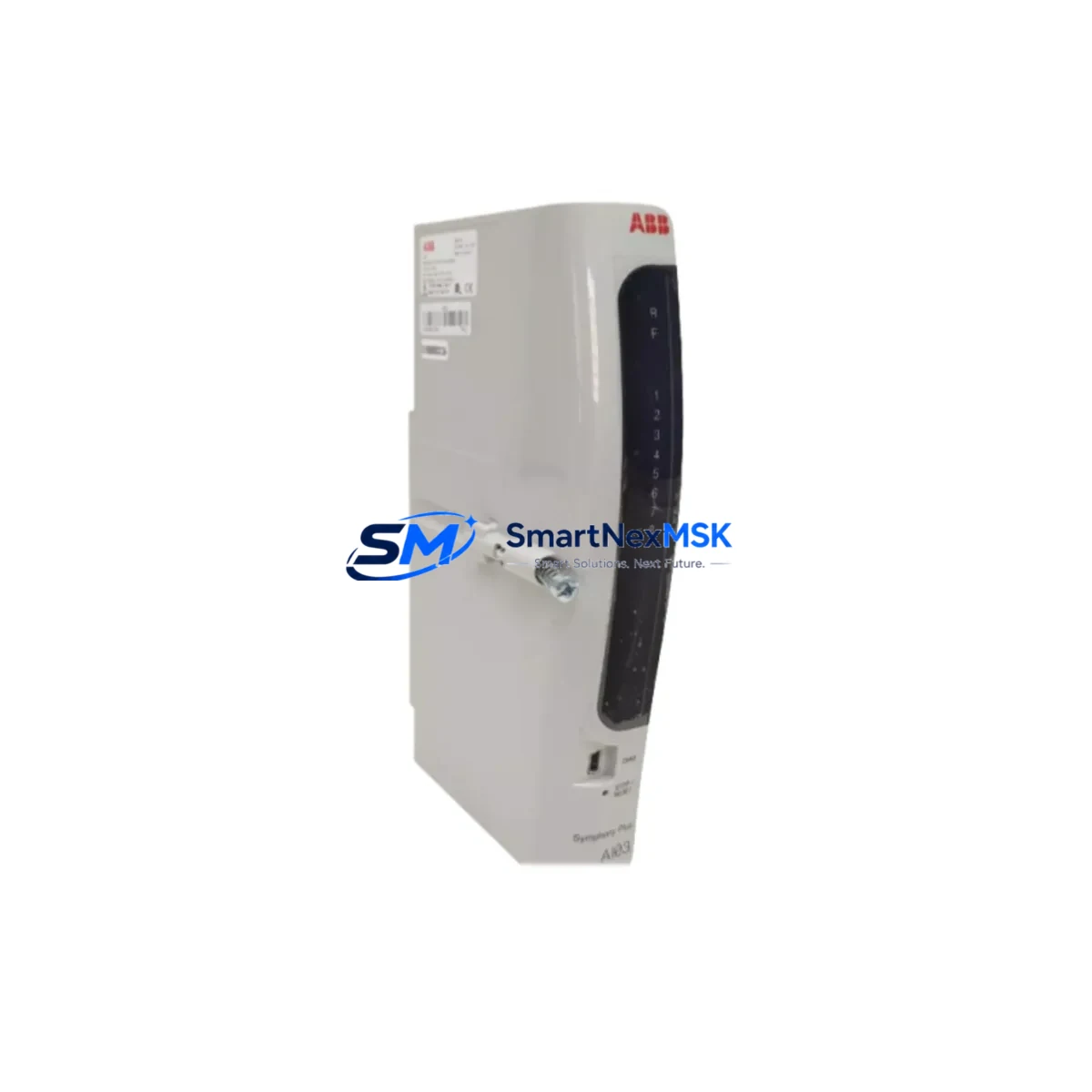
ABB AI03 Retrofit-Ready Analog Input Module for AC500 S500 Control Systems
The ABB AI03 is an 8-channel analog input module engineered for seamless integration into ABB AC500 and S500 series programmable logic controller platforms. As legacy automation infrastructure ages and original ABB AI03 units reach end-of-life or become increasingly difficult to source, this retrofit-ready replacement offers industrial facilities a reliable, cost-effective path to system continuity without requiring a full control architecture overhaul.
Whether you are managing a brownfield upgrade on a packaging line, restoring a legacy process control cabinet, or migrating from an older S500 rack to a current-generation AC500 backplane, the AI03 delivers the signal conditioning, resolution, and channel density required to maintain production continuity. The module supports standard 4–20 mA and 0–10 V analog input ranges, making it directly compatible with field transmitters, pressure sensors, flow meters, and temperature transducers already wired into your existing control cabinet.
Upgrade Compatibility Table
| Parameter | Details |
|---|---|
| Compatible Series | ABB AC500, S500 |
| Channels | 8 × Analog Input (4–20 mA / 0–10 V) |
| Backplane Interface | S500 I/O bus connector, standard rack mount |
| Communication Compatibility | PROFIBUS-DP, Modbus RTU, CANopen (via AC500 CPU) |
| Installation Requirement | S500 terminal unit (TU505 / TU516 compatible) |
| Replacement Recommendation | Direct drop-in for original ABB AI03; verify terminal unit type |
| Commissioning Note | Re-import channel configuration in Automation Builder; verify AI scaling |
| Warranty | 12 Months from date of shipment |
Retrofit Planning for Existing Automation Systems
A successful AI03 retrofit begins well before the module arrives on-site. Engineers should first audit the existing S500 rack layout, confirming the terminal unit model — typically a TU505 or TU516 — to ensure the replacement AI03 seats correctly without adapter modifications. The backplane slot address must be documented from the original Automation Builder project file, as the CPU module (such as the PM573 or PM591) assigns I/O addresses based on physical slot position.
Power budget verification is a critical pre-installation step. The S500 bus coupler — for example the DC505 or DC532 — supplies 24 VDC to all connected I/O modules. Adding or replacing modules requires confirming that the total current draw across the rack does not exceed the bus coupler’s rated output. If the existing power supply module (such as the PS501 or PS560) is already near capacity, a supplemental 24 VDC rail may be required before the new AI03 is commissioned.
For systems communicating over PROFIBUS-DP, the GSD file and station address of the replaced module must be preserved in the network configuration. If the control system includes an HMI panel — such as an ABB CP600 or a third-party SCADA terminal — analog tag mappings tied to the AI03 channels should be verified against the new module’s I/O address range before going live. Similarly, if Modbus RTU is used for upstream data acquisition, register maps referencing the AI03 input channels must be cross-checked in the communication configuration.
Where the retrofit involves migrating from an older S500 generation to a newer AC500 XC or AC500 eCo platform, engineers should also evaluate whether the existing programming cable (such as the TK501 USB programming cable) and Automation Builder version support the target CPU. In multi-rack configurations, the inter-rack communication module and fiber or copper segment wiring should be inspected for signal integrity before the new AI03 is brought online.
Downtime Control During System Migration
Minimizing unplanned downtime during an AI03 swap requires a structured hot-swap or planned-outage protocol. Where the process permits a brief controlled stop, the recommended approach is to export the full Automation Builder project, back up the CPU program to a memory card (SD card slot on PM5xx CPUs), and document all analog channel engineering unit ranges and alarm setpoints before powering down the rack.
During the physical swap, the terminal unit wiring should remain undisturbed — field cables stay connected to the TU505 or TU516 terminal block, and only the AI03 module itself is removed and replaced. This approach eliminates rewiring errors and dramatically reduces recommissioning time. After seating the new module, power is restored, the CPU performs an automatic I/O scan, and the engineer verifies that all 8 analog channels are reading within expected engineering unit ranges before releasing the system to production.
For facilities that cannot tolerate any process interruption, a parallel commissioning approach is recommended: install the replacement AI03 in a spare rack slot, configure and verify all channels in offline simulation mode within Automation Builder, then perform a live cutover during a scheduled maintenance window. This strategy preserves the original program logic and HMI tag structure while ensuring the replacement module is fully validated before it assumes control of live process signals.
Retrofit Support FAQ
Q: Is the replacement AI03 a direct drop-in for the original ABB AI03 without any wiring changes?
A: Yes, provided the same terminal unit (TU505 or TU516) is in place. The field wiring connected to the terminal unit does not need to be disturbed. Only the AI03 module itself is swapped.
Q: Does the replacement module require a new Automation Builder configuration, or will the existing program work as-is?
A: In most cases the existing program runs without modification. Engineers should verify the channel configuration (input range, filter settings, and scaling) in the Automation Builder I/O configuration tab after the swap to confirm all parameters are correctly applied.
Q: What communications protocols does the AI03 support in an AC500 system?
A: The AI03 communicates over the S500 I/O bus to the AC500 CPU, which in turn supports PROFIBUS-DP, Modbus RTU, CANopen, and Ethernet-based protocols depending on the CPU and communication module fitted. The AI03 itself does not require separate protocol configuration.
Q: What warranty and pre-shipment testing is provided?
A: Every AI03 unit is function-tested prior to shipment and covered by a 12-month warranty from the date of delivery. Units are shipped with protective packaging suitable for international freight. Contact [email protected] for lead time and availability confirmation.
© 2026 SMARTNEXMSK. All rights reserved.
Original Source: https://smartnexmsk.com
Contact: [email protected] | +86 18259474341



