
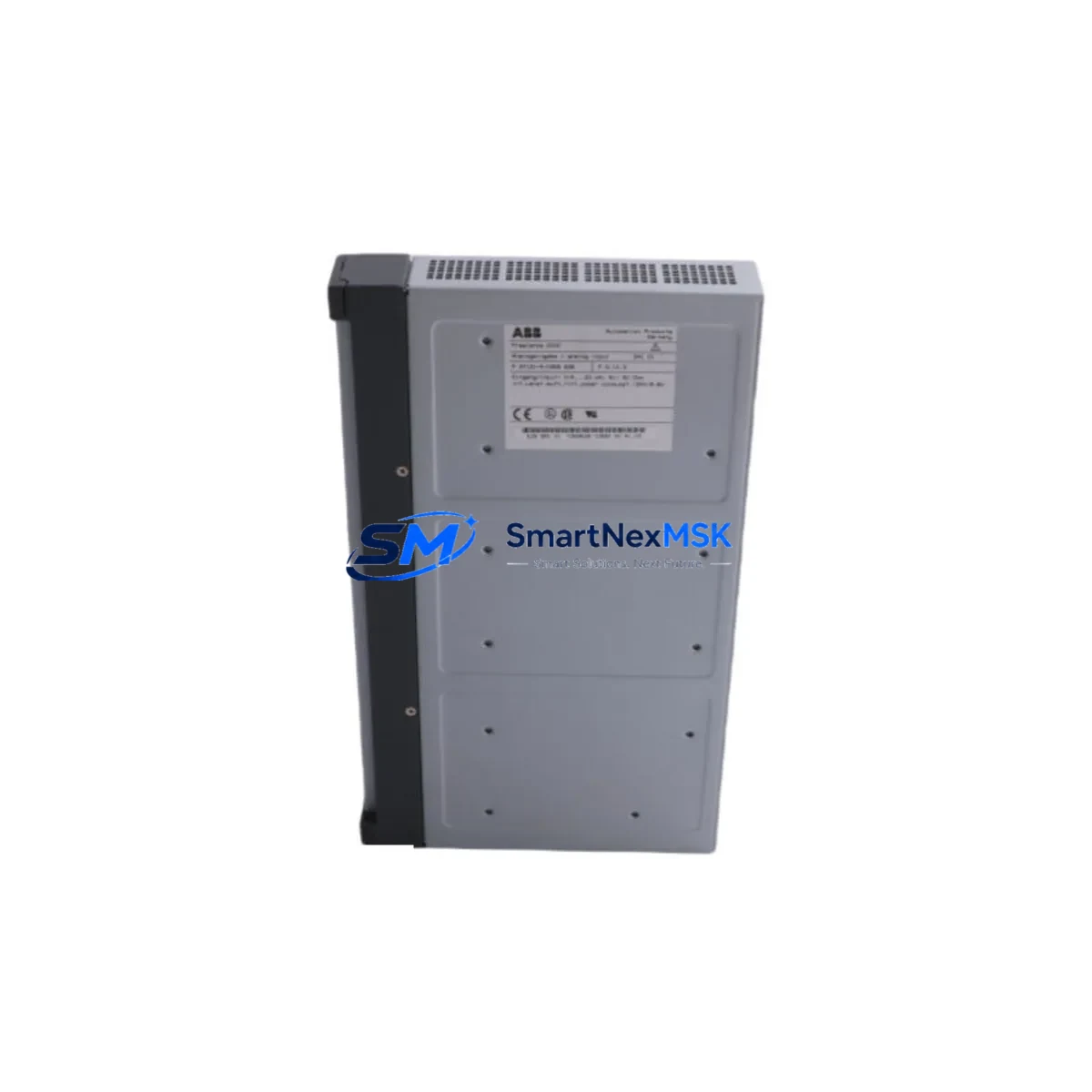
ABB DAI01 Retrofit-Ready Digital Input Module AC500 Systems
The ABB DAI01 is a high-density digital input module engineered for seamless integration into ABB AC500 PLC rack systems. Whether you are replacing an end-of-life I/O card in an aging control cabinet, expanding an existing AC500 rack, or executing a full control system modernization, the DAI01 delivers the signal acquisition reliability and backplane compatibility that industrial retrofit projects demand. With 16 × 24 VDC digital input channels, DIN rail-compatible form factor, and native support for the AC500 S500 I/O bus, this module is a proven drop-in solution for facilities looking to extend the operational life of their automation infrastructure without a full platform migration.
Procurement teams and system integrators sourcing the DAI01 as a discontinued spare or upgrade component can rely on SMARTNEXMSK’s verified stock, pre-shipment functional testing, and 12-month warranty coverage. Every unit is inspected against ABB’s original hardware specification before dispatch, ensuring compatibility with your existing AC500 CPU modules — including the PM571, PM581, PM591, and PM595 — and the associated TB511, TB521, and TB541 terminal base units.
Upgrade Compatibility Table
| Parameter | Details |
|---|---|
| Module SKU | DAI01 |
| Compatible Series | ABB AC500 (S500 I/O) |
| Compatible CPUs | PM571, PM581, PM591, PM595 |
| Terminal Base Required | TB511 / TB521 / TB541 |
| Input Channels | 16 × 24 VDC Digital Inputs |
| Backplane Interface | AC500 S500 I/O Bus (direct plug-in) |
| Communication Compatibility | PROFIBUS DP, Modbus RTU, CANopen (via CPU) |
| Installation Requirement | Snap onto TB511/TB521/TB541; no tools required |
| Replacement Recommendation | Direct drop-in for legacy DAI01 units; verify terminal base revision |
| Commissioning Notes | Re-map I/O addresses in PS501 Control Builder if rack slot changed |
| Warranty | 12 Months — covers hardware defects, functional failure, and DOA |
Retrofit Planning for Existing Automation Systems
A successful DAI01 retrofit begins well before the module arrives on site. Engineers should audit the existing AC500 rack configuration, confirming the slot assignment, terminal base model, and wiring layout against the original panel drawings. In most legacy installations, the DAI01 is mounted on a TB511 or TB521 terminal base; if the terminal base itself shows signs of wear or contact oxidation, replacing it alongside the DAI01 module eliminates a common source of intermittent signal faults.
Power budget verification is a critical pre-installation step. The AC500 rack’s internal 5 VDC bus — supplied by the CPU module or a dedicated PS501 power supply module — must have sufficient headroom to support the DAI01 alongside any co-installed modules such as the DAI02 (additional digital input expansion), DAO01 (digital output), AAI01 (analog input), or AAO01 (analog output). Overloading the backplane bus is a frequent cause of unexplained module faults in expanded racks.
For systems that include a CM572-DP PROFIBUS master module or a CM575-DN DeviceNet coupler, confirm that the I/O address map in the PS501 Control Builder project file reflects the DAI01’s slot position. If the replacement module occupies a different rack slot than the original — common when a failed module is swapped into an adjacent free slot during emergency maintenance — the address offset must be corrected in software before the system is returned to automatic mode. Failure to do so will cause the CPU to read incorrect channel data, potentially triggering spurious alarms or unsafe process states.
Where the retrofit scope extends to HMI integration, verify that the SCADA or panel HMI — whether an ABB CP600 operator panel or a third-party touch screen — references the correct PLC data tags mapped to the DAI01 input channels. Tag renaming or address remapping in the CPU program must be reflected in the HMI project before commissioning. Communication links between the CPU and any upstream DCS or SCADA system via Modbus TCP or OPC-UA should also be validated post-swap to confirm that all digital input states are correctly reported at the supervisory level.
For facilities running mixed-generation racks that include both S500 and older S400 I/O modules, note that the DAI01 is exclusively compatible with the S500 backplane. Migration from S400-series digital input cards requires a terminal base change and a full I/O address remap — a planned activity that should be scheduled during a maintenance window rather than executed as an emergency repair.
Downtime Control During System Migration
Minimizing unplanned downtime during a DAI01 swap requires a structured hot-swap protocol. Where the AC500 CPU supports partial I/O deactivation, place the affected rack slot in forced-off mode via the PS501 Control Builder online diagnostic interface before physically removing the module. This prevents the CPU from generating a hardware fault that could trip interlocks or initiate an uncontrolled process shutdown.
Before pulling the old module, photograph or document the terminal wiring on the TB511 or TB521 base. Although the terminal base remains in place during a module swap — one of the key advantages of the AC500 S500 architecture — verifying wire labeling against the panel drawing prevents reconnection errors if any wires have been moved during previous maintenance activities.
Once the new DAI01 is seated and the CPU has recognized the module, perform a channel-by-channel input verification using the PS501 online I/O monitor. Activate each field device connected to the input channels in sequence and confirm that the CPU registers the correct ON/OFF state. This functional check, which typically takes 15–30 minutes for a 16-channel module, is the final gate before returning the system to automatic operation. Document the test results and retain them as part of the retrofit record for future audits or warranty claims.
For sites where continuous process operation is mandatory, consider staging the DAI01 replacement during a scheduled production break or shift changeover. Pre-configure the replacement module’s address settings offline using the PS501 project file, and have a trained technician on standby to execute the swap within a defined maintenance window. This approach, combined with a pre-tested spare module from SMARTNEXMSK’s verified stock, consistently achieves sub-one-hour restoration times for AC500 digital input faults.
Retrofit Support FAQ
Q1: Is the DAI01 a direct replacement for an older ABB S500 digital input module in my AC500 rack?
Yes. The DAI01 is designed as a plug-compatible replacement for earlier S500 digital input modules used in AC500 rack systems. It mounts on the same TB511, TB521, or TB541 terminal base without rewiring. Confirm the terminal base revision and rack slot address in your PS501 project before powering up.
Q2: Do I need to modify my PLC program after installing the DAI01?
In most cases, no program modification is required if the DAI01 is installed in the same rack slot as the original module. If the slot position changes, update the I/O address mapping in the PS501 Control Builder project and perform a full download to the CPU. Always back up the existing program before making any changes.
Q3: What pre-shipment testing does SMARTNEXMSK perform on the DAI01?
Every DAI01 unit undergoes functional verification against ABB’s original hardware specification prior to dispatch. Testing covers channel continuity, backplane interface integrity, and input signal response. A test report is available upon request. All units are covered by a 12-month warranty from the date of shipment.
Q4: Can the DAI01 be used in a system that also includes PROFIBUS or Modbus communication modules?
Yes. The DAI01 operates on the AC500 S500 I/O backplane and is fully compatible with racks that include CM572-DP PROFIBUS master modules, CM575-DN DeviceNet couplers, or Modbus RTU communication adapters. The digital input data is accessed by the CPU via the internal I/O bus and is independent of the fieldbus communication layer.
© 2026 SMARTNEXMSK. All rights reserved.
Original Source: https://smartnexmsk.com
Contact: [email protected] | +86 18259474341



