
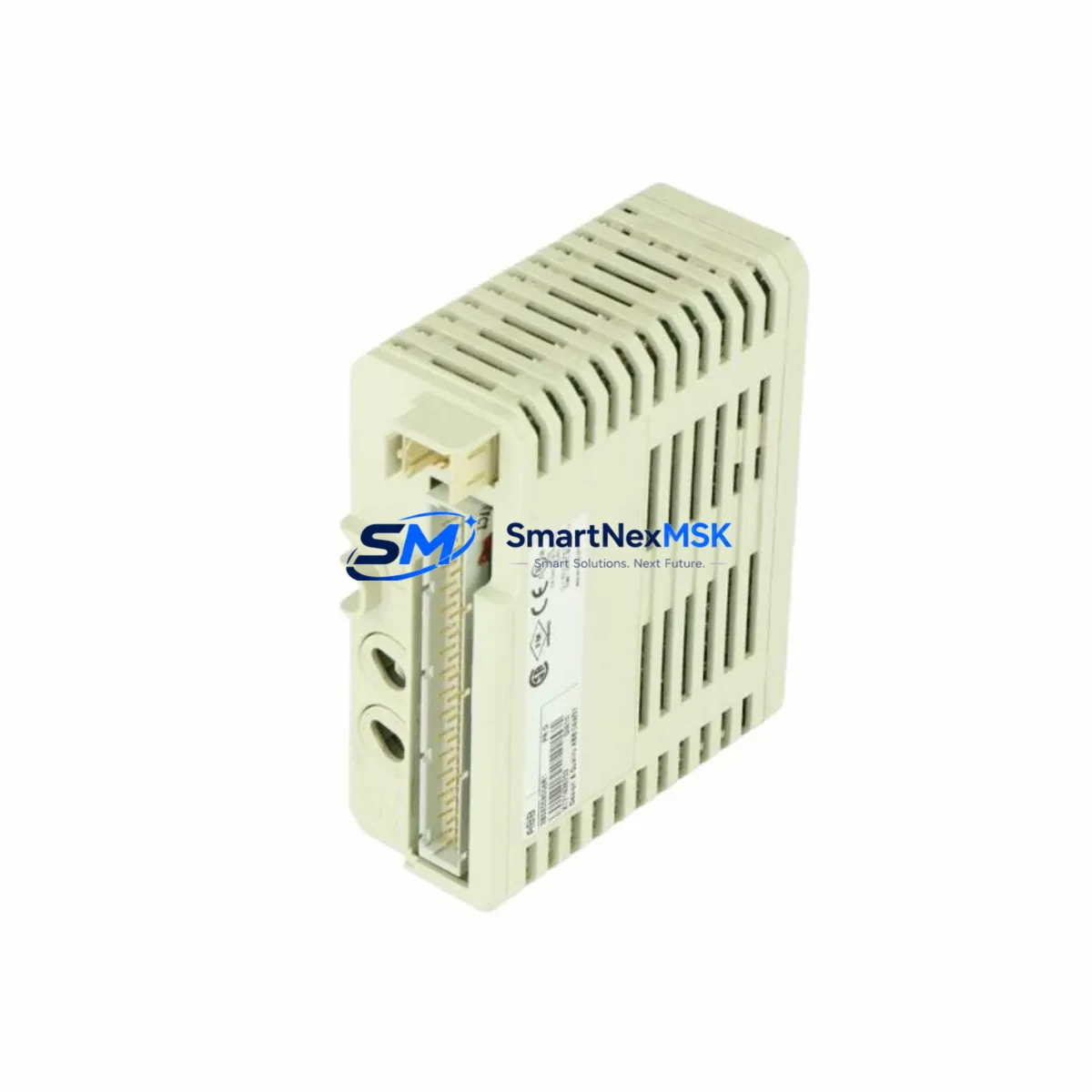
ABB DI810 3BSE008508R1 Retrofit-Ready Digital Input for S800 I/O Control Systems
The ABB DI810 (3BSE008508R1) is an 8-channel 24 VDC digital input module engineered for the ABB S800 I/O platform, widely deployed across process automation, power generation, and discrete manufacturing facilities. As legacy control architectures approach end-of-life, the DI810 serves as a proven retrofit solution — enabling engineers to replace discontinued or degraded input modules without redesigning the surrounding control infrastructure. Whether you are migrating from an older S800 I/O configuration, recovering from an unplanned module failure, or executing a planned control cabinet upgrade, the DI810 3BSE008508R1 delivers the electrical and logical compatibility required for a smooth, low-risk transition.
Before committing to a retrofit, engineers should verify several critical parameters: confirm that the existing ModuleBus backplane or S800 I/O station can supply adequate 24 VDC power to the replacement module; inspect terminal block wiring to ensure field signal cables are correctly mapped to the DI810’s screw terminals; validate the module address assignment within the AC800M controller configuration to prevent address conflicts with adjacent modules such as the DO810 digital output module or AI810 analog input module; and review the application program in Control Builder M to confirm that the I/O channel assignments remain consistent after the swap. Mismatched channel addressing is one of the most common causes of extended commissioning time during S800 I/O replacements.
For sites running ABB’s 800xA System or Freelance DCS, the DI810 integrates directly into the existing PROFIBUS DP or ModuleBus communication topology without requiring firmware changes or protocol adapters. This is a significant advantage when replacing modules in live production environments where communication link continuity is non-negotiable. Engineers should confirm that the CI854 PROFIBUS interface module or the CI801 ModuleBus coupler is correctly configured to recognize the replacement DI810 before powering down the original module.
Upgrade Compatibility Table
| Parameter | Details |
|---|---|
| Module Model | ABB DI810 / 3BSE008508R1 |
| Platform Compatibility | ABB S800 I/O, AC800M, 800xA System, Freelance DCS |
| Communication Interface | ModuleBus (S800 I/O station), PROFIBUS DP via CI854 |
| Input Channels | 8 x 24 VDC Digital Input |
| Installation Type | S800 I/O station backplane — direct plug-in replacement |
| Replaces / Upgrades | Discontinued DI810 units, degraded S800 I/O digital input modules |
| Terminal Wiring | Compatible with existing TB820V2 or TB825 terminal block assemblies |
| Commissioning Requirement | Module address verification in Control Builder M; no firmware update required |
| Warranty | 12-Month Warranty — covers manufacturing defects and functional failures |
| Shipping | Fast global shipping; export-compliant packaging |
Retrofit Planning for Existing Automation Systems
A successful DI810 retrofit begins well before the module arrives on site. Start by auditing the S800 I/O station layout: document the slot position of the failed or aging DI810, note the adjacent modules — which may include the AO810V2 analog output module, the DI821 digital input module for higher-density applications, or the DO821 digital output module — and confirm that the TB820V2 terminal block is undamaged and correctly wired. If the terminal block shows signs of corrosion or mechanical wear, replacing it alongside the DI810 is strongly recommended to avoid intermittent signal faults after commissioning.
For control cabinets running multiple S800 I/O stations connected via the CI801 ModuleBus coupler, verify that the total module count per station does not exceed the supported limit after the replacement. In systems where the AC800M controller communicates with remote I/O stations over PROFIBUS DP through the CI854 interface, ensure that the GSD file configuration in the engineering station reflects the correct module type and slot assignment. Overlooking this step can cause the controller to report a configuration mismatch alarm even when the physical module is correctly installed.
HMI screens built on ABB’s 800xA Operator Workplace or third-party SCADA platforms typically reference I/O tags by their logical address rather than physical module identity, so HMI display continuity is generally maintained after a like-for-like DI810 replacement. However, if the retrofit involves migrating from an older S800 I/O revision to a current-generation module, engineers should perform a full tag verification pass in the 800xA Information Management layer to confirm that all process values are updating correctly before returning the system to automatic control.
Programming cable access is another practical consideration: if the AC800M controller requires a program download or online change after the module swap, ensure that the CEX-Bus or Ethernet service port is accessible without disrupting adjacent field wiring. In congested control cabinets, pre-routing the programming cable before beginning the physical swap can save significant time during the commissioning window.
Downtime Control During System Migration
Minimizing unplanned downtime during an S800 I/O module replacement requires a structured pre-outage checklist. Before removing the existing DI810, capture a full backup of the AC800M application program using Control Builder M, including all I/O configuration data and function block parameters. This backup serves as the recovery baseline if the commissioning process encounters unexpected issues. For systems where the DI810 monitors critical process interlocks — such as emergency shutdown inputs or motor run-feedback signals — coordinate with the process control team to place the affected control loops in manual mode before initiating the swap.
The physical replacement itself is straightforward: the DI810 is a hot-swap-capable module within a powered S800 I/O station, provided the station’s power supply module — such as the SD821 or SD822 — remains energized. This eliminates the need to de-energize the entire I/O station during the swap, preserving the operational status of all other modules in the rack. After seating the replacement DI810, allow the module to complete its self-test sequence — indicated by the module status LED transitioning from red to green — before re-enabling the affected control loops in the AC800M application.
Post-swap verification should include a channel-by-channel functional test of all 8 digital inputs, confirming that field device signals are correctly reflected in the controller’s I/O image table. Document the commissioning results and update the site’s maintenance records with the new module serial number and installation date. This documentation supports future warranty claims and simplifies the next planned maintenance cycle.
Retrofit Support FAQ
Q1: Is the DI810 3BSE008508R1 a direct drop-in replacement for an existing DI810 in my S800 I/O station?
Yes. The DI810 3BSE008508R1 is the current production revision of the ABB DI810 digital input module and is physically and electrically compatible with all standard S800 I/O station backplanes. No wiring changes or firmware updates are required for a like-for-like replacement. Module address configuration should be verified in Control Builder M before returning the loop to automatic control.
Q2: What commissioning steps are required after installing the replacement DI810?
After physical installation, confirm the module status LED indicates normal operation. In Control Builder M, perform an online hardware scan to verify that the controller recognizes the new module at the correct slot address. Execute a channel-by-channel I/O test by actuating each connected field device and confirming the corresponding input channel updates correctly in the controller’s I/O image. For 800xA-integrated systems, verify that all associated process tags are updating in the operator display before releasing the system to production.
Q3: How do I verify terminal wiring compatibility before installing the DI810?
The DI810 uses the TB820V2 or TB825 terminal block for field wiring connection. Before installation, confirm that the existing terminal block type matches the DI810’s connector interface. Inspect all field cable terminations for correct polarity, adequate insulation, and secure mechanical connection. If the terminal block is being reused from the failed module, perform a continuity check on each signal wire to confirm wiring integrity before powering the replacement module.
Q4: What does the 12-month warranty cover, and how is it claimed?
The 12-month warranty covers manufacturing defects and functional failures under normal operating conditions. It does not cover damage resulting from incorrect installation, overvoltage events, or physical mishandling. To initiate a warranty claim, contact [email protected] with the module serial number, purchase order reference, and a description of the observed fault. Replacement or repair will be coordinated within the warranty terms. Pre-shipment functional testing is performed on all units prior to dispatch to minimize the risk of DOA failures.
© 2026 SMARTNEXMSK. All rights reserved.
Original Source: https://smartnexmsk.com
Contact: [email protected] | +86 18259474341



