
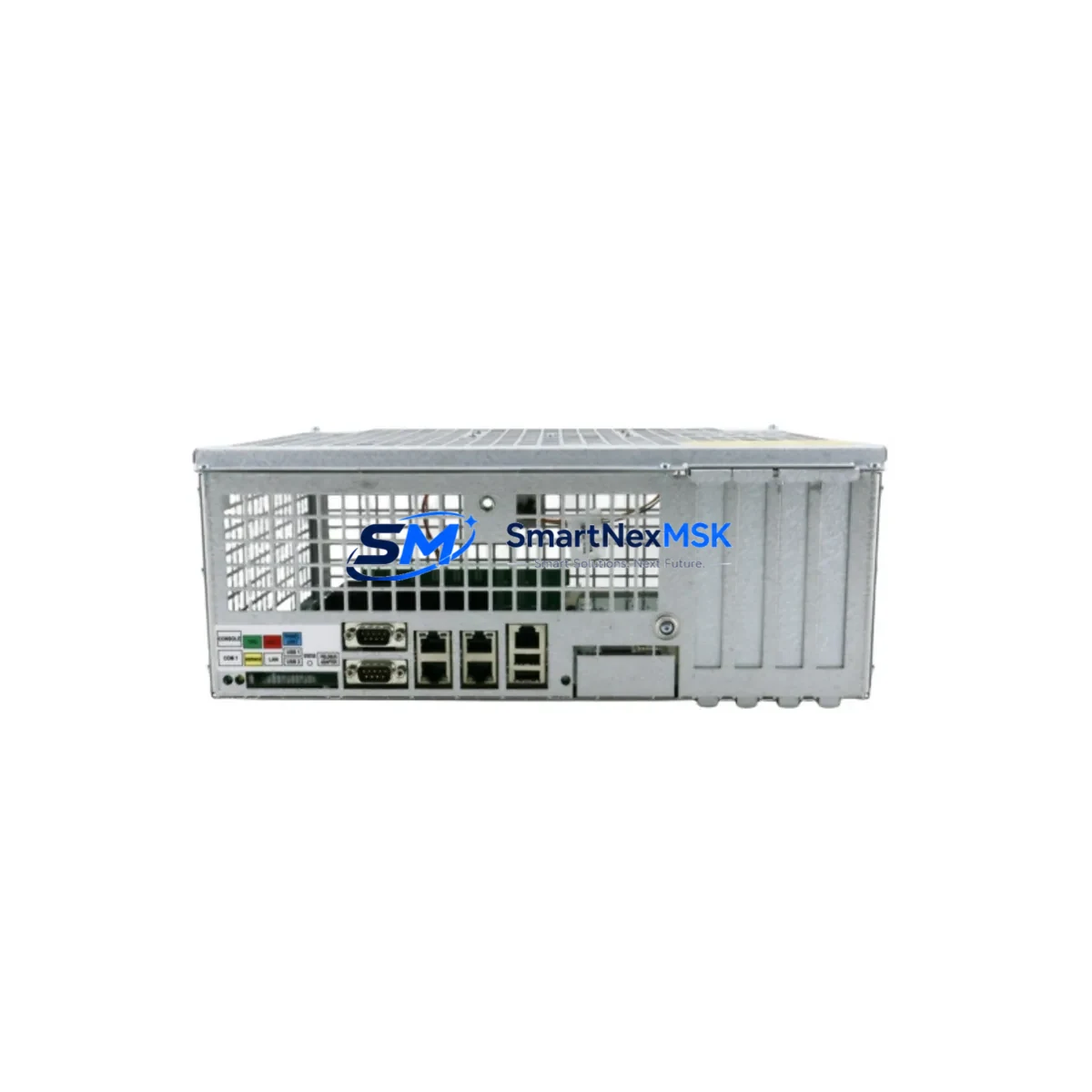
ABB DSQC639 3HAC041443-003 Retrofit-Ready Main Computer for IRC5 Control Systems
The ABB DSQC639 (part number 3HAC041443-003) is the main computer unit at the heart of the ABB IRC5 robot controller family. As production lines age and OEM support windows close, facilities running IRB 1600, IRB 2400, IRB 4600, IRB 6640, and IRB 7600 robot arms increasingly face the challenge of sourcing a verified, drop-in replacement for this critical component. SMARTNEXMSK maintains ready stock of the DSQC639 3HAC041443-003, fully tested and backed by a 12-month warranty, to support planned retrofits and emergency restorations alike.
Upgrade Compatibility Table
| Parameter | Details |
|---|---|
| Compatible Controller | ABB IRC5 Single Cabinet, IRC5 Compact, IRC5 Panel Mounted Controller |
| Replaces / Supersedes | DSQC609 (3HAC020148-001), DSQC611 (3HAC025338-001) — direct upgrade path |
| Backplane Interface | IRC5 internal backplane bus; compatible with DSQC663 (3HAC025562-001) axis computer and DSQC668 (3HAC031670-001) drive unit |
| Communication Ports | Ethernet LAN (RJ-45 ×2), USB ×2, serial RS-232; supports PROFIBUS-DP via DSQC612 (3HAC025338-002) fieldbus adapter |
| Installation Requirement | DIN-rail mount inside IRC5 cabinet; no mechanical modification required for direct swap |
| Firmware / Software | RobotWare 5.x / 6.x compatible; system parameters and RAPID programs retained on CompactFlash after swap |
| Retrofit Recommendation | Restore system parameters from backup before power-on; verify I/O mapping with DSQC652 (3HAC025784-001) digital I/O board |
| Commissioning Focus | IP address reassignment, FlexPendant (DSQC679 / 3HAC028357-001) re-pairing, axis calibration verification |
| Warranty | 12-Month Warranty — covers functional failure under normal operating conditions |
Retrofit Planning for Existing Automation Systems
A successful DSQC639 retrofit begins well before the replacement unit arrives on site. Engineers should first audit the existing IRC5 cabinet to confirm the installed RobotWare version, the CompactFlash card capacity, and the state of the DSQC652 digital I/O board and DSQC662 (3HAC026254-001) analog I/O board. These peripheral boards communicate with the main computer over the internal backplane, and their firmware must be compatible with the DSQC639’s operating environment.
Power supply integrity is the next checkpoint. The DSQC609 power distribution board (3HAC020148-001) feeds regulated 24 VDC to the main computer slot; a degraded capacitor bank in an aging power supply can cause intermittent resets even after a new main computer is installed. Measure rail voltages under load before committing to the swap. Similarly, inspect the DSQC663 axis computer — if the IRC5 has been running with axis-related faults, the axis computer may be a co-contributor and should be bench-tested in parallel.
For lines that use PROFIBUS-DP or DeviceNet to communicate with downstream PLCs or remote I/O racks, the DSQC612 fieldbus adapter must be re-addressed after the main computer replacement. Node addresses stored in the old DSQC639’s non-volatile memory are not automatically transferred; technicians should document all fieldbus node assignments from the FlexPendant configuration menu before shutdown. If the facility also operates an ABB Panel Builder HMI or a third-party SCADA system linked via OPC-DA, the Ethernet IP address of the new main computer must be updated in the HMI project to restore live data exchange without requiring a full HMI re-download.
Where the control cabinet includes a DSQC668 drive unit for servo axis management, verify that the drive unit’s internal firmware version is listed as compatible with DSQC639 in the IRC5 Product Manual. Mismatched firmware between the main computer and drive unit is a common source of post-retrofit axis communication faults. If the robot arm is an IRB 6640 or IRB 7600 with an external axis positioner, the DSQC377B (3HAC16831-1) servo drive board for the external axis should also be inspected for connector wear before the cabinet is closed.
Programming cable access is essential during commissioning. The DSQC679 FlexPendant connects to the main computer via a dedicated port on the front of the IRC5 cabinet; after replacement, the pendant must complete a handshake sequence before RAPID program execution is permitted. Keep the original programming cable and a laptop loaded with RobotStudio available on-site to perform any necessary parameter restoration from a USB backup or network share.
Downtime Control During System Migration
Minimizing unplanned downtime during a DSQC639 swap requires a structured pre-outage checklist. At least 48 hours before the scheduled maintenance window, create a full system backup from the FlexPendant — this captures all RAPID modules, system parameters, I/O configurations, and safety controller settings. Store the backup on both the CompactFlash card and an external USB drive. If the production line runs multiple IRC5 controllers in a MultiMove configuration, back up each controller independently, as the DSQC639 in each cabinet holds its own parameter set.
During the swap, label every cable connector before disconnection. The IRC5 internal harness uses keyed connectors, but the Ethernet and USB cables on the main computer are not keyed and are easily transposed. Power down the cabinet using the main isolator switch, wait for the DC bus capacitors to discharge (typically 60 seconds), then remove the DSQC639 by releasing the two captive screws on the front panel. Seat the replacement unit firmly until the backplane connector clicks, then re-torque the captive screws to the specified 0.5 Nm.
On first power-up, the IRC5 will boot to a system recovery prompt if it detects a new main computer. Load the system backup from USB, confirm that the RobotWare license key stored in the backup matches the installed version, and allow the system to complete its self-test sequence. Axis calibration values are stored in the system parameters and will be restored from backup — however, always perform a fine calibration check on at least one reference axis before returning the robot to automatic production mode. This process, when rehearsed, can be completed within a two-hour maintenance window for a single IRC5 cabinet, keeping production impact to a minimum.
Retrofit Support FAQ
Q1: Is the DSQC639 3HAC041443-003 a direct drop-in replacement for the DSQC609 and DSQC611?
Yes. The DSQC639 is the designated upgrade replacement for both the DSQC609 (3HAC020148-001) and DSQC611 (3HAC025338-001) in IRC5 cabinets. The backplane connector and mounting footprint are identical. A RobotWare re-installation or license transfer may be required depending on the original system configuration — confirm the installed RobotWare version before ordering.
Q2: Will my existing RAPID programs and I/O configurations survive the swap?
Yes, provided a full system backup is created before the old main computer is removed. RAPID modules, system parameters, I/O signal definitions (including those mapped to the DSQC652 digital I/O board), and safety configurations are all captured in the backup and can be restored to the DSQC639 via USB or network. No manual re-entry of program logic is required.
Q3: How do I verify the unit before installation?
Every DSQC639 3HAC041443-003 shipped by SMARTNEXMSK undergoes a functional bench test that includes power-on self-test, backplane communication verification, Ethernet port continuity, and USB port enumeration. A test report is available on request. The 12-month warranty covers any functional failure arising under normal operating conditions from the date of shipment.
Q4: What if my IRC5 cabinet uses a PROFIBUS or DeviceNet fieldbus adapter?
The DSQC612 PROFIBUS-DP adapter and the DSQC667 (3HAC025784-002) DeviceNet adapter are installed on the backplane independently of the main computer and do not need to be replaced during a DSQC639 swap. However, fieldbus node addresses and baud rate settings stored in the main computer’s configuration files must be restored from backup. After restoration, cycle power to the fieldbus network and verify that all slave devices — remote I/O racks, drives, and sensors — re-establish communication before releasing the line to production.
© 2026 SMARTNEXMSK. All rights reserved.
Original Source: https://smartnexmsk.com
Contact: [email protected] | +86 18259474341



