
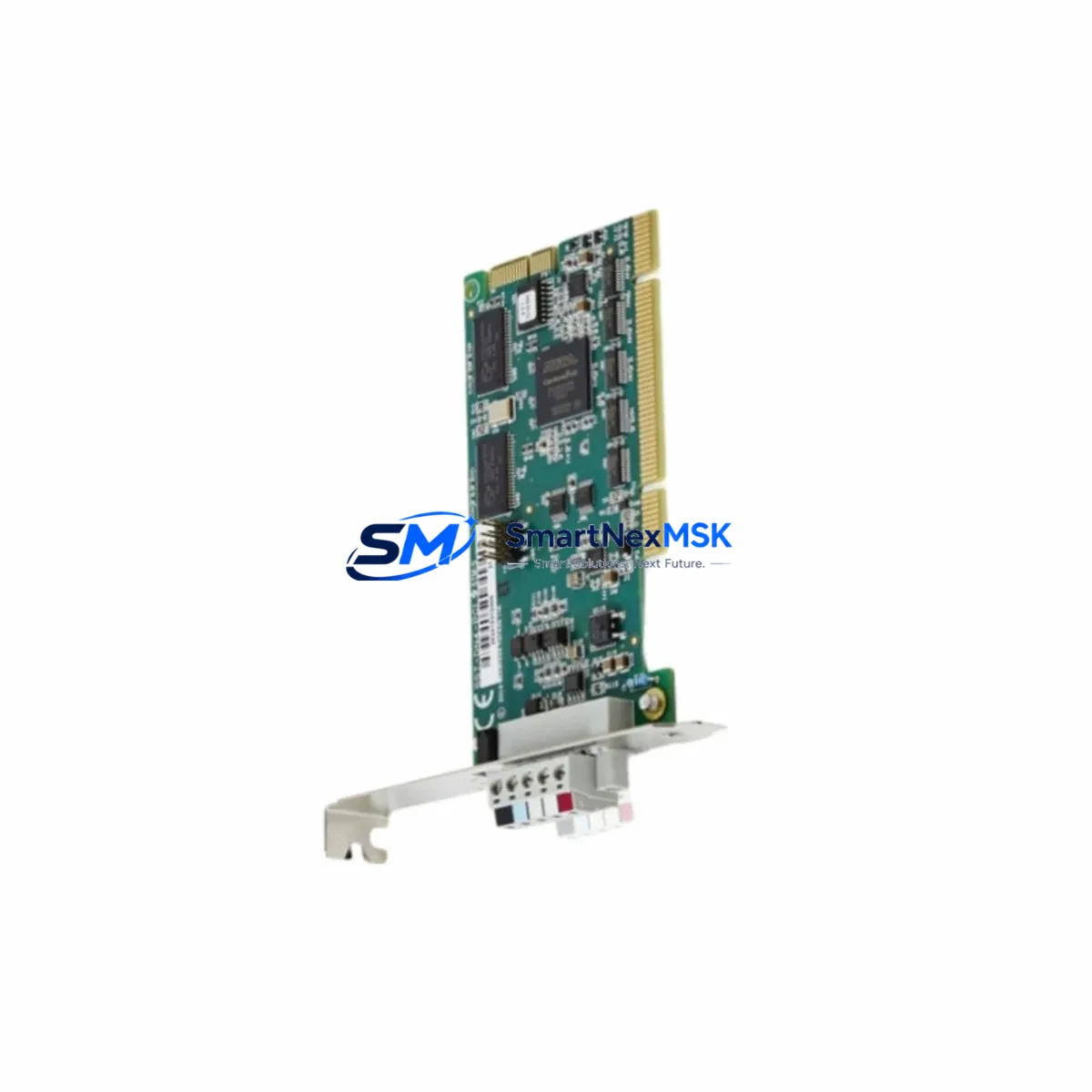
ABB DSQC697 3HAC037084-001 Retrofit-Ready Option Board for IRC5 Control Systems
The ABB DSQC697 (part number 3HAC037084-001) is a factory-tested option board designed for seamless integration into ABB IRC5 robot controller cabinets. As legacy IRC5 systems age and OEM spare parts become increasingly scarce, the DSQC697 serves as a critical retrofit component for engineers managing production continuity, planned upgrades, and emergency replacements across automotive, electronics, and general manufacturing environments. Whether you are replacing a failed board in a single-cabinet IRC5 or executing a multi-cell modernization project, this module delivers the electrical and firmware compatibility required for a smooth, low-risk transition.
Upgrade Compatibility Table
| Parameter | Details |
|---|---|
| Compatible Controller | ABB IRC5 Single Cabinet, Dual Cabinet, Paint Cabinet |
| Part Number | DSQC697 / 3HAC037084-001 |
| Replaces | DSQC679, DSQC680 (earlier IRC5 option board revisions) |
| Backplane Interface | IRC5 internal bus — direct slot-in replacement |
| Communication Compatibility | DeviceNet, PROFIBUS, EtherNet/IP (option-dependent) |
| Installation Requirement | IRC5 main computer DSQC1000 or DSQC639 present; RobotWare 5.x / 6.x |
| Retrofit Recommendation | Verify option board slot assignment in IRC5 cabinet before installation |
| Commissioning Note | System parameters may require re-import via RobotStudio after board swap |
| Warranty | 12 Months — covers manufacturing defects and functional failure |
Retrofit Planning for Existing Automation Systems
Integrating the DSQC697 into an existing IRC5 installation requires a structured pre-swap assessment. Begin by auditing the IRC5 cabinet layout: confirm the main computer module (typically a DSQC1000 or the earlier DSQC639) is operational and that the option board slot targeted for the DSQC697 is physically accessible and correctly addressed in the system configuration. Engineers should also verify the IRC5 power distribution unit (PDU) can supply adequate current to the expanded option board complement — adding or replacing option boards changes the total draw on the 24 VDC internal bus.
Terminal wiring is a frequent source of commissioning delays. If the DSQC697 is being used to restore or upgrade a fieldbus interface — for example, migrating from a legacy PROFIBUS link to EtherNet/IP — the corresponding DSQC688 or DSQC377 fieldbus adapter wiring must be re-terminated to match the new protocol pinout. Document all existing terminal assignments before disconnecting any wiring harness inside the IRC5 cabinet.
For cells where the IRC5 communicates with a DSQC354 conveyor tracking board or a DSQC652 digital I/O module, confirm that the option board address map in the system parameters (accessible via RobotStudio or the IRC5 FlexPendant) does not conflict with the DSQC697 slot assignment. Address conflicts are a common root cause of post-swap faults that appear as X-bus communication errors on the FlexPendant teach pendant.
HMI screens built on the IRC5 FlexPendant or on an external PC-based operator panel linked via the service port should be reviewed for any option-board-specific status displays. If the replaced board previously reported I/O status or fieldbus diagnostics to the HMI, those data bindings must be re-validated after the DSQC697 is installed and the controller is restarted. In multi-robot cells where an IRC5 acts as a master and coordinates with satellite controllers over a DSQC668 network module, the communication link should be tested under load before returning the cell to production.
Customers upgrading from older S4C+ or S4Cplus robot controllers to the IRC5 platform will find that the DSQC697 option board architecture is not backward-compatible with S4C+ backplanes. In these cross-generation migrations, the full IRC5 main computer assembly — including the DSQC1000 computer unit and the DSQC609 power supply — must be in place before the DSQC697 can be commissioned. We stock the complete range of IRC5 internal modules to support full-cabinet retrofits, not just individual board replacements.
Downtime Control During System Migration
Minimizing unplanned downtime during an IRC5 option board replacement starts with preparation, not speed. Before powering down the controller, use RobotStudio to create a full system backup — this captures the RAPID program, system parameters, I/O configuration, and safety settings in a single archive that can be restored to the replacement board environment in minutes. Store the backup on both the IRC5 internal CompactFlash and an external USB drive to eliminate single-point-of-failure risk during the swap.
Schedule the physical board replacement during a planned maintenance window. Power down the IRC5 cabinet using the main switch, wait for the internal capacitors to discharge (typically 60 seconds), then remove the faulty option board from its slot. Install the DSQC697, reseat all connectors, and restore power. On first boot, the IRC5 will detect the new board and may prompt for a system parameter update — accept the update and allow the controller to complete its self-test sequence before attempting to load the RAPID program.
If the cell cannot tolerate even a brief loss of robot motion, consider deploying a pre-configured spare IRC5 cabinet with the DSQC697 already installed and the system backup pre-loaded. This hot-swap approach reduces the production impact to the time required for a controlled robot stop and cabinet changeover — typically under 30 minutes for a prepared team. Once the replacement cabinet is confirmed operational, the original cabinet can be repaired offline without production pressure.
All DSQC697 units shipped by SMARTNEXMSK are powered on and functionally tested prior to dispatch. Each unit is accompanied by a test report confirming successful initialization in an IRC5 environment, reducing the risk of receiving a non-functional board and extending your downtime unnecessarily.
Retrofit Support FAQ
Q1: Is the DSQC697 3HAC037084-001 a direct drop-in replacement for the DSQC679 or DSQC680?
In most IRC5 cabinet configurations, yes. The DSQC697 occupies the same option board slot and uses the same internal bus interface as the DSQC679 and DSQC680. However, you should verify the RobotWare version installed on your IRC5 main computer (DSQC1000 or DSQC639) supports the DSQC697 — RobotWare 5.14 or later is recommended. A system parameter re-import via RobotStudio is advisable after the swap to ensure all option board settings are correctly registered.
Q2: What wiring changes are required when installing the DSQC697?
If you are replacing a like-for-like option board (same function, same slot), no wiring changes are typically required — the existing harness connectors are reused. If the DSQC697 is being installed in a previously empty slot to add new functionality (e.g., adding a fieldbus interface), new wiring from the option board connector to the relevant terminal block or external device will be needed. Always refer to the IRC5 Product Manual (3HAC021313-001) for connector pinout details.
Q3: Can the DSQC697 be used in an IRC5 Paint Cabinet or Compact Cabinet?
Yes. The DSQC697 is compatible with all IRC5 cabinet variants, including the Single Cabinet, Dual Cabinet, Paint Cabinet, and Compact Cabinet, provided the main computer and RobotWare version requirements are met. Confirm the physical slot is available in your specific cabinet configuration before ordering.
Q4: What does the 12-month warranty cover, and how is it claimed?
The 12-month warranty covers manufacturing defects and functional failure under normal operating conditions. It does not cover damage caused by incorrect installation, overvoltage, or physical impact. To initiate a warranty claim, contact [email protected] with your order number and a description of the fault. We will arrange return shipping and either repair or replace the unit at no additional cost within the warranty period.
© 2026 SMARTNEXMSK. All rights reserved.
Original Source: https://smartnexmsk.com
Contact: [email protected] | +86 18259474341



