
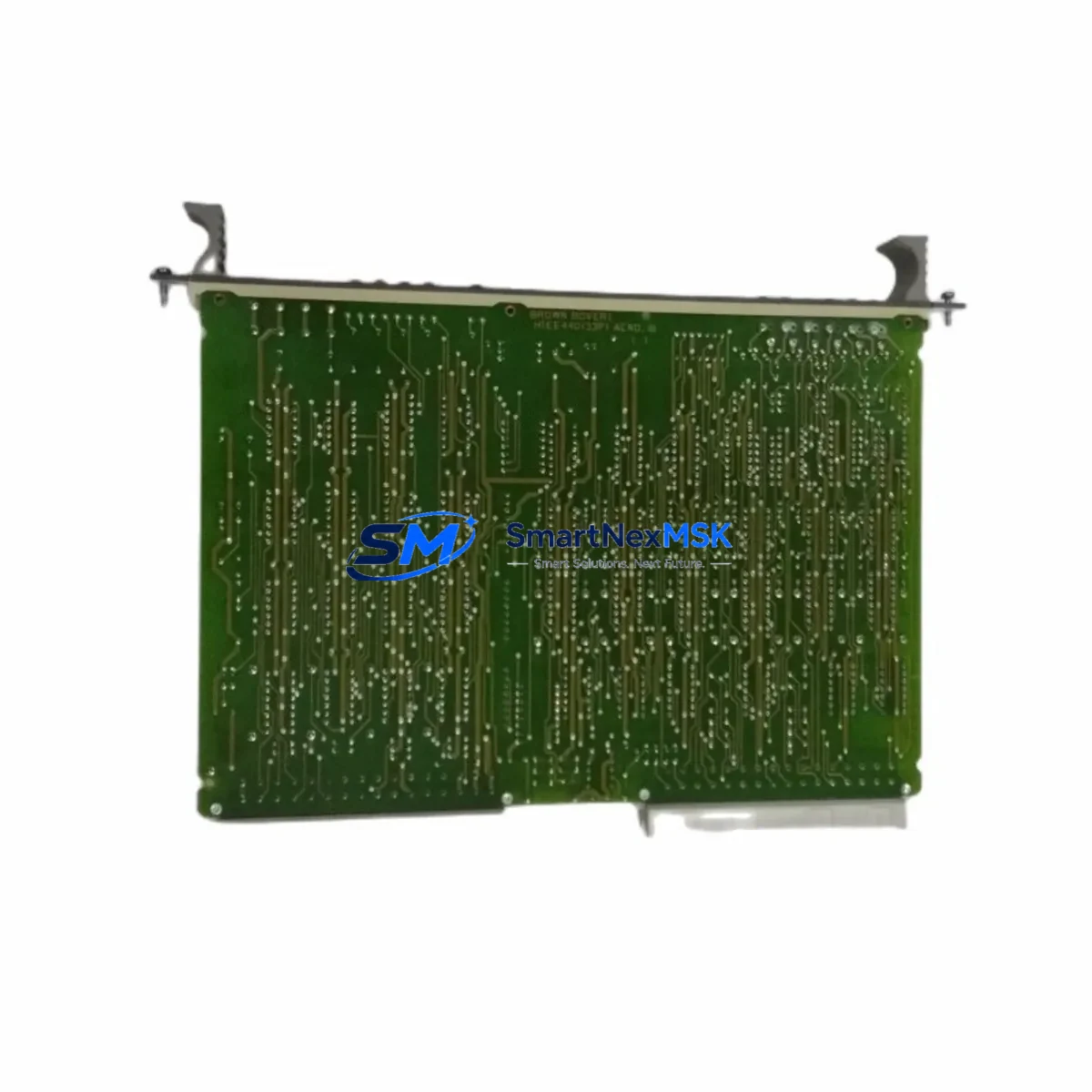
ABB HIEE401091R0002 Retrofit-Ready I/O Card for AC500 Systems: Compatible Upgrade for Legacy Control Modernization
The ABB HIEE401091R0002 GD9924 BE V2 is a high-density I/O extension card engineered for the ABB AC500 PLC platform, one of the most widely deployed modular control architectures in industrial automation. As legacy AC500 installations age and original spare parts become increasingly difficult to source, this module serves as a verified retrofit-ready replacement that enables engineers to restore, upgrade, and future-proof existing control systems without redesigning the entire control cabinet.
Whether you are managing a planned system upgrade, responding to an unplanned failure of a discontinued I/O card, or executing a phased modernization of a multi-rack AC500 installation, the HIEE401091R0002 GD9924 BE V2 provides the electrical compatibility, backplane interface alignment, and firmware recognition required for a smooth transition. It is suitable for applications in power generation, water treatment, building automation, machine control, and process industries where AC500 CPUs such as the PM573, PM583, or PM595 are in active service.
Upgrade Compatibility Table
| Parameter | Details |
|---|---|
| Module SKU | HIEE401091R0002 GD9924 BE V2 |
| Compatible Platform | ABB AC500 PLC Series |
| Compatible CPUs | PM573, PM583, PM591, PM595 and compatible AC500 variants |
| Backplane Interface | AC500 standard I/O bus connector; direct slot insertion |
| Installation Requirement | DIN-rail mounted AC500 rack; no additional adapter required |
| Communication Compatibility | Internal AC500 I/O bus; compatible with PROFIBUS DP, Modbus RTU, and CS31 bus configurations |
| Replacement Recommendation | Direct drop-in for same-series I/O extension cards; verify module address assignment in Automation Builder |
| Commissioning Notes | Confirm I/O channel mapping, terminal wiring polarity, and CPU firmware version prior to power-on |
| Warranty | 12-Month Warranty — covers manufacturing defects and functional failure under normal operating conditions |
Retrofit Planning for Existing Automation Systems
A successful retrofit of the HIEE401091R0002 GD9924 BE V2 into an existing AC500 installation requires systematic pre-work across several engineering disciplines. Before removing the failed or obsolete card, engineers should document the full rack configuration, including the positions of all installed modules such as the TB511-ETH communication interface module, any DC532 or DC522 digital I/O modules occupying adjacent slots, and the AI523 or AO523 analog I/O modules that may share the same I/O bus segment.
Power supply capacity is a critical verification step. The AC500 system power supply — typically a PS501 or PS560 series unit — must have sufficient headroom to support the replacement module’s current draw alongside all other installed modules. Overloading the internal bus supply is a common cause of intermittent faults after retrofit work. Confirm the total current budget in the hardware configuration tool within ABB Automation Builder before proceeding.
Terminal wiring must be carefully mapped before disconnection. Each I/O channel’s field wiring — including signal commons, shielding connections, and any 24 VDC field supply rails — should be labeled and photographed. The HIEE401091R0002 uses the same terminal block pitch as other AC500 I/O cards, but wiring polarity and channel-to-terminal mapping must be verified against the original project documentation or the existing wiring diagram.
Module address configuration is handled through the hardware configuration in Automation Builder. When inserting the replacement card into the same rack slot, the software will typically recognize the module type automatically, but engineers should confirm that the GSD file or device description matches the GD9924 BE V2 firmware revision. If the system also includes a CI590-CS31-HA CS31 bus coupler or a CI501-PNIO PROFINET adapter, verify that the I/O address ranges do not conflict after the module swap.
HMI screens connected to the AC500 CPU — whether running on a CP600 series panel or a third-party SCADA system via OPC-UA — should be reviewed to confirm that all I/O tags mapped to the replaced card remain valid. Tag name mismatches or address shifts can cause alarm suppression or incorrect process visualization after the retrofit.
Downtime Control During System Migration
Minimizing production downtime during an AC500 I/O card replacement requires a structured approach. Begin by creating a full backup of the CPU program using ABB Automation Builder’s project archive function. This preserves the complete application logic, hardware configuration, variable declarations, and communication settings, ensuring that the original program can be restored immediately if the retrofit encounters an unexpected issue.
Where process conditions allow, perform a controlled shutdown rather than an emergency stop. This allows the CPU to execute end-of-cycle logic, close open control loops gracefully, and place field devices in a safe state before power is removed from the rack. For systems with a redundant power supply arrangement, the secondary supply should remain active during the card swap to maintain CPU operation and communication link continuity on unaffected I/O segments.
After installing the HIEE401091R0002 GD9924 BE V2, perform a cold restart of the CPU and monitor the diagnostic buffer in Automation Builder for any hardware fault messages. Verify each I/O channel individually using the force function before returning the system to automatic mode. Document the commissioning results, including channel test readings, communication status, and any parameter changes made during the retrofit, to support future maintenance and audit requirements.
All units supplied by SMARTNEXMSK are subject to pre-shipment functional testing and are covered by a 12-month warranty against manufacturing defects. Inventory is maintained in stock for fast dispatch, supporting urgent breakdown recovery scenarios where extended lead times from the original manufacturer are not acceptable.
Retrofit Support FAQ
Q1: Is the HIEE401091R0002 GD9924 BE V2 a direct replacement for the original ABB AC500 I/O extension card?
Yes. The HIEE401091R0002 GD9924 BE V2 is designed as a compatible replacement for the same-series AC500 I/O extension cards. It uses the same backplane connector, occupies the same rack slot footprint, and is recognized by the AC500 CPU hardware configuration without requiring changes to the application program, provided the module address and I/O channel mapping remain consistent with the original installation.
Q2: What commissioning steps are required after installing the replacement module?
After physical installation, perform a CPU cold restart and verify the hardware configuration in ABB Automation Builder. Check the diagnostic buffer for fault codes, confirm all I/O channels are mapped correctly, and use the force function to test each channel before returning to automatic operation. If the system uses a CI590-CS31-HA or CI501-PNIO communication adapter, verify that the communication link is re-established and that all remote I/O nodes are online.
Q3: How do I verify terminal wiring compatibility before replacing the module?
Refer to the original project wiring diagram and the AC500 I/O module terminal assignment documentation. The HIEE401091R0002 uses the standard AC500 terminal block pitch. Label all field wiring before disconnection, verify signal commons and shielding connections, and confirm 24 VDC field supply rail continuity. If original documentation is unavailable, use a multimeter to map each terminal before removal.
Q4: What does the 12-month warranty cover, and how is it claimed?
The 12-month warranty covers manufacturing defects and functional failure under normal operating conditions from the date of shipment. To initiate a warranty claim, contact SMARTNEXMSK at [email protected] with the order reference, module serial number, and a description of the fault. Replacement or repair will be arranged promptly to minimize system downtime.
© 2026 SMARTNEXMSK. All rights reserved.
Original Source: https://smartnexmsk.com
Contact: [email protected] | +86 18259474341



