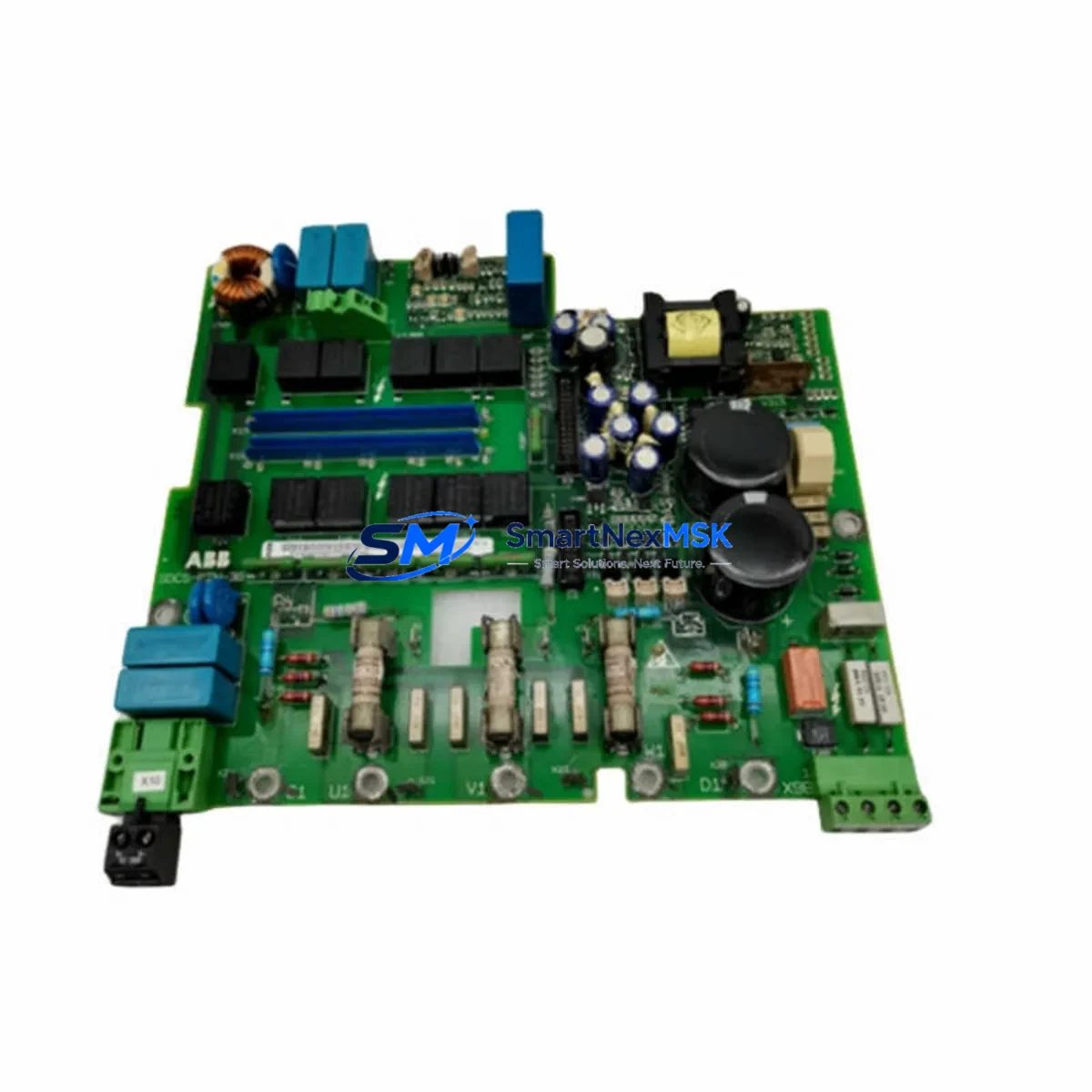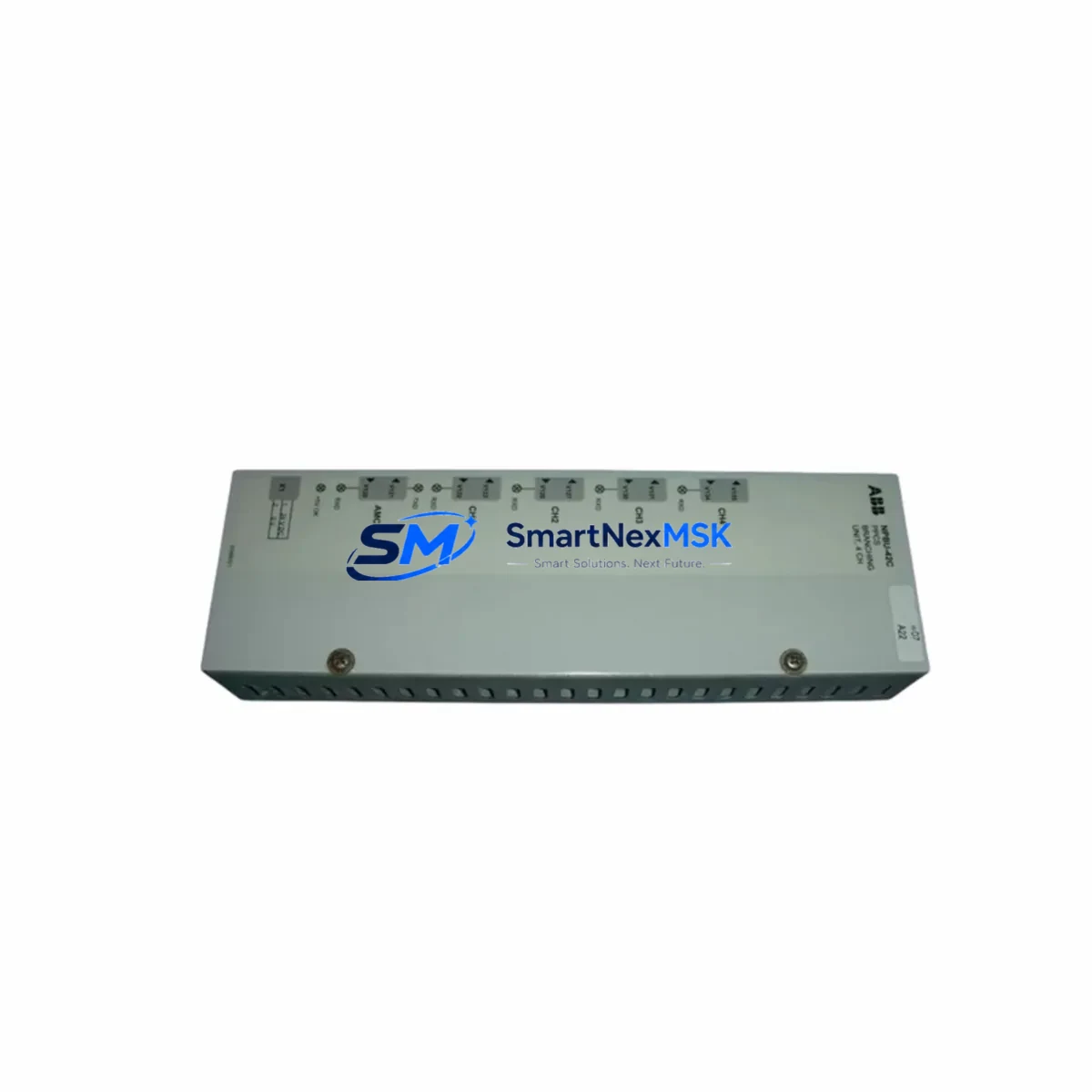
ABB NPBU-42C Maintenance-Ready Spare for AC500 Automation
The ABB NPBU-42C is a fieldbus communication module designed for the ABB AC500 PLC platform, supporting both PROFIBUS DP and CANopen network protocols. As a maintenance-ready original spare part, the NPBU-42C is a critical component for industrial automation engineers managing aging AC500 control systems, distributed I/O architectures, and multi-node fieldbus networks. Whether you are executing a planned shutdown inspection, responding to an unplanned communication fault, or building a strategic spare parts inventory, the NPBU-42C ensures your AC500 system can be restored to full operational status with minimal downtime.
Sourced as a genuine ABB original component, each unit undergoes functional testing prior to shipment. A 12-month warranty is included, covering manufacturing defects and operational failures under normal industrial conditions. Our supply chain supports long-term procurement for maintenance teams managing legacy AC500 installations where OEM lead times are no longer reliable.
Spare Maintenance Table
| Parameter | Specification |
|---|---|
| Part Number / SKU | NPBU-42C |
| Brand | ABB |
| Series | AC500 PLC Platform |
| Module Type | Fieldbus Communication Module |
| Supported Protocols | PROFIBUS DP, CANopen |
| Compatible CPUs | AC500 PM5xx / PM5xx-ETH series |
| Mounting | Direct plug-in to AC500 CPU or communication bus |
| Operating Voltage | Supplied via AC500 backplane bus (3.3 V / 5 V internal) |
| Operating Temperature | -25°C to +60°C |
| Protection Rating | IP20 (panel-mount installation) |
| Country of Origin | Germany |
| Weight | Approx. 200 g |
| Application Environment | Industrial control cabinets, process automation, machine control |
| Compatibility Verification | Compatible with AC500 V2 and V3 CPU modules; confirm firmware revision before installation |
| Maintenance Recommendation | Inspect connector pins and bus interface annually; replace if communication errors persist after firmware reset |
| Warranty | 12 Months — covers manufacturing defects and operational failure under normal use |
| Pre-shipment Testing | Functional communication test performed on every unit |
Maintenance Planning for Continuous Operation
When a fieldbus communication fault is traced to the NPBU-42C, experienced maintenance engineers know that the module rarely fails in isolation. A systematic inspection of the surrounding control cabinet components is essential to prevent repeat failures and ensure a stable return to production.
Begin by verifying the AC500 CPU module — typically a PM564-ETH or PM573-ETH — for firmware integrity and bus configuration. A corrupted CPU configuration can cause the NPBU-42C to report communication errors even after replacement. Next, inspect the TB521-ETH terminal base or equivalent mounting base for damaged bus connectors or oxidized contacts, as poor backplane contact is a common root cause of intermittent fieldbus faults.
On the PROFIBUS segment, check the PROFIBUS DP cable termination resistors at both ends of the network. Missing or failed termination is a leading cause of communication instability that can be misdiagnosed as a module failure. If the system uses CANopen, verify the CANopen network termination and inspect the baud rate settings on all connected nodes.
Power supply integrity is equally critical. Inspect the ABB CP-E 24/10.0 or equivalent 24 VDC power supply module feeding the control cabinet. Voltage ripple or transient dips can corrupt fieldbus communication frames and trigger module faults. A 24 VDC surge protection device on the supply rail is recommended if not already installed.
For distributed I/O architectures, review the AC500 S500 I/O modules connected downstream on the fieldbus — including digital input modules such as the DC532 and analog output modules such as the DA501. A failed I/O module can cause bus address conflicts that appear as NPBU-42C faults in the diagnostic log. Similarly, inspect any signal isolators or galvanic separators on analog signal loops connected to the I/O tier, as ground loops can introduce noise that degrades fieldbus signal quality.
If the system includes an ABB CP600 or CP620 HMI panel communicating over the same fieldbus segment, verify that the HMI polling rate is not saturating the bus bandwidth. Overloaded PROFIBUS segments are a known cause of intermittent communication timeouts on AC500 systems.
Finally, inspect the control cabinet wiring harness for chafed insulation, loose ferrules on terminal blocks, and any signs of heat damage near the power supply or relay outputs. A complete cabinet inspection at the time of NPBU-42C replacement is the most cost-effective way to prevent the next unplanned shutdown.
Site Replacement Workflow
Step 1 — Isolate and document: Before removing the NPBU-42C, record the current fieldbus node address, baud rate, and network configuration using the AC500 engineering software (Automation Builder or PS501 Control Builder Plus). Export the project backup to a USB drive or engineering workstation.
Step 2 — Power down safely: Follow your site lockout/tagout (LOTO) procedure. De-energize the AC500 CPU and allow the backplane bus to discharge before handling the module.
Step 3 — Remove and inspect: Extract the NPBU-42C from the CPU slot. Inspect the bus connector on both the module and the terminal base for bent pins, corrosion, or debris. Clean with isopropyl alcohol if required.
Step 4 — Install the replacement: Insert the new NPBU-42C firmly into the designated slot. Ensure the module is fully seated and the locking tab is engaged. Do not force the module — misalignment will damage the backplane connector.
Step 5 — Restore configuration: Power up the system and restore the fieldbus configuration via Automation Builder. Verify that the node address and baud rate match the original settings. Perform a full network scan to confirm all downstream devices are communicating correctly.
Step 6 — Functional verification: Run a complete I/O check on all fieldbus-connected devices. Monitor the diagnostic buffer in the AC500 CPU for any residual communication errors. Document the replacement in your maintenance log with the date, technician name, and new module serial number.
This workflow minimizes downtime, preserves system compatibility, and provides a clear audit trail for maintenance records and warranty claims.
Spare Parts Support FAQ
Q1: Is the NPBU-42C compatible with both AC500 V2 and V3 CPU modules?
The NPBU-42C is designed for the AC500 platform and is generally compatible with both V2 and V3 CPU generations. However, firmware revision compatibility should always be verified against the ABB AC500 compatibility matrix before installation, particularly for V3 CPUs running the latest Automation Builder firmware. Contact our technical team with your CPU part number and firmware version for a pre-sale compatibility confirmation.
Q2: What does the 12-month warranty cover, and how is it claimed?
The 12-month warranty covers manufacturing defects and operational failures under normal industrial operating conditions. It does not cover damage caused by incorrect installation, overvoltage events, or physical impact. To initiate a warranty claim, contact [email protected] with your order number, a description of the fault, and any available diagnostic data from the AC500 CPU. Replacement units are dispatched after fault verification.
Q3: How do you verify the module before shipment?
Every NPBU-42C unit is subjected to a functional communication test on an AC500 test bench prior to packaging. The test confirms that both PROFIBUS DP and CANopen interfaces are operational and that the module is recognized correctly by the AC500 CPU. A test report is available upon request for quality-critical procurement processes.
Q4: Can you support long-term or blanket purchase orders for ongoing maintenance programs?
Yes. We support long-term supply agreements for maintenance teams managing multiple AC500 installations or operating in industries with strict spare parts inventory requirements. Contact [email protected] or call +86 18259474341 to discuss volume pricing, reserved stock arrangements, and scheduled delivery programs tailored to your maintenance calendar.
© 2026 SMARTNEXMSK. All rights reserved.
Original Source: https://smartnexmsk.com
Contact: [email protected] | +86 18259474341