
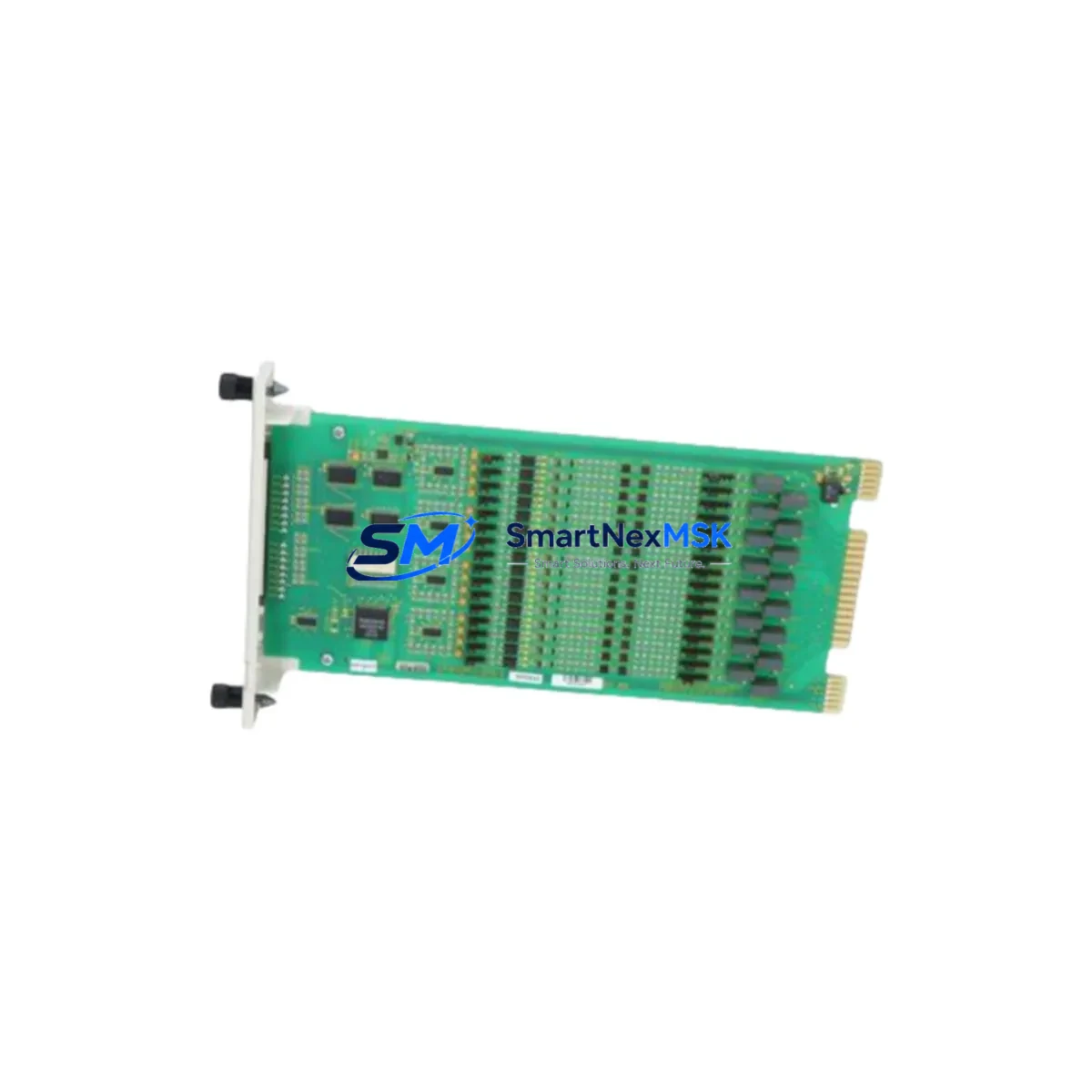
ABB SPDS122 Maintenance-Ready Spare for Advant Automation
The ABB SPDS122 is a 16-channel 24 VDC digital input module designed for the Advant Controller series — including the AC450 and AC410 — operating within the S100 I/O bus architecture. As a maintenance-ready original spare, the SPDS122 is a critical component for any facility running ABB Advant-based distributed control systems. Unplanned downtime caused by a failed digital input module can halt an entire production line; having a verified, tested replacement on the shelf is the most effective insurance against extended outages.
For maintenance engineers and spare parts procurement teams, the SPDS122 represents a direct, plug-compatible replacement for aging or failed units in the field. Its 16-channel capacity handles discrete field signals from limit switches, proximity sensors, pushbuttons, and process interlocks — making it indispensable in continuous process industries such as pulp and paper, power generation, chemical processing, and water treatment. Each unit shipped by SMARTNEXMSK undergoes pre-shipment functional verification and is backed by a 12-month warranty.
Spare Maintenance Table
| Parameter | Specification |
|---|---|
| Part Number | SPDS122 |
| Manufacturer | ABB |
| Series | Advant S100 I/O |
| Compatible Controllers | AC450, AC410, AC460 |
| Module Type | 16-Channel Digital Input |
| Input Voltage | 24 VDC |
| Signal Type | Discrete / Binary |
| Bus Interface | S100 I/O Bus |
| Mounting | S100 I/O Rack / Backplane |
| Origin | Germany |
| Condition | Original, New or Refurbished-Tested |
| Pre-Shipment Test | Yes — functional verification |
| Warranty | 12 Months |
| Application Environment | Industrial DCS, Process Automation |
| Maintenance Role | Direct hot-swap replacement for failed DI modules |
Maintenance Planning for Continuous Operation
When a SPDS122 digital input module fails or shows intermittent signal faults, experienced maintenance engineers know that the root cause is rarely isolated to a single component. A thorough site inspection and replacement workflow should extend to the surrounding system to prevent repeat failures and ensure stable operation after the module swap.
Begin by inspecting the S100 I/O backplane and rack connector for corrosion, bent pins, or loose seating — a degraded backplane can cause recurring module faults even after a new SPDS122 is installed. Check the SPDS122’s field wiring terminal block for loose connections, insulation breakdown, or moisture ingress, particularly in humid or outdoor-adjacent cabinet environments.
On the power supply side, verify that the ABB SSPB111 or SSPB121 S100 power supply module is delivering stable 24 VDC within tolerance. An under-voltage condition is a common but overlooked cause of digital input misreads and module resets. If the cabinet houses multiple I/O racks, also check the SSRB111 rack bus coupler for proper termination and signal integrity.
For the controller side, confirm that the AC450 or AC410 processor module — such as the DSPC110 or DSPC172 — is reading the new module correctly after insertion. A forced I/O scan or cold restart may be required to re-initialize the channel map. If the system uses a DSDP170 communication module or DSCS140 serial interface for supervisory data exchange, verify that the I/O configuration database reflects the replacement module’s slot address.
In parallel, inspect adjacent modules in the same rack: the SPDO111 or SPDO121 digital output modules share the same bus and power rail, and a shorted output channel can stress the shared 24 VDC supply, indirectly affecting input module performance. Similarly, check any installed SPAI110 or SPAI120 analog input modules for drift or calibration alarms that may have been masked by the digital fault.
For facilities managing long-term Advant system life extension, it is advisable to maintain a minimum buffer stock of one SPDS122 per active rack, alongside spares for the SPDP110 digital output module, SSPB111 power supply, and at least one processor module. This spare parts matrix approach — aligned with your planned maintenance intervals — is the most cost-effective strategy for avoiding unplanned shutdowns in legacy DCS environments.
Site Replacement Workflow
Step 1 — Isolate and document: Before removing the failed SPDS122, record the slot address, channel assignments, and any active alarms in the DCS historian or operator station. Take a photo of the wiring terminal block for reference during reinstallation.
Step 2 — Power-down procedure: Follow your site’s lockout/tagout (LOTO) procedure for the affected I/O rack. For hot-swap capable racks, confirm with your ABB Advant system documentation whether the SPDS122 supports live insertion — some S100 rack configurations require a rack power cycle.
Step 3 — Module extraction: Release the module locking lever, disconnect the field wiring terminal block, and slide the SPDS122 out of the rack slot. Inspect the backplane connector on the extracted module for burn marks or mechanical damage to confirm the failure mode.
Step 4 — Install replacement: Seat the new SPDS122 firmly into the rack slot until the locking lever engages. Reconnect the field wiring terminal block, ensuring all 16 channels are correctly terminated per the original wiring diagram.
Step 5 — System verification: Restore power and perform a forced I/O scan from the AC450/AC410 engineering workstation. Verify that all 16 input channels report correct states against known field conditions. Clear any residual alarms and document the replacement in the site maintenance log.
This workflow minimizes mean time to repair (MTTR) and ensures the replacement module is fully validated before returning the process loop to automatic control.
Spare Parts Support FAQ
Q1: Is the SPDS122 supplied as a new original or refurbished unit?
SMARTNEXMSK supplies both new original and professionally refurbished-tested SPDS122 units. All refurbished units undergo full functional testing on an S100 I/O test bench before shipment. The condition is clearly stated on the order confirmation, and both variants carry a 12-month warranty.
Q2: How do I confirm compatibility with my specific Advant controller version?
The SPDS122 is compatible with all standard S100 I/O rack configurations used with the AC450, AC410, and AC460 controller families. If your system uses a non-standard rack or a modified I/O bus configuration, please share your system’s hardware configuration report (from the ABB Advant engineering tool) with our technical team at [email protected] for confirmation before ordering.
Q3: What is the recommended spare parts stocking strategy for Advant DCS systems?
For facilities with 3 or more active S100 I/O racks, we recommend maintaining at least one SPDS122 per rack type in your on-site spare parts inventory. For critical process lines, a 2:1 spare ratio is advisable. Combine this with spares for your power supply modules and processor cards to cover the most common failure modes in aging Advant installations.
Q4: What does the 12-month warranty cover, and what is the return process?
The 12-month warranty covers manufacturing defects and functional failures under normal operating conditions. It does not cover damage caused by incorrect installation, overvoltage events, or physical mishandling. In the event of a warranty claim, contact [email protected] with your order number and a description of the fault. We will arrange a replacement shipment or repair at no additional cost within the warranty period.
© 2026 SMARTNEXMSK. All rights reserved.
Original Source: https://smartnexmsk.com
Contact: [email protected] | +86 18259474341



