
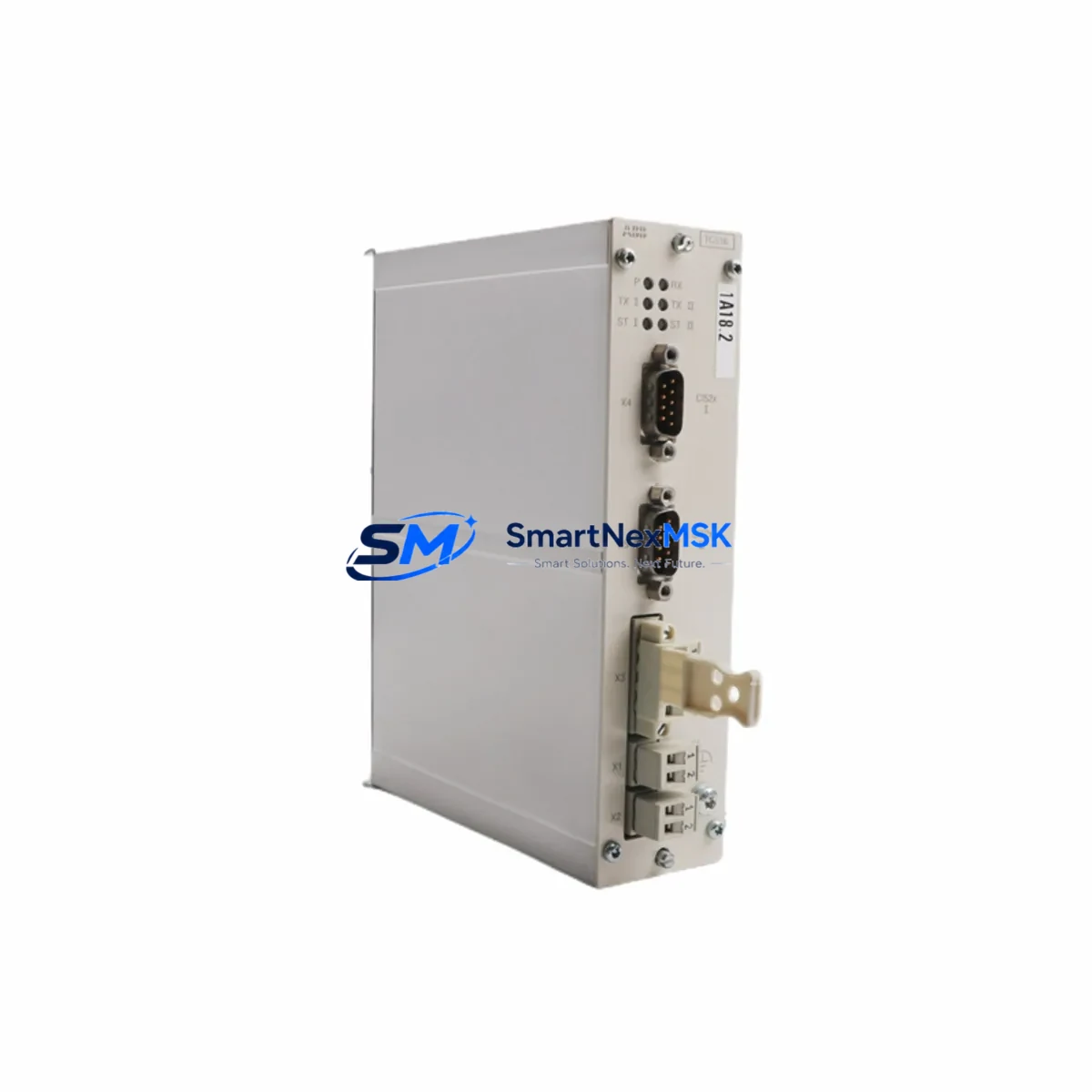
ABB TC516 3BSE012632R1 Retrofit-Ready Twisted Pair Modem for AC500 Control Systems
The ABB TC516 (part number 3BSE012632R1) is a twisted pair modem communication module designed for the ABB AC500 PLC platform. As legacy AC500 installations age and original communication modules reach end-of-life, the TC516 3BSE012632R1 has become a critical retrofit component for engineers tasked with modernizing distributed control architectures without replacing the entire control cabinet. This module supports point-to-point and multi-drop serial communication over twisted pair cabling, making it a reliable bridge between legacy field devices and modern supervisory systems.
Whether you are replacing a failed unit on an active production line, upgrading a control cabinet to extend its operational lifespan, or migrating from an older ABB communication protocol to a more maintainable topology, the TC516 3BSE012632R1 delivers the compatibility and reliability that industrial environments demand. SMARTNEXMSK maintains verified stock of this module, fully tested prior to shipment, and backed by a 12-month warranty.
Upgrade Compatibility Table
| Parameter | TC516 3BSE012632R1 | Notes |
|---|---|---|
| Compatible Platform | ABB AC500 PLC Series | PM571, PM581, PM591, PM595 CPUs |
| Communication Type | Twisted Pair Serial Modem | Point-to-point and multi-drop topologies |
| Backplane Interface | AC500 S500 I/O Bus | Direct slot insertion, no adapter required |
| Installation Method | DIN rail / rack mount | Compatible with TB511, TB521 terminal bases |
| Wiring Compatibility | Existing twisted pair field wiring retained | Verify terminal polarity before power-on |
| Protocol Support | ABB serial communication protocol | Confirm firmware version on host CPU |
| Replacement Recommendation | Direct drop-in for failed or EOL TC516 units | No hardware modification required |
| Commissioning Focus | Module address, baud rate, parity settings | Match original configuration via PS501 or Automation Builder |
| Warranty | 12 Months | Covered from date of shipment |
Retrofit Planning for Existing Automation Systems
Successful retrofit of the TC516 3BSE012632R1 into an existing AC500 control system requires a structured approach that accounts for both hardware and software dependencies. Before removing the failed or obsolete module, engineers should document the current rack configuration, including the slot position of the TC516 relative to adjacent I/O modules such as the DC532 digital input module or the AX522 analog I/O module. The TB521 terminal base used with the TC516 must be inspected for terminal wear and correct wiring polarity, as reversed twisted pair connections are a common source of commissioning delays.
On the software side, the host CPU — typically a PM581 or PM591 — must have its communication channel parameters recorded before the swap. These include the module address assigned in the hardware configuration within ABB Automation Builder or the legacy PS501 Control Builder environment. If the existing program uses function blocks that reference the TC516 by slot address, those references must be verified to remain valid after reinsertion. In systems where the TC516 serves as the communication link to a remote I/O station using the CI590 PROFIBUS DP coupler or a CS31 bus coupler, the downstream device list and polling cycle must be re-validated post-installation.
For control cabinets that also house a CP600 HMI panel or a third-party SCADA interface, the communication link between the HMI and the AC500 CPU must be tested independently after the TC516 is replaced. HMI screen tags that reference process values transmitted through the modem channel should be verified for correct data mapping. In multi-rack configurations using the TA526 expansion rack and TB526 bus terminal, the rack addressing scheme must be confirmed to ensure the replaced TC516 is recognized at the correct logical address by the master CPU.
Power budget verification is also essential. The AC500 backplane distributes 5 VDC and 24 VDC to installed modules. Adding or replacing a TC516 in a fully populated rack — particularly one that also contains a CM589 Ethernet module or a CI501 PROFIBUS module — requires confirming that the total current draw does not exceed the capacity of the installed PM power supply module. SMARTNEXMSK recommends performing a full rack power audit as part of any retrofit planning checklist.
Downtime Control During System Migration
Minimizing unplanned downtime during a TC516 3BSE012632R1 replacement is achievable with proper pre-staging. Before the maintenance window opens, the replacement module should be bench-tested using a spare AC500 CPU or a test rack to confirm firmware compatibility and basic communication function. The original program backup — exported from Automation Builder or PS501 — should be stored on a local engineering laptop and verified for completeness, including all hardware configuration files and symbol tables.
During the physical swap, the control system should be placed in a safe state with all outputs de-energized and field devices confirmed in their fail-safe positions. The TC516 can be removed and reinserted without tools in most AC500 rack configurations, but the terminal base wiring should be photographed before disconnection to ensure accurate reconnection. After reinsertion, the CPU should be powered up in STOP mode, the hardware configuration downloaded, and communication parameters verified before switching to RUN mode.
For systems where continuous operation is critical, a parallel communication path using a temporary CI590 or CI501 module can maintain field device connectivity while the TC516 is being replaced. This approach is particularly effective in process control applications where a communication interruption would trigger a process shutdown. Once the new TC516 is confirmed operational, the temporary parallel path can be removed and the system returned to its normal communication topology. All changes should be documented in the site maintenance log, and a post-retrofit functional test should be conducted across all I/O points and HMI screens before handing the system back to operations.
Retrofit Support FAQ
Q1: Is the TC516 3BSE012632R1 a direct replacement for an existing TC516 unit in my AC500 rack?
Yes. The TC516 3BSE012632R1 is a direct drop-in replacement for any existing TC516 module installed in an AC500 S500 rack using a TB521 terminal base. No hardware modification or adapter is required. The module address and communication parameters configured in the original hardware configuration remain valid and do not need to be changed, provided the replacement module is inserted into the same rack slot.
Q2: What commissioning steps are required after installing the TC516 3BSE012632R1?
After physical installation, download the existing hardware configuration from Automation Builder or PS501 to the CPU in STOP mode. Verify that the TC516 is recognized at the correct slot address in the hardware tree. Confirm baud rate, parity, and stop bit settings match the connected field device or remote station. Switch the CPU to RUN mode and monitor the communication status LEDs on the TC516 for normal operation. Test all data points transmitted through the modem channel before returning the system to production.
Q3: How do I verify wiring compatibility when replacing the TC516?
The TC516 uses a twisted pair interface with defined terminal assignments on the TB521 terminal base. Before disconnecting the existing wiring, photograph or document the terminal connections. Verify twisted pair polarity (A/B or +/−) against the field cable documentation. After reconnection, use a continuity tester to confirm end-to-end wiring integrity before powering the system. Incorrect polarity is the most common cause of communication failure after a module replacement.
Q4: What warranty coverage is provided with the TC516 3BSE012632R1 from SMARTNEXMSK?
Every TC516 3BSE012632R1 shipped by SMARTNEXMSK is covered by a 12-month warranty from the date of shipment. Each unit undergoes pre-shipment functional testing to verify communication interface integrity and backplane connector condition. In the event of a warranty claim, SMARTNEXMSK provides a replacement unit or full refund based on the confirmed defect. Contact our technical team at [email protected] or +86 18259474341 for warranty support.
© 2026 SMARTNEXMSK. All rights reserved.
Original Source: https://smartnexmsk.com
Contact: [email protected] | +86 18259474341



