ADLink cPCI-6930D/2418/M6G Maintenance-Ready Spare for cPCI-6930 Automation
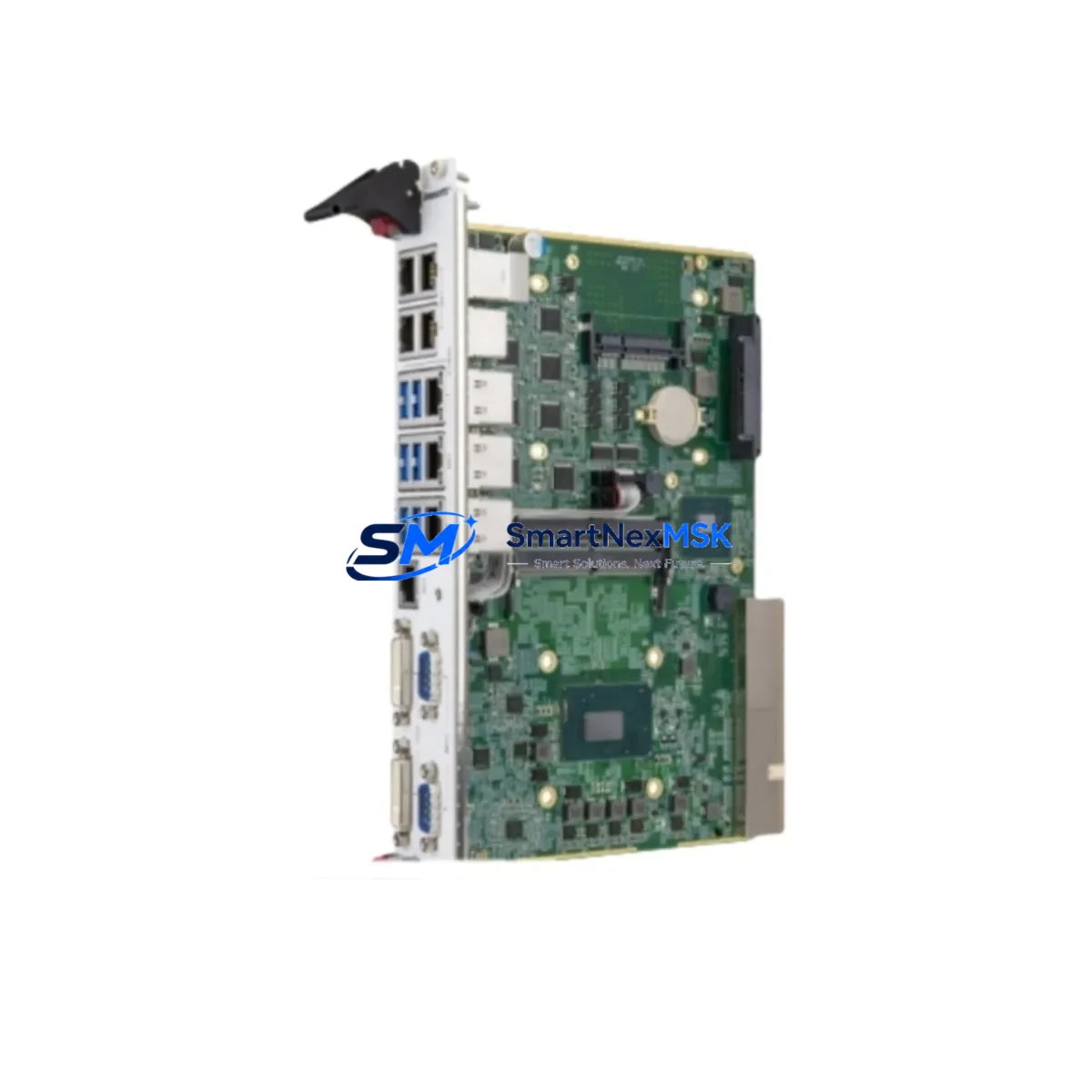
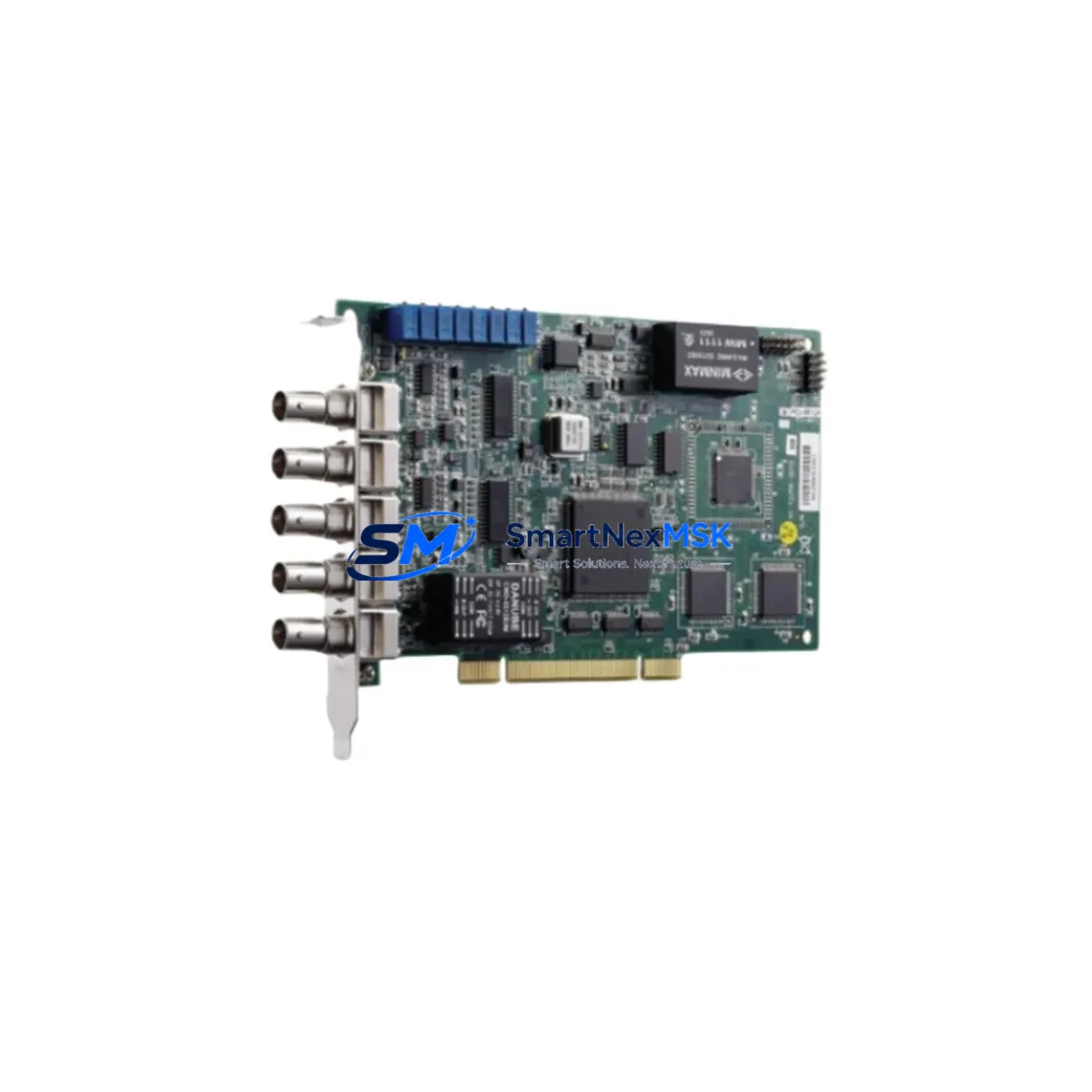
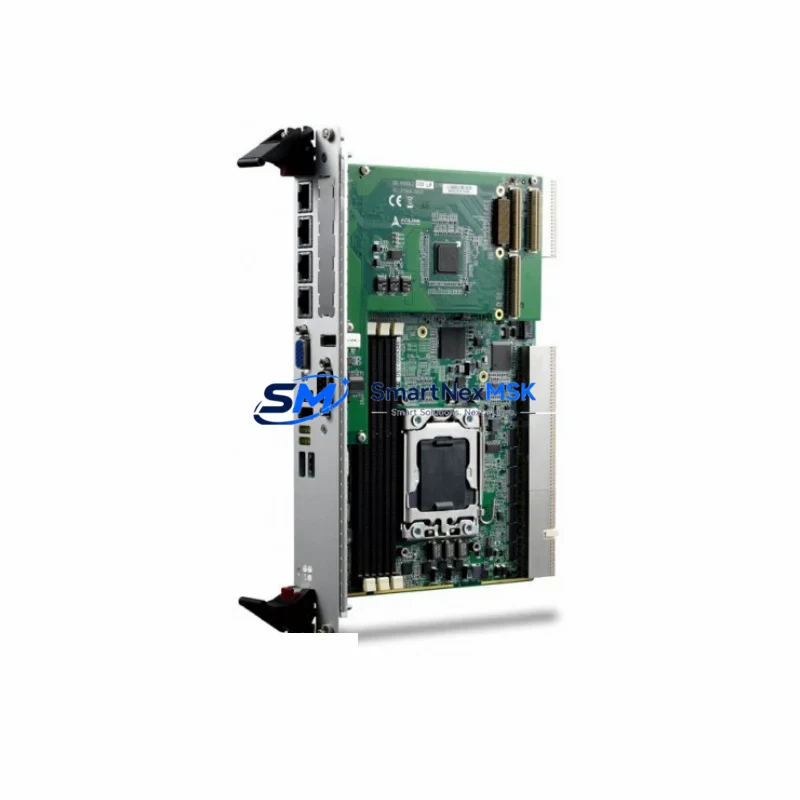
The ADLink cPCI-6930D/2418/M6G is a high-performance CompactPCI single-board computer (SBC) designed for demanding industrial automation environments. As a maintenance-ready original spare, this unit is sourced, inspected, and dispatched to support rapid field replacement and minimize unplanned downtime in production lines, process control systems, and legacy automation cabinets. Whether you are managing a scheduled overhaul or responding to an unexpected board failure, having a verified cPCI-6930D/2418/M6G in your spare parts inventory is a critical risk-mitigation strategy for any facility running ADLink cPCI-6930 Series-based control architectures.
Maintenance engineers and procurement teams working with CompactPCI platforms understand that a single failed SBC can cascade into hours or days of production loss. The cPCI-6930D/2418/M6G integrates a dual-core Intel Core 2 Duo processor with up to 4 GB DDR2 ECC memory, dual GbE ports, and a full suite of I/O interfaces — making it a versatile controller node in both standalone and multi-slot cPCI chassis configurations. Its compatibility with the broader cPCI-6930 Series ensures drop-in replacement without firmware re-engineering or chassis modification, preserving system integrity during emergency swap-outs.
Spare Maintenance Table
| Parameter | Specification / Detail |
|---|---|
| SKU / Part Number | cPCI-6930D/2418/M6G |
| Brand | ADLink Technology |
| Series | cPCI-6930 Series |
| Form Factor | CompactPCI (3U), 6HP |
| Processor | Intel Core 2 Duo T7400 (2.16 GHz, Dual-Core) |
| Memory | Up to 4 GB DDR2 ECC SO-DIMM |
| Storage Interface | SATA, CompactFlash |
| Network | Dual Gigabit Ethernet (GbE) |
| I/O Interfaces | USB 2.0 × 4, RS-232/422/485, VGA, PS/2 |
| Bus Interface | CompactPCI 32-bit / 33 MHz |
| Operating Temperature | 0°C to 60°C (standard); -40°C to 85°C (extended, config-dependent) |
| Power Input | +5V / +3.3V via cPCI backplane |
| OS Compatibility | Windows XP/7/10, Linux, VxWorks, QNX |
| Compatibility | ADLink cPCI-6930 Series chassis and backplanes |
| Origin | Taiwan |
| Product Condition | Original, New or Refurbished-to-Spec |
| Pre-shipment Testing | Full power-on and functional verification |
| Warranty | 12 Months |
| Lead Time | In-stock units ship within 3–5 business days |
Maintenance Planning for Continuous Operation
When replacing the cPCI-6930D/2418/M6G in a live control cabinet, a disciplined maintenance engineer will not stop at the SBC itself. The surrounding subsystems must be inspected and validated to ensure the replacement board operates correctly and that the root cause of the original failure is not propagated to the new unit.
Start with the cPCI backplane — inspect all slot connectors for oxidation, bent pins, or thermal damage. A degraded backplane can deliver unstable power or corrupt the bus, causing premature failure of a new SBC. Next, verify the cPCI chassis power supply output rails (+5V, +3.3V, +12V) with a calibrated meter; voltage sag or ripple exceeding specification is a common but overlooked cause of SBC instability. If the chassis uses a redundant PSU configuration, test both units independently.
Inspect all DDR2 ECC SO-DIMM memory modules seated in the replacement board before installation — ECC memory errors in industrial environments are often caused by vibration-induced contact degradation rather than module failure. For systems running real-time OS environments such as VxWorks or QNX, confirm that the BIOS/firmware version on the replacement cPCI-6930D/2418/M6G matches the production system to avoid driver incompatibility.
On the I/O side, check all RS-232/422/485 serial communication cables and terminal connectors routed from the SBC to field devices such as PLCs, drives, or remote I/O nodes. Corroded or loose DB9/DB15 connectors are a frequent source of intermittent communication faults that are misdiagnosed as SBC failures. Similarly, inspect the dual GbE network cables and managed switch ports connected to the board — link negotiation failures can prevent SCADA or DCS communication from restoring after a board swap.
If the system includes ADLink cPCI-6510 or cPCI-6520 I/O expansion boards in adjacent slots, verify their slot assignments and IRQ configurations remain consistent after the SBC replacement. For systems using cPCI-6841 or similar communication modules (CAN bus, PROFIBUS, or MIL-STD-1553), re-validate the module addressing and interrupt routing post-swap. Also inspect any signal isolation modules or optocoupler boards in the I/O chain — these components absorb electrical transients and may have degraded protection capacity if the original SBC failure was caused by a surge event.
Finally, review the CompactFlash or SATA SSD storage media used for OS and application data. If the original board failed due to a power interruption, the storage device may contain a corrupted filesystem. Always boot from a verified image backup when commissioning a replacement SBC to avoid application-layer failures masking as hardware faults.
Site Replacement Workflow
The cPCI-6930D/2418/M6G is designed for hot-swap-capable cPCI chassis, but most industrial deployments treat SBC replacement as a controlled cold-swap procedure to protect data integrity and avoid bus contention. Follow this workflow to minimize downtime and ensure a clean system recovery:
Step 1 — Pre-replacement preparation: Back up the current OS image, application configuration, and any locally stored process data to an external medium. Document the current BIOS settings, boot order, and network configuration (IP addresses, MAC bindings). Photograph or diagram all cable connections to the front panel I/O.
Step 2 — Safe shutdown: Execute a controlled OS shutdown via the software interface. Do not power-cycle the chassis abruptly. After OS shutdown, remove power from the chassis PSU and wait 30 seconds for capacitors to discharge before opening the cabinet.
Step 3 — Board extraction: Release the ejector handles on the cPCI-6930D/2418/M6G and slide the board out of the slot. Inspect the ejected board for visible damage — burnt components, swollen capacitors, or corrosion — to help identify the failure root cause before closing the maintenance report.
Step 4 — Replacement installation: Insert the new cPCI-6930D/2418/M6G into the same slot, ensuring the board seats fully into the backplane connector. Engage the ejector handles to lock the board. Reconnect all front-panel cables in the documented order.
Step 5 — Power-on and validation: Restore chassis power and observe POST output. Confirm BIOS detects the correct CPU, memory, and storage. Boot from the verified OS image. Validate all serial, Ethernet, and I/O communications with connected field devices before returning the system to production.
This structured approach reduces mean time to recovery (MTTR), prevents secondary failures caused by rushed reconnection, and produces a documented maintenance record that supports future audits and spare parts planning.
Spare Parts Support FAQ
Q1: Is the cPCI-6930D/2418/M6G a direct drop-in replacement for other cPCI-6930 Series variants?
The cPCI-6930D/2418/M6G is mechanically and electrically compatible with the cPCI-6930 Series chassis and backplane. However, processor speed, memory configuration, and firmware version may differ between variants. Always verify BIOS version and OS driver compatibility before deploying a replacement unit in a production environment. We provide pre-shipment configuration documentation upon request.
Q2: What pre-shipment testing is performed before dispatch?
Every unit undergoes full power-on testing, POST verification, memory diagnostics, and I/O interface checks prior to shipment. Test reports are available upon request. Units are packed in anti-static ESD bags with foam cushioning to prevent transit damage.
Q3: What does the 12-month warranty cover?
The 12-month warranty covers manufacturing defects and functional failures under normal operating conditions. It does not cover damage caused by incorrect installation, overvoltage, physical impact, or unauthorized modification. Warranty claims are processed within 5 business days of receipt of the returned unit, with replacement or repair at our discretion.
Q4: Can you support long-term or blanket spare parts orders for legacy cPCI-6930 systems?
Yes. We specialize in long-term supply support for discontinued and legacy industrial computing platforms. Contact our team to discuss scheduled delivery agreements, consignment stock arrangements, or multi-unit procurement for system life extension programs. We maintain sourcing relationships to support cPCI-6930 Series deployments beyond the original manufacturer’s EOL date.
© 2026 SMARTNEXMSK. All rights reserved.
Original Source: https://smartnexmsk.com
Contact: [email protected] | +86 18259474341