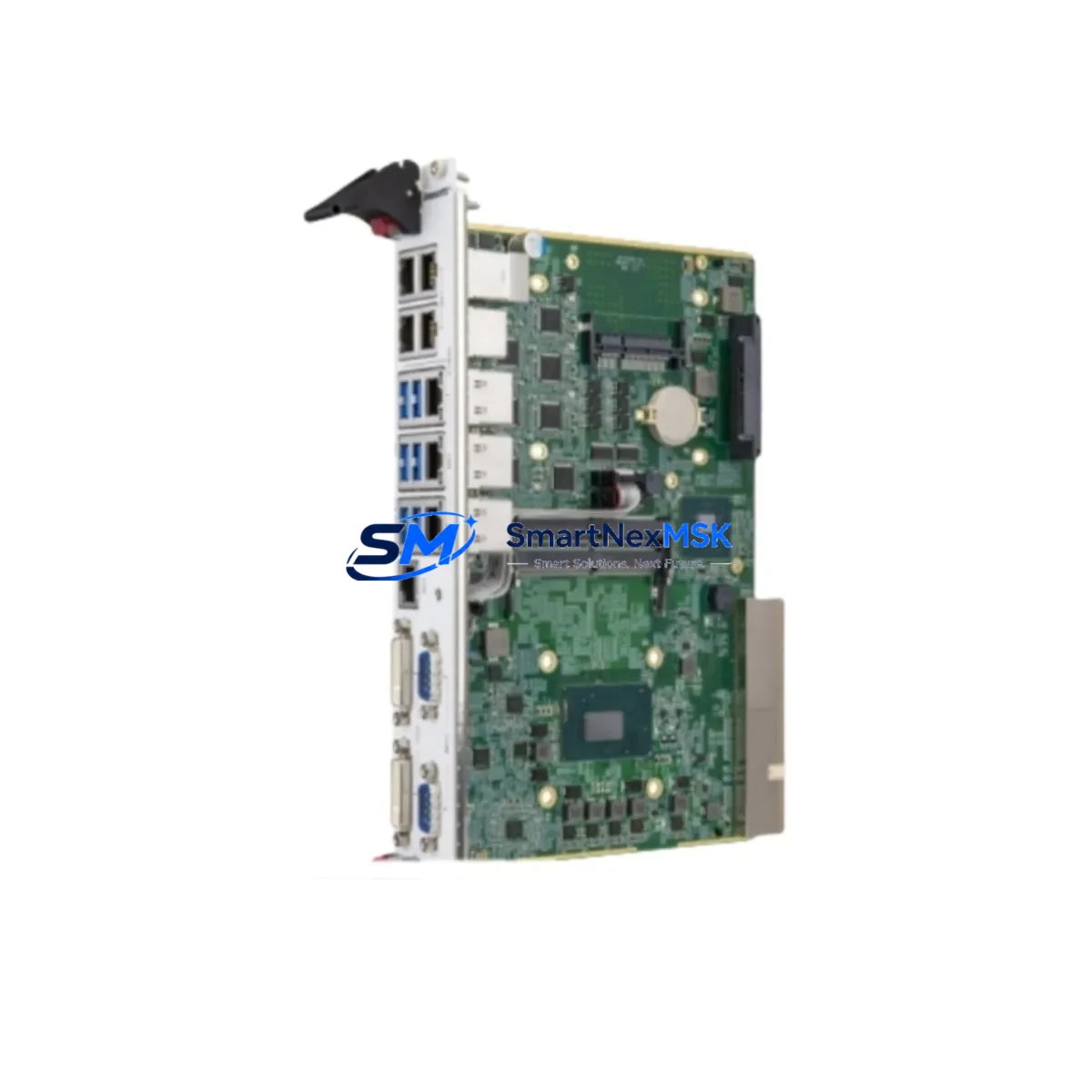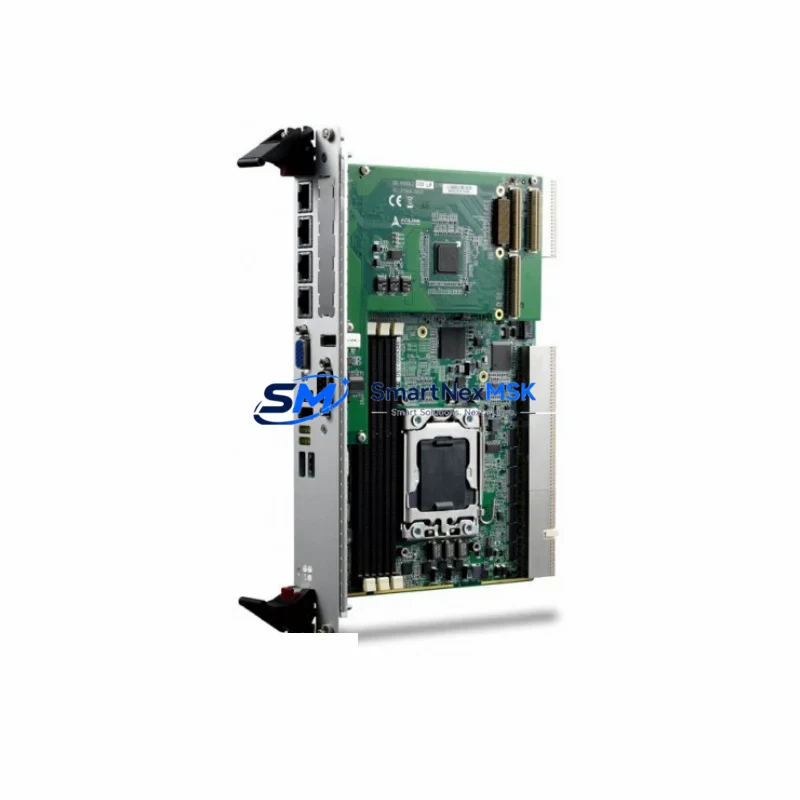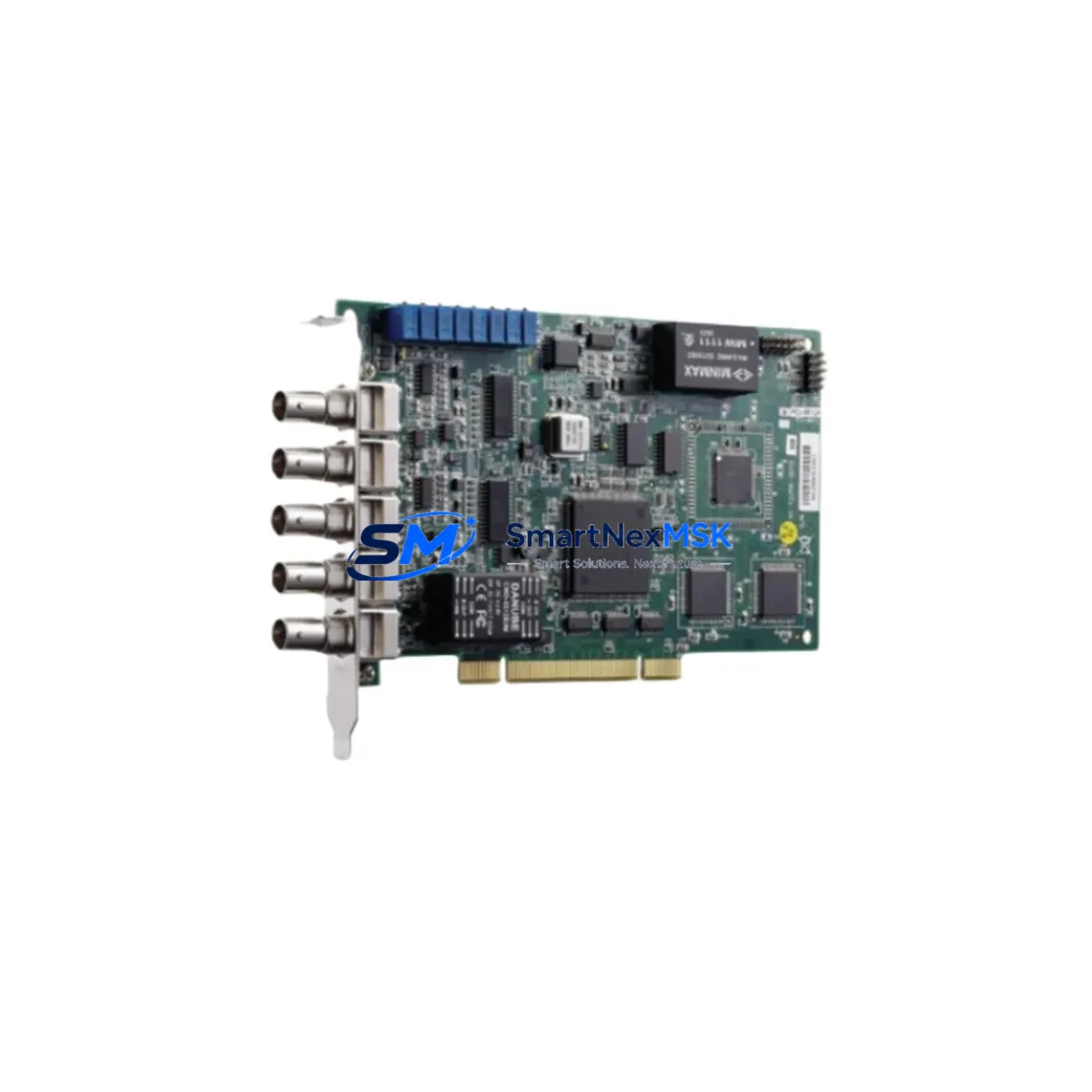
ADLINK PCI-9810 Retrofit-Ready DAQ Card for PCI-9800 Series Control Systems
The ADLINK PCI-9810 is a high-performance data acquisition card engineered as a retrofit-ready replacement for legacy PCI-9800 series DAQ modules. Designed for industrial automation environments where system continuity is critical, the PCI-9810 delivers a smooth migration path from discontinued or end-of-life hardware without requiring extensive rewiring, software redevelopment, or control logic restructuring. Whether you are upgrading an aging measurement system, recovering from a failed card, or modernizing a multi-axis data acquisition rack, the PCI-9810 provides the compatibility, reliability, and verified performance that industrial engineers demand.
For facilities running legacy ADLINK PCI-9800 series installations — including configurations built around the PCI-9812, PCI-9816, or PCI-9820 — the PCI-9810 offers a validated upgrade path. Its PCI bus interface maintains backward compatibility with existing slot assignments and IRQ configurations, reducing the risk of system conflicts during changeover. Engineers can retain existing BNC or SCSI-II terminal wiring in most configurations, significantly reducing downtime during the retrofit window.
Upgrade Compatibility Table
| Parameter | PCI-9800 Series (Legacy) | PCI-9810 (Replacement) |
|---|---|---|
| Bus Interface | PCI 32-bit / 33 MHz | PCI 32-bit / 33 MHz |
| Analog Input Channels | Model-dependent (8–32 SE) | 8 differential / 16 single-ended |
| Resolution | 12-bit (PCI-9812) / 16-bit (PCI-9816) | 16-bit |
| Sampling Rate | Up to 1 MS/s | Up to 250 kS/s per channel |
| Terminal Wiring | SCSI-II / BNC (model-dependent) | SCSI-II compatible (ACL-10168 accessory) |
| Driver Compatibility | DAQPilot / PCIS-DASK | PCIS-DASK / DAQPilot (full support) |
| OS Support | Windows XP / 7 (32/64-bit) | Windows 7 / 10 / 11 (32/64-bit) |
| Installation Slot | Standard PCI slot | Standard PCI slot (direct swap) |
| Retrofit Complexity | — | Low — driver reinstall + channel remapping |
| Warranty | Expired / EOL | 12-Month Warranty |
Retrofit Planning for Existing Automation Systems
A successful PCI-9810 retrofit begins with a thorough audit of the existing control cabinet and measurement rack. Engineers should document the current slot position of the legacy PCI-9800 card, confirm available PCI slots in the industrial PC or IPC chassis, and verify the power supply capacity — typically a 300W or greater ATX-format PSU is sufficient for multi-card configurations. The PCI-9810 draws standard PCI bus power (5V/3.3V rails), so no additional power conditioning is required in most installations.
Terminal wiring is a key consideration. Systems using the ADLINK ACL-10168 SCSI-II terminal board can retain existing field wiring with minimal modification. For installations using BNC-terminated signal cables, the ACL-BNC-16 accessory provides a direct interface to the PCI-9810’s analog input connector. Engineers should verify signal ground references and shield termination points before powering up the new card to avoid ground loop interference in sensitive measurement channels.
In multi-card rack configurations — common in vibration analysis, multi-axis motion monitoring, and process data logging — the PCI-9810 can coexist with other ADLINK cards such as the PCI-7230 isolated digital I/O card, the PCI-7248 48-channel DIO module, and the PCI-8164 4-axis motion controller. Channel address mapping must be re-verified in the application software after card replacement, particularly in systems using PCIS-DASK function calls with hardcoded board numbers. The DAQPilot configuration utility should be used to assign the correct board ID to the PCI-9810 before running any measurement tasks.
For systems integrated with HMI platforms — including ADLINK’s own cPAC-9870 panel PC or third-party SCADA software via OPC DA/UA — the HMI tag database should be reviewed to confirm that channel scaling factors, engineering unit conversions, and alarm thresholds remain valid after the hardware swap. In Modbus RTU or Modbus TCP bridging configurations, the communication module (such as the ADLINK MXC-6300 or a third-party Modbus gateway) should be tested independently before reconnecting field instruments.
I/O expansion requirements should also be assessed at this stage. If the retrofit coincides with a capacity upgrade — adding new measurement points or expanding analog output channels — the PCI-9111DG or PCI-9113A can be added to the same chassis to extend channel count without replacing the entire data acquisition architecture. This modular approach preserves existing software investments while accommodating new process requirements.
Downtime Control During System Migration
Minimizing production downtime is the primary operational constraint in any PCI-9810 retrofit. The recommended approach is a staged swap: first, install the PCI-9810 in a parallel test bench running an identical software environment, validate all channel readings against known reference signals, and confirm driver stability under continuous acquisition conditions. This bench validation phase typically requires 2–4 hours and eliminates the risk of discovering compatibility issues during a live production changeover.
During the actual swap window, the sequence should follow: (1) archive the existing DAQPilot board configuration and export the PCIS-DASK initialization parameters; (2) power down the IPC and remove the legacy PCI-9800 card; (3) seat the PCI-9810 in the same slot, reconnect the SCSI-II or BNC terminal cable; (4) power up and allow the OS to enumerate the new device; (5) reinstall or update the PCIS-DASK driver if required; (6) restore the board configuration and verify channel-by-channel readings before returning the system to production. With preparation, the live swap window can be completed in under 60 minutes.
For critical continuous-monitoring applications — such as rotating machinery protection or process safety instrumentation — a hot-standby IPC with a pre-configured PCI-9810 is the recommended architecture. This eliminates unplanned downtime entirely and provides a tested fallback in the event of future hardware failures. All units supplied by SMARTNEXMSK are pre-tested under load conditions prior to shipment, with test reports available on request.
Retrofit Support FAQ
Q1: Is the PCI-9810 a direct drop-in replacement for the PCI-9812 or PCI-9816?
The PCI-9810 is functionally compatible with the PCI-9800 series in terms of bus interface, driver support, and terminal accessory compatibility. Resolution differs (16-bit vs. 12-bit on the PCI-9812), so scaling factors in your application software should be reviewed and updated. For PCI-9816 replacements, the resolution is identical and the transition is straightforward.
Q2: Do I need to rewire my terminal board when installing the PCI-9810?
In most cases, no. If your existing installation uses the ACL-10168 SCSI-II terminal board, the existing field wiring can be retained. Verify pin assignments against the PCI-9810 user manual (available from ADLINK) before powering up. BNC-terminated installations require the ACL-BNC-16 accessory for direct compatibility.
Q3: What driver version is required, and is it compatible with Windows 10/11?
The PCI-9810 is supported under PCIS-DASK v2.6 and later, which is compatible with Windows 7, 10, and 11 (both 32-bit and 64-bit editions). The DAQPilot utility v3.x is recommended for board configuration and channel verification. Driver packages are available from ADLINK’s official support portal.
Q4: What warranty and pre-shipment testing does SMARTNEXMSK provide?
All PCI-9810 units supplied by SMARTNEXMSK carry a 12-month warranty covering manufacturing defects and functional failures under normal operating conditions. Each unit undergoes functional testing prior to shipment, including analog input channel verification, driver enumeration, and bus communication checks. Test documentation is available upon request. For urgent retrofit requirements, expedited shipping from our Xiamen warehouse is available.
© 2026 SMARTNEXMSK. All rights reserved.
Original Source: https://smartnexmsk.com
Contact: [email protected] | +86 18259474341